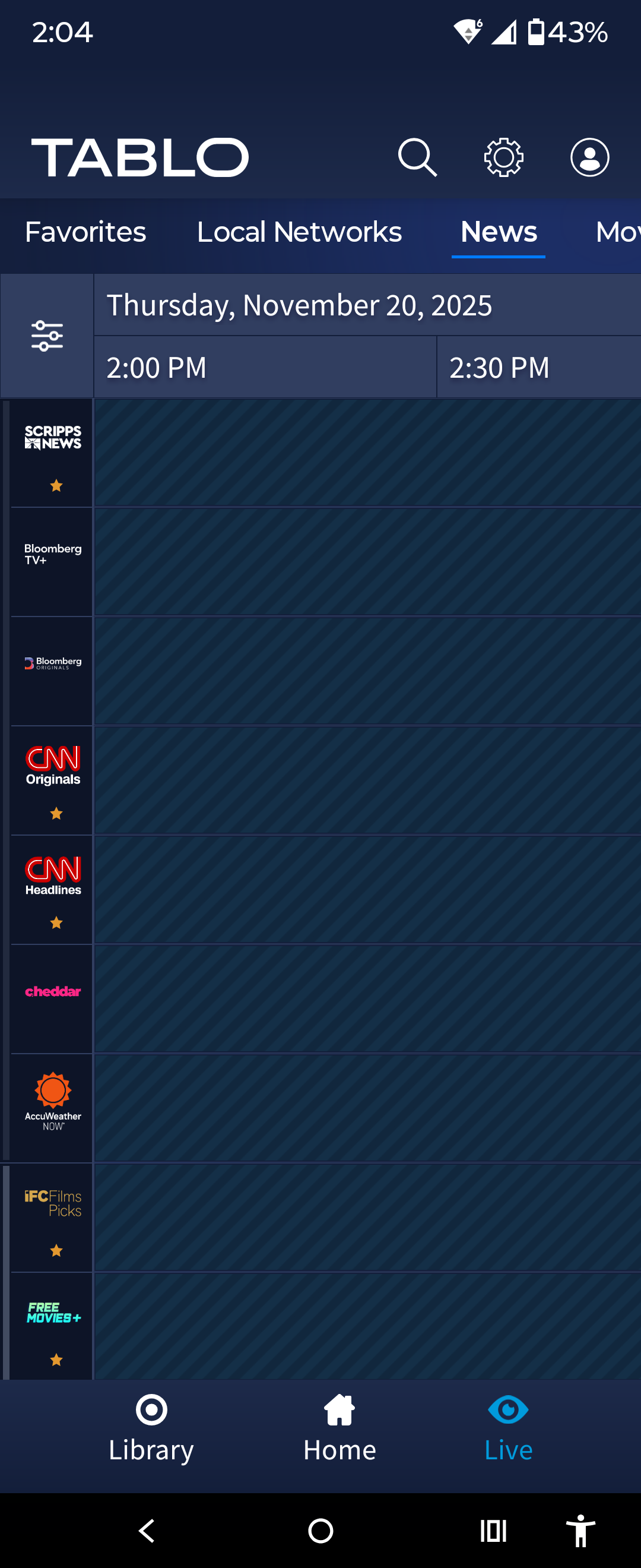
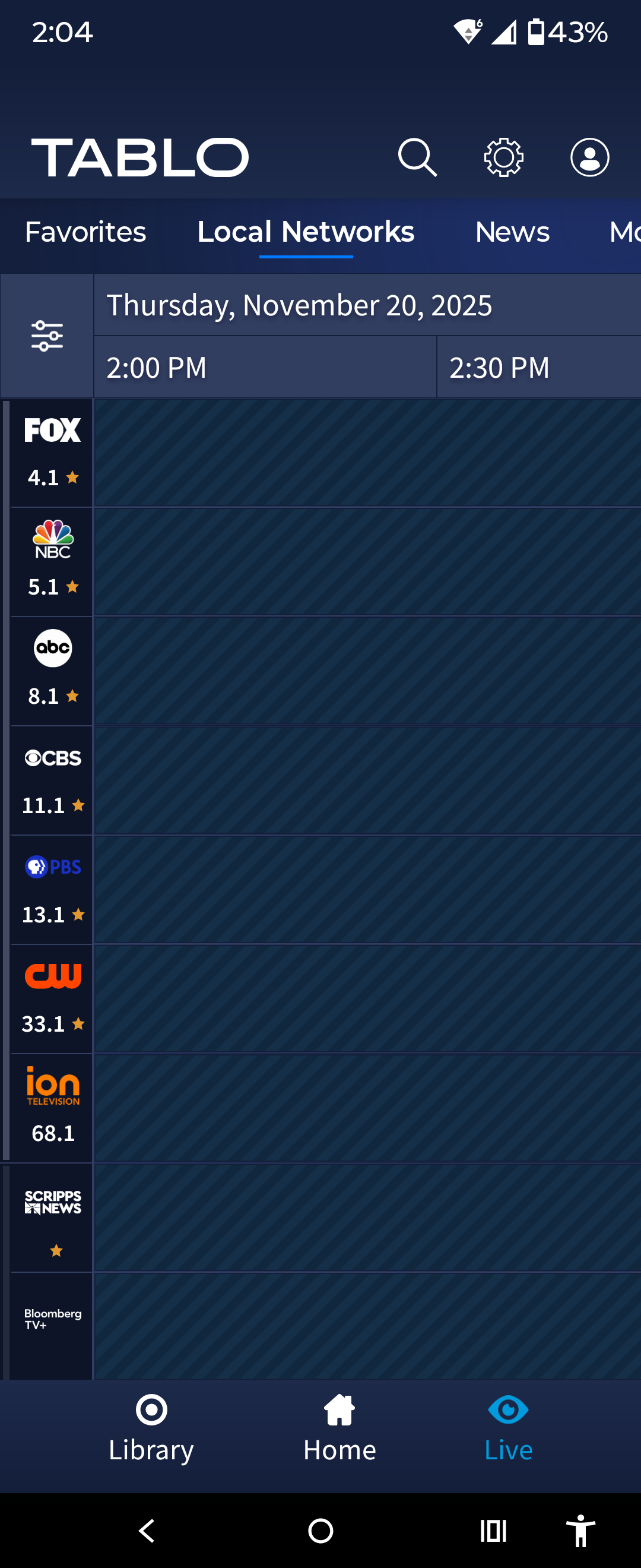
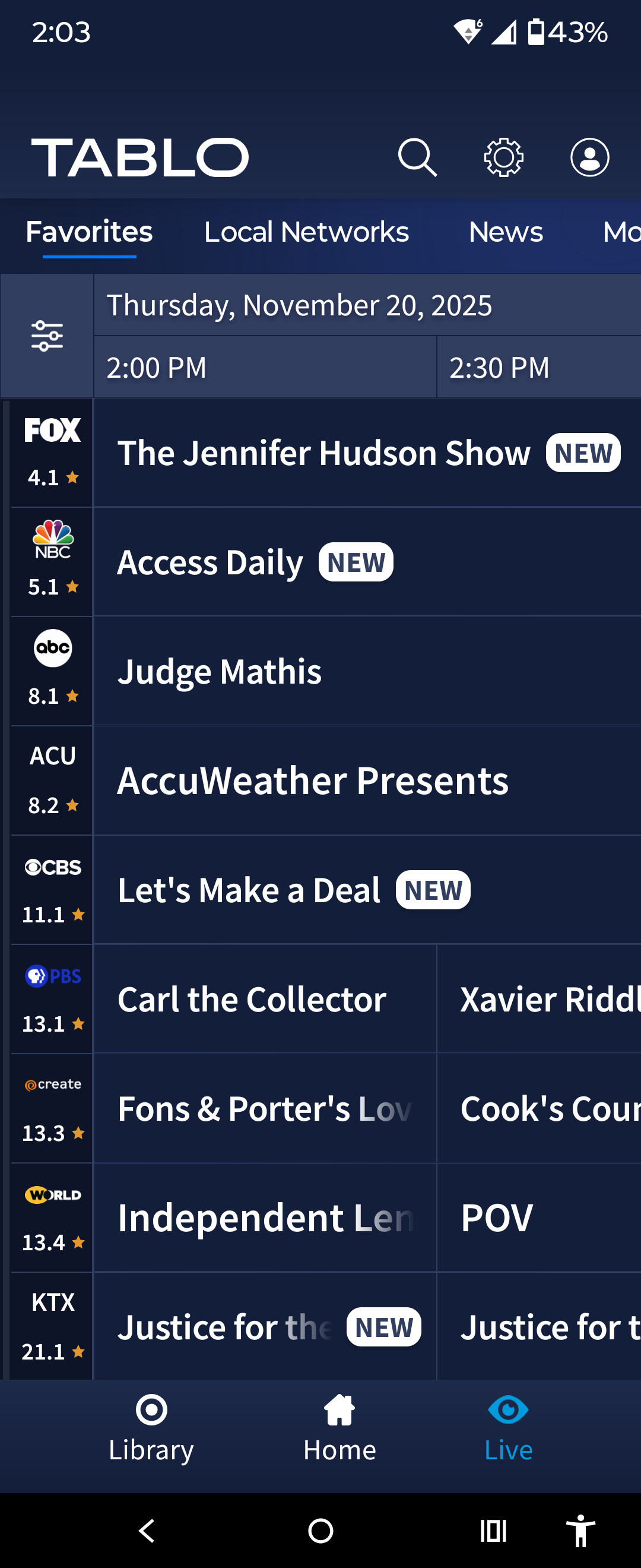
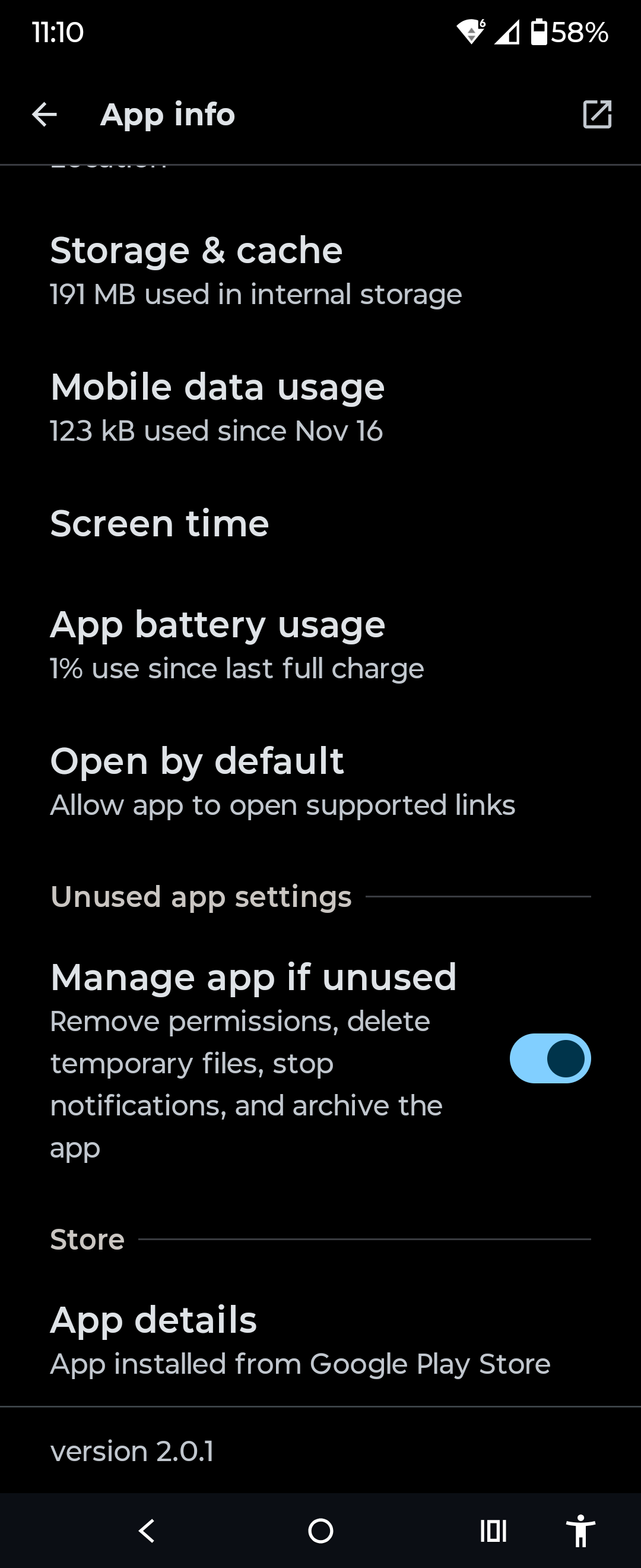
That’s what tells me I’m getting version 2.0 (nothing more detailed than that).
On my ShieldTV I cannot edit series recording settings for programs that don’t have a recorded or upcoming episode. If there is an episode you can move the highlight to the right onto the episode, and then up to the line with the recording options. If there is no episode the highlight won’t move up the the recording options line. I was attempting to remove some of the series that are no longer airing.
1 Like
Appearantly Android TV has approved. My phone just showed the startup animation indicating something refreshed… Tadaaa!

I had the same problem on the previous version, but this new version has fixed the bug on my Fire TV. Perhaps this workaround that I posted in the other thread will work on the Shield if it’s still a problem on that device.
I found a way around the GUI to get to the Recording Options of the cancelled show. I navigate to the About and select it, then I cursor to the right to highlight the text, and then I can navigate UP and select the Recording Options to then set it to None which removes the shows ICON.
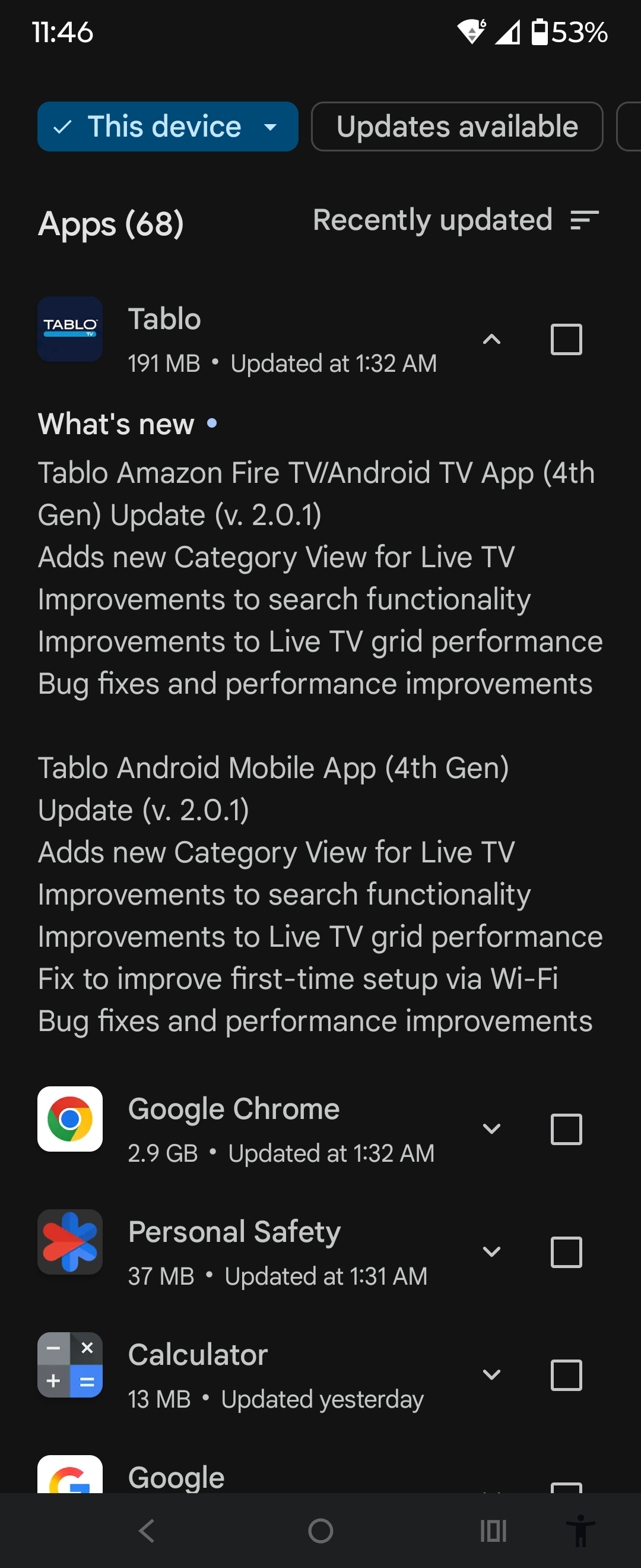
OK, I was eventually able to get the v2.0.1 by first deleting the old app and then downloading the latest version from the Amazon App store. All seems to be working now.
1 Like
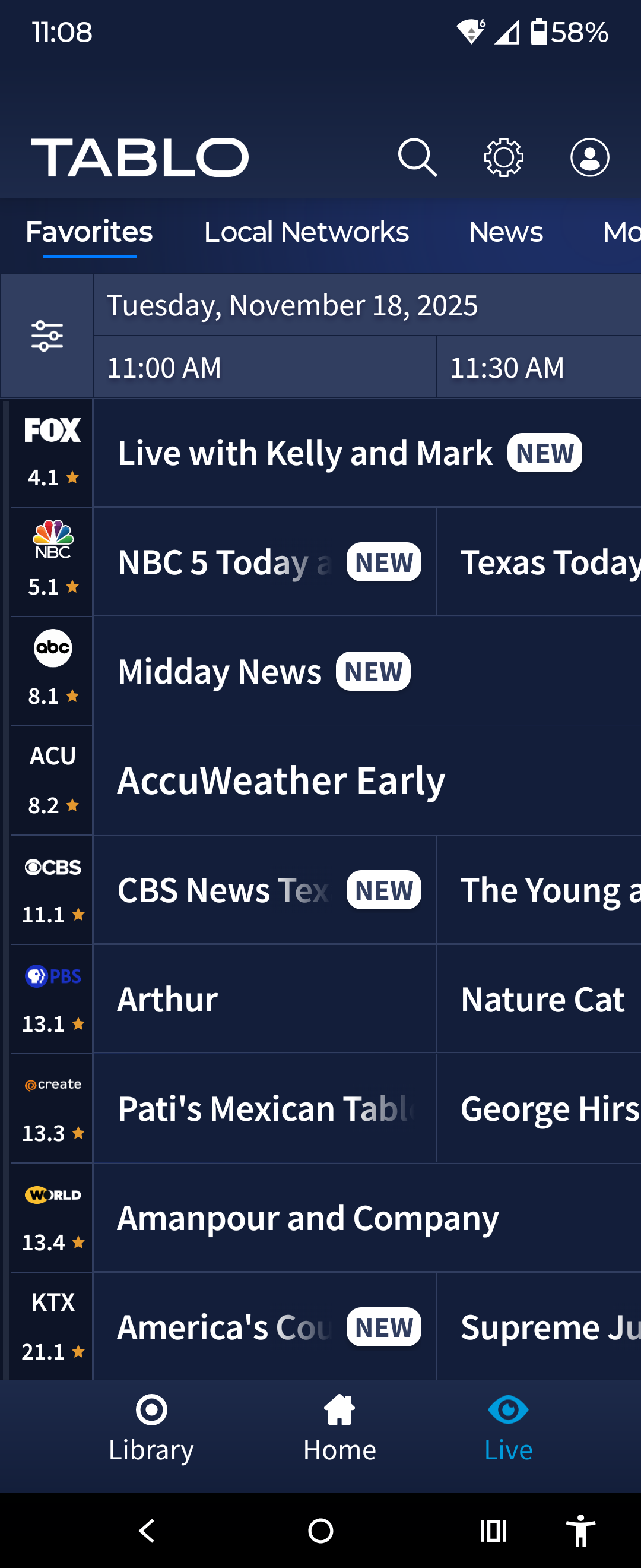
I hate the new category view format. I have to now scroll all the way to the end to get to the subchannels. Is there a way to turn the view back the way it was?
1 Like
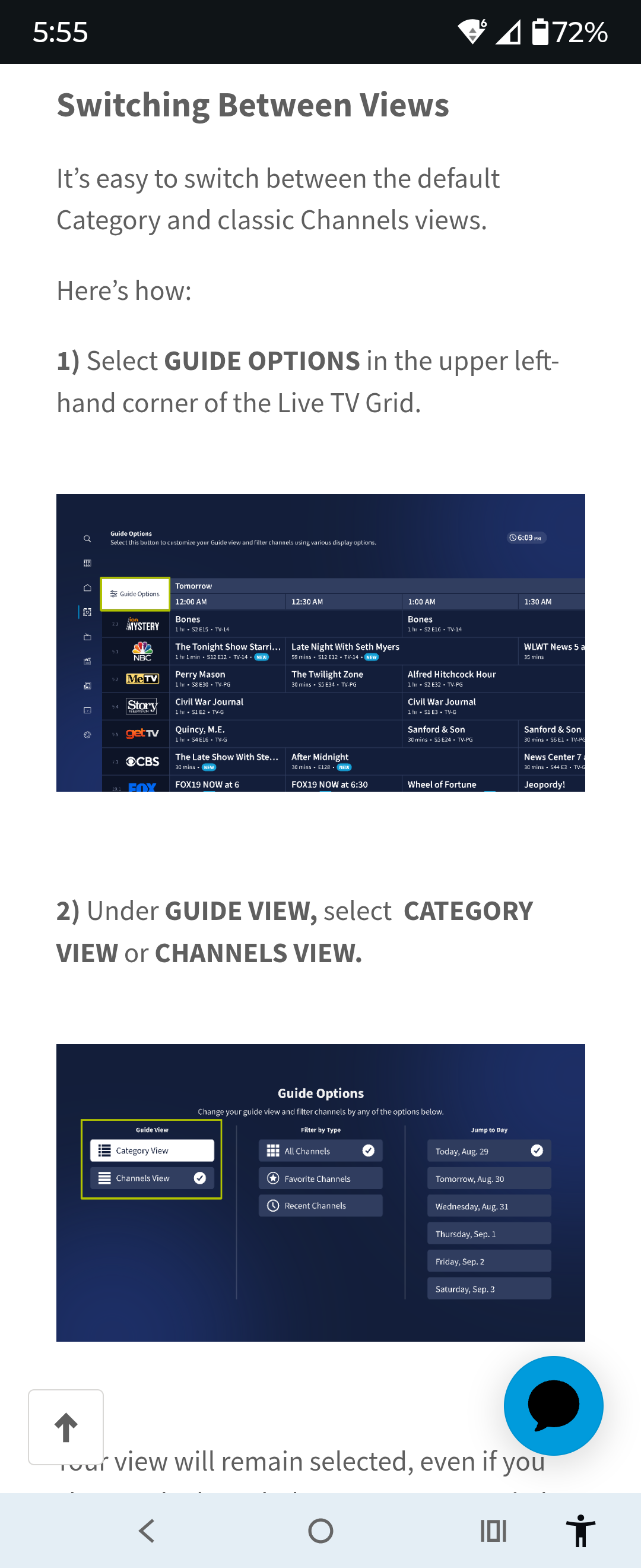
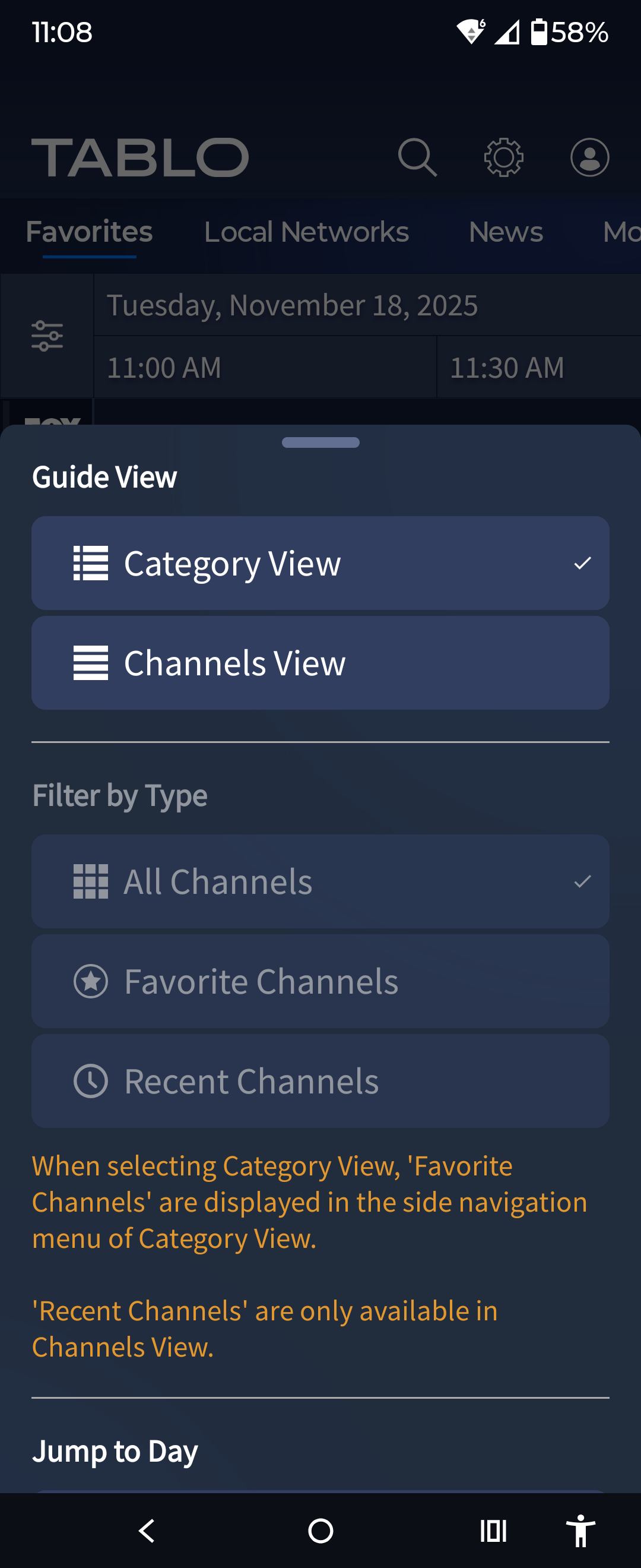
Yes, but you need the latest version of the app of you’re using an Amazon device (2.0.1)
Quick question… How could it have changed if he didn’t already have that version? Asking for a friend.
Oh I see. Nevermind.
Version 2.0 broke it.
Version 2.0.1 fixed it.
But even with version 2.0 he could change it back. Then complain about it being temporary.
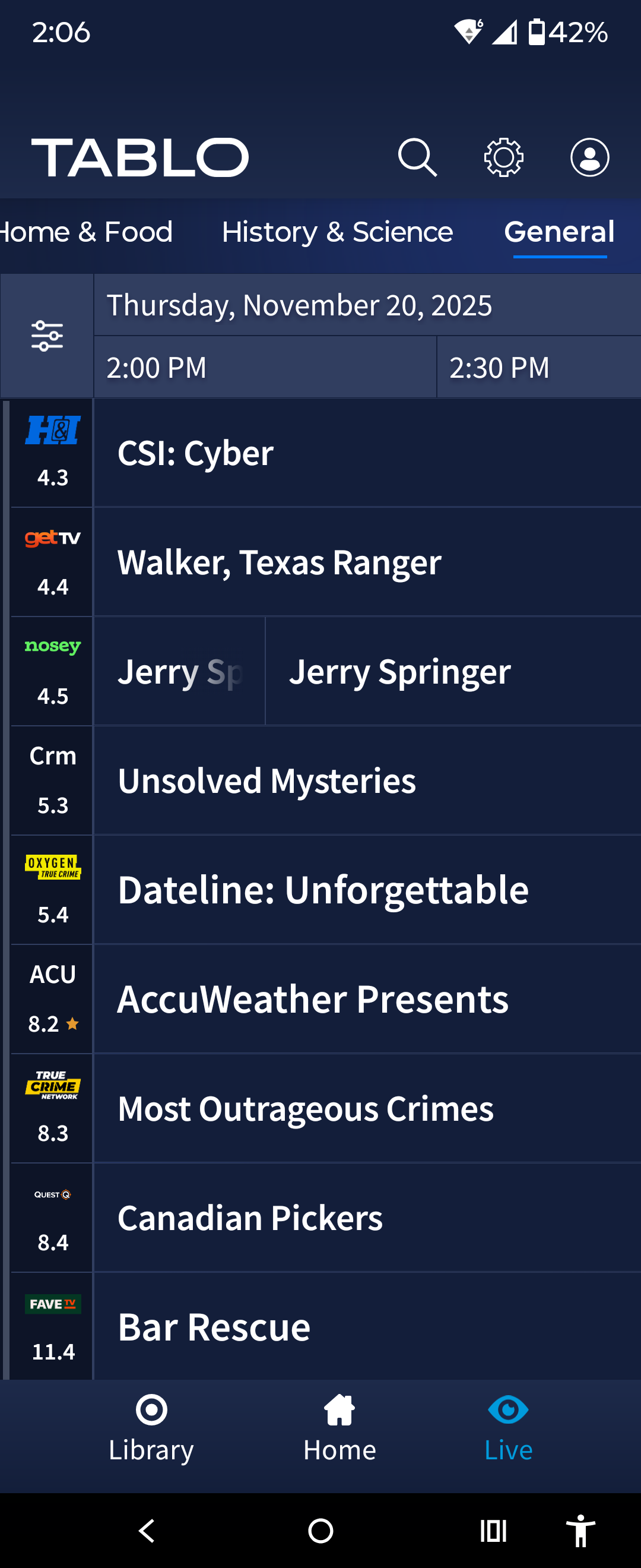
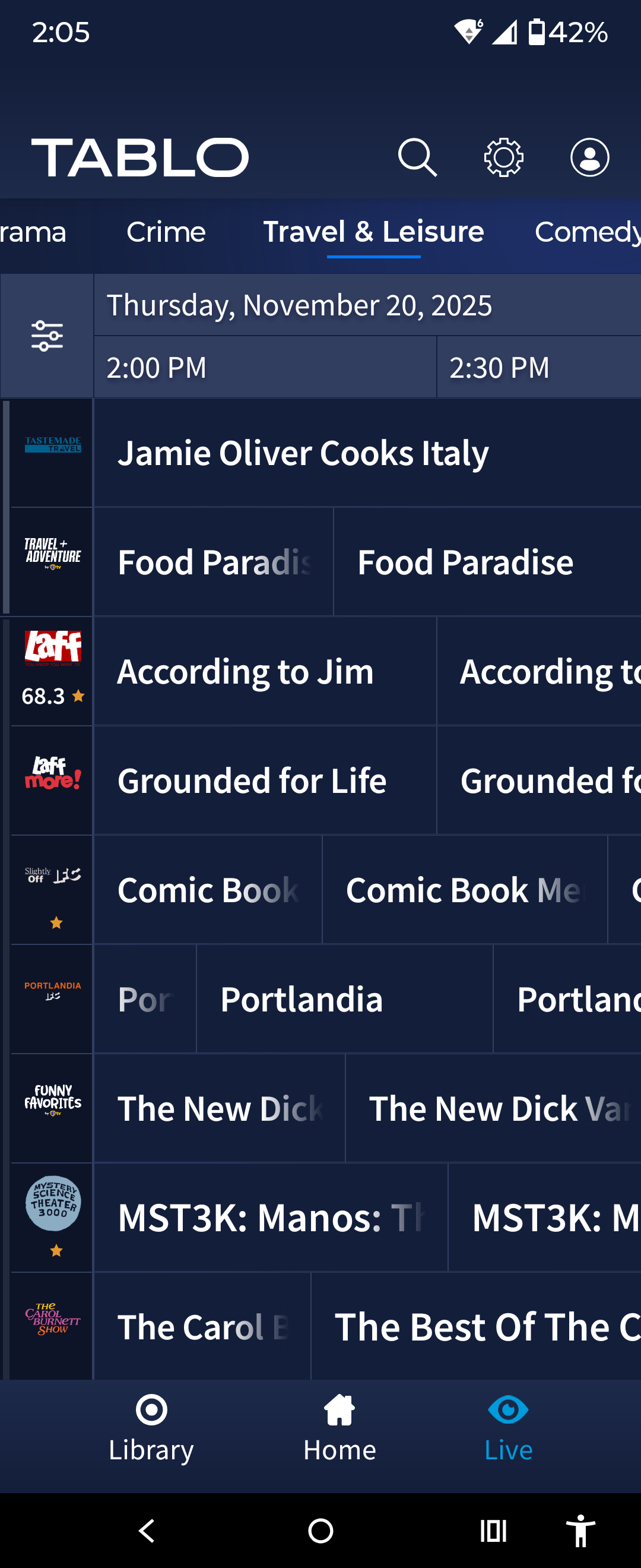
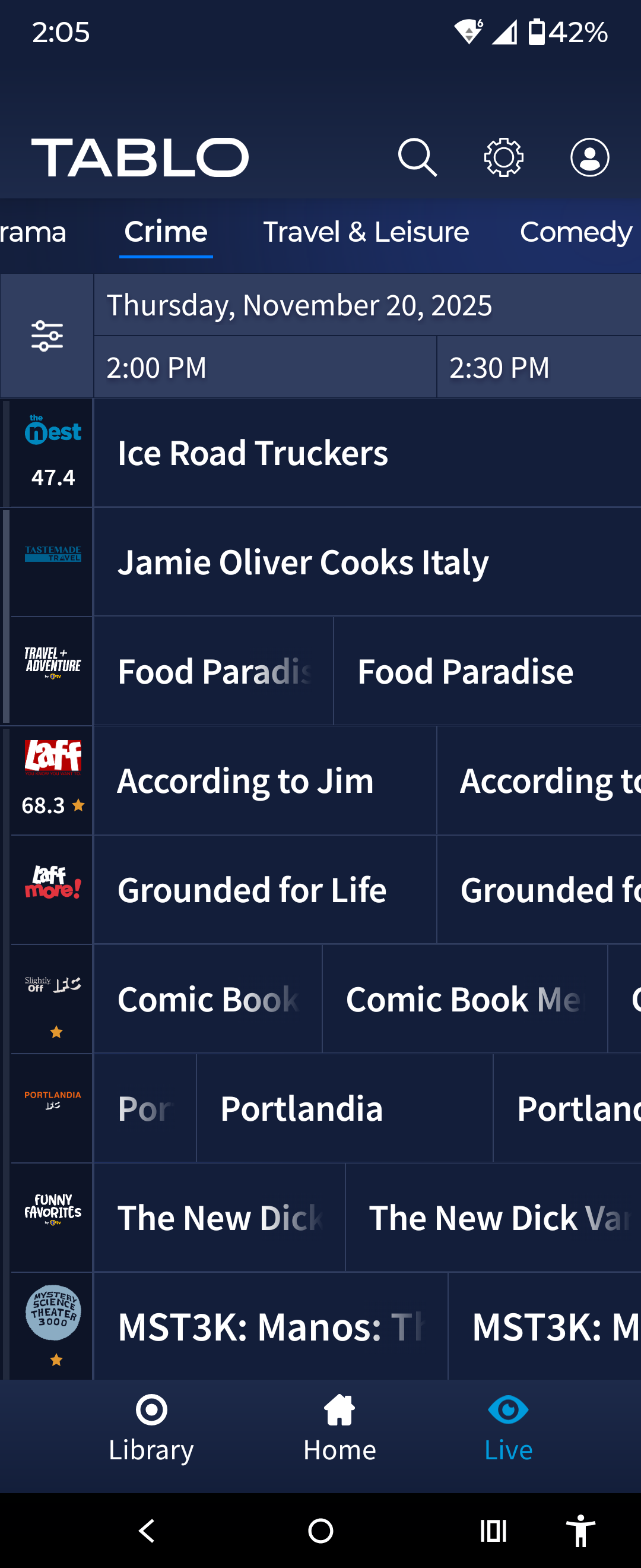
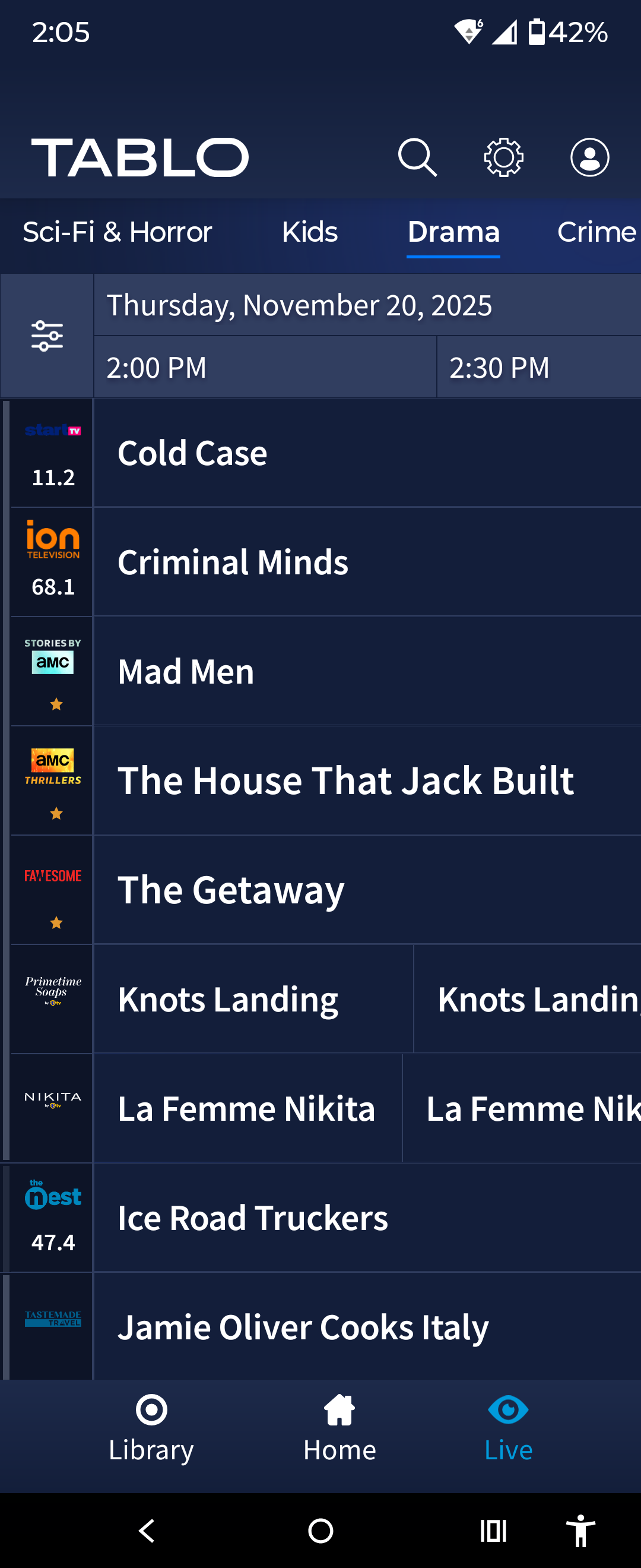
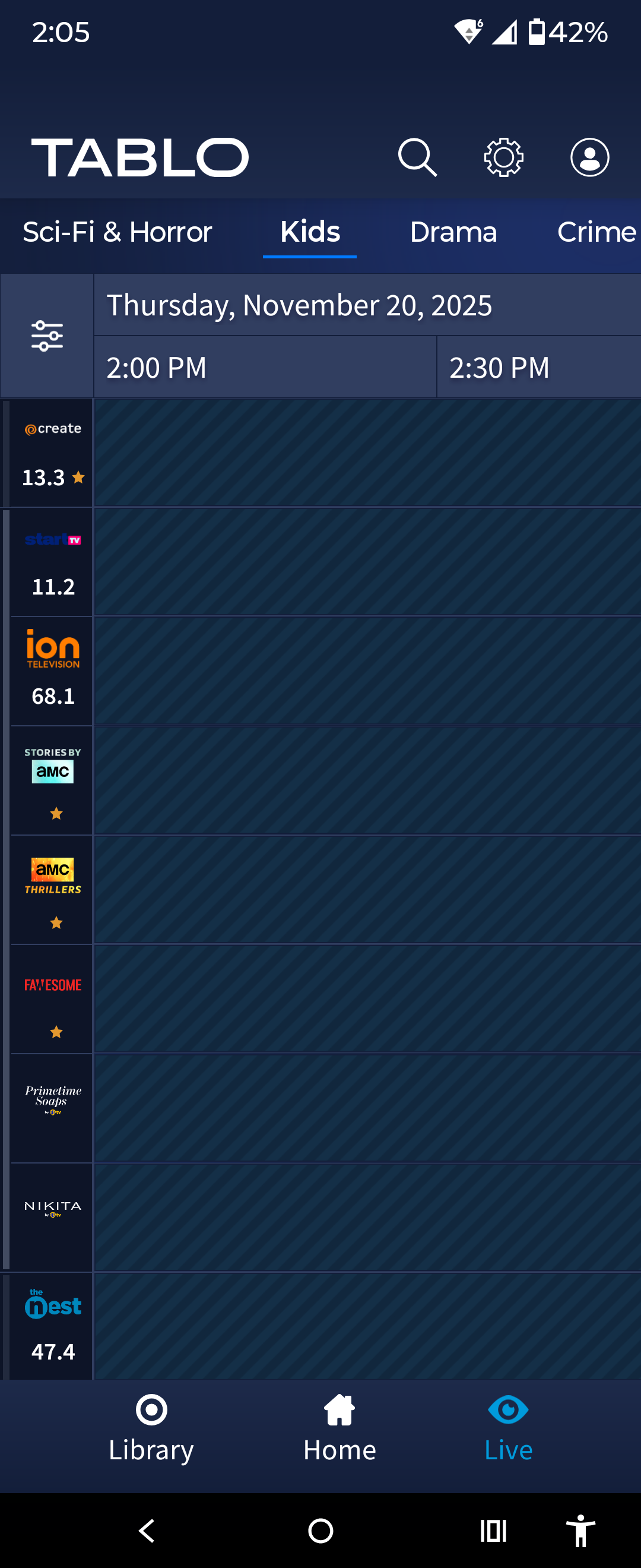
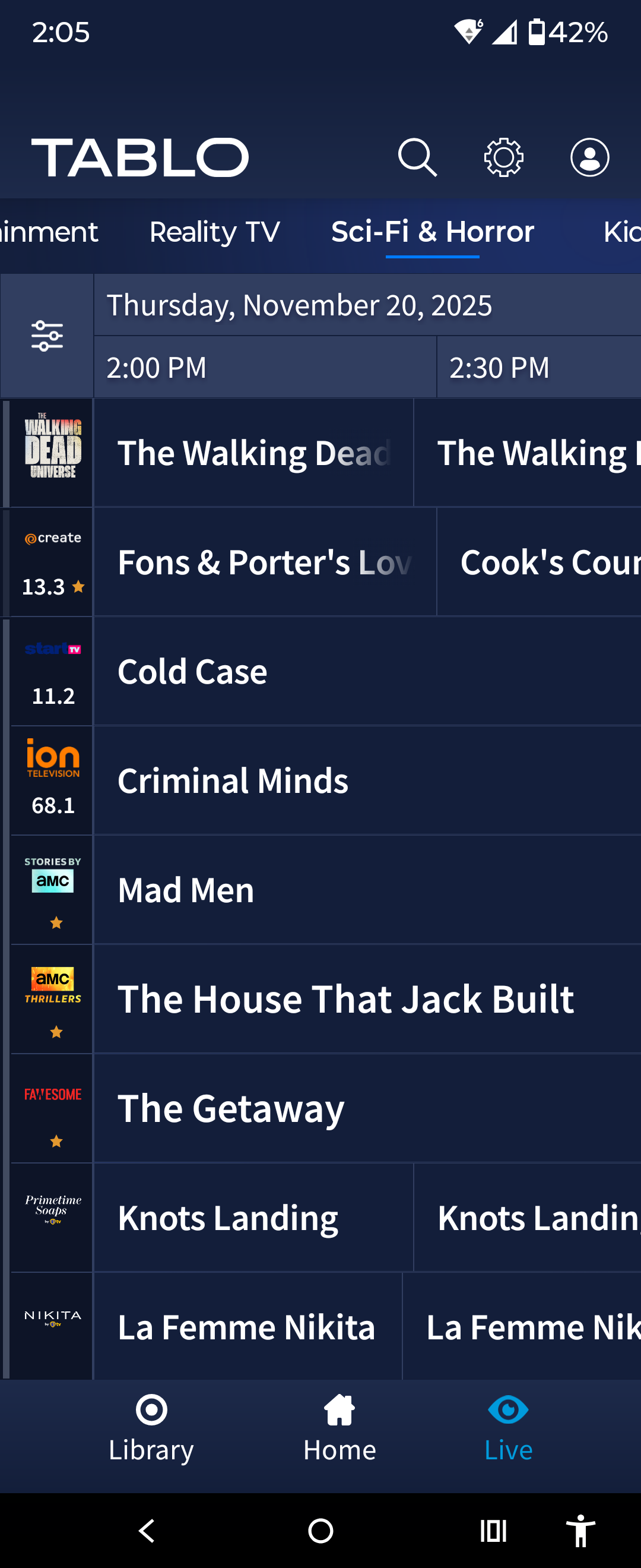
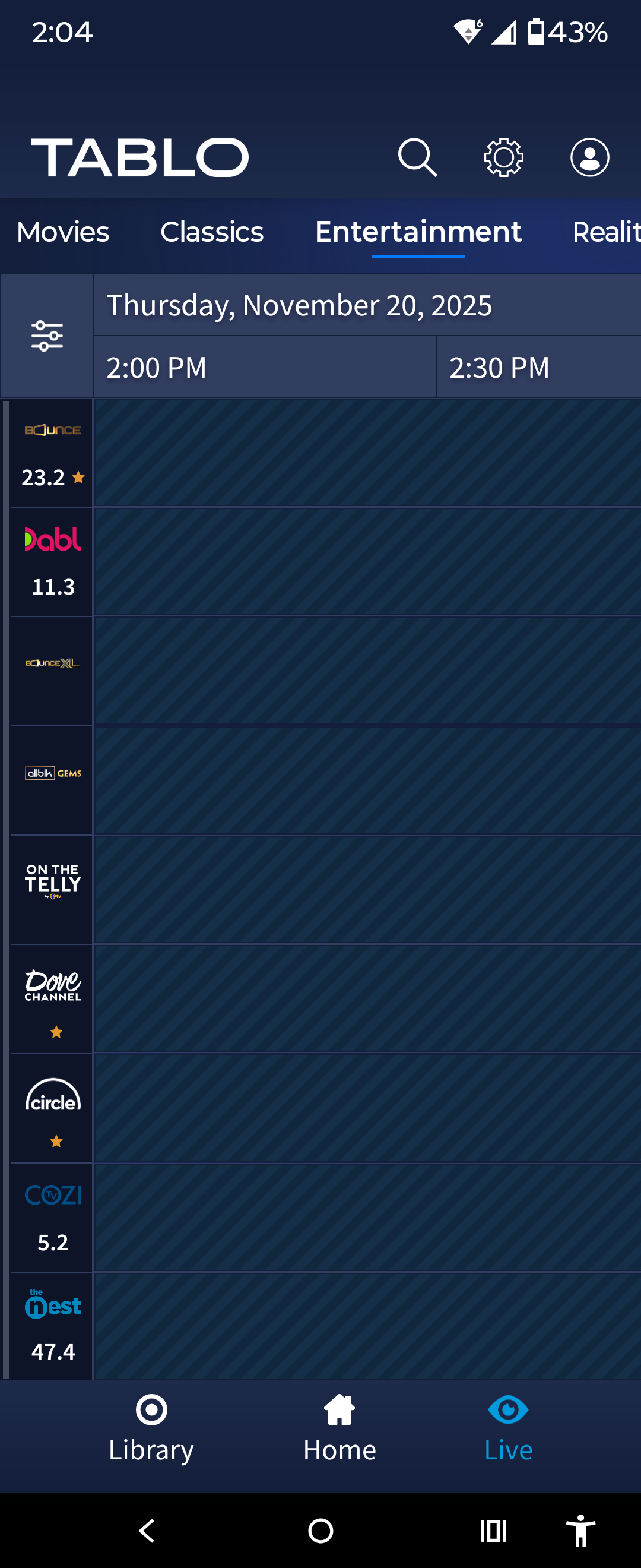
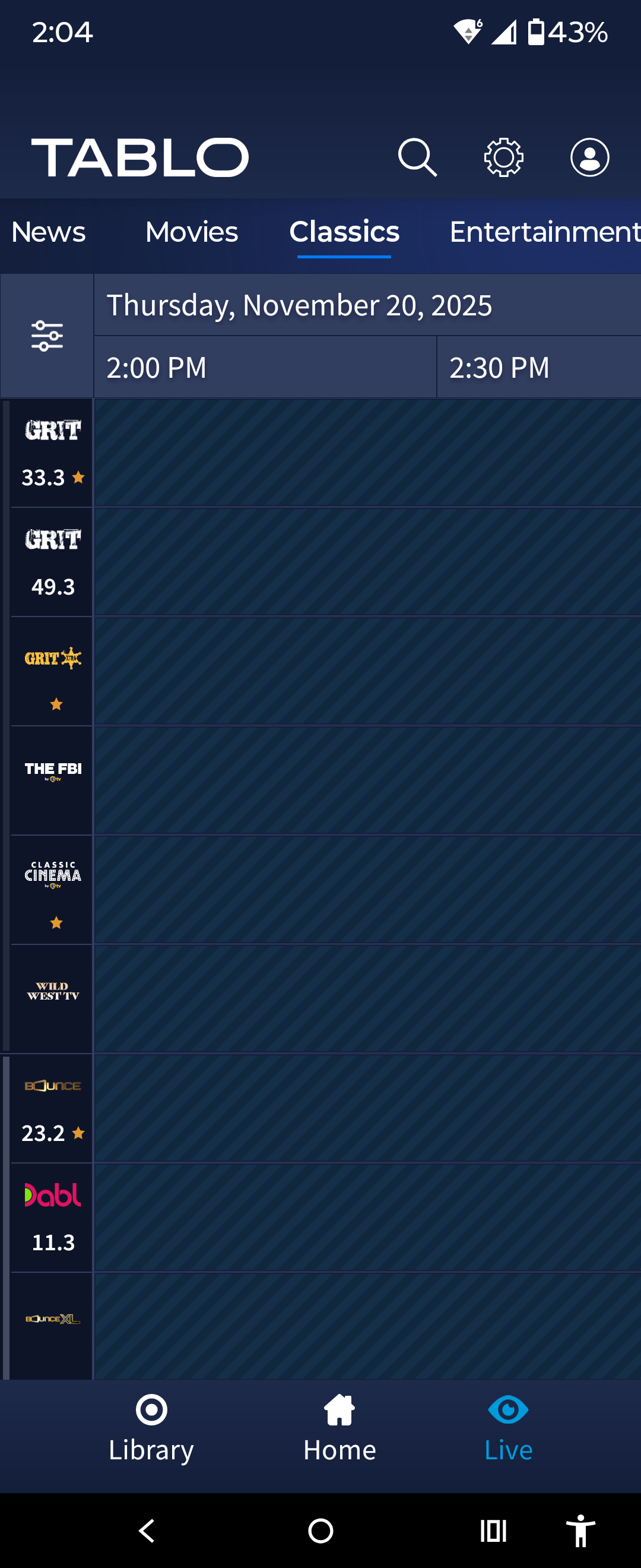
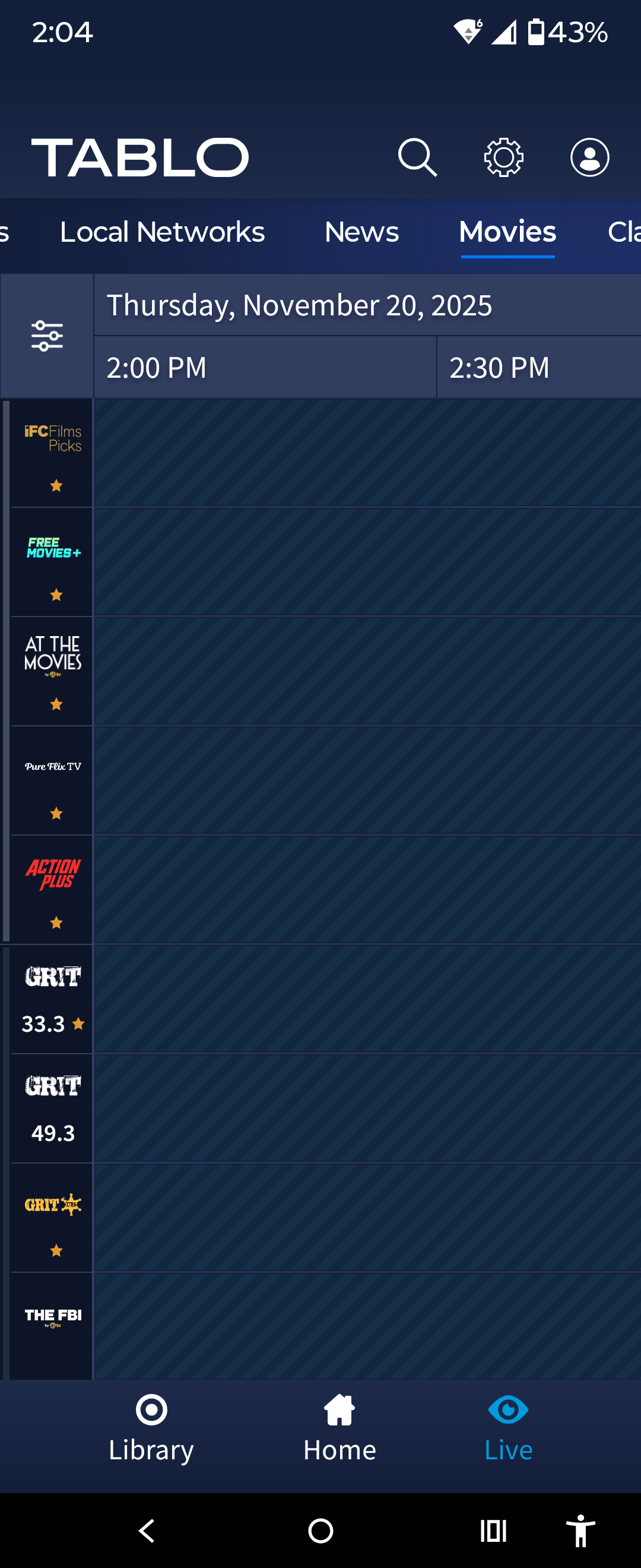
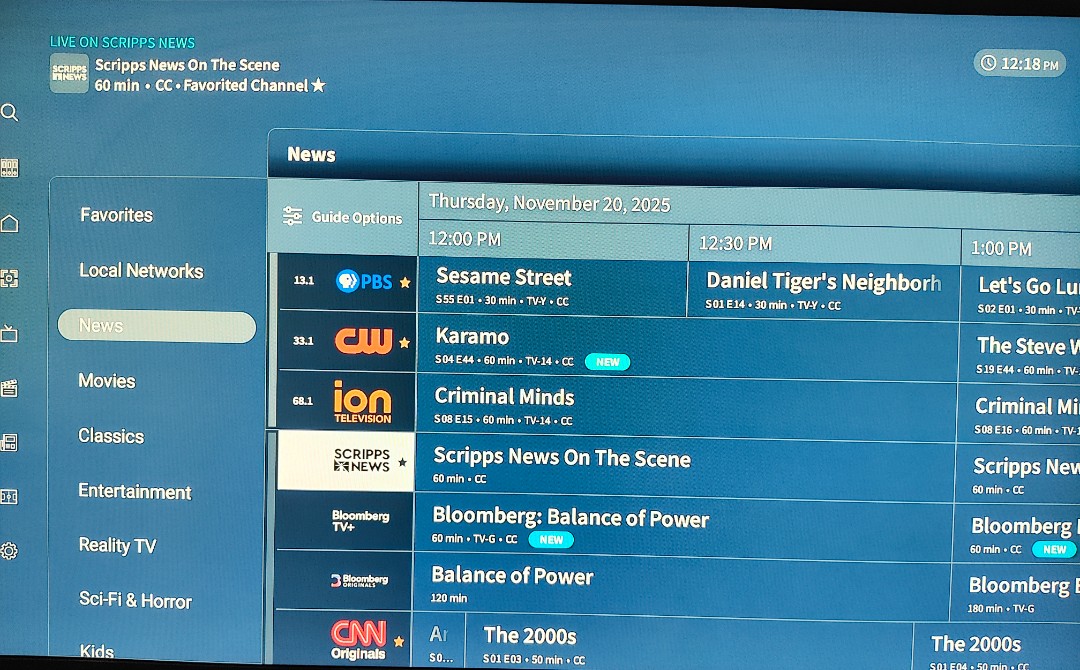
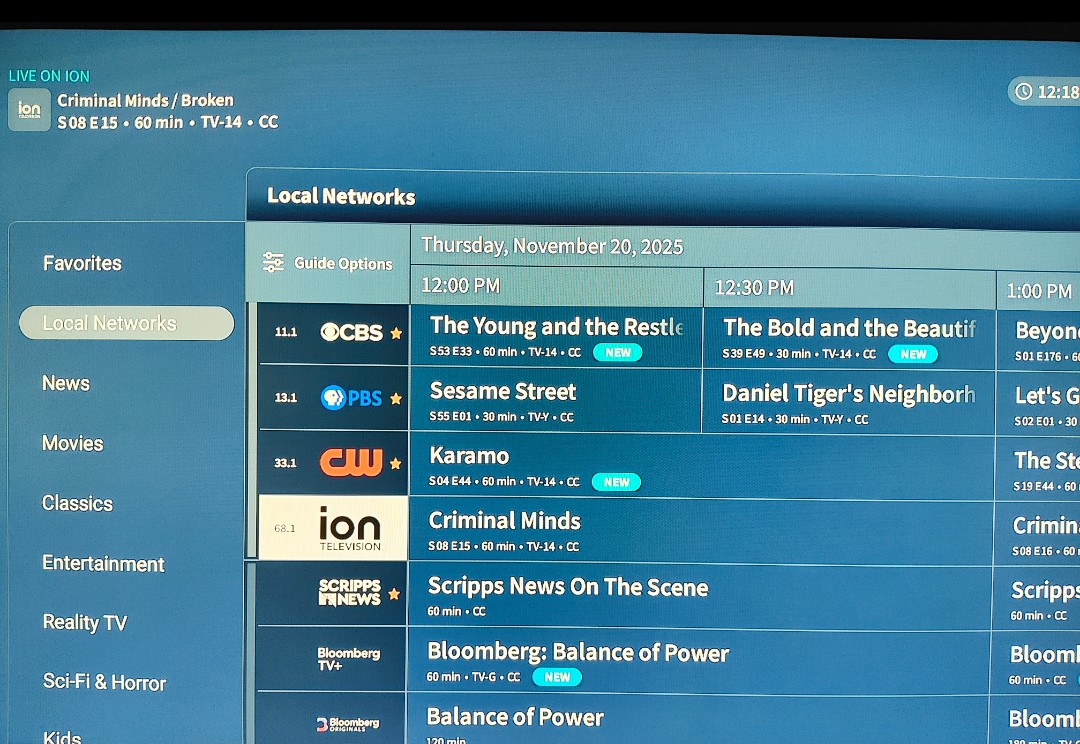
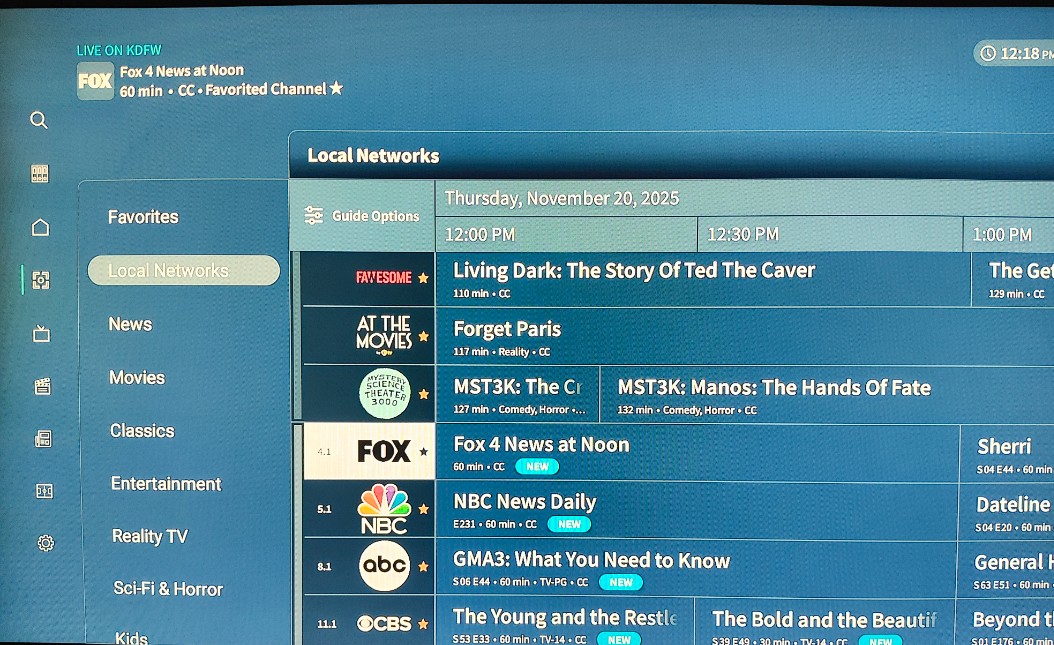
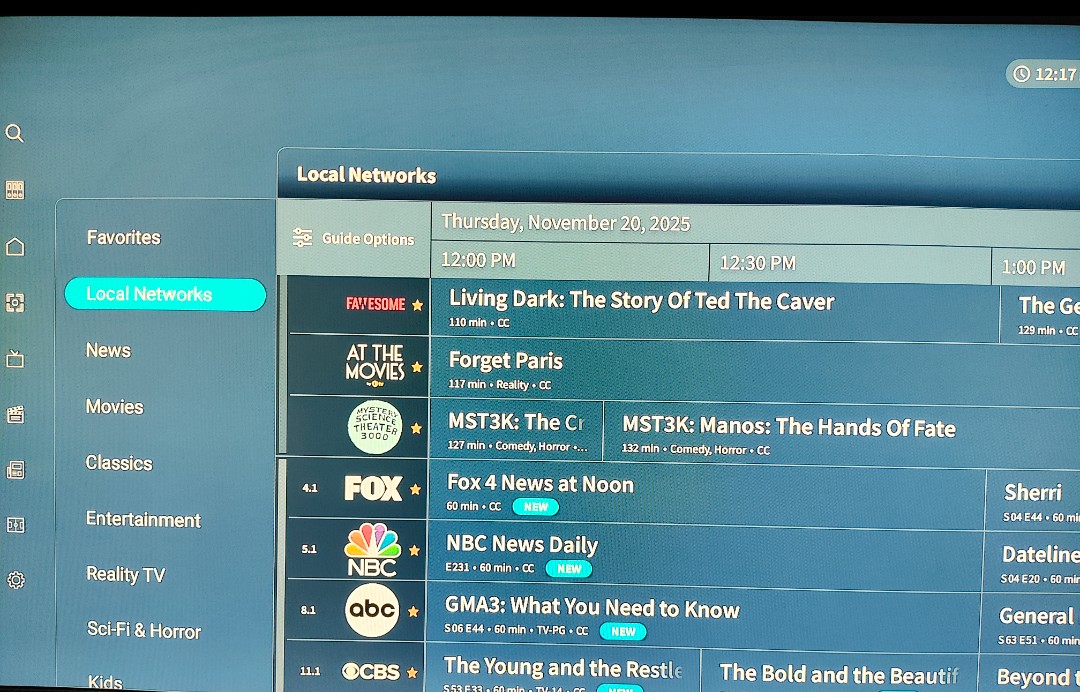
After taking the time to document the FireTV (Android) “Category View” bugs in the 2.x version of the app, and Tablo indicating the rollout to Google TV was on hold until these bugs were fixed, I wake up this morning with a new version 2.0.2 on my Google TV with exactly the same sorting bugs.
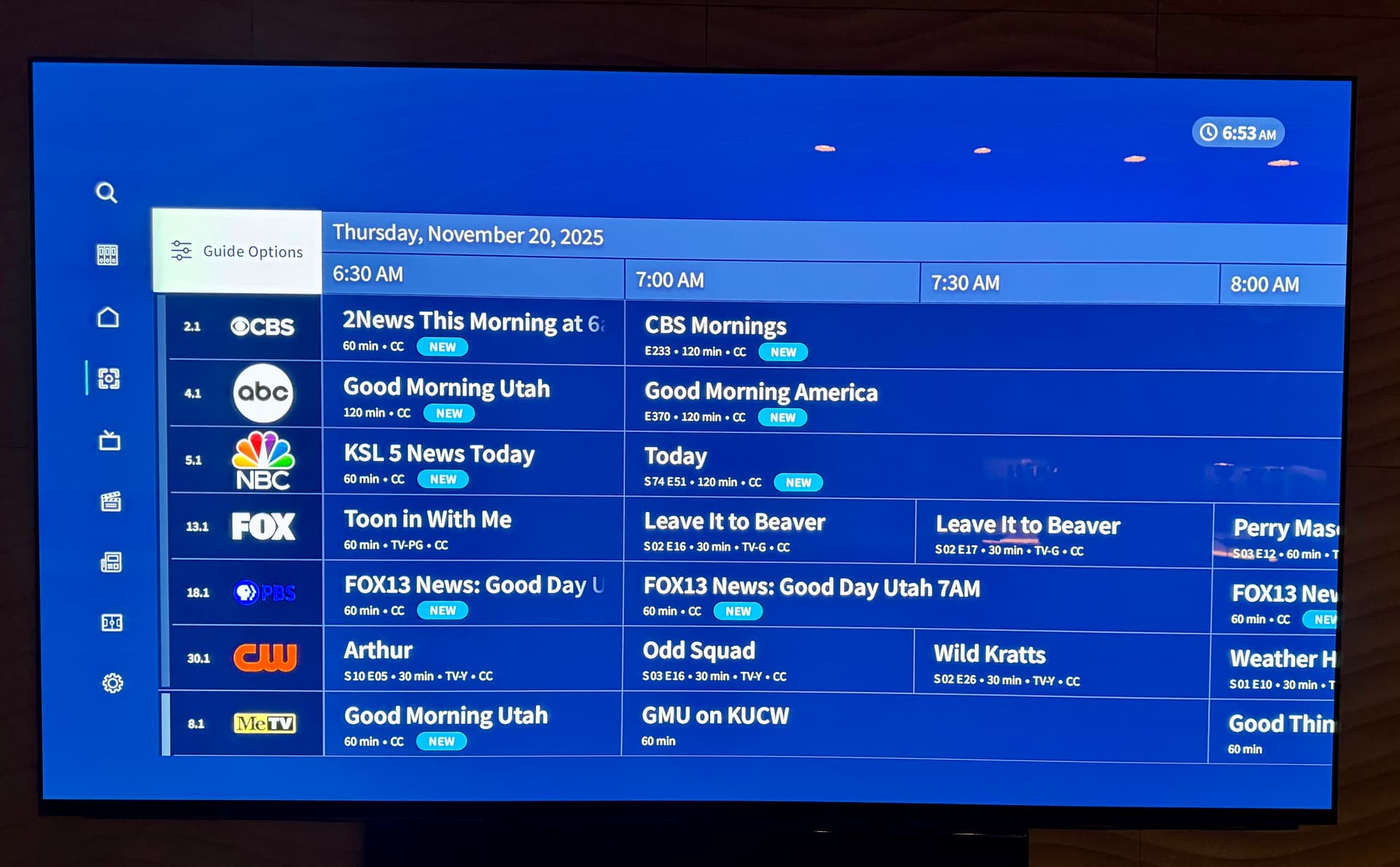
Please fix this or roll back the Android versions to “pre-Category” guide views. This is just a ridiculous lack of quality control and customer service.
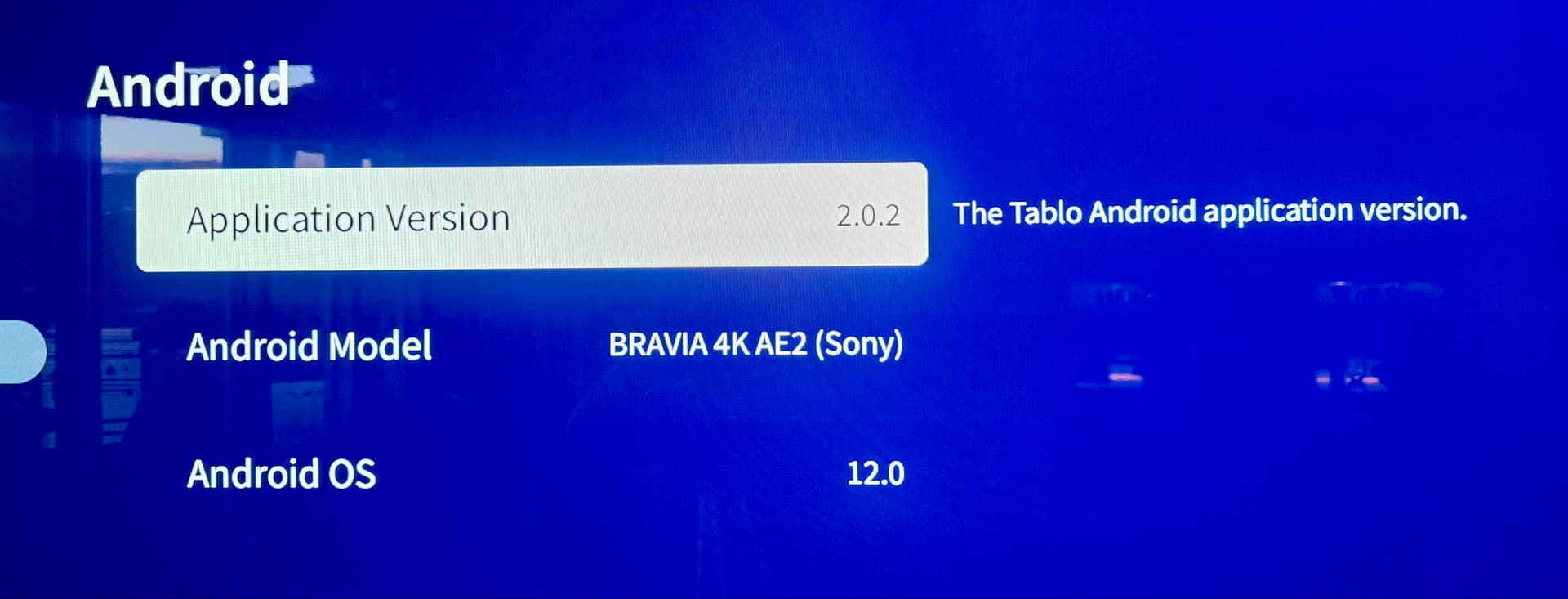
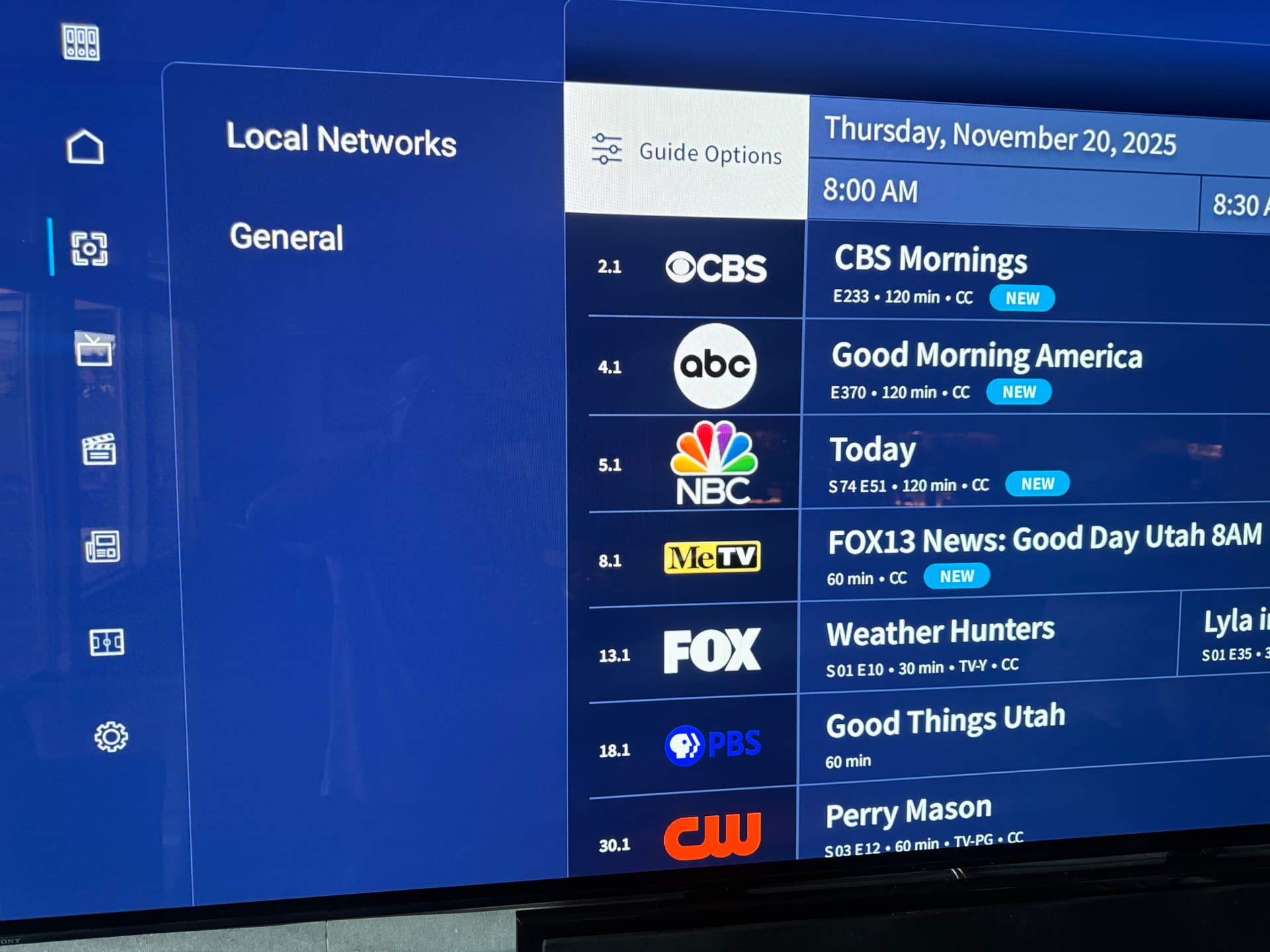
Sorry, you’re still running into that. If you haven’t already, try clearing your app cache, to see if that helps.
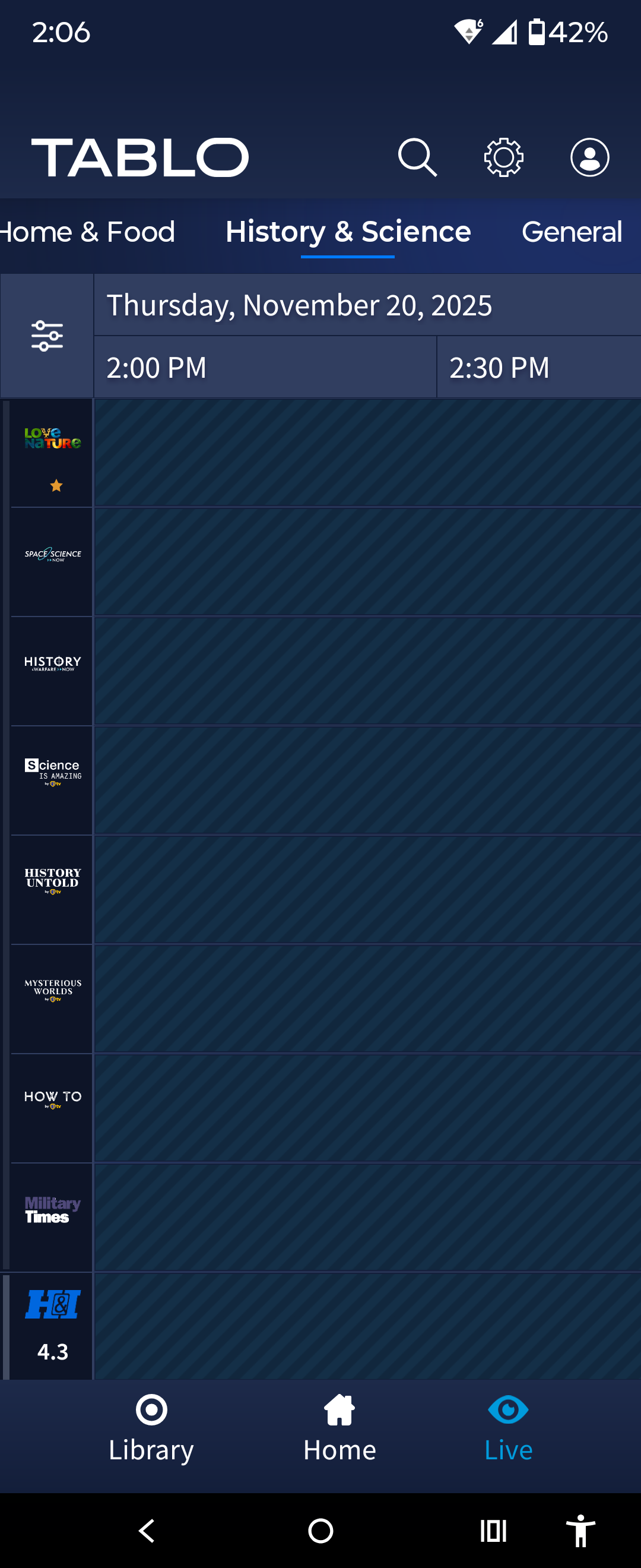
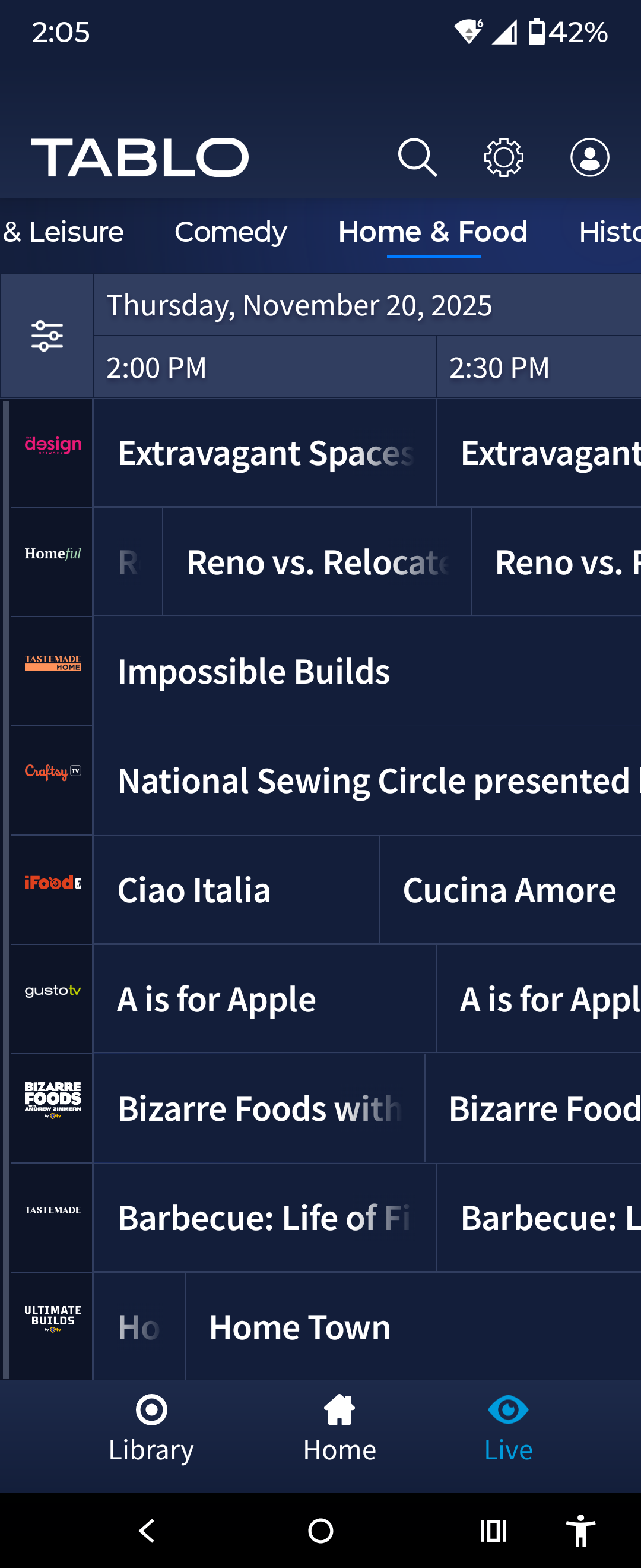
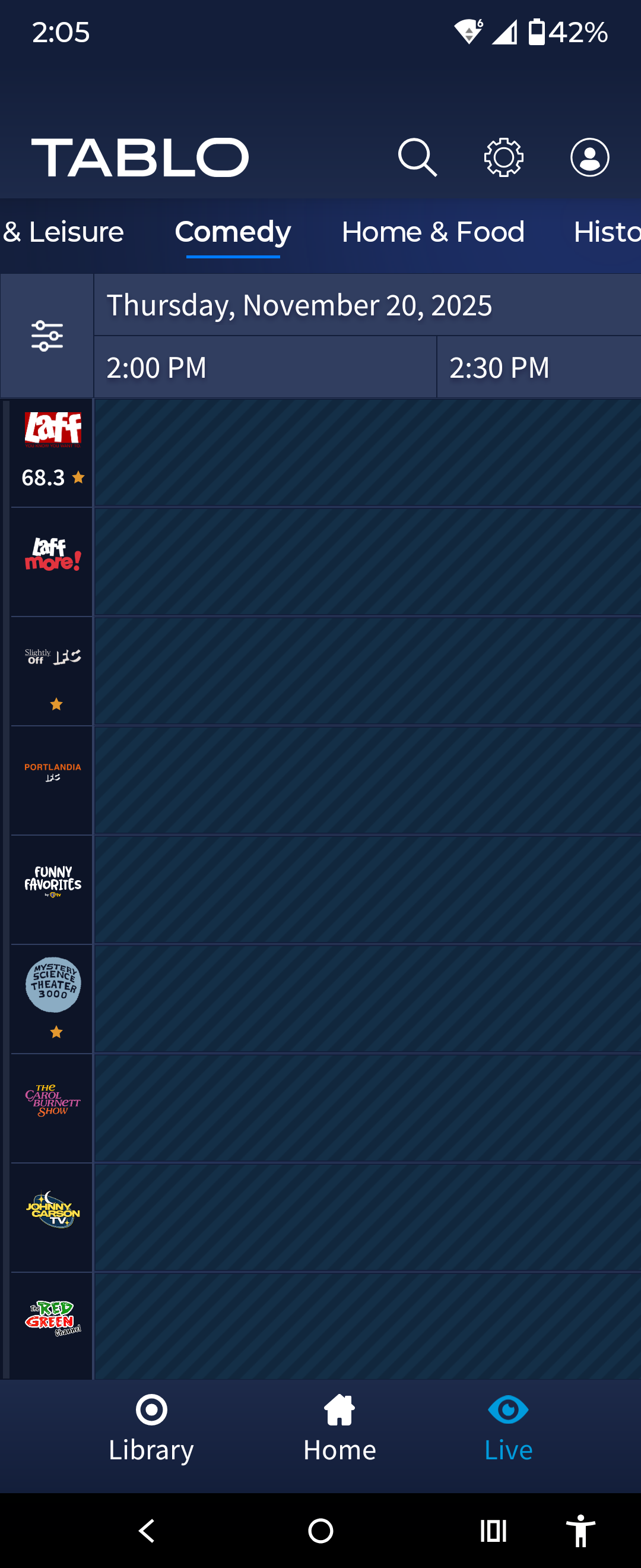
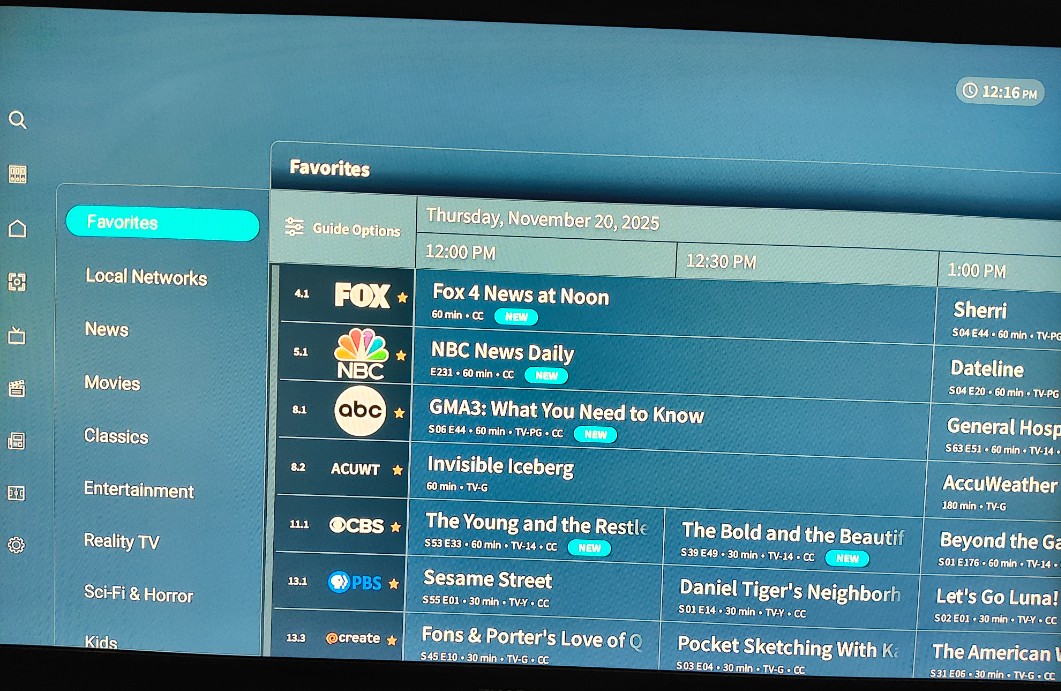
I’m guessing you need more screenshots. As I described earlier, when displaying the guide using the categories it fails to eliminate the other entries prior to processing by the Presentation Manager. These other entries are not in that specific category and should not display.
When you click each line item channel, then the category changes correctly on the left. That means it’s sorted correctly.
Also perhaps it could be mitigated by the array index. It seems that when you click on a category, then tab right to the channels, it highlights the forth line every time. Correctly. When populating the array start at the first slot instead of the forth. At least the category selected would start from the top.
Verified 2.0.2, cleared cache and rebooted Fire Stick 4k G2.
There is no need to rollback the release when it can be controlled “on or off”.
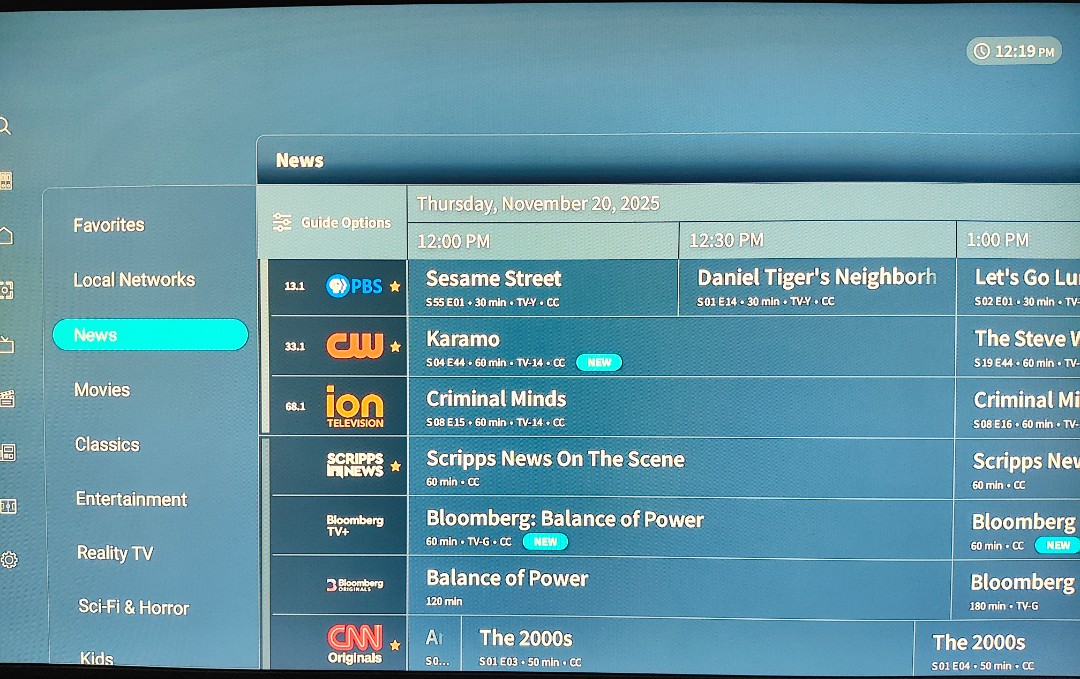
In order to actually invoke the category you have to click on it and see that it’s highlighted.

1 Like
I’ve done total power cycle restarts of both Tablo and the TVs. I have 2 Google TVs (less than 1 year old) and 2 other TVs with current FireTV sticks. All 4 of these exhibit the exact same issue. Sometimes I can get the channels view to straighten out with a guide update in settings. Flipping to the categories view screws it up again. Sometimes flipping back and forth crashes the Tablo app.
Right now, the Google TV in my family room is working correctly in the channels view, but the categories view is sorted incorrectly. I’ve left it in channels view for now since that is sorted correctly (for the time being).
The FireTV stick in my bedroom TV is more problematic. The Tablo app seems to be inconsistent between sorted correctly and then not sorted correctly the next time. It also crashes sometimes on a guide update, and other times the guide update straightens out the sort in the channels view.
I don’t think I need more screen shots to document this. All it takes is 1 to see the program listings don’t match the channel number for the second half of my huge 7 channel guide. This is a programming logic error that is being triggered by something in the channel guide data. I’d bet on it.
Perhaps you’re confused about my post in which I responded to Tablo just like you did.
This is an open forum that anyone can use.
And now this error from my Google TV when switching between channels view and categories view. If I exit the Tablo app and come back in, the channels view guide loads ok. Toggle to categories and then back to channels, and this error comes up again.
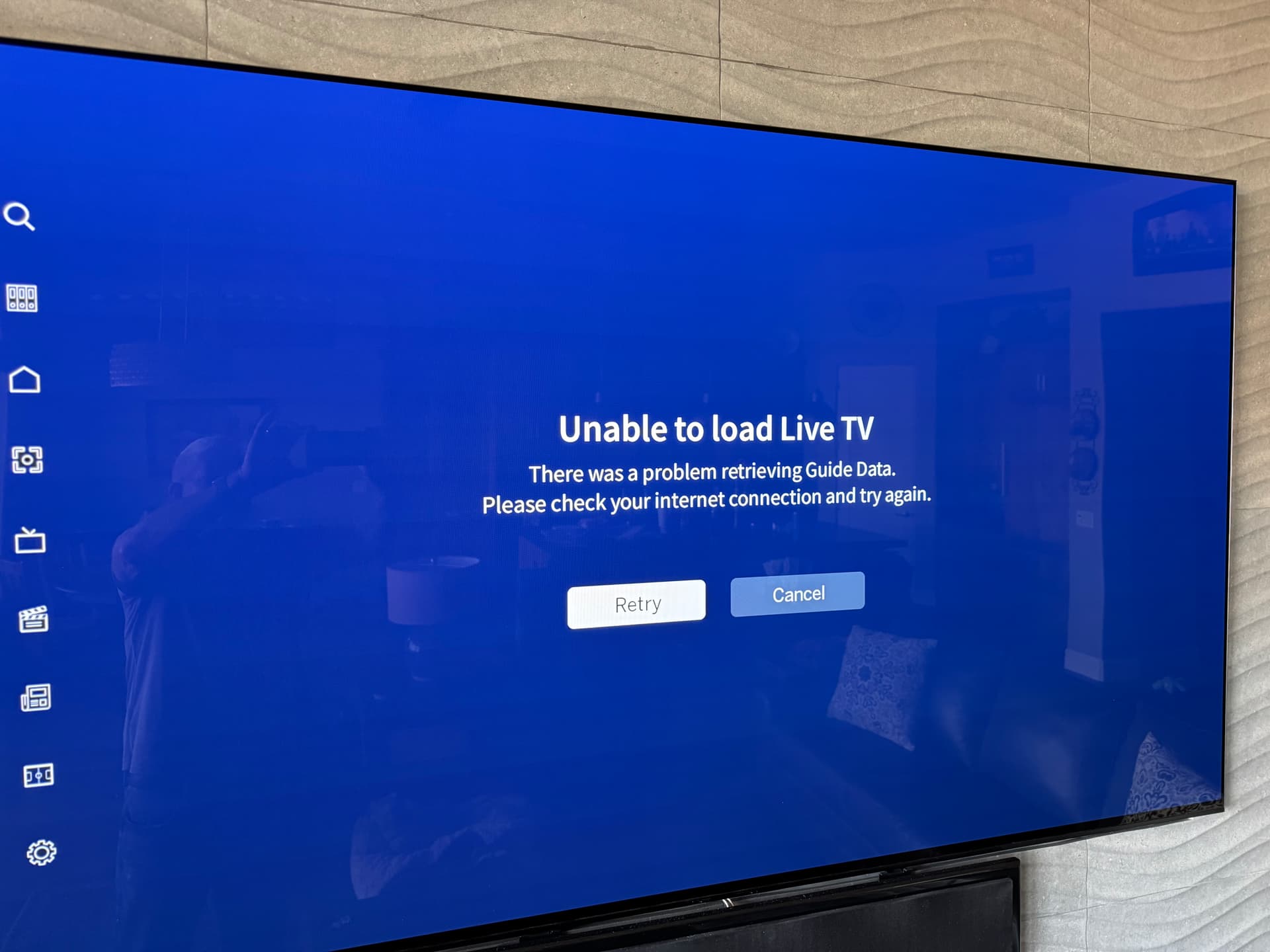
Sorry. Multiple issues at once.
I specifically cleared the cash on the Google TV. No change in behavior.