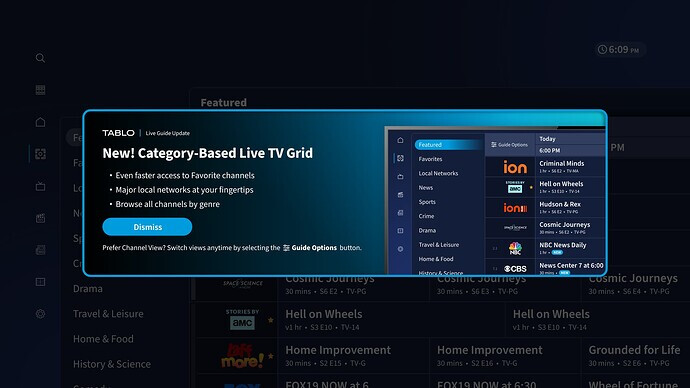
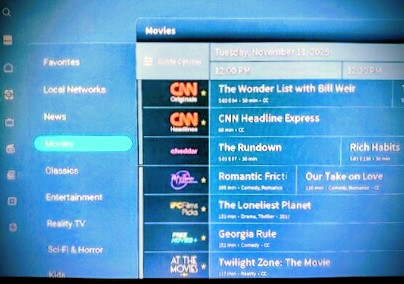
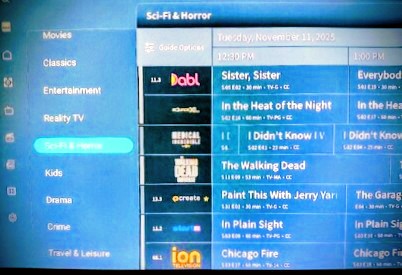
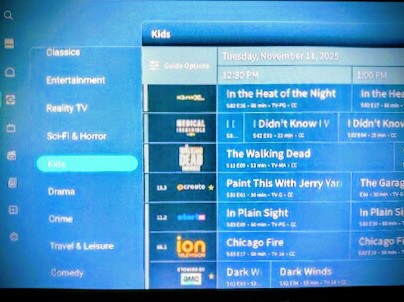
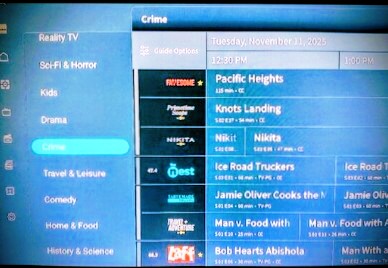
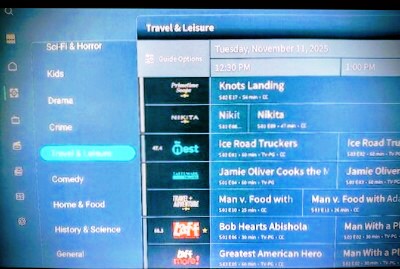
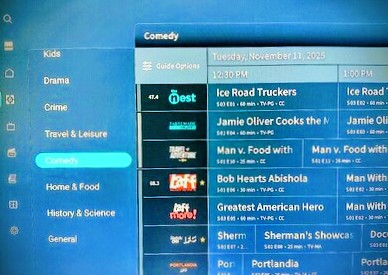
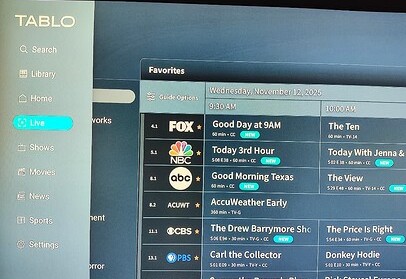
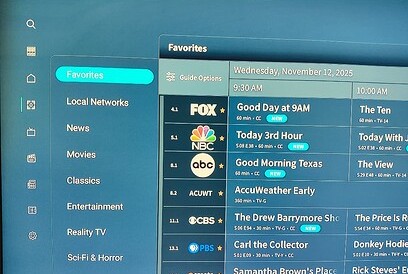
An update is now available for Amazon Fire TV and Android TV apps for 4th Generation Tablo devices.
This includes the new Category View for live TV and many other small bug fixes and performance improvements. If you don’t have automatic updates enabled, make sure to update your app.
Here’s what you can expect:
Tablo Amazon Fire TV/Android TV App (4th Gen) Update (v. 2.0.0)
Tablo Amazon Fire TV/Android TV App (4th Gen) Update (v. 2.0.1)
Fix for issue where Live TV View preference was not saved across sessions
Tablo Amazon Fire TV/Android TV App (4th Gen) Update (v. 2.0.2)
Fix for issue where the display of the channel ID and TV guide data could be mismatched within the Category View of the Live TV grid
Other bug fixes and performance improvements
Tablo Amazon Fire TV/Android TV App (4th Gen) Update (v. 2.0.3
Fix for issue where rows in the Category View of the live TV grid could be misaligned
Tablo Amazon Fire TV/Android TV App (4th Gen) Update (v. 2.0.4)
Fix for issue where the Live TV screen would fail to load on a subset of devices
About This Release
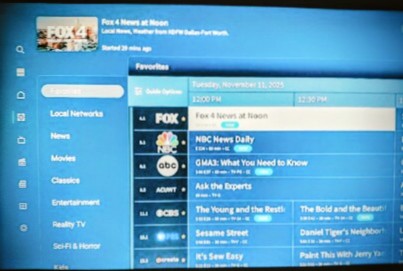
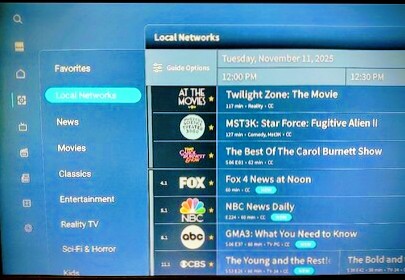
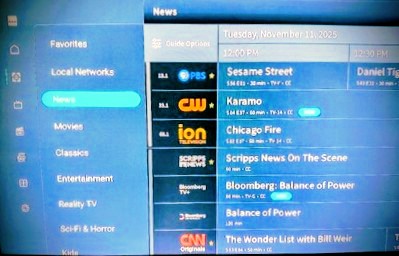
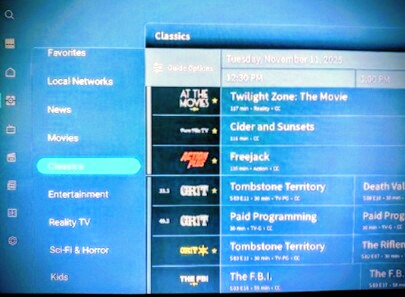
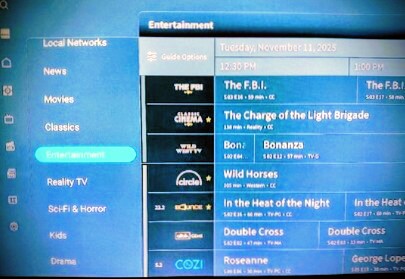
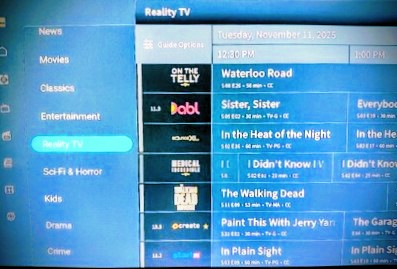
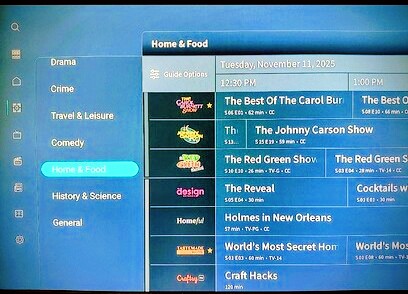
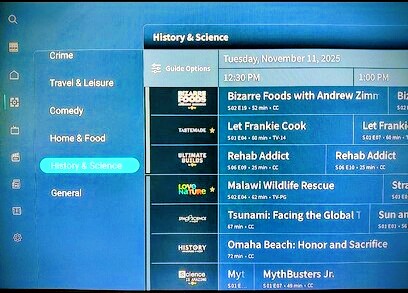
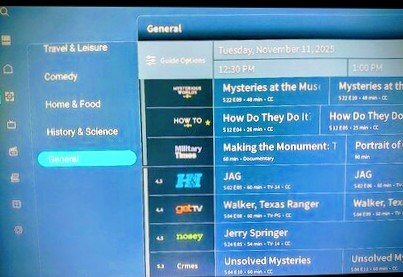
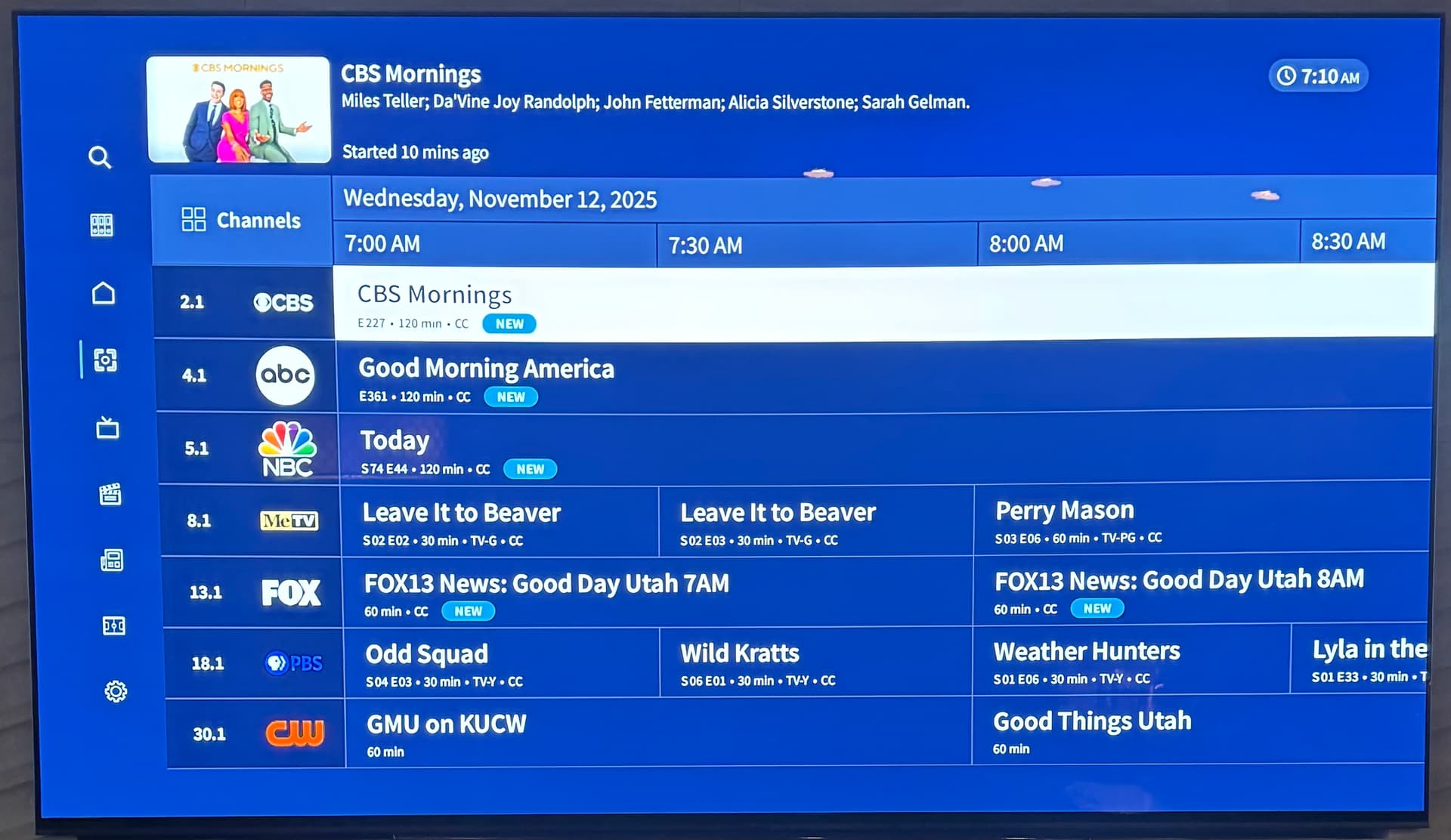
The new Category View groups major local networks, your favorite channels, and other related programming together within the grid guide, making it even easier to browse and discover shows that match your interests.
By grouping channels with similar content instead of arbitrarily by channel number, you can quickly hop through the grid and find something great to watch, whether you want to laugh, check out the news, or learn something new.
The classic Channels Grid View will still be available, and you can switch your view at any time. Your chosen view will remain your default selection until you change it, even if you close and relaunch the Tablo app.
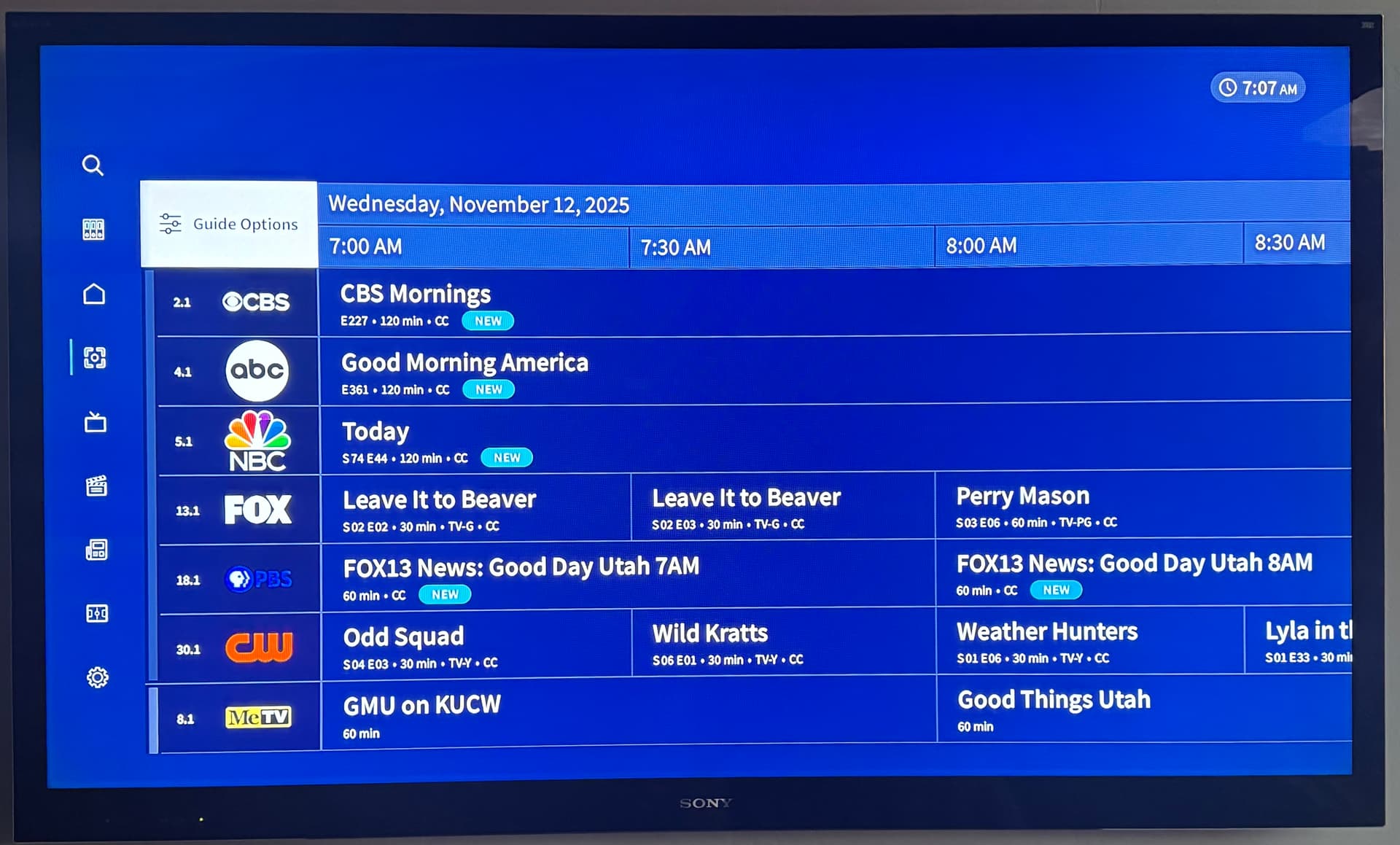
Updated on my FireTV stick last night. Surprise! New guide functionality initially was a bit mixed up. Channel numbers/icons were out of sync with program listings. I went to Settings and updated the channel guide. This fixed the sorting problems. It looks fine now. Thanks for the new features.
Sorry, but the Category View isn’t something I like at all so I had to change my guide back to the Channels View again since it automatically forced this view which I really do not like at all.
I wish that Tablo would put their programming efforts into the other views, especially the Sports section since that took a major downgrade when all this new GUI stuff started. The Sports section needs the Featured Sports to go back to the way it was with all of the different sports categories. Right now it’s showing categories that are not even in season.
Thanks for the updates. Ya, the categories don’t really work well, maybe because of the underlying metadata, and we don’t care for it either.
Also, my wife was perturbed after the update - I even reset the new feature to Channel View early this morning and later when she turned on the TV, it was back on Category View. We switched it back and will keep checking it and report if there’s an issue with keeping our selected as default.
FYI…having problems with the Channel View not sticking or being set as default. Keeps going back to Category View.
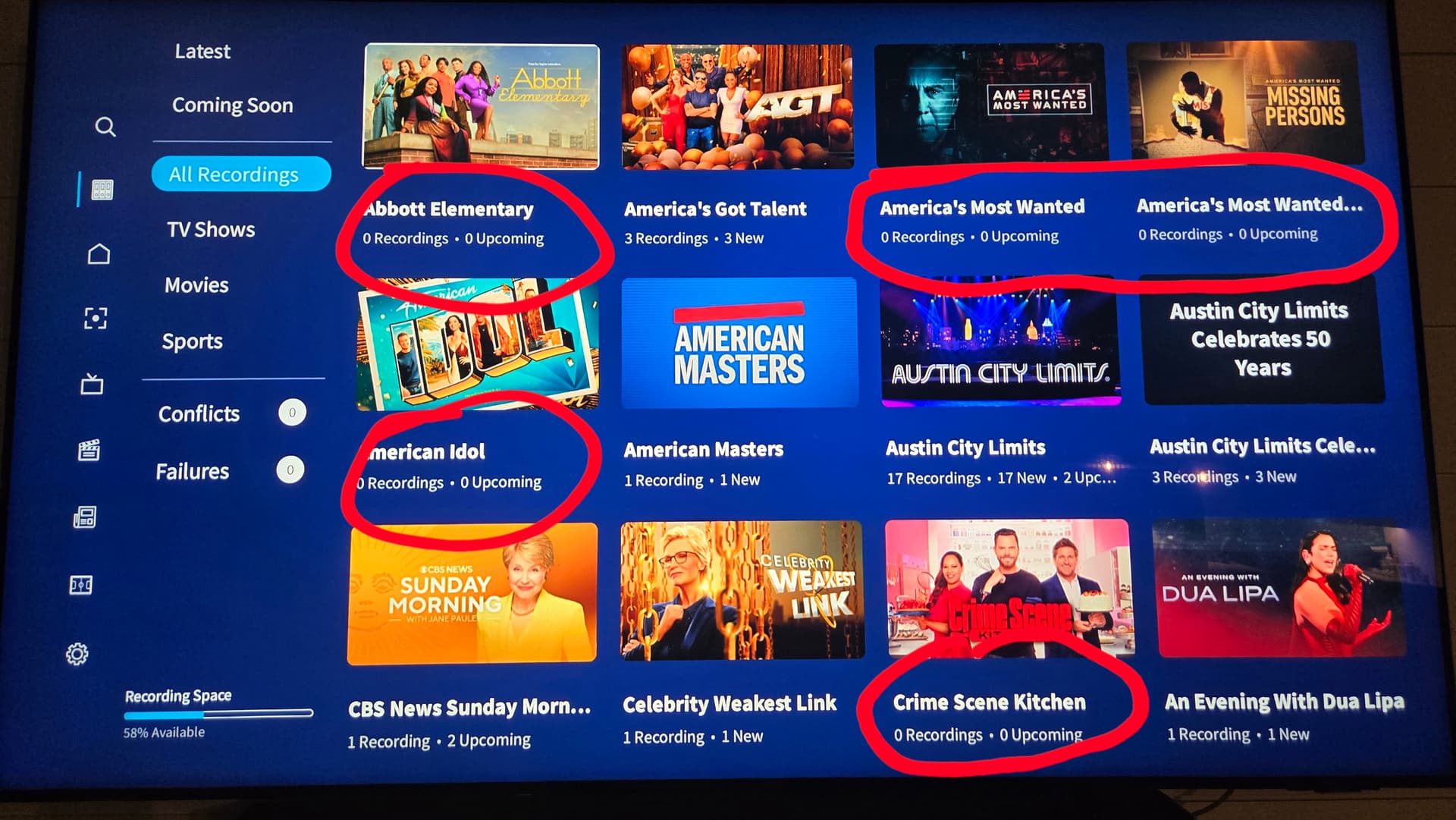
Also, was one of the Library tabs changed to All Recordings? I thought this was called something else. It’s definitely not All Recordings because there are some scheduled items in this list with no upcoming or existing recordings - both are goose eggs on 5 of the visible shows.
Those that are set to record with no future airings should be under a new tab called Scheduled, like in the OG Legacy.
Channel view is not sticking on my FireTV stick version, either. Also, Channel view is not sorted correctly again this evening. Channel numbers and icons don’t line up with the correct program guide line in the table. Guide update in Settings fixed it again, but I think it gets out of alignment once I turn the system off.
It sounds like this would work better if you were able to set up favorite channels. I can’t use favorite channels because I watch a couple of channels that show “Programming Not Available” and I can’t add those channels to Favorites. I have to have all channels selected to be able to watch them. They’ve been like that for almost 2 months. Maybe Tablo could get the basics like accurate guide info before making changes that are unnecessary.
The entries line up correctly. If I go to Settings and update the guide on the FireTV, it corrects. If I shut it down and come back later It’s out of sequence again.
Also, the FireTV version wont keep the Channel Guide preference after being shut down. It always comes up with the new Categories view.
Just to pile on… I don’t know what ‘Entertainment’ or ‘General’ categories mean. Also where is the ‘Sports’ category?
This version reminds me of the Live Channels guide Google had abandoned.
Perhaps compare to the guide for PlutoTV?
I almost never use anything but the Live TV grid so I can see what may be coming on later. Favorites is used to cut through all those useless subchannels without having to hide them in guide selection settings.
I am really fighting the FireTV app since the last update. Now it is crashing, especially going back and forth between Category and Channel guide view. Tablo needs to roll back this update to the previous version until this can be fixed. it appears the addition of the Category view has really screwed things up.
Edit: Please don’t roll out the Google TV version until these issues are resolved!
Thank you! My Fire TV devices are also not staying in Channel View when the app fully launches. So instead of backing completely out, I just tap the Home button so it stays in cache and doesn’t need to startup every time I open it.
When I select a recording on the Latest tab, or an upcoming episode on the Coming Soon tab, it now shows the episode description in a new GUI experience! NICE!!!
I hope that you bring this new episode GUI experience to the All Recordings and TV Shows as well when a recorded episode is selected. Scheduled and Upcoming Airings on the All Recordings and TV Shows pops up this new GUI episode experience so it should be easy to do.