Per the recommendation of support, I changed my zip code to a nearby town and rescanned the channels. This resolved my iOS problem. Super strange that this would be the resolution to a viewing issue on a specific OS platform.
2 Likes
I’m on 18.7.2 - no issues.
I have this same issue. Running Apple TV. Rebooted the Apple TV. It’s up to date. Reinstalled Tablo app twice. Rebooted Tablo box. Checked internet connections.
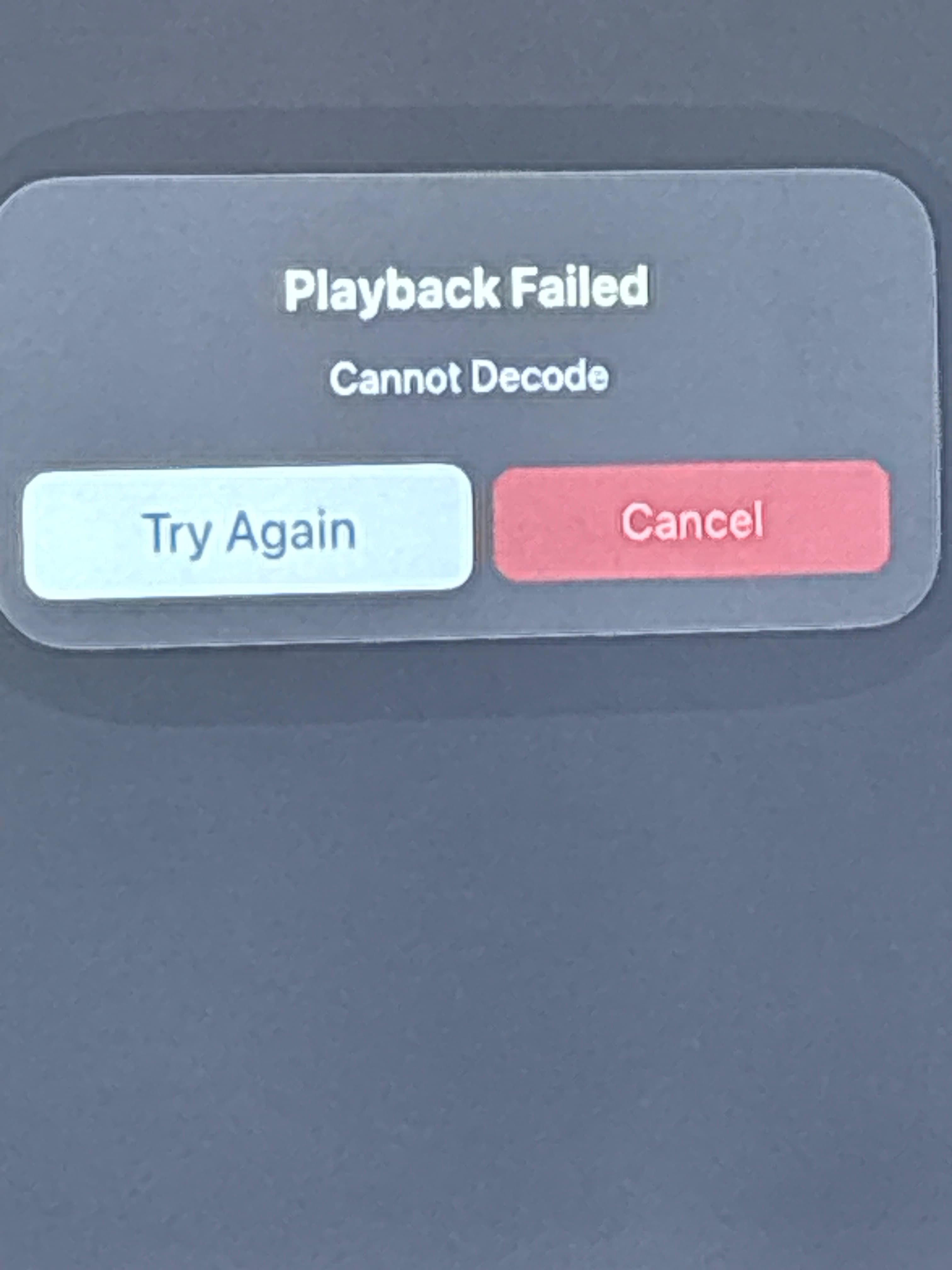
Please read IOS (Apple) possible solution
1 Like
Unfortunately, full factory reset was the only way to restore my Tablo to an operating state, meaning I lost all the recordings on it. Quite the bummer to be honest. This really should be something Tablo addresses. Low price isn’t worth it if you run the risk of losing everything.
Tablo live TV not working on Apple devices. I tried re-booting the Tablo, and re-downloaded the app on my phone.
It is working on my fire stick .
I started having this same issue this morning. Neither of my Rokus can connect to my Tablo 4th gen and my iOS app somehow manages to say it can’t find it but did temporarily let me watch local news until I rebooted my Tablo. Now neither Roku can find it and the iOS app says the Tablo can’t reach the Tablo servers but I can watch local channels if I enter “Offline Mode”. When I press the offline mode button the app crashes and closes.
After removing power from my Tablo for a few minutes, and restarting it, I was till unable to connect to it for about 15-20 minutes.
When I was finally able to connect I selected my usual local news channel and it claimed it couldn’t get information for that channel and went back to the guide. I figured I’d try rescanning the channels and, when I went to do so, I found that a bunch of the local channels I had selected were no longer selected even though they showed full signal. I reselected them and then they were able to be tuned to.
So this leads me to wondering why those channels showed in the guide at all when they were not selected in the scan list?
@TabloTV I would say that this seems to be an issue with the latest firmware release. I have had no issues until this latest release and this really needs to be addressed or we need a way to be able to roll back our firmware when issues like this happe,
I had a similar issue this morning. On two different TVs running Roku. The Tablo start screen came up with the word ‘Tablo’ and the sweeping progress bar beneath it and got stuck. It just swept and swept…
On my bedroom TV, which has an older Roku Express, I rebooted it and it then launched normally.
In my Kitchen, which has a Roku Stick 4k, I rebooted it several times, but it just swept and swept… Finally, it opened in off-line mode (it wasn’t off-line) and I was able to watch the morning news. Before I left for work, I exited Tablo and re-launched it. It started normally, so I guess it fixed itself.
I don’t believe this is related to the the Firmware Upgrade since we have had the new firmware for about a week and these devices have been working fine.
We are having lousy weather, so I supposed it could have something to do with that.
It wouldn’t be weather related but it could be an issue with their servers.
2 Likes
Living in a weak reception area, I find my Tablo 4G’s operation is very weather dependent.
Yes, weather would affect reception, but only the server connection and firmware issues could cause the issues we are talking about here.
I wonder, if you were experiencing poor weather while the 2:00 AM Guide update was running, if this would cause your missing or unselected stations. Unfortunately, only Tablo knows how this process works.
We had a little rain, but nothing serious. I have fiber here and haven’t noticed any issues with my Internet. Also no power outages or anything like that.
Unless you have Apple TV, there is a quirky MPEG decoding issues going on with certain channels.
@Lkny has a whole post on it.
But Tablo is an internal client to client connection unless you use the fast channels and downloading guide data.
Besides the AppleTV quirkiness i stated above, I walked around my home and flipped on “Today with Jenna and Friends” on live OTA and it worked… Roku Ultra, Onn Pro, Cheap Black Friday Roku TVs. They worked.
I just tried on my iPhone 14 Pro Max. No issues.
Using Onn 4K Pro, at launch I get a prompt to upgrade to “01129_to_P0915” but the screen is bricked. I can’t highlight “Upgrade” to start the process and all buttons on the Onn remote do nothing to get off that screen.
I did a similar thing last night and everything works as expected. It works on my iPhone 15 Pro Max as well, even over my Tailscale VPN.
1 Like
Try running a channel rescan and save, that might help.
1 Like
That is an odd screen.
Could you share a screen capture of it?
I ran a new channel scan with a different zip code, it worked.
remember to save the new scan.
1 Like