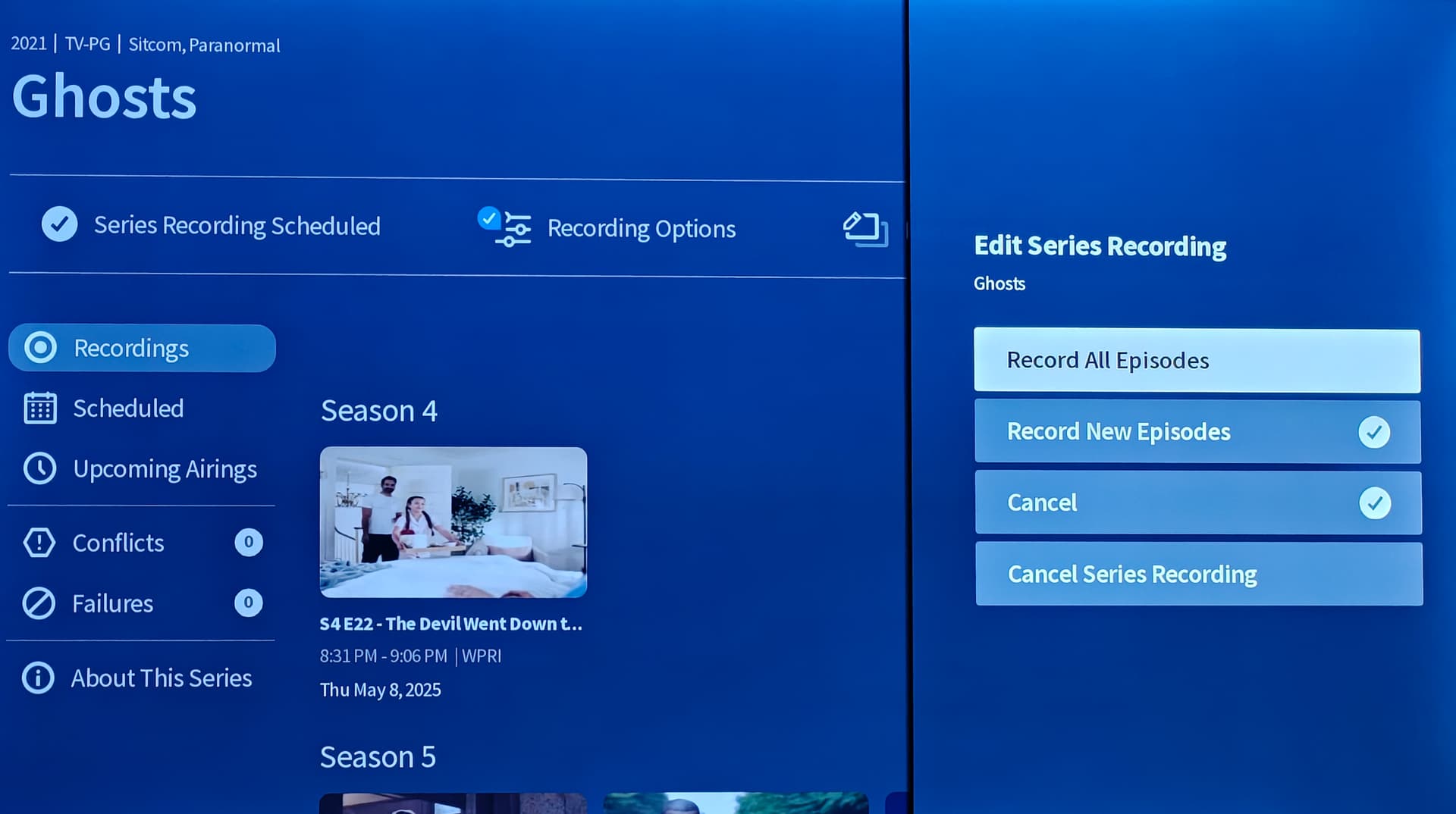
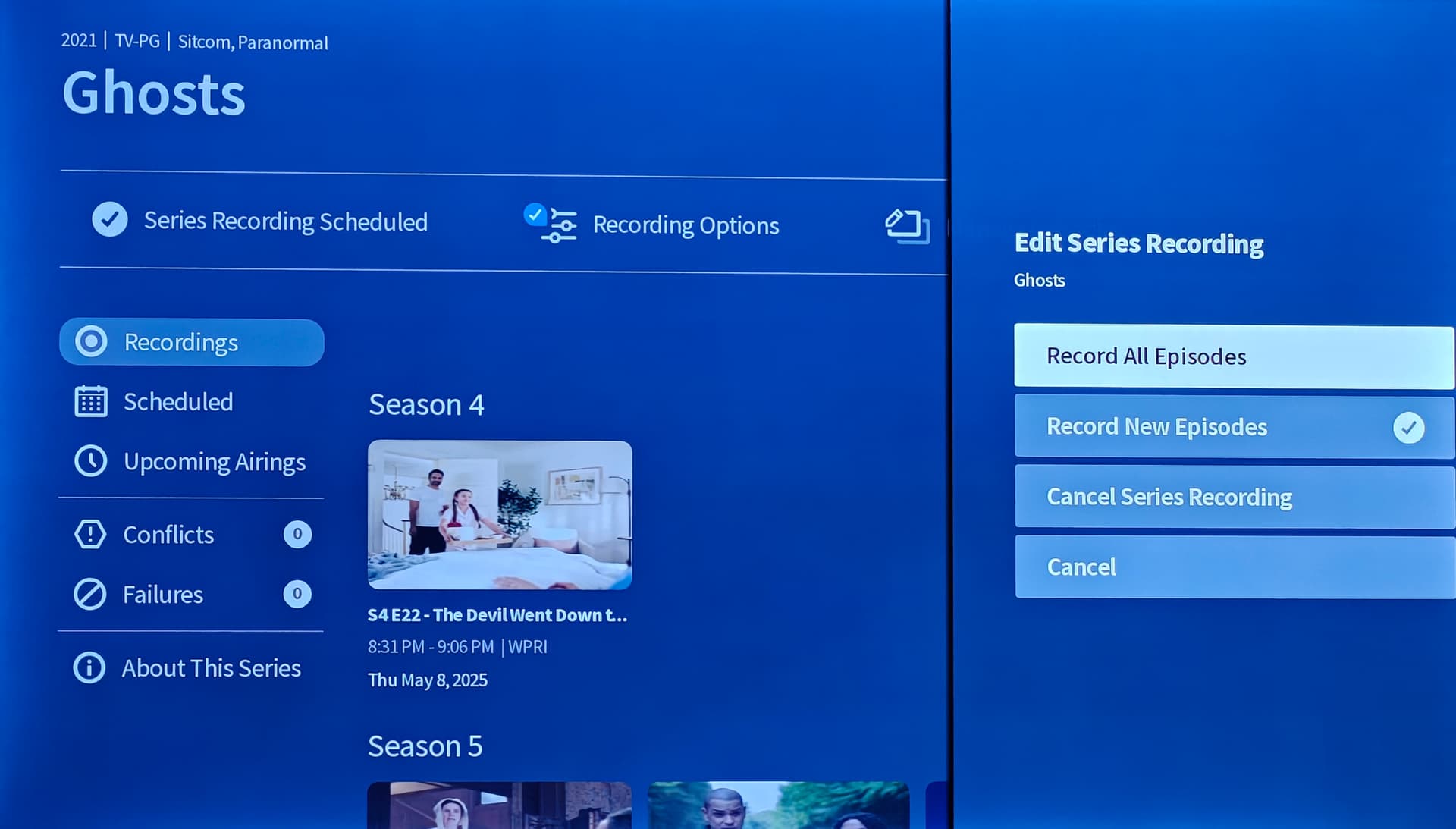
This sounds similar to my experience the day after updating to .58 on my legacy. When my wife got done watching an episode (on the 4th gen) then hitting the back button it would go to the home screen instead of the typical delete screen. And every recorded episode would have a little glitch about every 5 seconds where it would hesitate and drop sound for a split second then continue. Before posting here I said “let’s see what the next few days bring.” Well the next day all new recordings were back to normal again and no problems since. Strange. This is on an onn 4k pro.
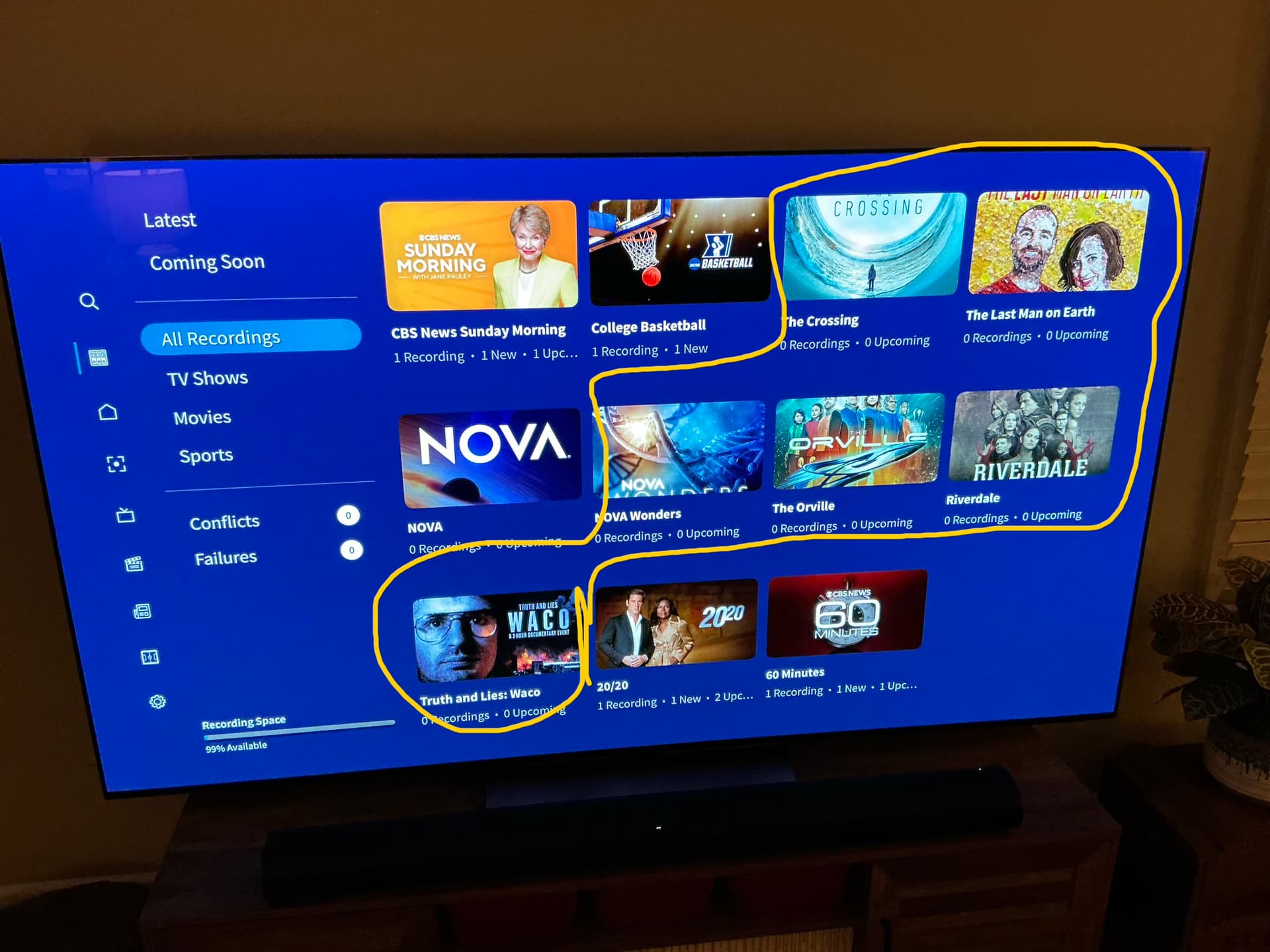
To be clear the Christmas and other shows are showing in recent. Check the screen shots.
I have YEARS old recordings or scheduled recordings that are impossible to delete or remove now! Even after factory resetting and formatting my hard drive they still are showing up in the new app only. Iv3 reached out to support but so far no solution has been provided.
Band-Aid it.
The simplest thing would be to go to the legacy app, go into scheduled, find those shows and end the recordings. They will disappear from the new Gen 4 app. You can cancel those scheduled shows in the Gen 4 app also, it’s just a little more complicated. If you ever want to schedule those recordings again they’ll automatically show back up and be useless again at this point.
Look at the photos that I placed. Just as an example, dateline NBC… same as yours
I’ve tried that. Unable to find shows to schedule or delete in old or new apps. And clicking on one in the new app just gives me an error message. Again even after factory resetting Tablo and formatting my drive and setting up as a brand new difference user/email the shows are still there! lol The entries must be stored on the Tablo device itself. It really strange to be unable to setup the Tablo as brand new.
Maybe mine shows up because there are actual future shows coming up.
Either way they’re stuck also. It should display shows that have recordings.
Thank you, that’s very helpful.
I also have hundreds of recordings.
I think I’ll stick with the legacy app. I don’t want to spend the effort figuring out what recording (or recordings) might be problematic.
It’s just too bad that the new app works on the devices I don’t need it too, but not on the Roku, where trying the new app was going to be a refreshed TV experience.
Oh well, there are bigger problems in life!
1 Like
I was able to get the following to show in Library by changing recording from All to None.
A Charlie Brown Christmas
A Charlie Brown Thanksgiving
The Cleaning lady
How the Grinch stole Christmas
Frosty the snowman
It’s the great pumpkin Charlie Brown
Rudolph the Red-Nosed reindeer
Santa Claus is coming to town
Law & order organized crime
Remaining in lists still have issue.
Lost the holiday shows again.
The Cleaning lady
Law & order organized crime
Are still ok
I made the changes to those holiday shows one at time and kept going back in to see if they showed up one at a time.
Working on the others is when they all disappeared again.
Again Android app is correct.
My legacy quad tablo unit updated and now it doesn’t work. None of our apps are able to communicate with the unit and the blue light continously blinks. Any assistance would be greatly appreciated.
Woke up this morning now library/all has all recordings, including all the ones that are zero recording/zero upcoming.
I am able to delete zero recordings/zero upcoming.
I have no idea what changed. Maybe something was done on the back end.
Also noticed all shows have canceled checked off with/including either record all episodes or record new episodes.
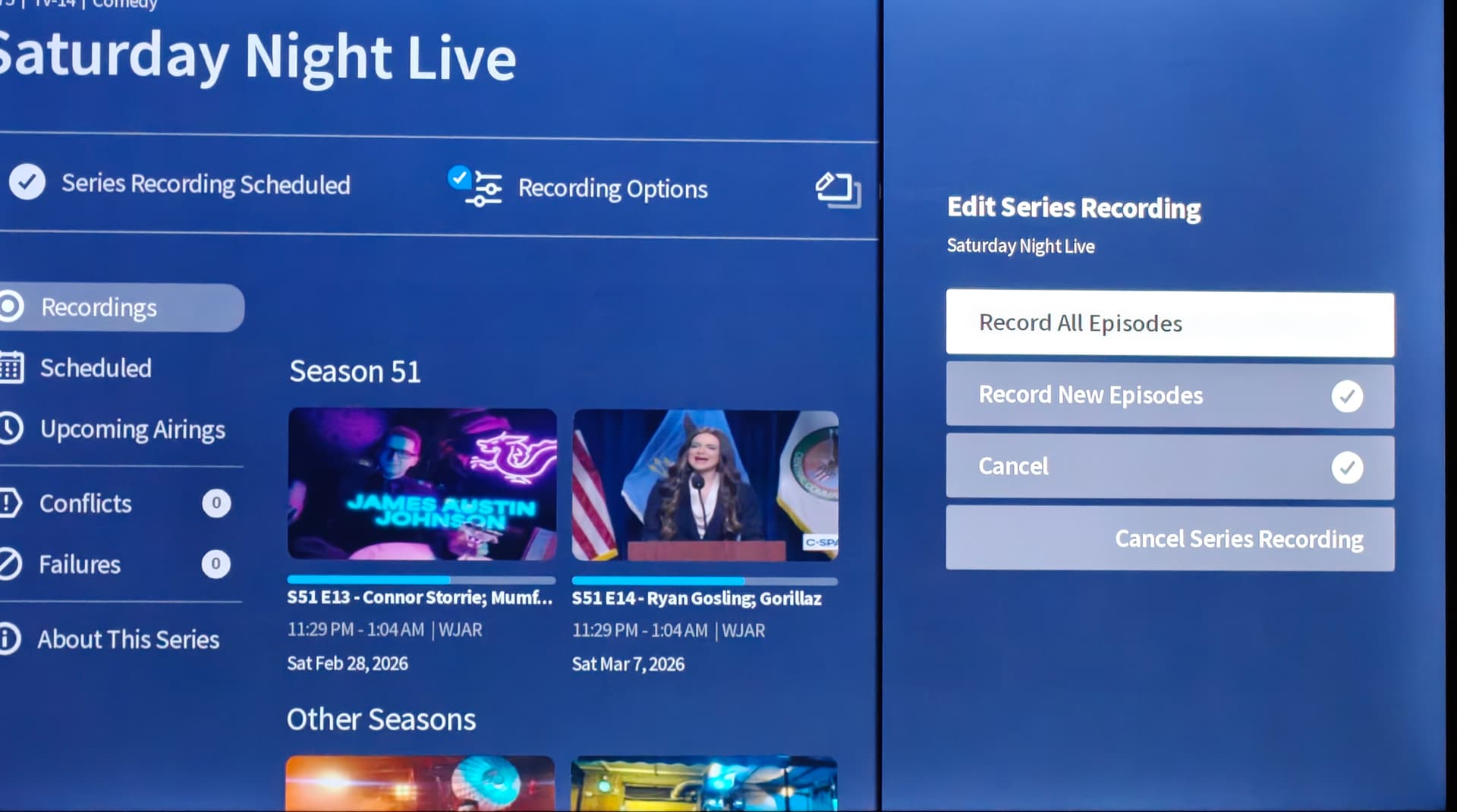
I did a quick manual recording of a show then deleted it so now it’s stuck at zero and zero and there’s no way to remove it.
I installed 2.2.58 early Tuesday morning.
So far, it appears to be good for me. Keep in mind that I don’t use out of home streaming, commercial skip or any premium features, so losing those items are not showstoppers in my household.
I do like that the guide data for the Jackson, MS market is more correct than the legacy guide data is. I submitted a guide data ticket to make the following changes:
WWJK 23.6 needs to be changed from Scripps News to Buzzr, a change made two years ago OTA.
WDBD 40.5 incorrectly has guide data for GRIT. It is actually broadcasting ionPlus. WDBD 40.3 is the GRIT channel and is already correct.
The icon for WMPN 29.5 only shows when you highlight the icon box in the guide.
There are other changes for some of the other WWJK 23 subchannels, but they’re not nearly as important as the above.
The biggest difference is that the transcoding appears to be improved. I always set the transcoding for recording and live to HD 1080 / 10 Mbps. Previously, the text boxes would look just a little scosche of bluriness, which is to be expected. After the upgrade, that seems to have disappeared completely and a 100% sharp picture in its place.
I also cancelled the legacy subscription before it renews tomorrow.
All in all, I am happy with the new firmware and definitely happy with improved FREE guide data.
Roku app needs work, specifically on the Library/All.
Just getting it to load at all is painful.
Either having to wait sometime before attempting it or when going directly to it, watching the spin that might eventually load or never without going out to latest and back in.
Fanthom shows that can’t be removed.
Absolutely needs another folder level for 0 Recordings|0 Upcoming so you don’t have to go through so many empty folders to get to a show. Legacy’s scheduled?
Hi @dman1 ,
Would you contact Tablo Support? They may be able to help.
New issue found.
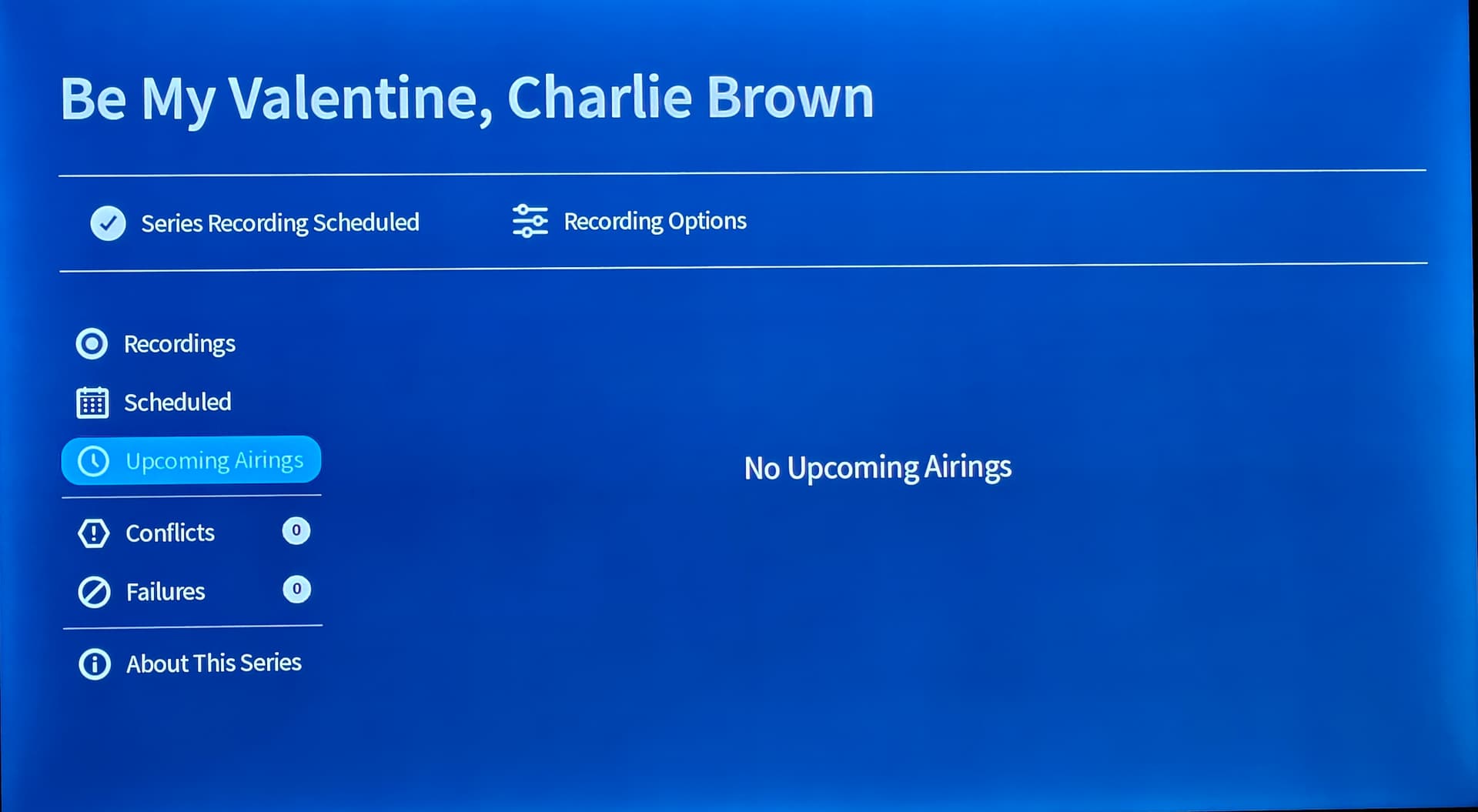
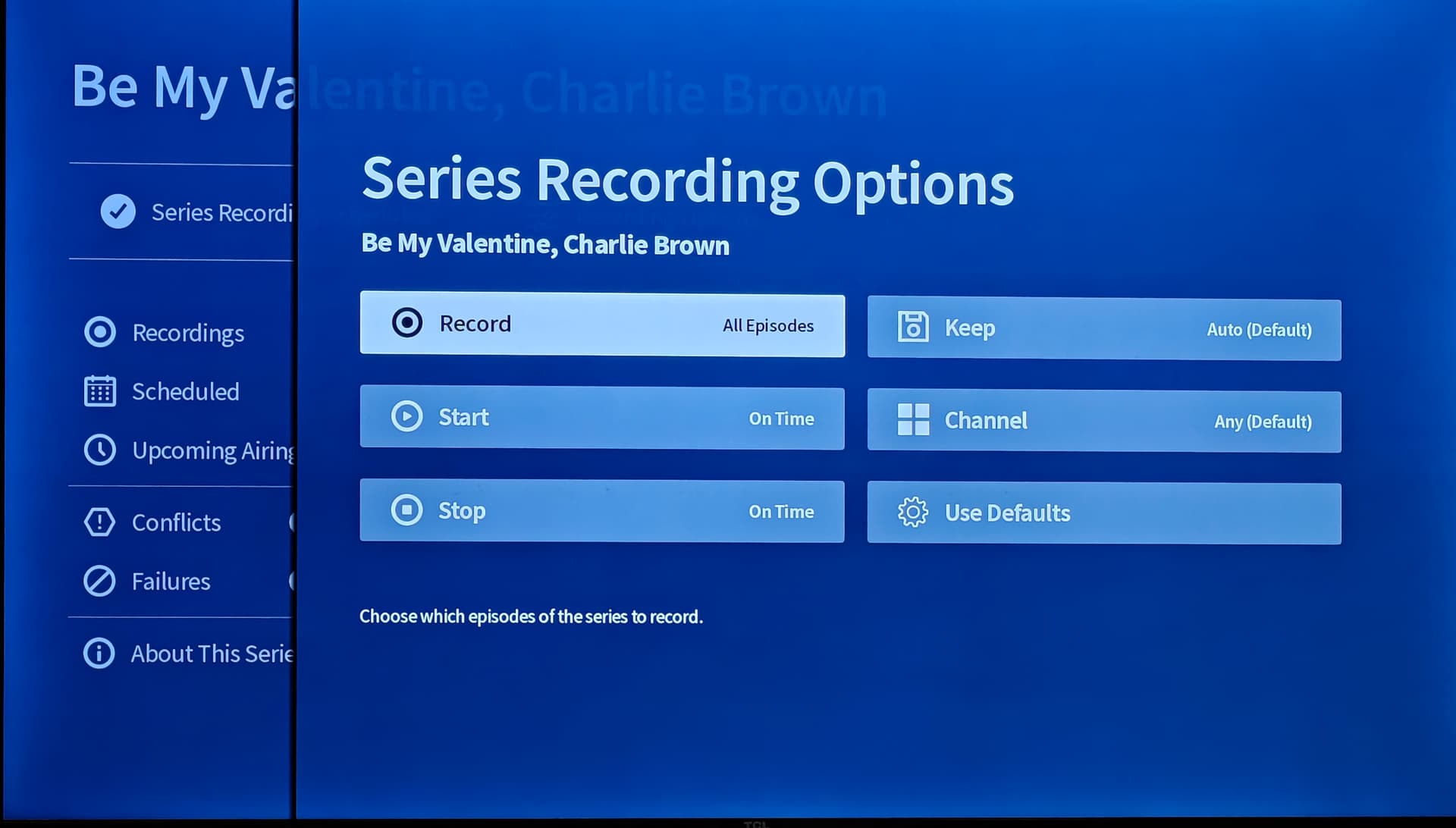
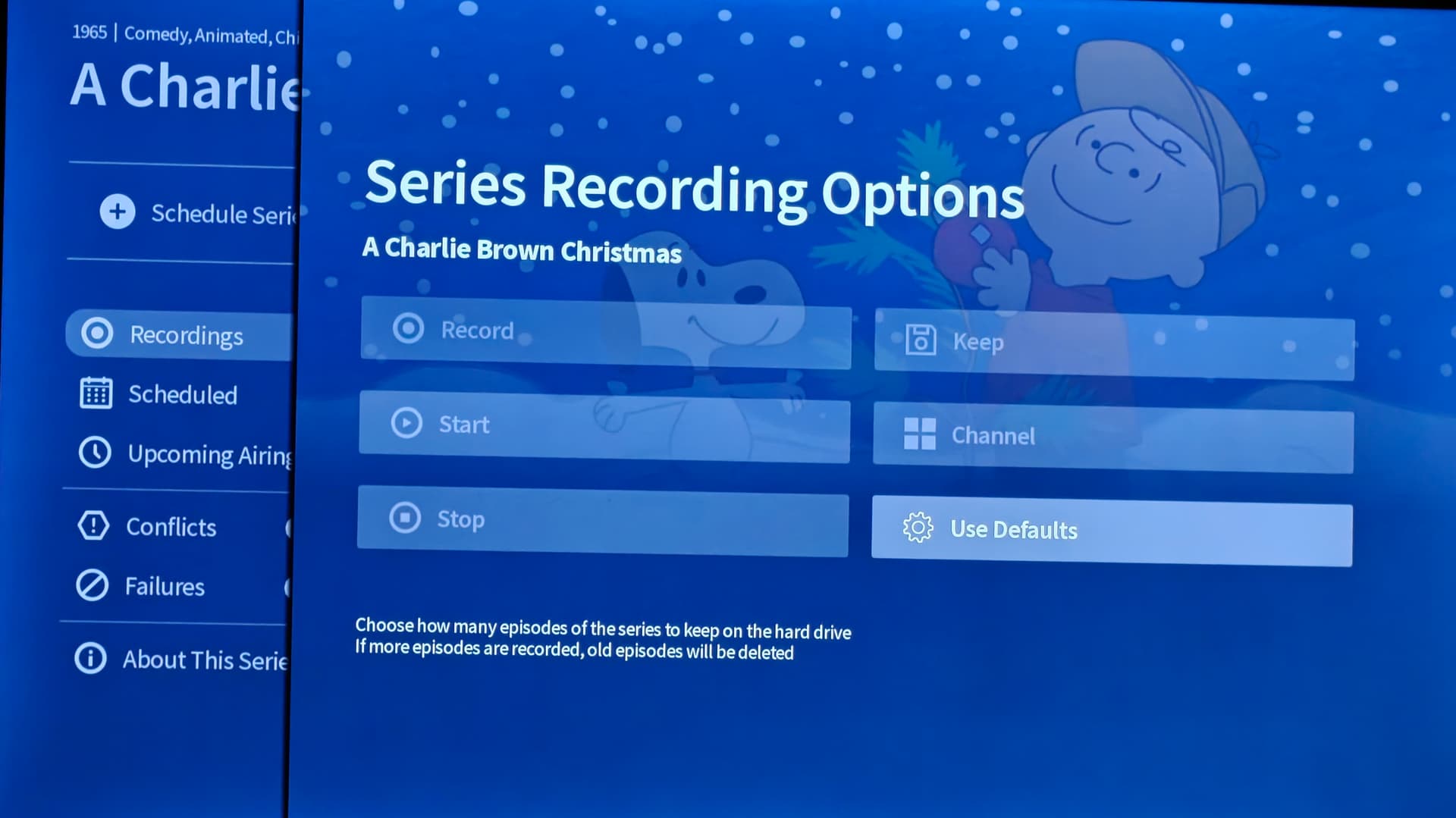
The holiday recordings, that I turned off scheduled recordings for, are now locked out of enabling again on all apps.
A Charlie Brown Christmas
A Charlie Brown Thanksgiving
How the Grinch Stole Christmas
Frosty the Snowman
It’s the Great Pumpkin Charlie Brown
Rudolph the Red-Nosed Reindeer
Santa Claus is Coming to Town
Only “Keep” is available.
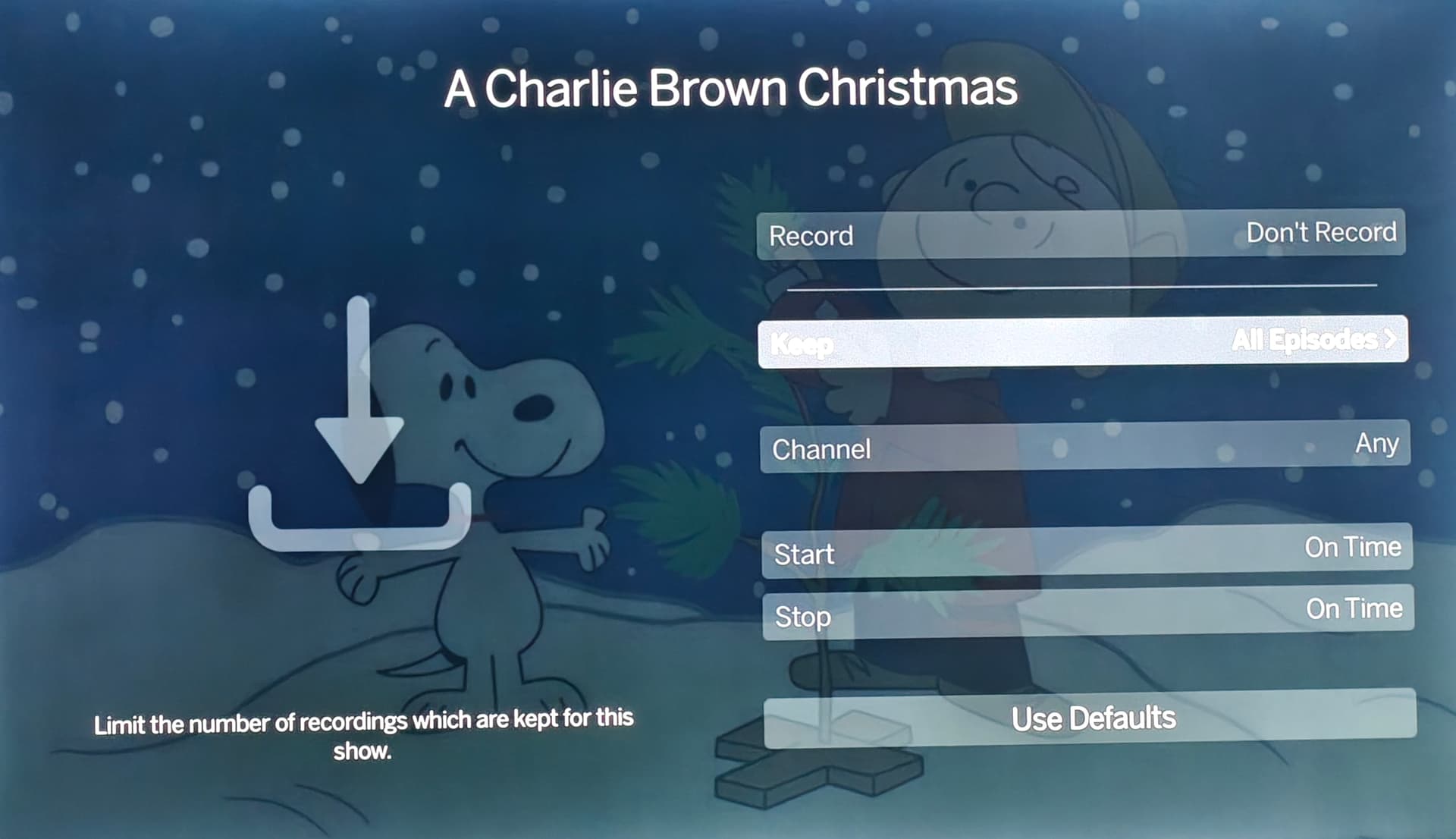
Selections can be checked here, but revert back.
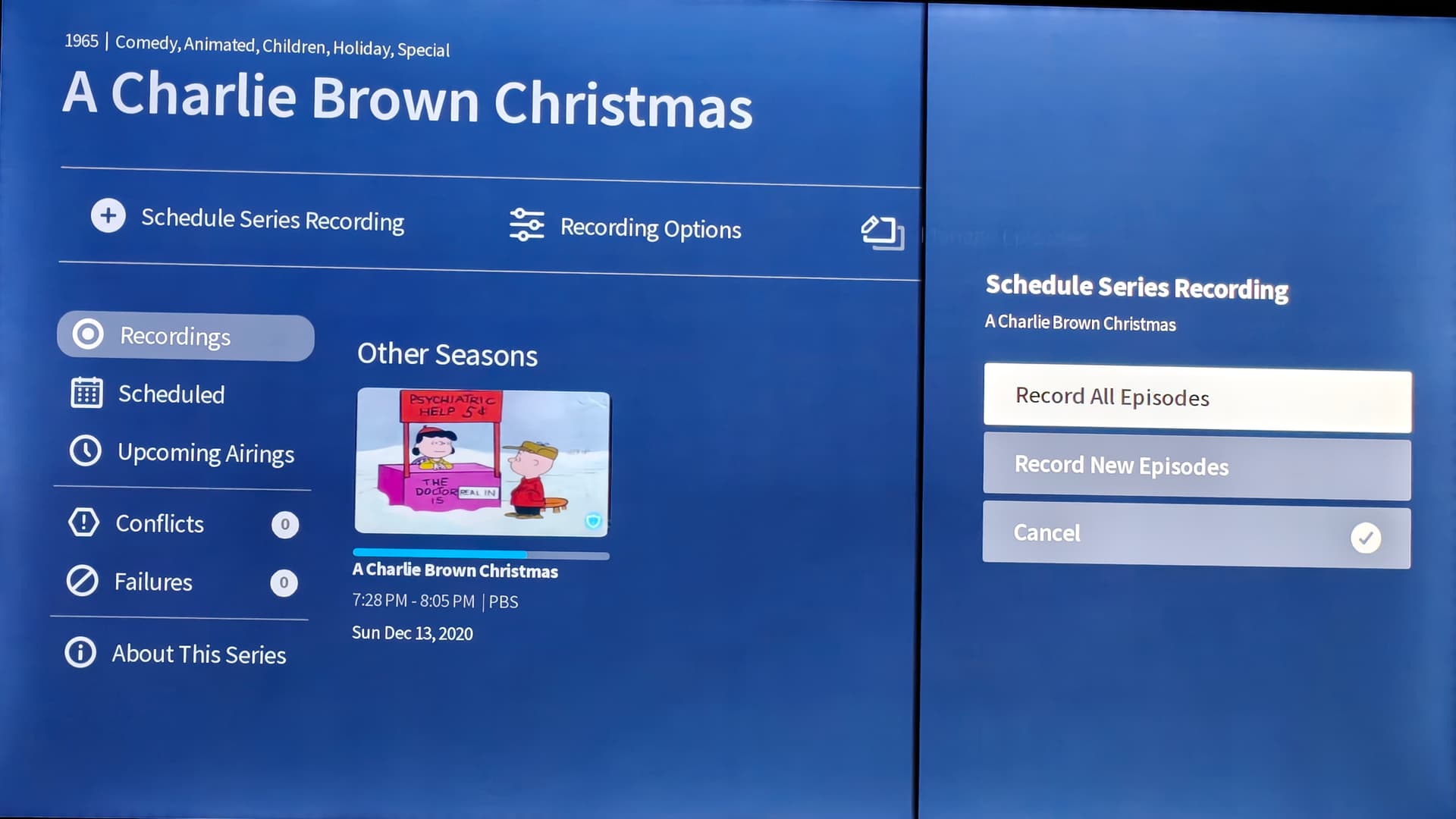
Nothing will change here.
Thank you.
Hi @Dasher,
The slightly odd behavior you’re seeing is because Tablo relies on TV Guide Data to set schedules. Since you unscheduled Christmas specials which aren’t airing in March, it won’t be possible to reschedule them until December when guide data is avaialble again.
I disagree for the following reason.
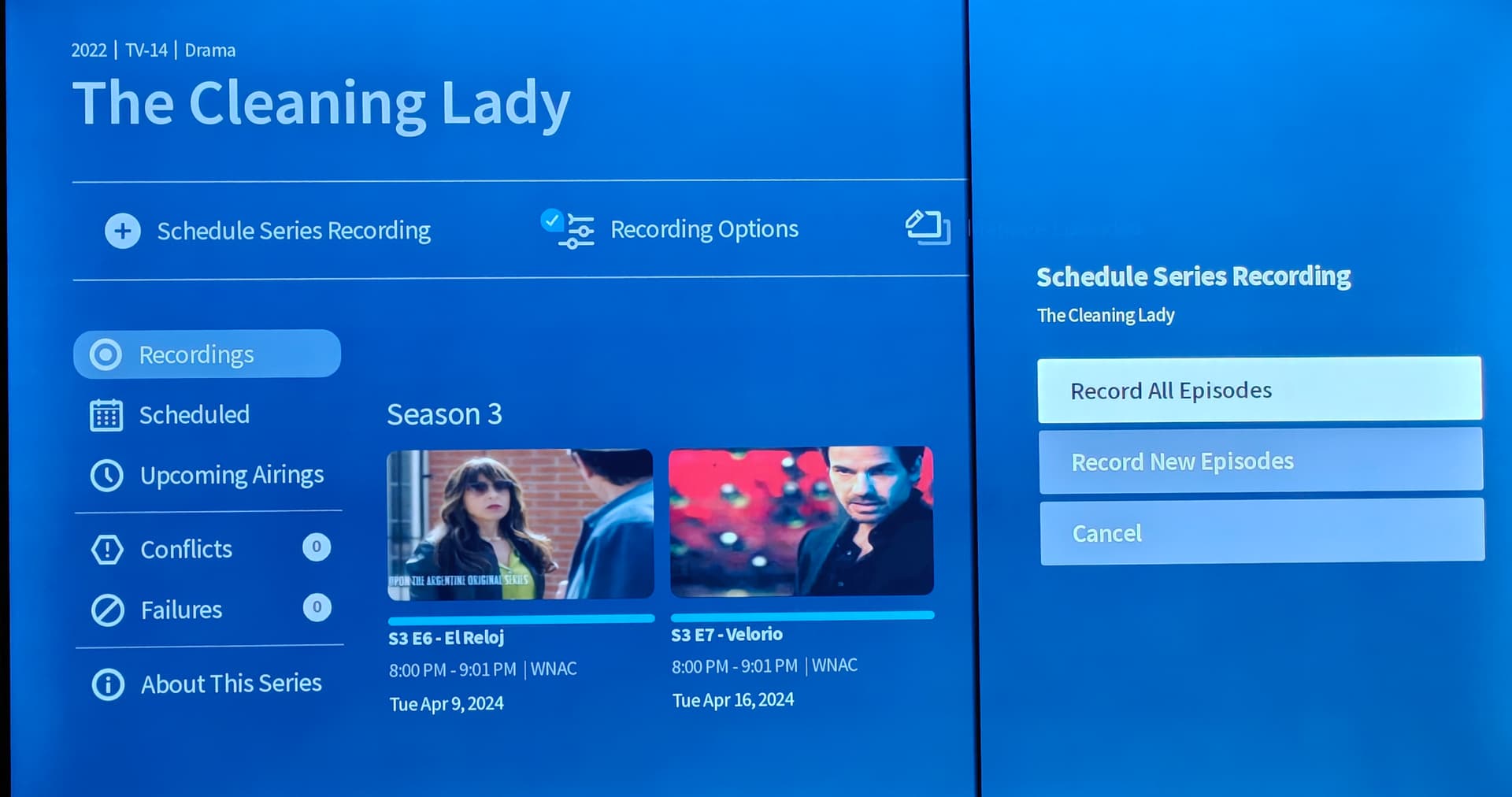
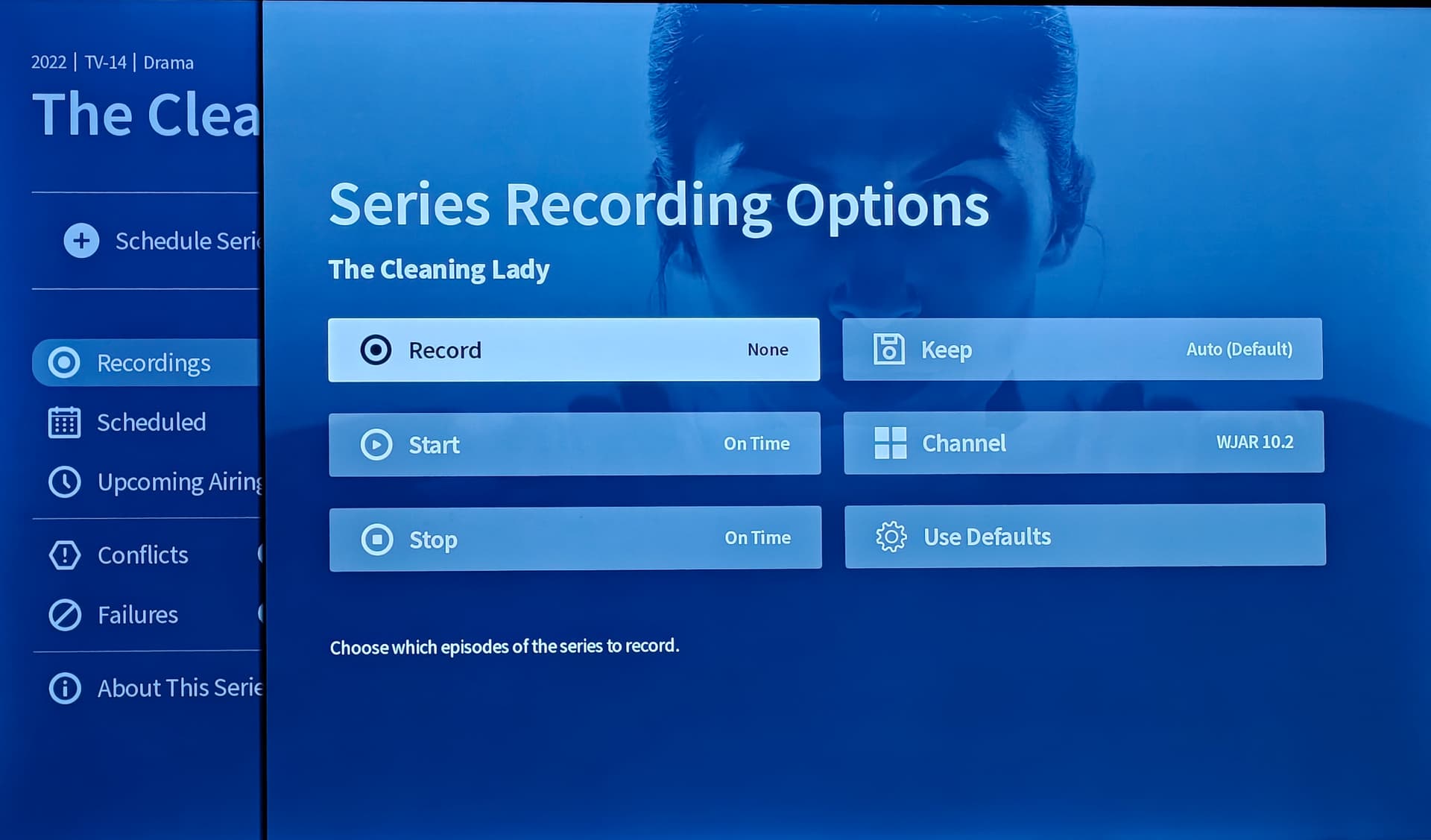
Other scheduled shows that have “No Upcoming Airings” still have the ability to make the changes.
Only these specific shows that I cancelled the series recording on have this issue.
*I initially posted about these specific shows not showing in “Library/All”. The next morning they permanently showed up.
*I’ve tested by cancelling other shows with “No Upcoming Airings” and I still have the ability to go in and make the changes.
Example of “No Upcoming Airings” still having the ability to make changes.