Hi there Tablo family!
A new Tablo firmware is on the way for legacy network-connected Tablo DVRs.
This excludes the Tablo DUAL HDMI and QUAD HDMI.
Among other improvements, this firmware enables the Legacy Transition, which provides more choices for using and accessing your Tablo moving forward.
This is a long post, so we’ve added these handy section links:
- About the 2.2.58 Firmware
- About the Legacy Transition
- Getting Started
- What to Expect With the Legacy Transition
- FAQs
- Information for Samsung & LG App Users
- Information for Tablo HDMI Owners
- General Firmware Update Help
About the 2.2.58 Firmware
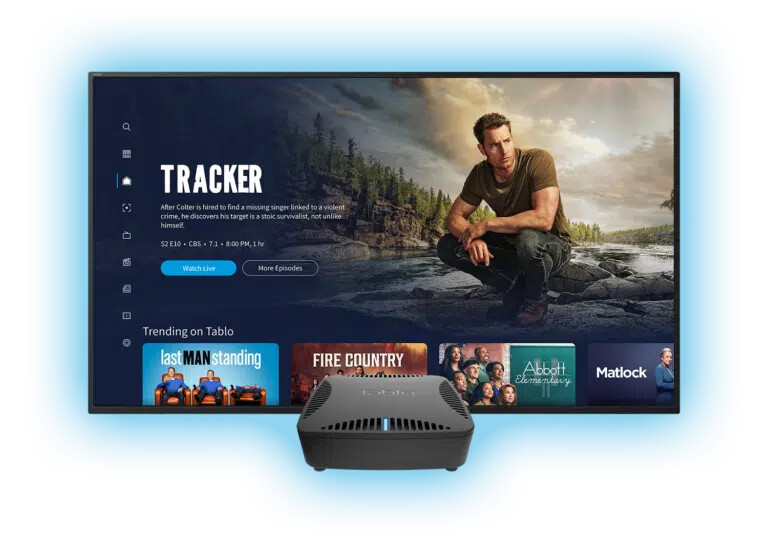
Like all Tablo firmware updates, this is being distributed in a staged rollout over the next few weeks. A small number of customers will receive the update today, with more added to the rollout every weekday. The firmware is now available to all legacy network-connected Tablo devices.
When your DVR is eligible for the update, a notification will pop up within most Tablo apps and will look like this:
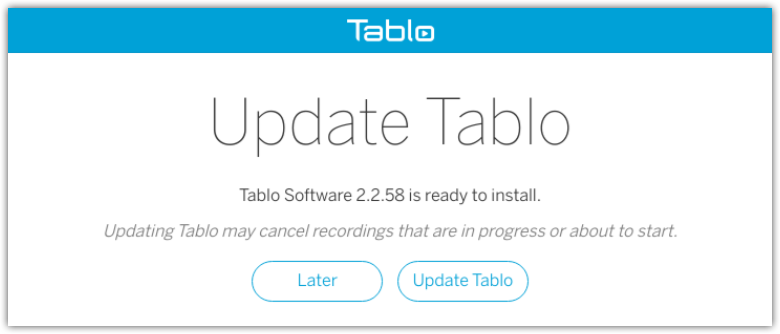
Here’s what you can expect:
Release Notes for Legacy Tablo Firmware 2.2.58
• Adds legacy transition support for network-connected Tablo devices which allows users to access and manage those DVRs via newer 4th Generation Tablo apps
• Adds connectivity improvements for Wi-Fi mesh networks
• Bug fixes and performance improvements
NOTE: Post-upgrade database processes (if needed) may take several minutes to complete. During this time the LED will be blinking. Do not power down the Tablo until the LED is solid again
Visit TabloTV.com/legacy for details on the legacy transition and how to enable it on your Tablo after the firmware update.
About the Legacy Transition
Along with some other improvements, the core content in this firmware update is support for what we call the ‘Legacy Transition’.
This allows owners of legacy network-connected Tablo devices to access and manage those DVRs via newer 4th Generation Tablo apps.
Updating your firmware WILL NOT prevent you from accessing your Tablo through the legacy Tablo apps you use today or alter the features available to you within legacy apps.
It simply gives you more options for using and accessing your Tablo going forward.
You can learn more and explore the choices the Tablo legacy transition firmware enables on the Tablo website at tablotv.com/legacy.
Getting Started
Before you can access your legacy Tablo device from 4th Generation Tablo apps, your Tablo will need to be updated to the 2.2.58 firmware using any legacy Tablo app.
The firmware is being distributed in a staged rollout over the next few weeks, so you will need to wait until your Tablo is eligible.
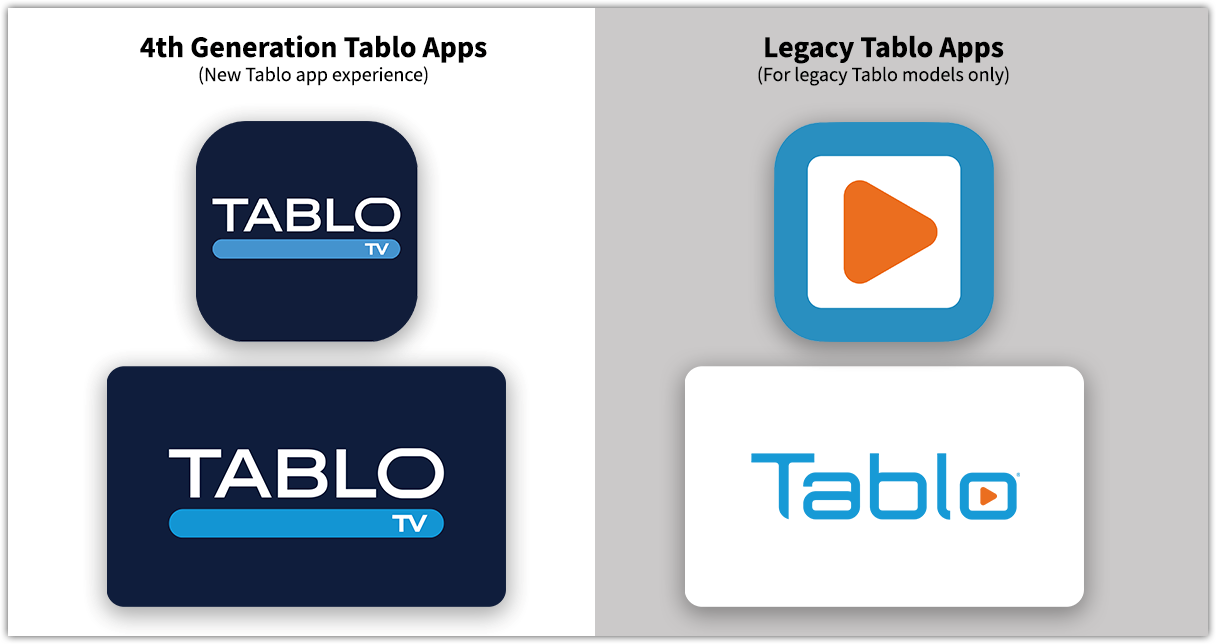
When your Tablo receives the firmware update notification, please follow these steps to get started with the Legacy Transition:
- Update your firmware using a legacy Tablo app
- Download the 4th Gen Tablo app on your smartphone or tablet
- Create a new Tablo account (unless you’ve previously set up a 4th Generation Tablo device)
- Once your account is confirmed, complete the shortened setup process as directed in the app
- Download 4th Generation apps and connect to your Tablo on your smart TVs and other devices
Get detailed step-by-step how-to instructions on the Legacy Transition website and the Tablo Knowledge Base.
What to Expect with the Legacy Transition
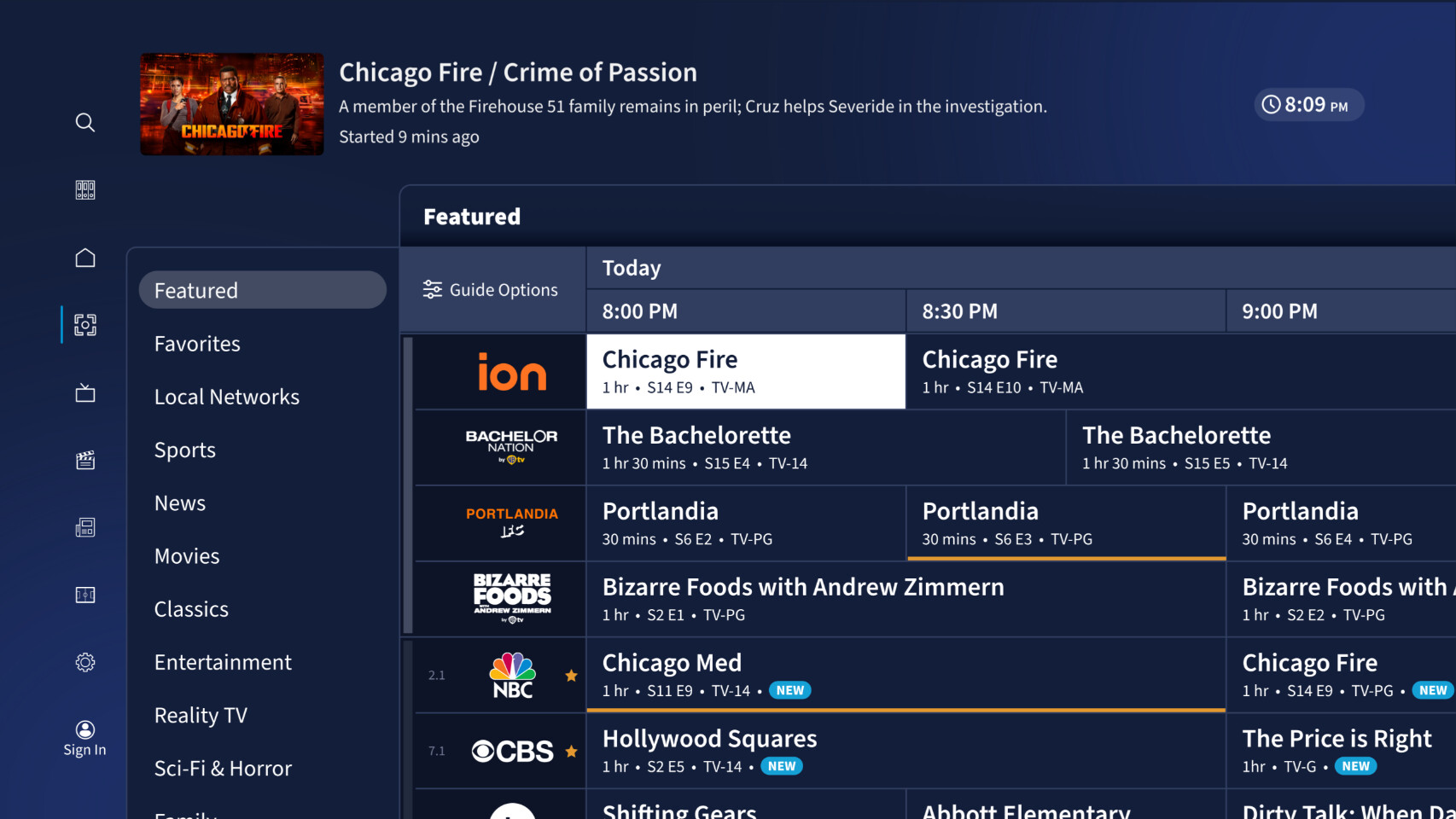
When you access your legacy Tablo via 4th Gen Tablo apps you’ll see:
- A fully revamped and easy-to-use interface
- Most completed recordings and schedules created on your legacy Tablo device (see below for the exceptions)
- Subscription-free TV guide data and DVR features, including the ability to set series recordings
- Access to 60+ free streaming channels within the 4th Generation Tablo interface (US residents only)
- Most settings options (see below for exceptions)
What you won’t see in 4th Generation apps are:
- Features like Automatic Commercial Skip and Tablo Connect. Those will continue to be available via legacy Tablo apps for those with active TV Guide Data and Premium Service subscriptions.
- Some functionality around manual recordings. You won’t be able to set or edit manual recording schedules using 4th Gen Tablo apps or see older manual recordings in your library. But, freshly completed manual recordings will be visible and playable from the LATEST category in the LIBRARY screen on 4th Generation apps.
- Settings for features like Automatic Commercial Skip or Tablo Connect, which aren’t available via 4th Generation apps.
FAQs
If you have questions about this firmware update, the Legacy Transition, or how to enable it, additional information is available on the Tablo Knowledge Base, including:
- Which Legacy Tablo Models are compatible with the 4th Generation Tablo App?
- What Options Does the Legacy Transition Enable for My Legacy Tablo Device?
- How to Enable the Legacy Transition on Your Tablo Device
- Which Legacy Tablo Models Are Compatible with 4th Generation Apps?
- Can I Cancel My Tablo Subscription After the Legacy Transition?
Information for Samsung & LG App Users
Legacy device owners running firmware 2.2.58 may experience frequent reloading, causing interrupted navigation and/or playback on 4th Generation Tablo apps for Samsung and LG smart TVs. Legacy Tablo apps for Samsung and LG will not be affected. A hotfix will be available soon, but in the meantime, a workaround is available to stabilize your experience.
Information for Tablo HDMI Owners
If you own a Tablo DUAL HDMI or Tablo QUAD HDMI, which are not eligible for the transition, you can learn more about the Legacy Trade-In Coupon program on the Tablo website and Knowledge Base.
Eligible participants are not required to physically return their legacy HDMI Tablo devices to take part in the program or redeem their coupon.
General Firmware Update Help
If you have trouble connecting to your Tablo after the update, wait 10 minutes, then reboot the Tablo and try again.
For other tips and tricks on successful firmware updates head over to the Knowledge Base.
Otherwise, if you have any feedback or questions about this release, please post them below.
If you need support, place a ticket and we’ll be in touch soon.
