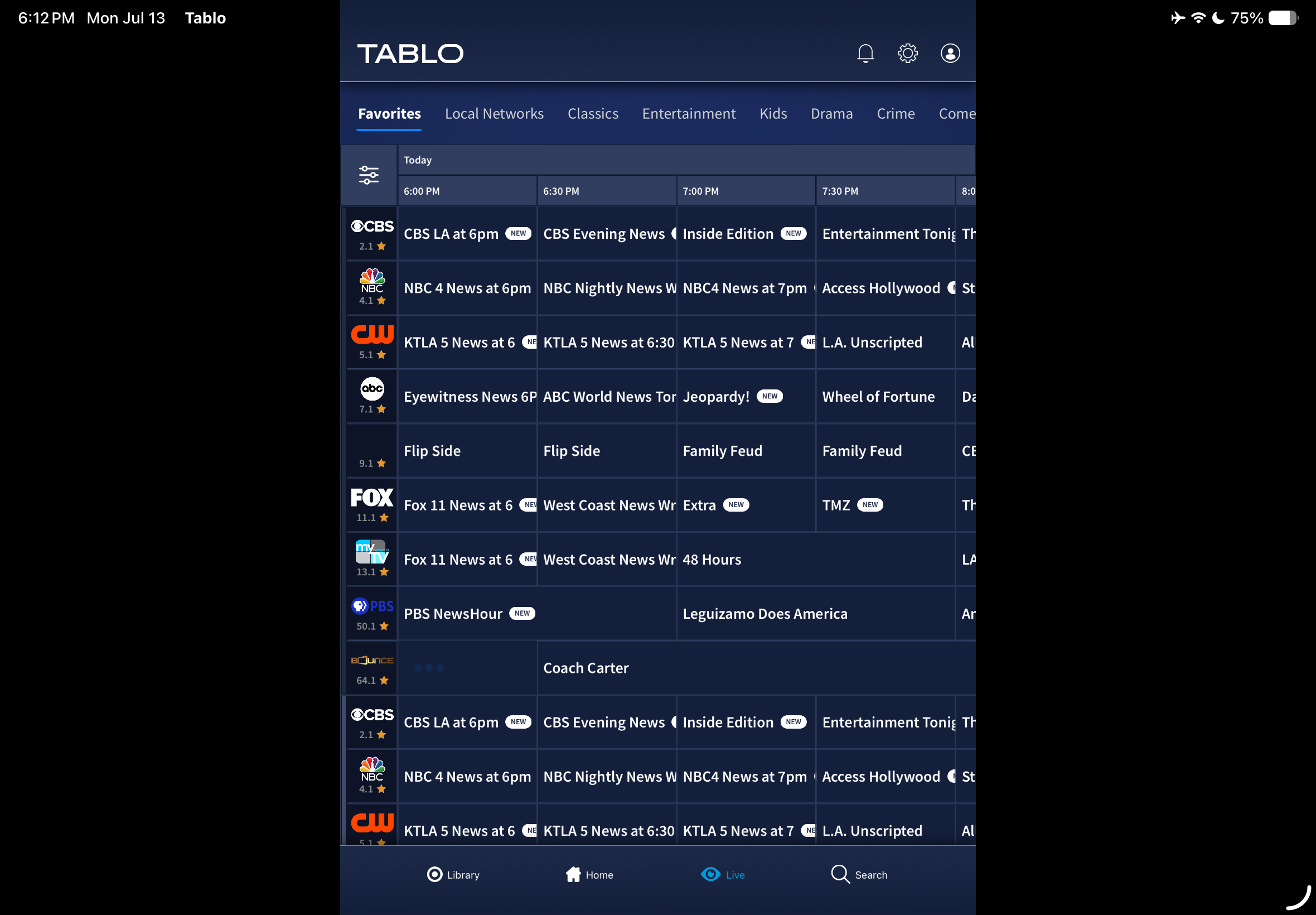
Looks like I’m not the only one that found out today, that one of the iPads that had the update has the very same problem. I was going to check one of the other iPads without the update.
I just tried another iPad that is still using 2.0.1. Still works horizontally. iPadOS 26.6 Beta 4. Will update to iPadOS 26.6 Beta 5, and do another test.
Updated to iPadOS 26.6 Beta 5. Did not update Tablo TV. Still works in landscape view.
Hi @Aaron-Hien,
If you haven’t already, it may be worth a shot to delete and readd the iOS app on your iPad to clear the app cache.
Well, that was a waste of time!
Tablo TV still remains in portrait mode.
I just updated my iPad 9 (26.5.2) and it brings up the app guide in vertical portrait mode. Selected channel playing is also in portrait mode. Split screen. No side bars.
Turn the device to the horizontal to view selected channel in full screen landscape mode. Picture doesn’t fill the entire screen. Bars above and below.
FOX 720p
The same as my Android mobile app. Except side bars in landscape mode.
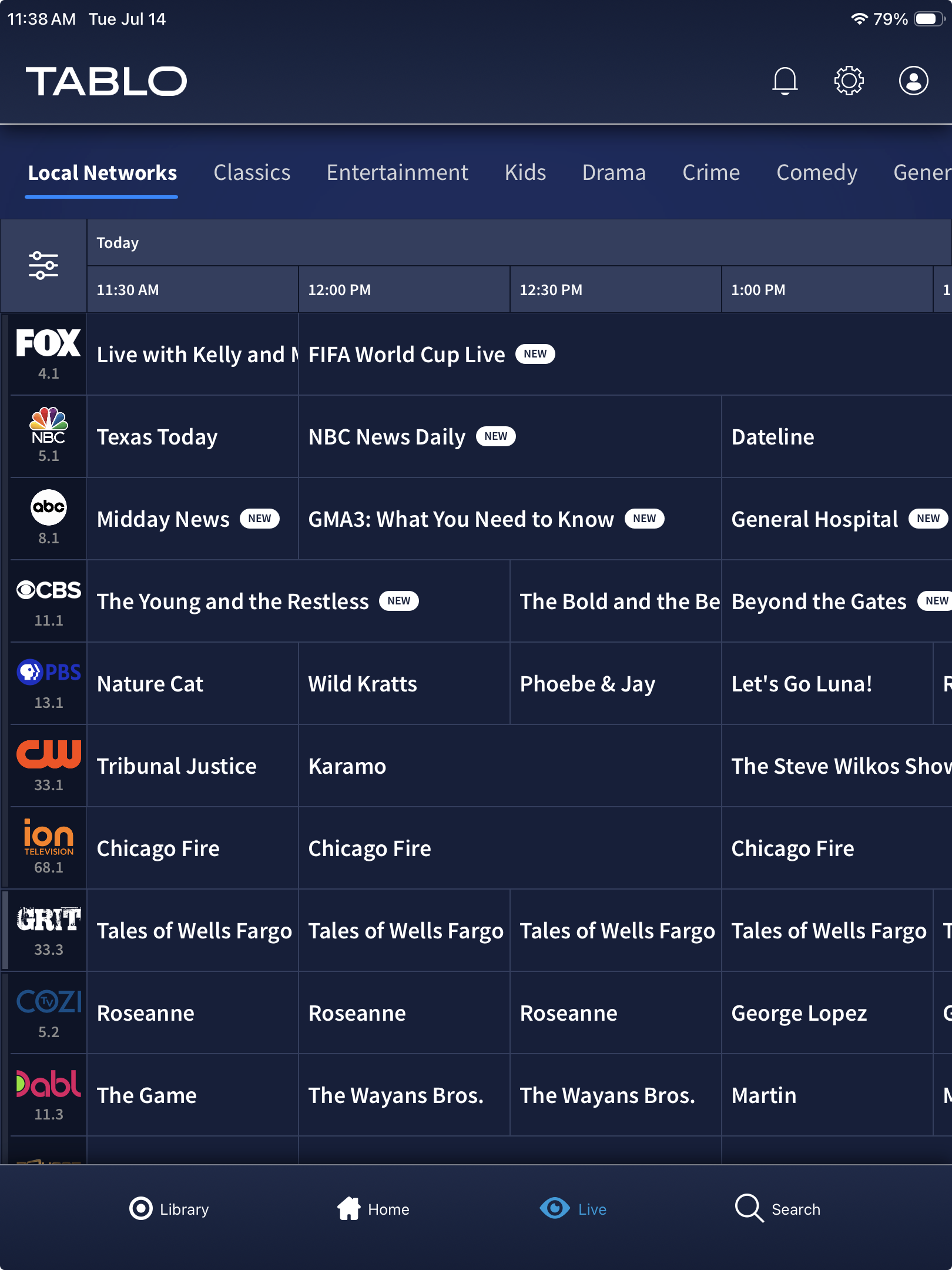
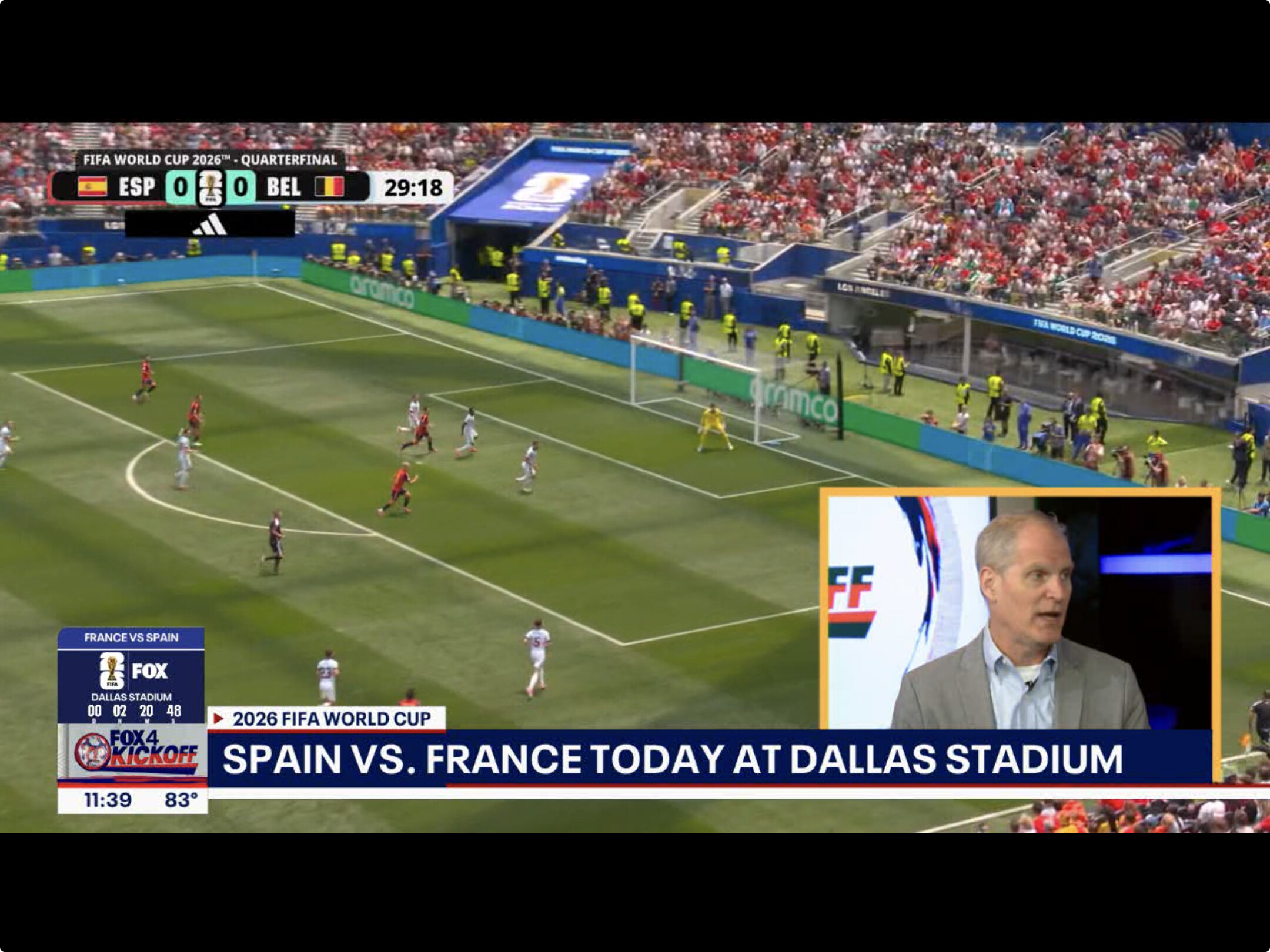
Android mobile @TabloTV

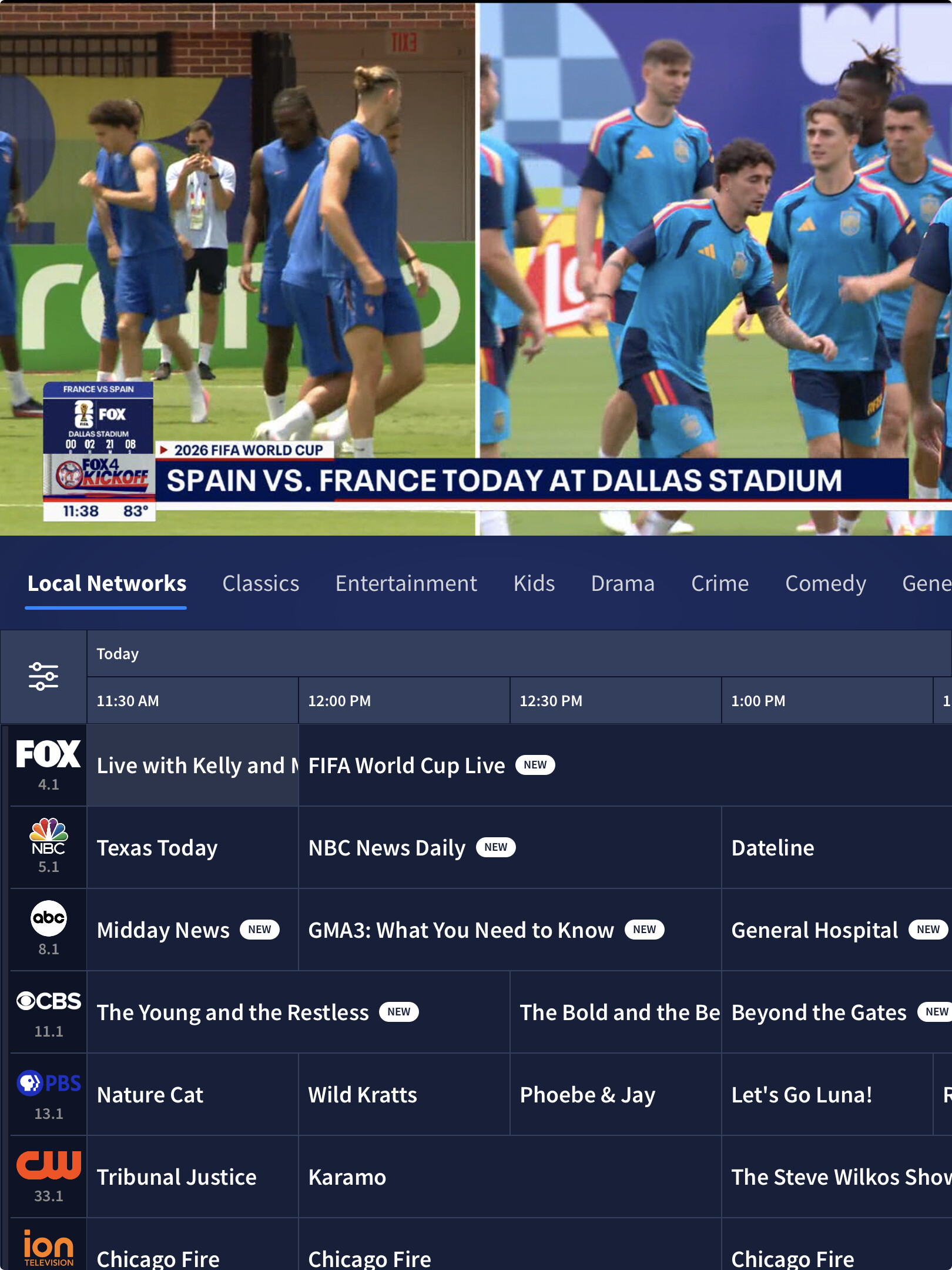
Same here. Portrait mode sucks on iPad. And having to constantly switch orientation from Portrait to landscape while viewing is very annoying. Please fix this bug.
Same problem here. It’s very annoying to go through the program guide like this and having the video not fill the screen. I hope it’s fixed soon.
Add another name to the list of complaints. I too have this issue, but instead of seeing the vertical view when the iPad is in landscape, I get everything sideways… like old iphone app on an iPad. Please fix this soon!
Same problem on my iPad. Very frustrating. What is the timeline for a fix for screen rotation?
Deleting the app and its data does not resolve this rotation problem.
Hi Everyone,
We apologize that this issue has cropped up. The product team is aware of the iOS screen alignment problem and are drafting a fix.
I understand that bugs can occur in software updates. But, really, did nobody actually run the iPad app on an iPad before sending it out?


Will they also draft the same fix for Android mobile?
Has happened before years ago in ios app—-My old (10 yrs) ipad currently still shows tablo full screen in landscape view but that ipad is so old it no longer accepts many app updates so i guess it is on an older version tablo app.
the newer ipad 26.5.2 has the issue of defaulting to vertical view and shows only smaller picture in landscape view—which is how i use the ipad 99.99% 
I have noticed another issue with the update to the Apple version of the app. When I look at the list of recorded episodes of a show, it now defaults to “recently recorded”. Even after selecting “all seasons” it reverts to “recently recorded” if I leave that show. This is happening on both my ipad and my iPhone but on my Onn box which uses Google apps it stays set to “all seasons”.
I have the same problem on my iPad very annoying!
Please fix this issue. I had to delete and reinstall the app to fix another issue and now it forces me to use portrait mode to schedule recordings.