Definitely not technical 
As a new user on Gen4 I do indeed like it very much. Simple and functional.
4 Likes
Will this work with the latest Legacy devices running the new firmware?
In theory, possibly? I don’t have one so I can’t test or validate. But assuming the APIs are the same, then yes.
Any volunteers to try / report?
I’ve recently read affirmative results from some who have tested.
Thank you! Your app works great on my Linux desktop.
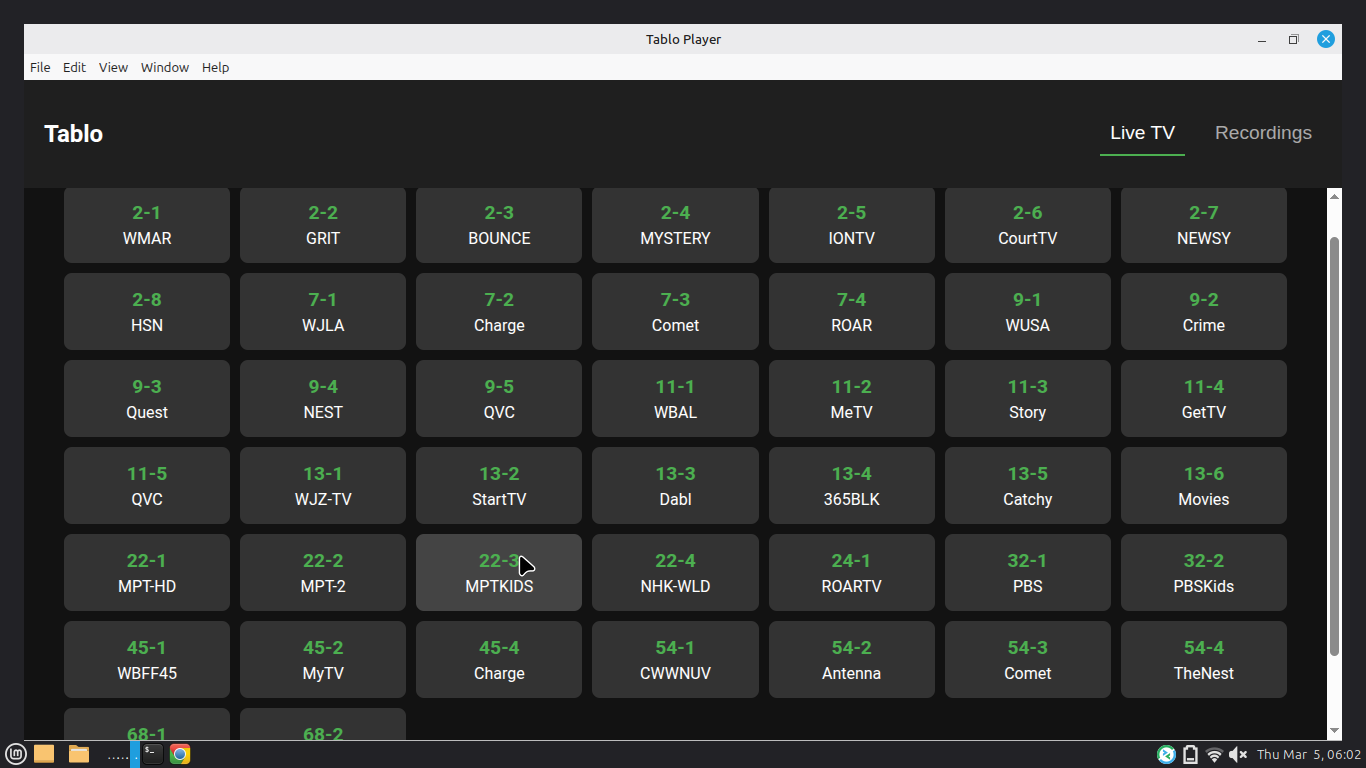
I’m a big fan of your app. Works flawlessly for me. The recordings that I export from my TiVo Edge (OTA) with the cTiVo app are awful…stuttery, pixelly and generally unwatchable. The recordings that I export from my Tablo 4th Gen using your app, Tablo Desktop Player, are flawless. Thank you so much for the app.
And for those of you who haven’t tried it, try it …it is amazing
2 Likes
Just place the appimage on your desktop. Right Click it and go to properties. In the permissions tab just check the box to allow executing as a program.
Lol, you don’t have to do any of that. Just download the appimage and right click it, click properties and in the permissions tab click allow executing as a program. Then double click it and it works.
I just signed up to say thank you for this app. It works with my old tablo (not gen 4). For all the linux users making this way harder than it is. Download the app image, right click it, click properties, click permissions tab, check the box that say allow executing as a program. Now just double click the appimage.
If you have the older tablo like me make sure to update the firmware. Also you have to have VLC installed.
Nope. Sorry. That didn’t work for my version of Linux (the current stable Ubuntu release). But extracting the AppImage and running it that way worked fine, lol. It was even suggested by the error message, which read:
dlopen(): error loading libfuse.so.2
AppImages require FUSE to run.
You might still be able to extract the contents of this AppImage
if you run it with the --appimage-extract option.
I tried that. After I set it as executable, I assume I just double-click on the file and it should launch…? Because, when I do that, I get nothing. I’m still missing something somewhere.
Thanks for the help.
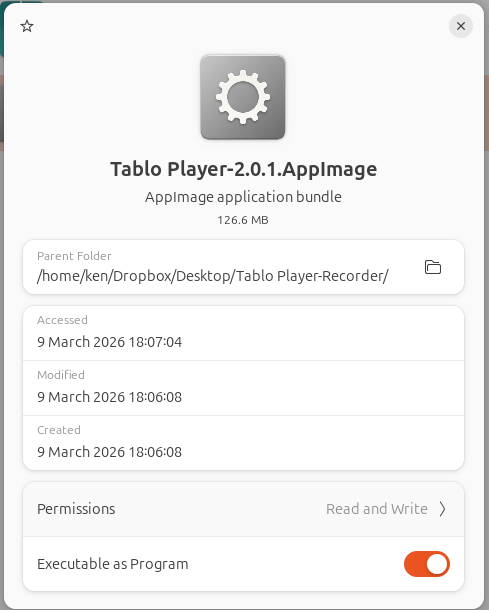
If you look at Permissions in the graphic, you’ll notice you have R-W only but no Execute permission. Try to add that permission to the file and rerun it.
It is the orange toggle on the line below that. The Permissions choices are only “Read and Write” or “Read Only.”
Thanks just the same.
Try this command on the file at the command prompt. I wrapped the file name in double-quotes because of the spaces in the path and filename.
sudo chmod 777 "/home/ken/Dropbox/Desktop/Tablo Player-Recorder/Tablo Player-2.0.1.AppImage"
- To grant full rwx permissions to the owner only:
sudo chmod 700 filename - To grant full rwx permissions to the owner, group, and others (everyone):
sudo chmod 777 filename
Thanks. I will give that a try.
Apparently Ubuntu ships with FUSE3 , app images need libfuse2 so you should just be able to do an sudo apt-get install libfuse2 to make app images work correctly.
If you are using ubuntu try running sudo apt-get install libfuse2
I will look into that. I am running Ubuntu 24.04.4 LTS.