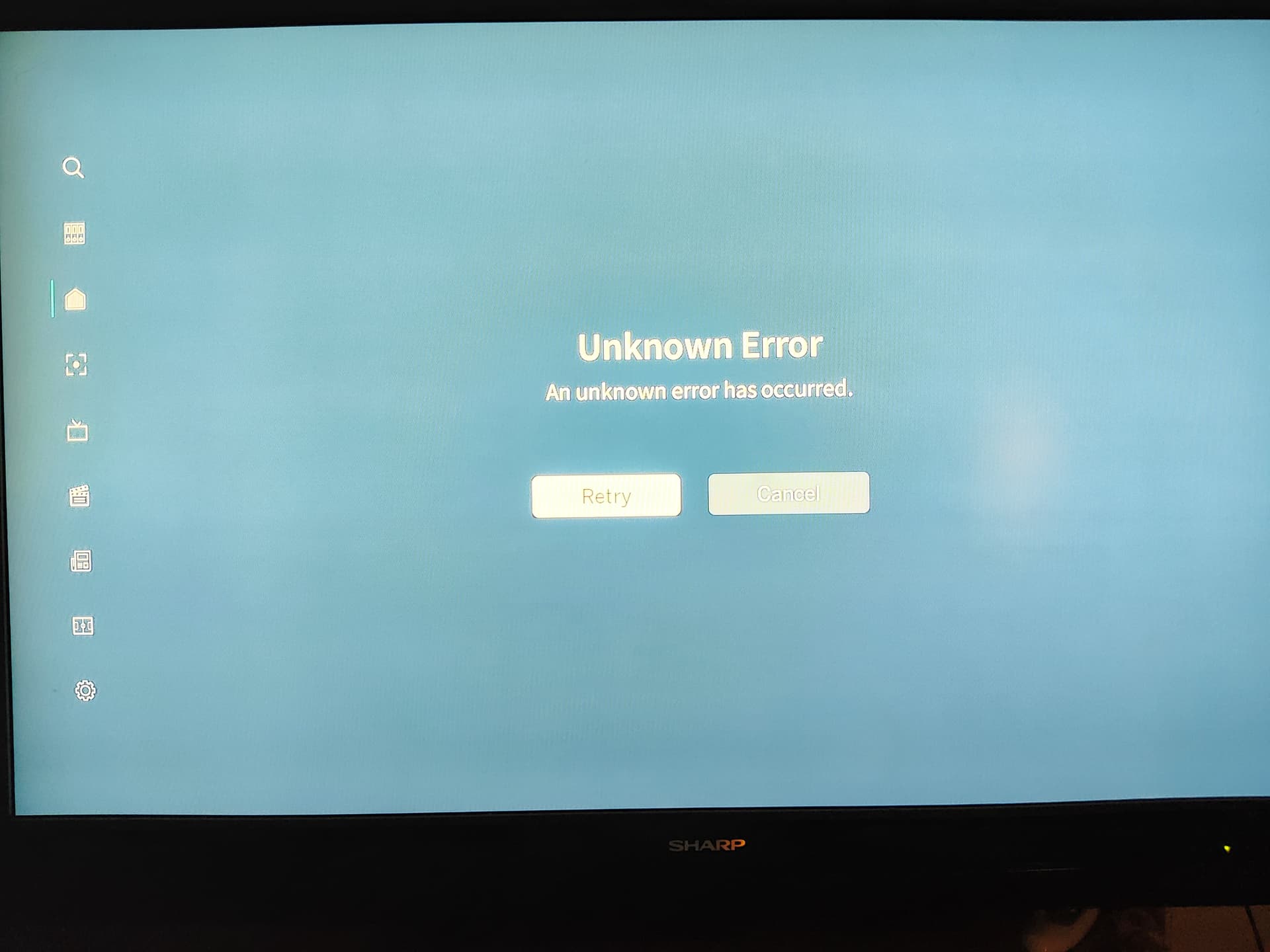
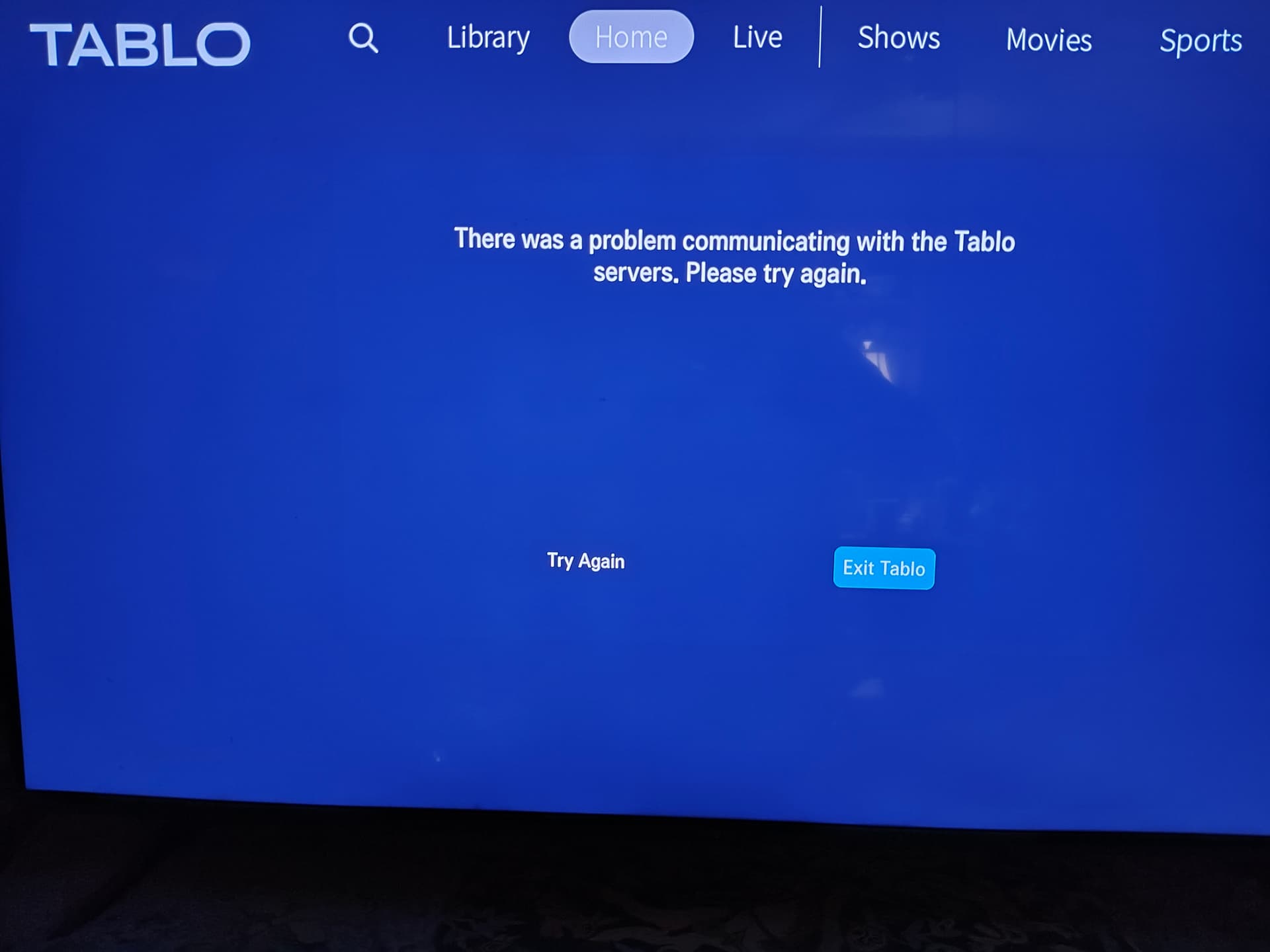
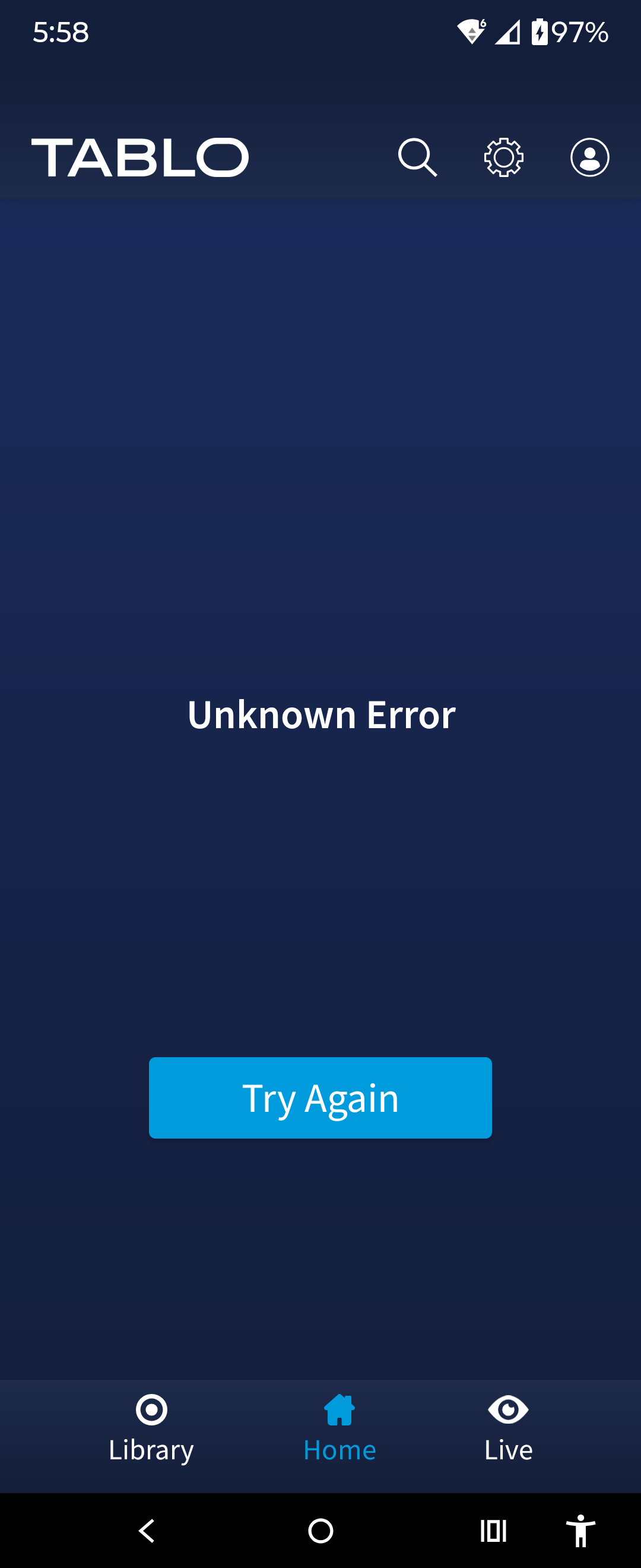
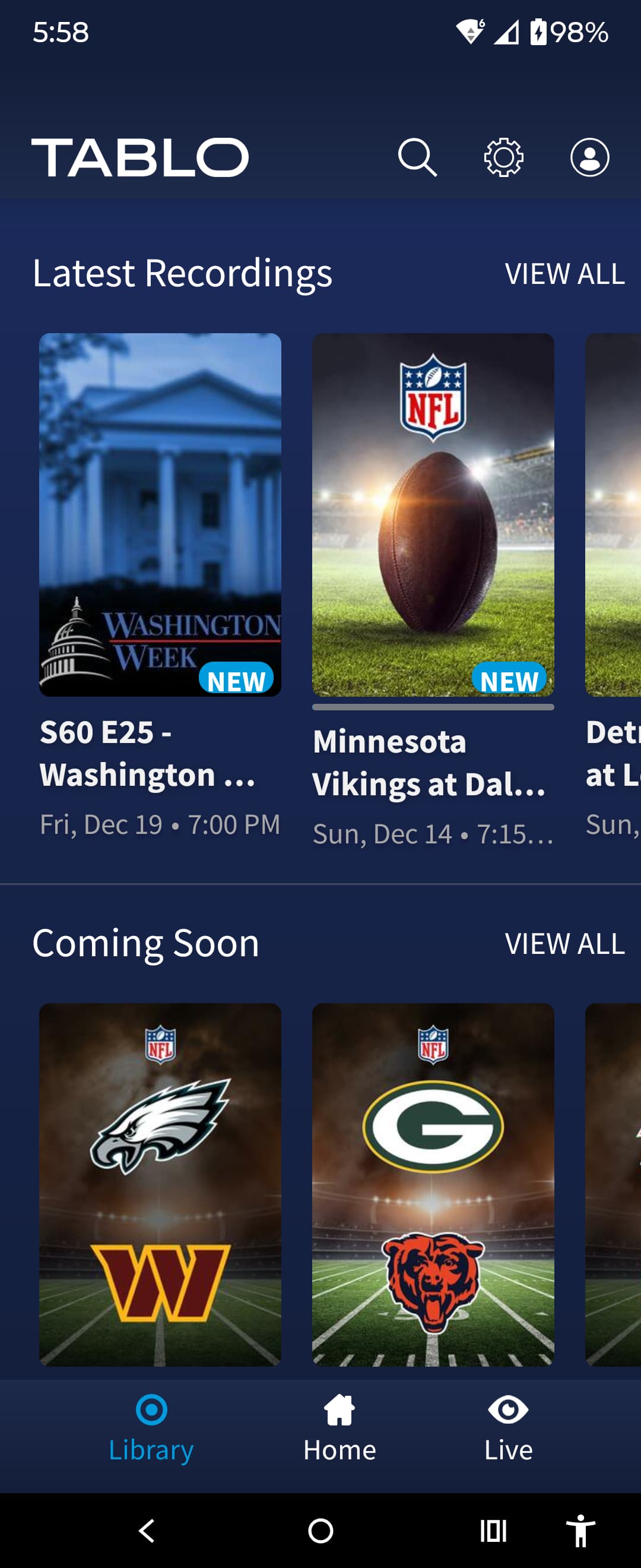
We are aware of intermittent connectivity issues with Tablo Home and Guide screens via 4th Generation apps and are investigating.
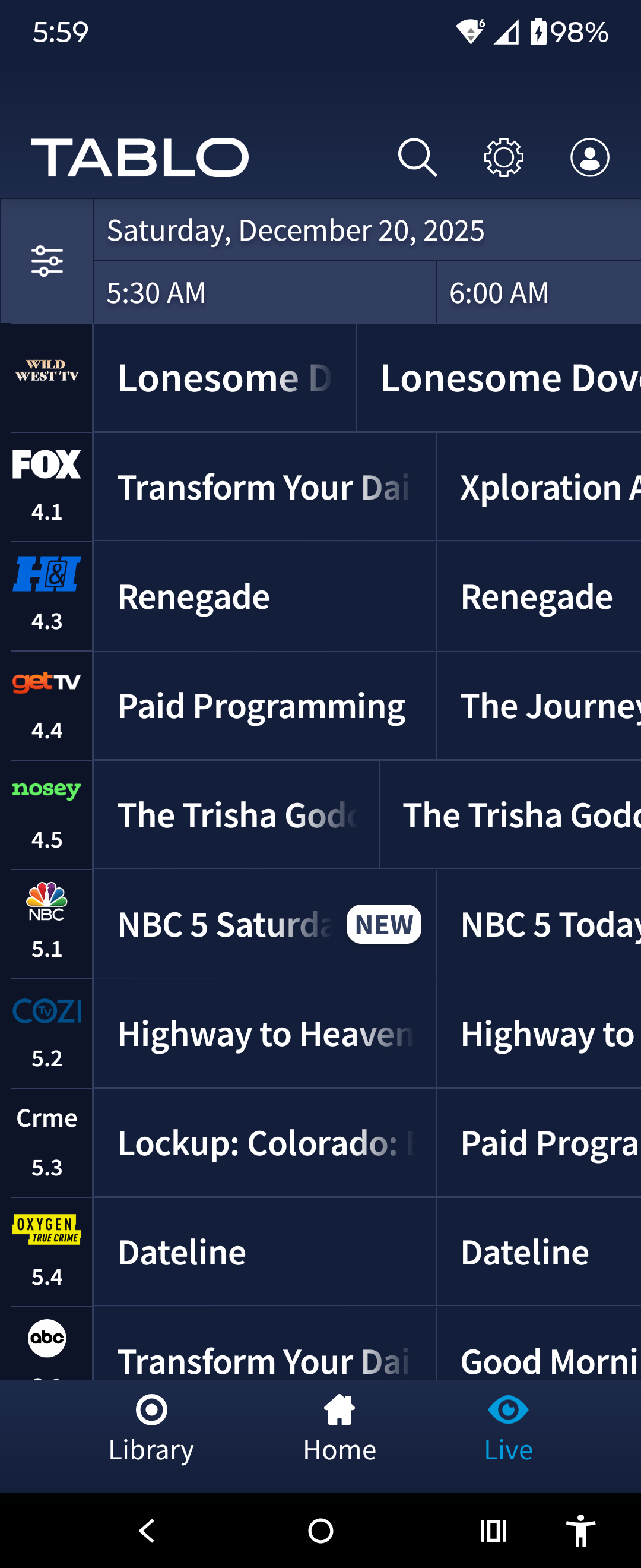
The Live TV and Library screens remain accessible both with and without Offline Mode.
Stay tuned for updates.
UPDATE December 20 - 3:00 p.m. ET
The intermittent connectivity issues seen earlier today have been resolved. If you’re still experiencing issues with your Tablo, don’t hesitate to touch base with support www.tablotv.com/support
the same here with onn 4k pro. They must have some issues with their home page. It would be nice if there was a setting to open Tablo to LIVE or LIBRARY and skip the HOME page.
I’m having the same issue too…on Roku, Tablo does not work, just the scrolling connecting to your Tablo screen. On android app, Tablo apps opens up but shows unknown error, try again, but can use library and live to watch tv programs. I uninstalled the Tablo app on Roku and reinstalled and the Tablo app will go into offline mode to watch live TV. Tablo was woring fine a couple hours ago…
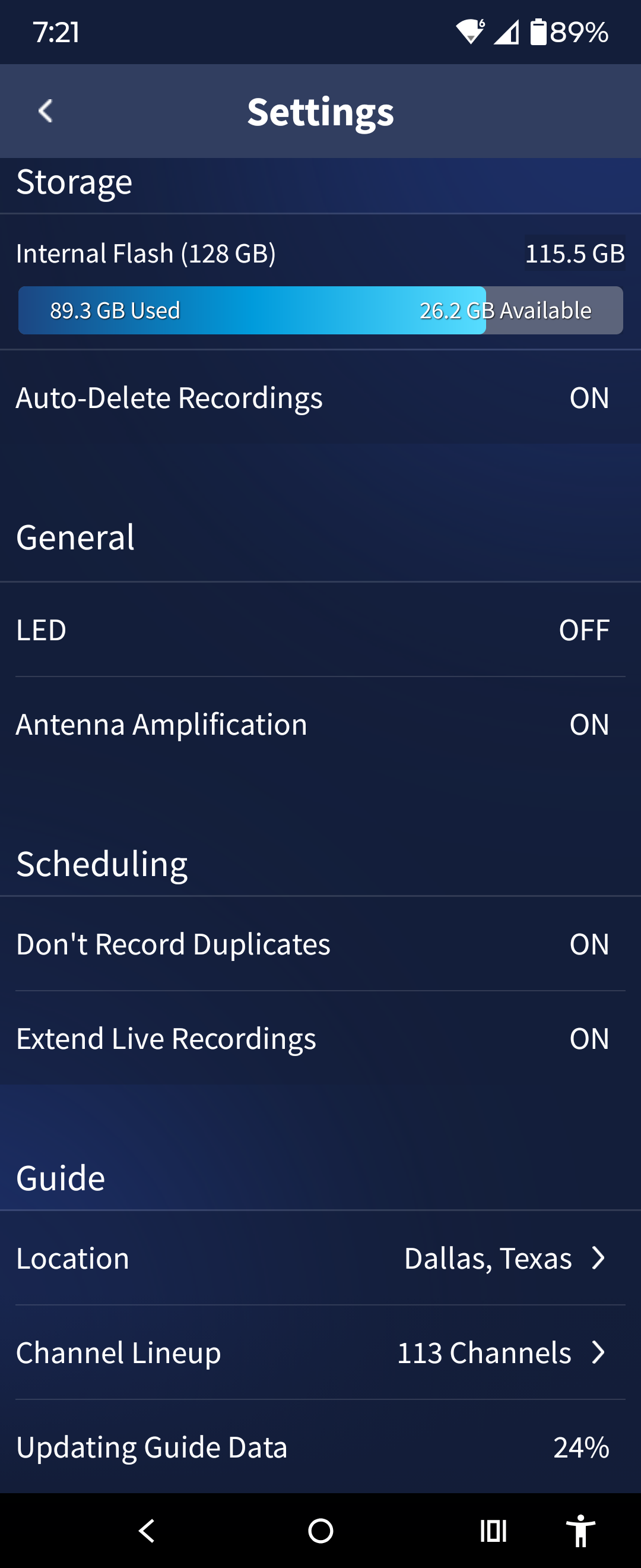
I noticed that too…my update progress is at 63% @ 6:45 am, has been updating for an hour now…15 minutes later, only at 65% @ 7:00 am… I’m thinking "SERVER OVERLOAD "…only at 71% @ 7:45 am
This is also happening on AppleTV app. It says that it has communication issues and if I want to switch to offline mode. I know it’s not my internet because my computers, tvs work. So I must assume it’s the Tablo servers. Maybe it’s similar to that issue they had in the past with their domain server or something on their end. I checked their server status at My Status - Tablo TV and it shows everything green. I think they need to add additional checks to the status page to show additional issues.
On both Gen 4’s. Using the Android mobile, went to library to watch local news that started recording at 7am. Acts as though I’m watching live. The time on the newscast shows current time of 7:40. Exited and selected Play From Beginning and the newcast clock still shows current time 7:42. Went to Live and newscast time is 7:43.
Tablo servers have crashed again. I have a 2 chan 4 gen Tablo, Roku 4802X Ultra and an Android phone. The Roku app just has sits at the initial blue screen and does not go to the offline mode. The Android app says “Unknown error”.