try this…on android you can still use library and live options and on Roku, uninstall and reinstall app and go to live tab and Tablo will go into offline mode
Can you just TAB over to Live or Library?
So you don’t have to reinstall…
Yes. Library and live are the only options you can select, all other options are greyed out. Just tried to go to Roku home screen and go back into Tablo, everything seems to be working normal now…Android Tablo app is still showing unknown error
The workarounds TV-Watcher-2-Much suggested did work. CarbonCompound, there are no Live or Library options to tab to on Roku.
Glad to help…good thing there is the Tablo community web page to go for help, this is my go to when my Tablo is acting up, better then calling support…
1 Like
Tablo won’t come up and no one is working on the weekend to investigate or get help. Tried my phone and it thinks I’m a new customer.
Status on the home screen says everything is Operational.
What’s’ a customer to do during non-Business hours?
1 Like
should have rebooted tablo before posting. up and running now.
But this does beg the question of what a customer to do when no one is in the office at Tablo?
2 Likes
It’s my understanding that they have a limited staff on the weekends. Typically they show up at 9:00am ET.
2 Likes
Our support hours are 8:30 a.m. - 2:30 a.m. ET, 7 Days a week.
And our infrastructure team is looking at this issue now.
We have set thresholds for when the status page reports degraded performance or outages. The intermittent nature of this particular issue is likely causing the reporting issue.
We have added a text-based warning to the page for now.
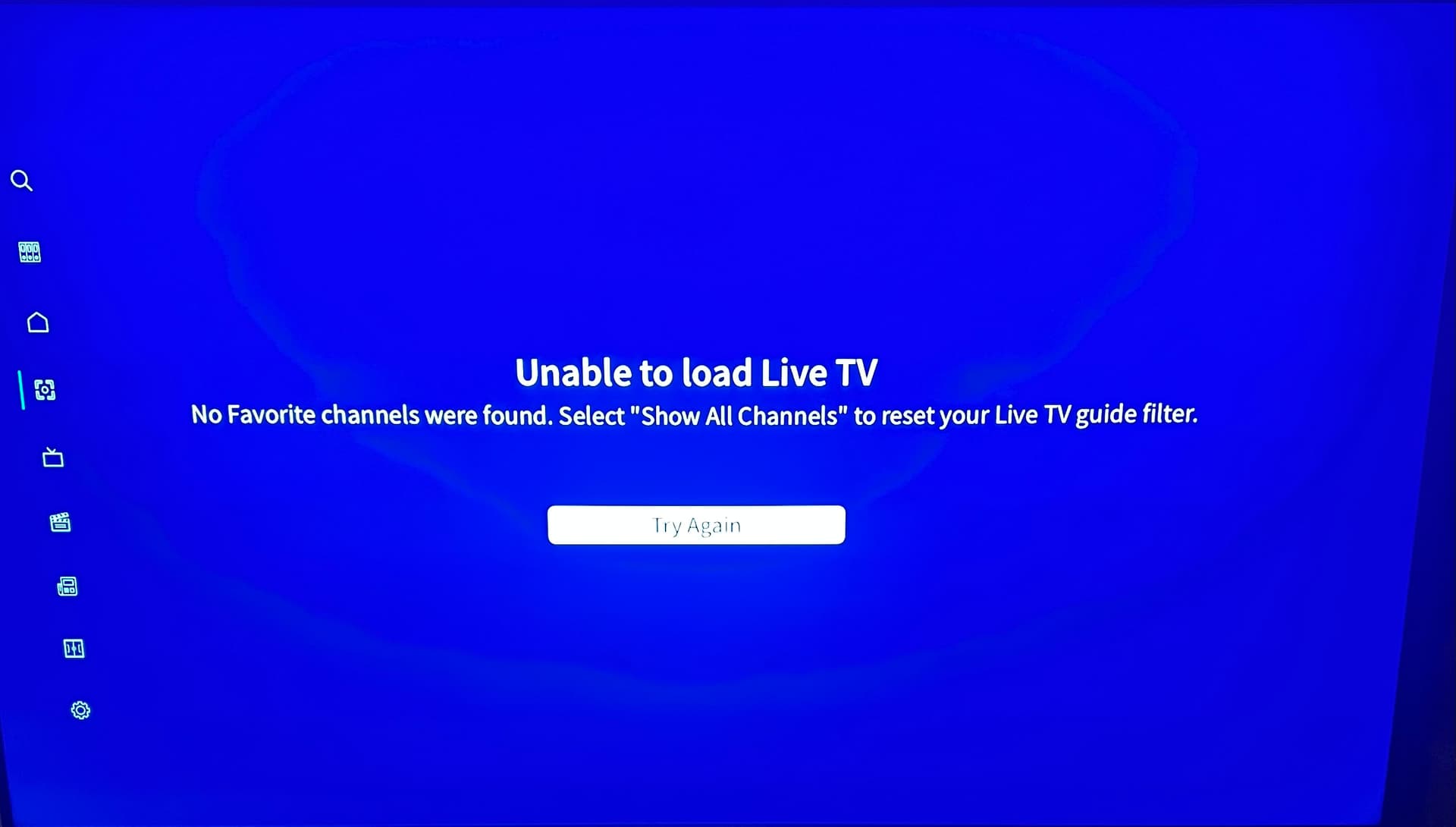
I have resolved the issue
Would help others if you tell how.
the Home screen isn’t working for me, just like all y’all, but I can click on Library and Live and I can watch a recording or live TV. I’m sure this outage will wreak more havoc on those already experiencing issues or trying to set up their device, and they’re probably wondering why their systems aren’t working. Stability of the system should be job #1.
I guess the question should be, “why is the status showing ‘Operational’ on the Status page?”.
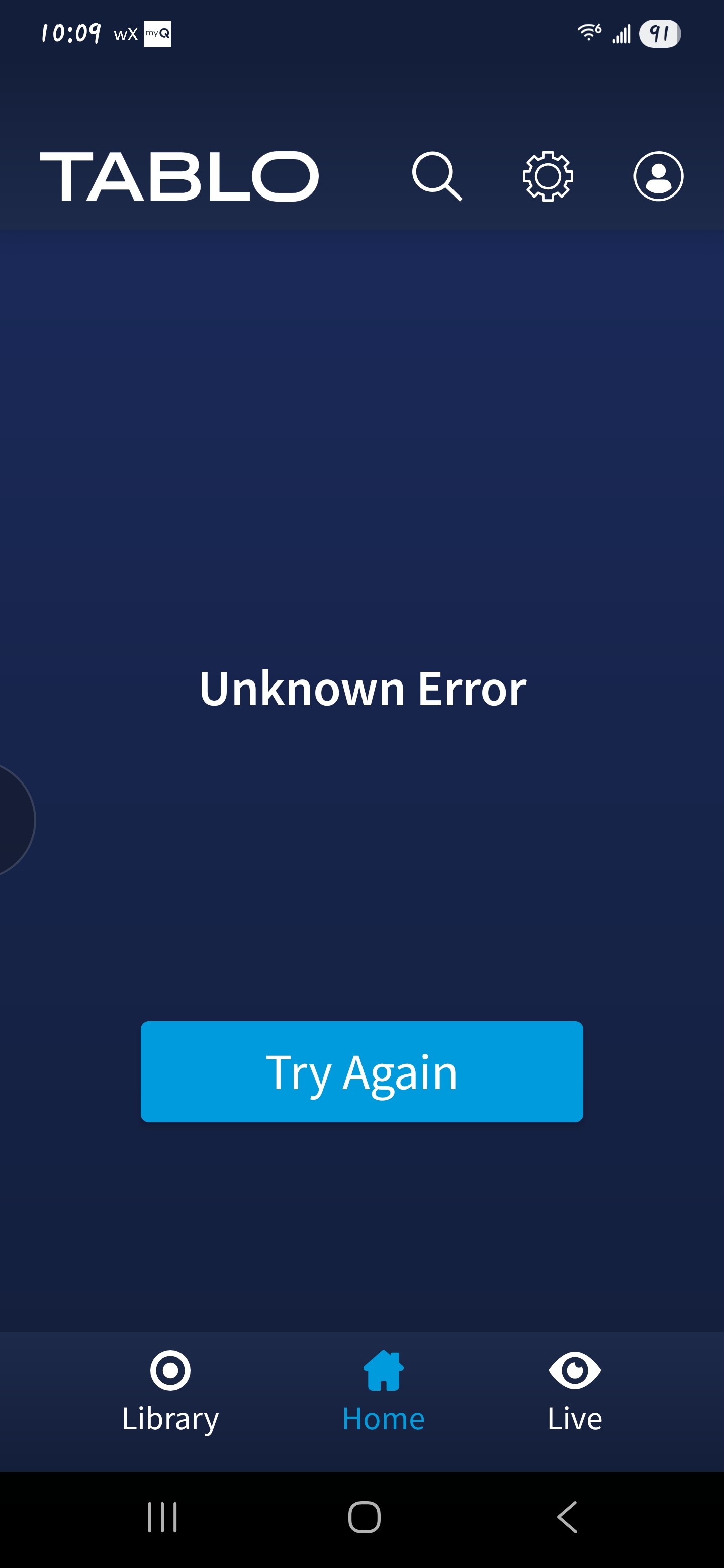
On my Roku devices I can’t get past this screen.
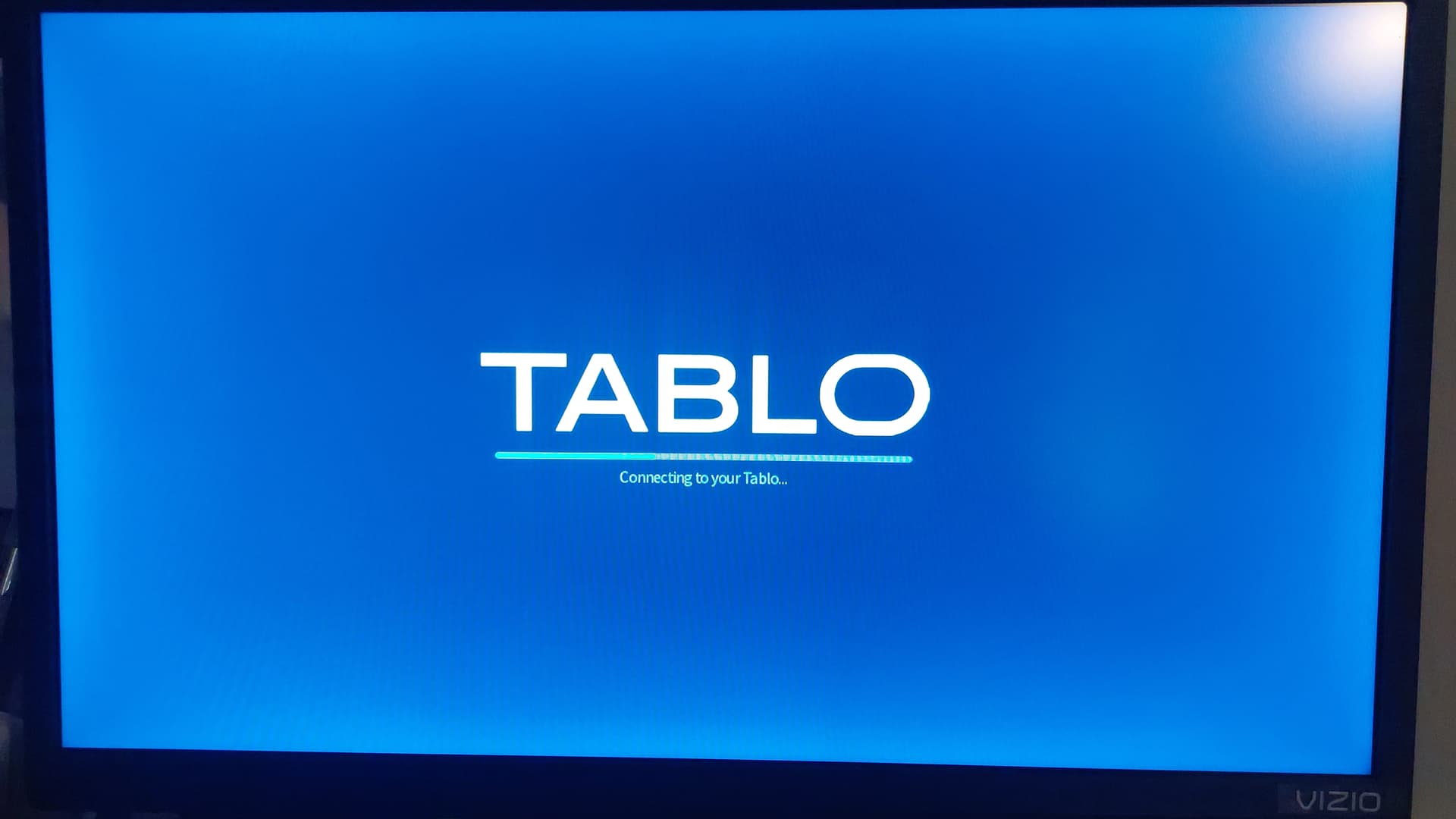
Just like wysiwyggin I can get to the Library and Live on my phone, but on the Roku I cannot get into Off Line Mode if it doesn’t prompt me to do so. Is there a way to force Off Line Mode if not prompted? That would be really helpful.
1 Like
It was intermittent this morning but at this point I get nothing but the unknown error message. Any updates??
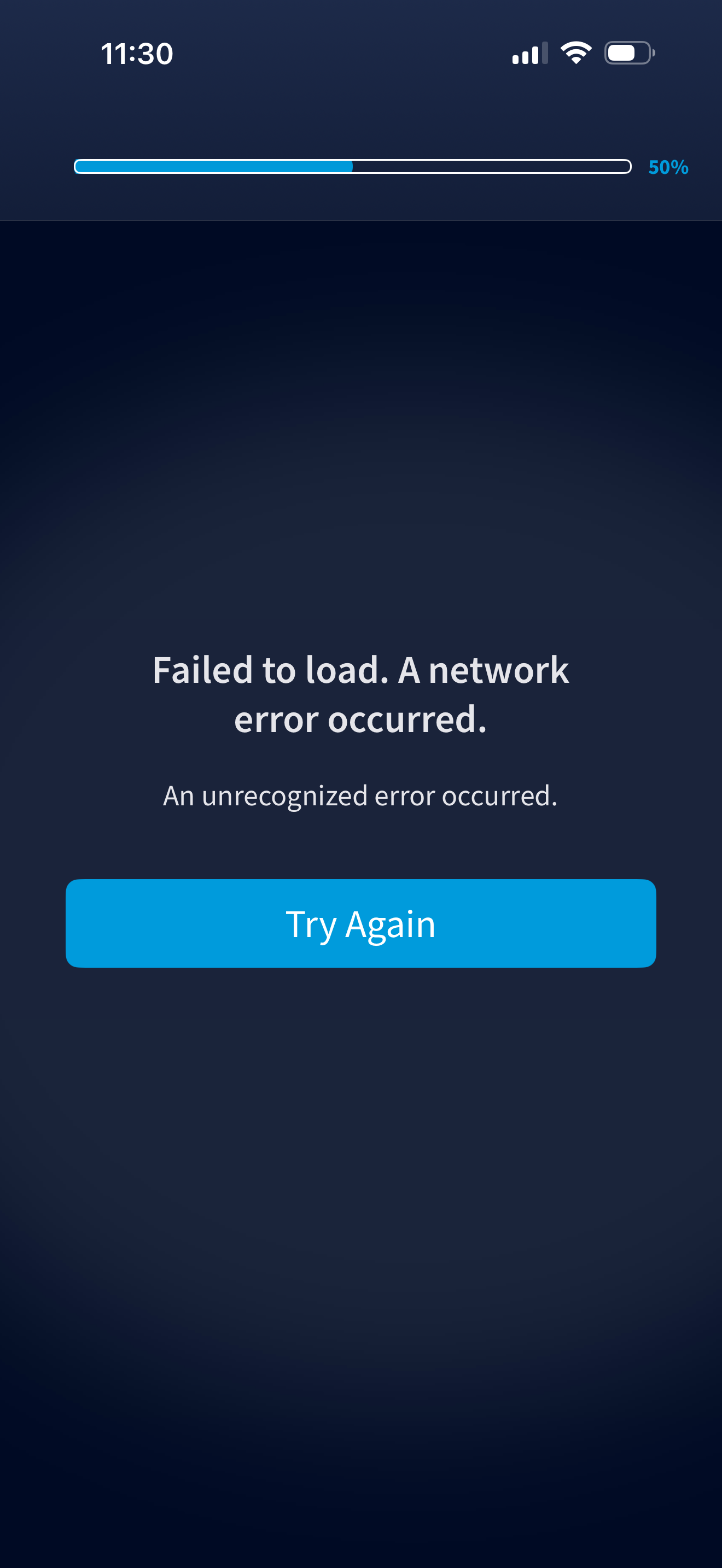
@TabloTV has been online merging posts and someone put a message on the Status page, so hopefully they have someone working on this. We don’t need yet another weekend with issues. Thankfully, we have direct antenna connections to our main televisions.
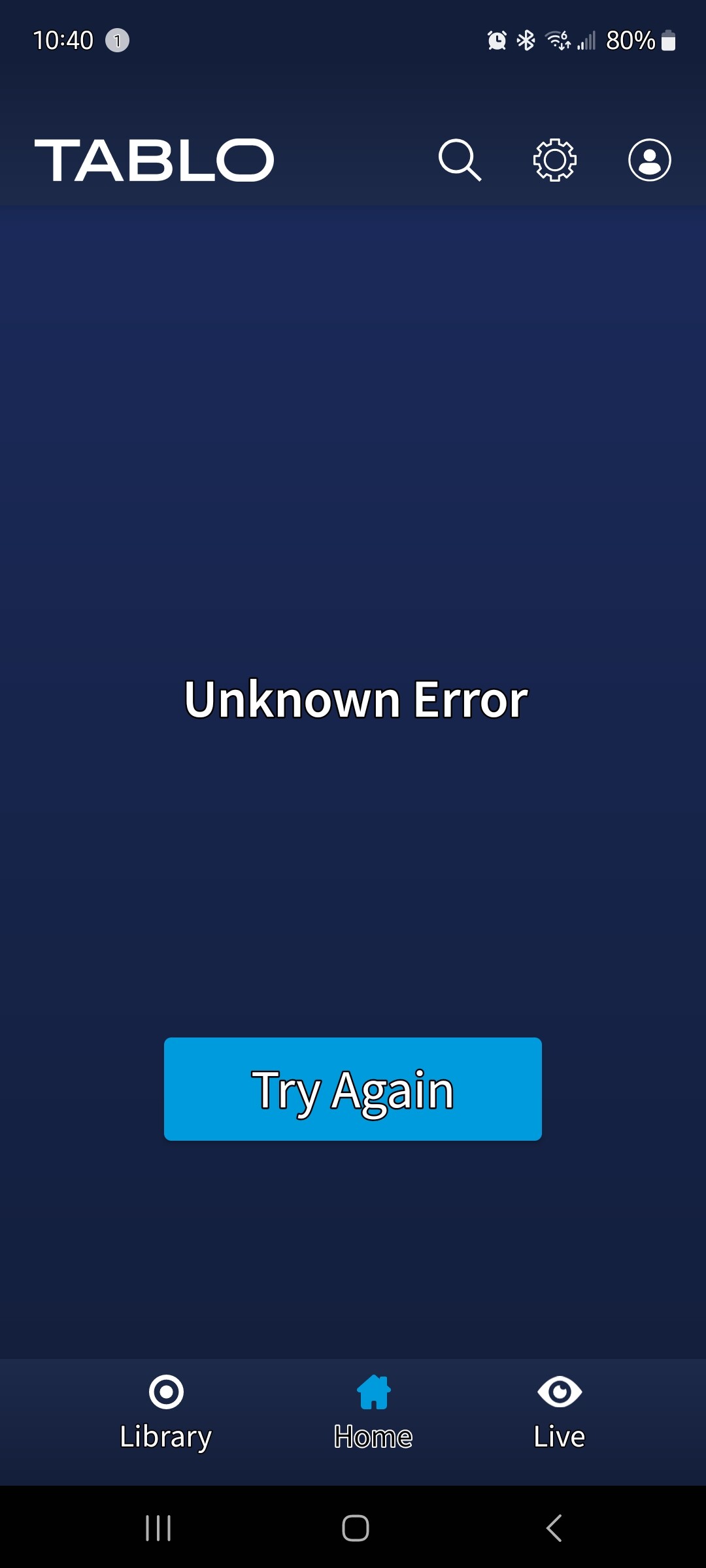
I was getting this earlier, too, but July Roku finally prompted me to enter offline mode.
This occurred on my device after applying the latest firmware so I’m assuming it’s a bug with that….
After having the issue and seeing no mention of a problem on the status page, I went and bought a replacement. It required the update and then stopped communicating like the other. Pretty frustrating that it took hours to have the notice posted. I was troubleshooting at 0530 EST and ran to the store at 0900 for the new box.