This is a maintenance release with very few customer-facing tweaks but lots of behind-the-scenes changes that will enable future features and device support.
This firmware is now available for all 4th Generation Tablo devices.
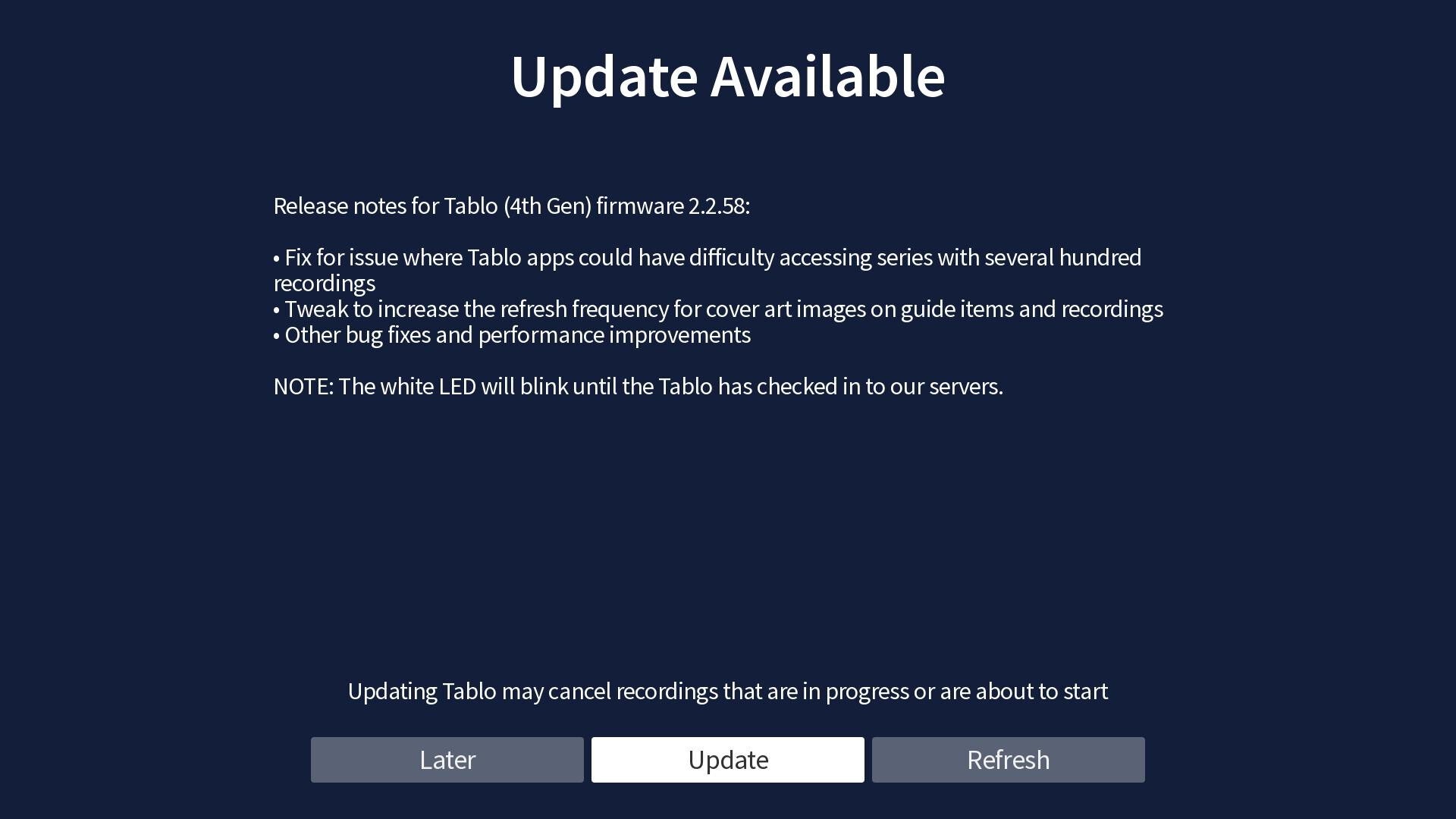
When your device is eligible for the update, a notification will pop up within your Tablo app and will look something like this:
I hope this fixes the Ion recording bug - I’ve been recording events from the FAST Ion channel, and it consistently cuts off recording before the end. One time, I had a 2.5 hour program and it recorded just 30 minutes. Another time it stopped recording and said “An unknown error has occurred.”
Ouch! the power went out for a few second where I live and when it came back everything got rebooted so I check my tablo to make sure it was fine and was greeted by this new update so I went ahead and did the upgrade and everything went fine.
Mine did the same. Worked fine until after the update and now it’s dead. Believe me I have tried everything! Rebooting router,modem, tablo etc..I have tried Ethernet and wifi. Uninstalled apps on multiple devices and reinstalled. They all say no tablo found. I even checked my power adapter with a multimeter and it is working.
Died how? I’m sure you may have checked all these, but trying to understand the word dead. No blue light? If plugged in does it get warm? Tried connecting to different outlet? What streaming device? Do you have more than on type of streaming device? Did you reboot and restart devices in the order below? Meaning reverse order for restart.
Just dead. No blue light, no heat, not booting. Truly dead. Everything else is working fine, including the outlet. The unit just doesn’t power up anymore.
I know it would be unrelated to the update, but did you check your power pack with a multi-meter. It would be quite a coincidence timing-wise, but they do go bad.
Did you ever get yours to work again? Mine did exactly what yours did. After update it is dead. No power and I know my power cord is good cause I checked it with a multimeter.