Sure, but with this firmware you can use BOTH the 4th gen and legacy apps, upgrading to this firmware does NOT require discontinuing use of the legacy apps.
I have a lifetime subscription and on this firmware I can remotely access my Tablo just like I always have been able to with a subscription, using the legacy (i.e. not 4th gen) Tablo app.
I have the Tablo SPVR2-01-NA, and it is currently running firmware version 2.2.42. I’ve read through this thread, and I’d like someone from the Tablo team to answer a couple of questions I have so I have the ‘official’ Tablo answer:
My Tablo in connected to my home network, which has access to the internet. Will this firmware upgrade (v. 2.2.58) automatically be installed or will I have to initiate the upgrade once it available to my device?
I understand that after the upgrade is installed, I’ll be able to access the ‘SPVR2-01-NA’ Tablo via either the new 4th Gen Tablo app or the old Legacy Tablo app, is this correct?
After the firmware upgrade, will I still have access to the lifetime guide data using my Legacy Tablo app, or will all guide data come from the 4th Gen Tablo app source?
After the firmware upgrade, will I still have remote access to my SPVR2-01-NA Tablo tuner using the legacy Chrome or Fire TV Tablo app from remote locations like I have today?
If I still will have remote access to my SPVR2-01-NA Tablo tuner using the Legacy Tablo app, will I have access to all recordings, including those recorded using the new, white, 4th Gen 4-tuner device as well as those recorded via the SPVR2-01-NA Tablo tuner?. Reason for asking is each Tablo device has its own data storage.
If problems arise with remote access to my SPVR2-01-NA Tablo tuner or any other unknown recording/usage problem, will I be able to revert the SPVR2-01-NA Tablo tuner back to the previous firmware version that only works with the Legacy Tablo app? Will the process be documented?
I hope @TabloTV is looking at this same table and realizing that they should do something about those ‘X’ under the Gen4 app. I also hope they announce their long-term plan for the Legacy app, so we can all prepare if/when it does terminate. The further out the better, but understanding it may need to happen to reduce the infrastructure needed to run the flagship product(s).
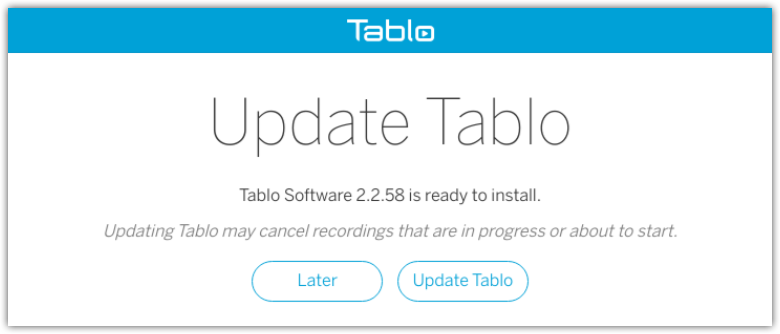
If you select LATER on the firmware update prompt, the update will not be installed but will remind you periodically that your Tablo’s firmware is out-of-date.
After you update your legacy Tablo device, you’ll need to complete the Legacy Transition Steps as well in order to be able to access your legacy device via 4th Gen apps as well as the legacy apps you’re accustomed to.
Nothing will change with your TV Guide Data Service subscription. Your legacy Tablo device will still need and use the subscription if you’d like to continue receiving 14 days of TV guide data and the other benefits that an active subscription enables on legacy devices.
If you had an annual or monthly subscription vs. a Lifetime subscription, and you choose to move totally over to 4th Generation Tablo apps where TV Guide Data and DVR features are free, you could consider cancelling your subscription.
Yep. NOTHING CHANGES ON THE LEGACY TABLO SIDE. You can continue to enjoy out-of-home streaming on supported legacy apps with your Lifetime subscription.
Via legacy Tablo apps, you’ll be able to see all of your existing recordings. Again, there’s no change there at all.
If you create recordings of free streaming channels on your legacy device via a 4th Generation Tablo app, those WILL NOT be visible via legacy apps.
There is also some limitations on seeing manual recordings created on the legacy side, via 4th Gen apps as outlined here:
Since you have BOTH a 4th Generation Tablo (white) and a Legacy Tablo device, after you complete the transition steps you’ll be able to switch between both devices within the 4th Gen apps. Each will maintain their own separate storage, channel lineup, and database.
This update has been in beta testing for many months, so we do not anticipate any issues. However, it is possible to revert to a previous firmware version if required. This must be done by contacting support.
Yes I already know that, I was just replying to the user wysiwyggin about the legacy app disappearing but then I remembered the HDMI tablos don’t need the app if are only use on 1 TV
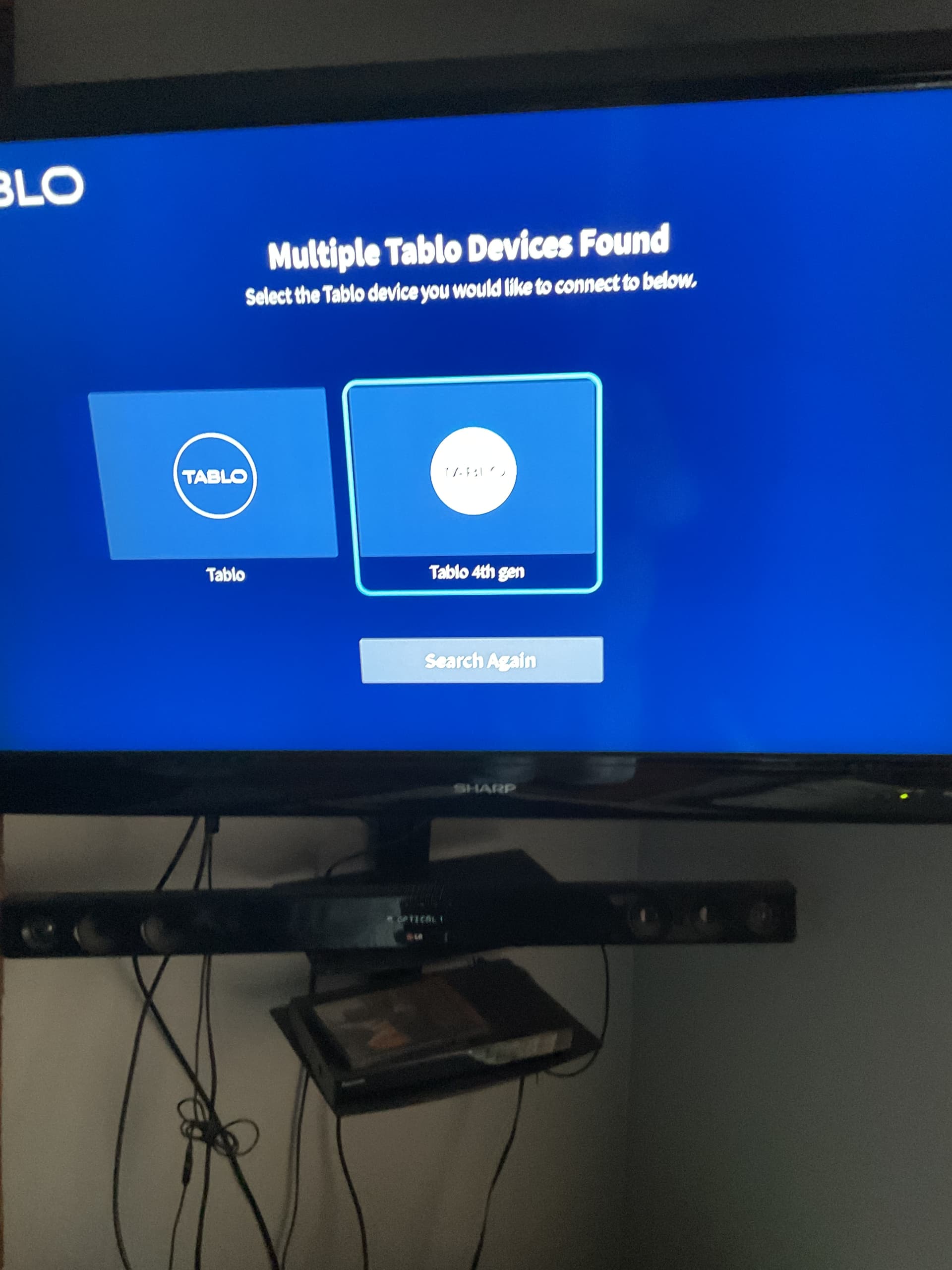
I have a 4th gen Tablo and a legacy Tablo. I updated the legacy Tablo to 2.2.58.
When I go to the 4th gen app on Roku device.
I see both Tablos on the screen if I select switch devices. If I select the legacy Tablo, it want to perform an install. It doesn’t see the legacy Tablo only the 4th gen
Since I already had a 4th gen Tablo, I have the app, updated the legacy Tablo to the new 2.2.58.
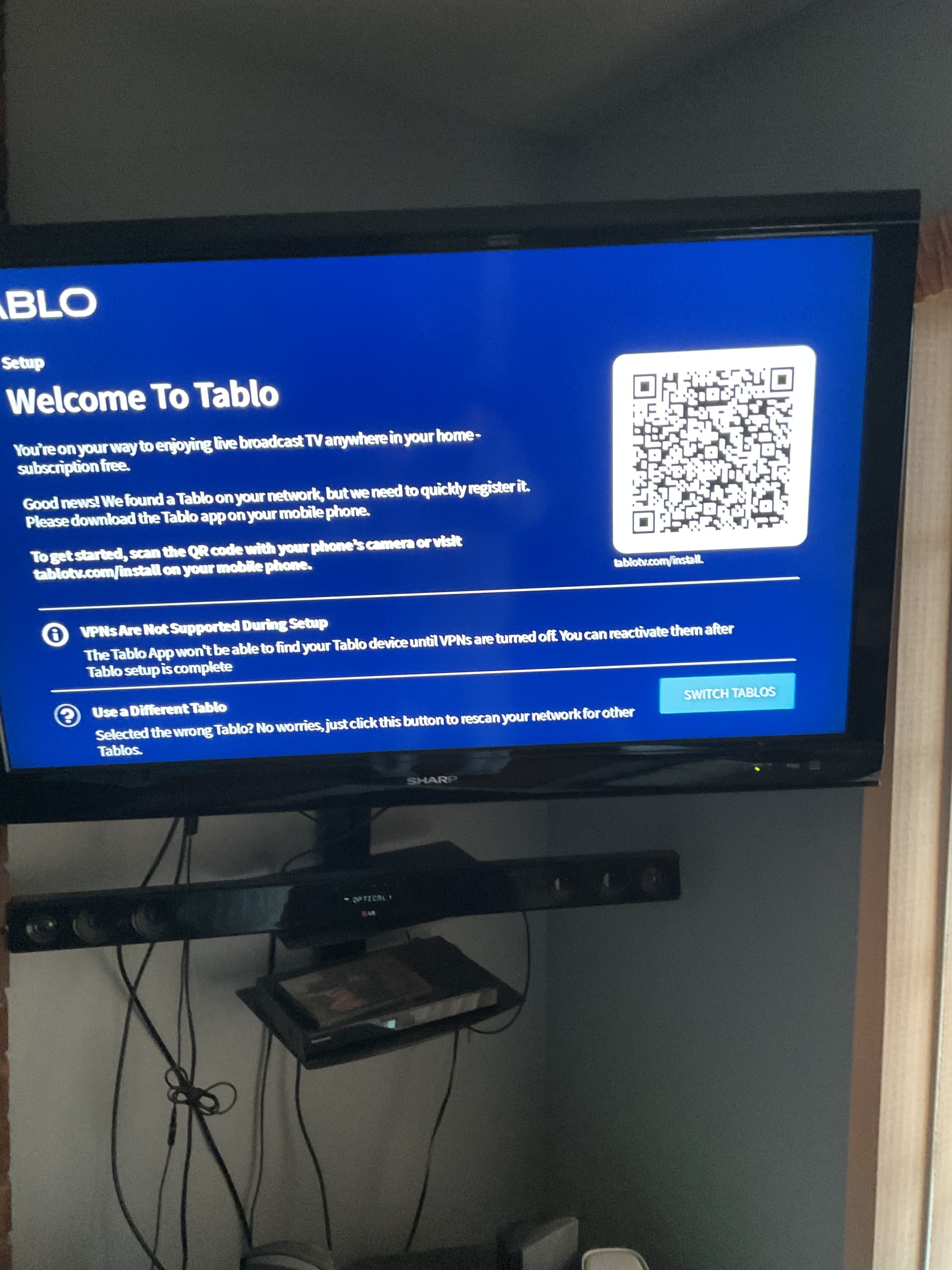
Went to the 4th gen app and selected the legacy Tablo, expecting it to require a scan. It display the QRCode for Tablo Setup - Tablo TV. Went there and only my 4th gen Tablo was found.
Those who are already logged into an existing 4th Generation account should select the profile icon in the top right of the app and then selectADD NEW TABLO .
I select “Add Another” > “Connect Via Wi-Fi” > Continue > Next. Tablo_XXXX is never display
Ah. Since your Tablo is already on the network, you shouldn’t need to do that.
If your legacy Tablo wasn’t showing up in the the list of Tablo devices available in your 4th Gen app, try logging out of the app and logging back in.
It should be there when you log back in. When you select it, it should allow you to jump to the channel scan portion.
If not, you can choose ‘Ethernet’ when it asks you for setup, even if your Tablo is on Wi-Fi since ‘Ethernet’ just tells the app your Tablo is already on the network.
We’ll update those instructions to make that clearer.
Thank you. That was the issue. Once I logout and login, both Tablos were displayed. I did notice that the legacy Tablo serial number change from GI- to SID. Wasn’t expecting that.
This question was not answered above unless I missed it somehow. LONG time legacy user here. I wanted to ask about “under the hood” aspects of this new update being offered to me starting today on my legacy Tablo.
Assuming: I update my legacy Tablo to the latest firmware but I NEVER intend to use the Gen 4 app or anything related to it. (I know at some point Tablo Mgmt will likely just drop legacy support and require Gen4 but for now I am going to ignore that possibility).
Does this new software offer “under the hood” improvements that will effect my unit’s operating at all? Anything changed to improve my experience based upon my above presented assumption? I will likely try the new software if for no other reason than constantly being nagged to update the firmware.
I get all the posts above and it appears very easy to use the latest, especially if I simply retain my legacy app on my devices. I simply haven’t noticed anything said about performance improvements with this update for someone in my use case???
This is through a Roku. It’s the only device I generally use.
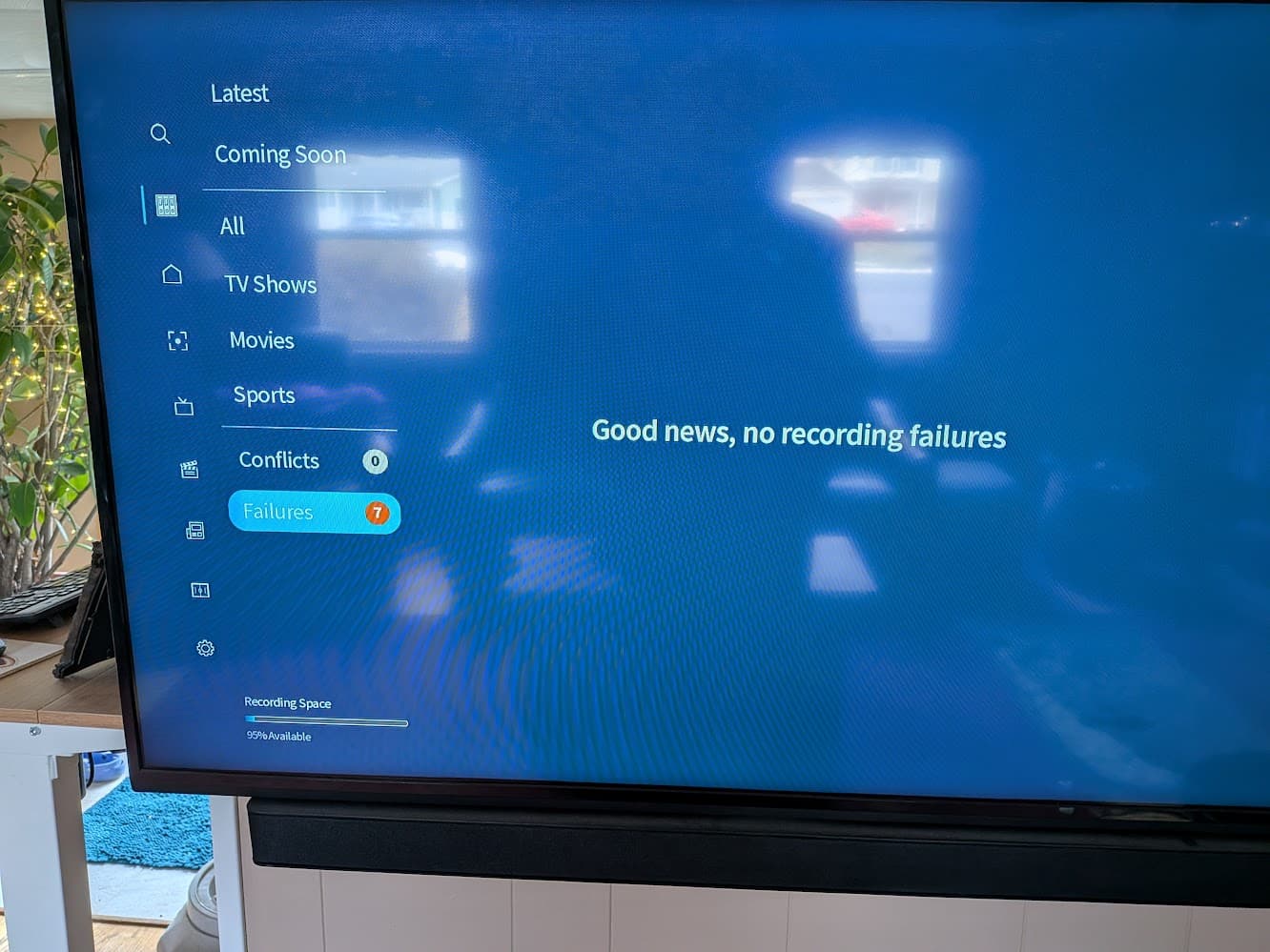
I just checked the android app and it didn’t show any failures.
I checked the Roku again, and it showed 7 failures again, but now (an hour after I originally posted) it did show a list of failures which were probably legit signal strength issues I assume.
I just got the update shortly before my original post. Is it possible that it knew about the failures, but hadn’t fully done indexing or whatever it needs to do with show metadata so it didn’t know what to show?
Still though, when I checked the android app just a minute before checking the roku I would have expected them to match.