Hi folks –
Starting today, owners of Amazon Fire TV streaming devices running the new Vega OS can enjoy watching live and recorded TV from their Tablo devices thanks to a new 4th Generation Tablo app.
NOTE - This update is NOT for older Fire TV devices running Fire OS. Your Tablo app will continue to work as usual.
Here’s what you can expect:
4th Generation Tablo Amazon Fire TV Vega App (v. 2.1.0)
- Compatible with Amazon Fire TV sticks running the Vega OS
- Adds Record Live functionality
- Adds details and troubleshooting help on connectivity screens
- Bug fixes and performance improvements
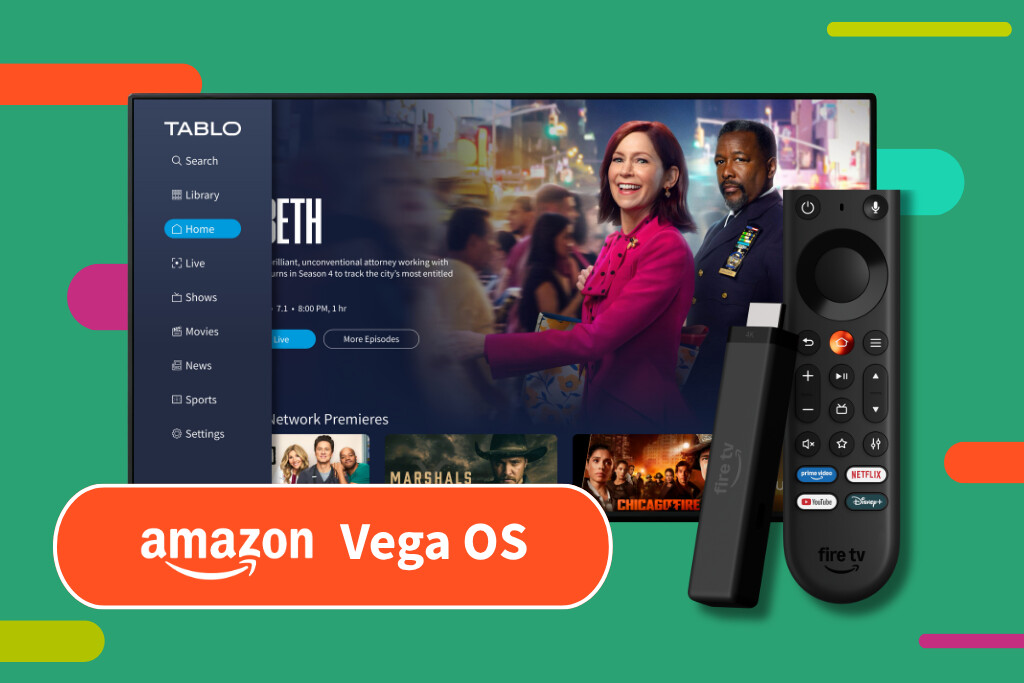
About the New Tablo App for Amazon Fire TV Vega Devices
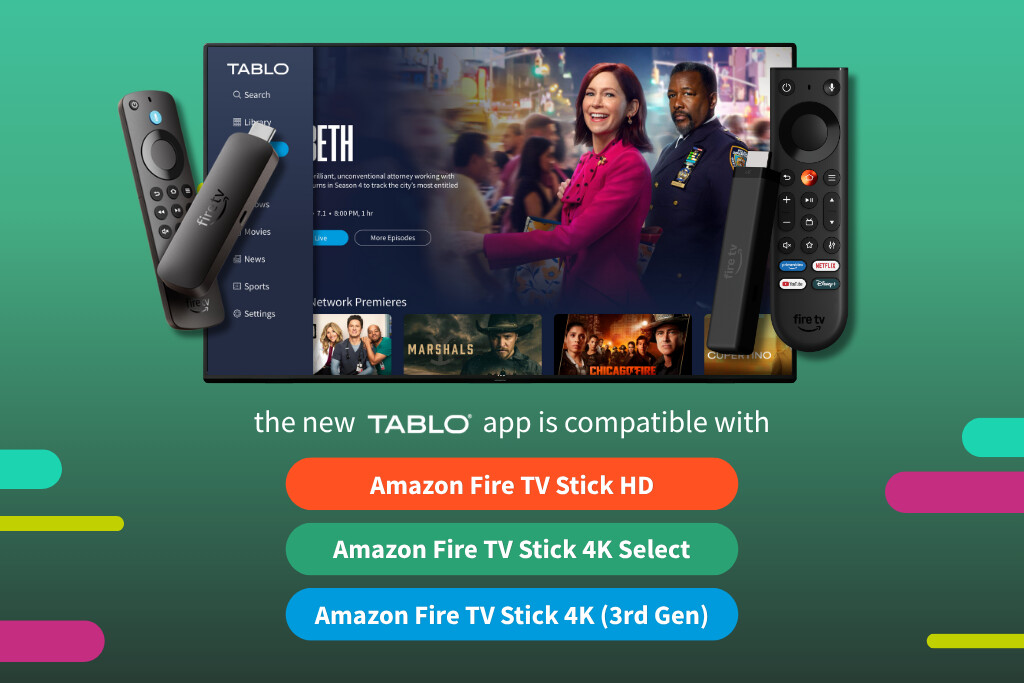
This new 4th Generation Tablo app was built specifically for Amazon devices running Vega OS, which includes the following Fire TV models:
- Amazon Fire TV Stick HD
- Amazon Fire TV Stick 4K Select
- Amazon Fire TV Stick 4K (3rd Gen)
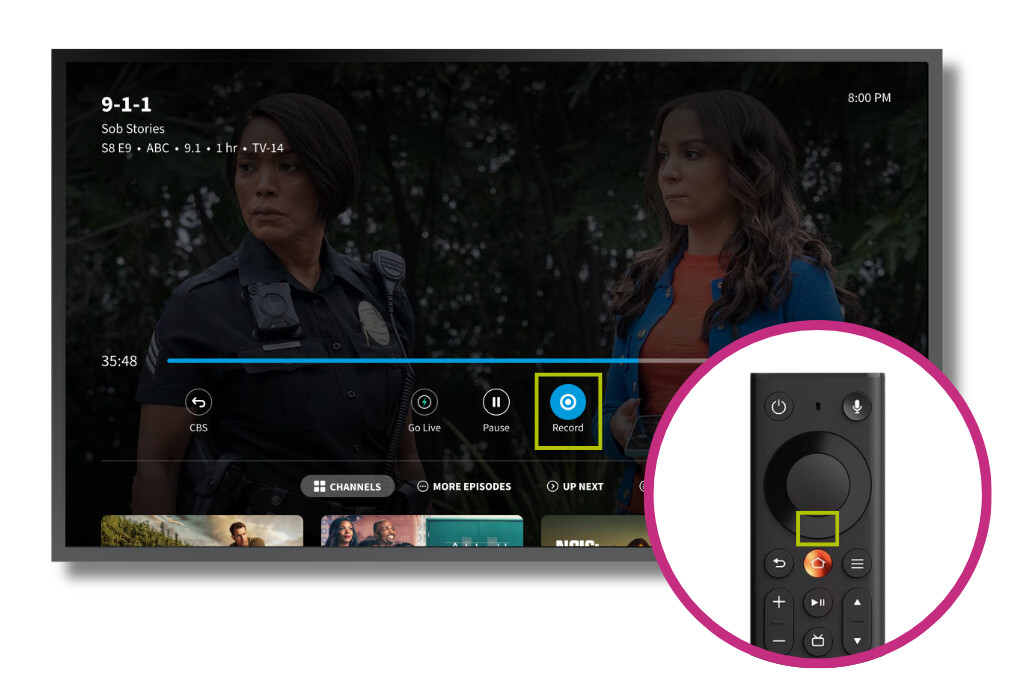
It includes the Tablo features you already enjoy on other Amazon Fire TV devices, including the live TV grid guide, one-click series recording and full pause, rewind and fast-forward control, plus the new Record Live feature, which lets you start recording the show you’re watching without returning to the guide.
This Tablo app is built with React Native, a newer set of app-building tools designed to work across multiple device platforms. It shares much of its code with the latest Tablo app for Samsung TIZEN smart TVs, and the same foundation will bring it to Android TV devices and Amazon Fire TV devices running Fire OS in the coming months.
Want early access to new Tablo apps and features? If you own a 4th Generation Tablo, sign up to join our beta team.
How to Download the App
To download the app, select the magnifying glass on the far left of your Fire TV home screen. Search for TABLO, select the Tablo TV app, then select GET or DOWNLOAD. Once the app is installed, open it and follow the on-screen prompts to connect to your Tablo.
The Amazon Appstore automatically delivers the version of the 4th Generation Tablo app that matches your Fire TV device, so there’s no special version to look for.
If you have questions or encounter problems with this update, post them below or touch base directly with support.