When trying to search for my tablo, I get the message: “A connection to the Tablo servers could not be established. Please check your internet connection.” When I check the network panel, I see a CORS error when it tries to fetch: https://api.tablotv.com/assocserver/getipinfo/. This was working fine about a week ago. Not sure what has changed. I also have the same issue when trying Safari on my Mac. Tablo works fine through mobile apps and firetv. Looks like an issue with Tablo servers not sending the correct CORS headers.
Confirmed not working here, too. Try clearing your browser cache to see if that fixes it. No, clearing cache didn’t work for me.
Tablo Tools, Tablo Ripper, and Legacy Tablo Windows app still working.
Thanks for confirming. I tried clearing cache, cookies, and local storage. Nothing helped.
My guess is it’s a Firefox update that’s now blocking access to your local network from tablotv.com. Or, it could be that Tablo removed some CORS headers on their Legacy server(s), if they’re even still available. I’m sure one of their primary goals is to shut down the legacy hardware supporting the Legacy app.
They get an ‘F’ from the Mozilla Observatory, but CORS appears to be intact. Looks like it was last updated Mon, 06 Jul 2026 00:25:36 GMT.
Maybe or maybe not related, but the Reelgood site started acting weird with Firefox a week ago. It only was fixed recently. Not sure at who’s end it was
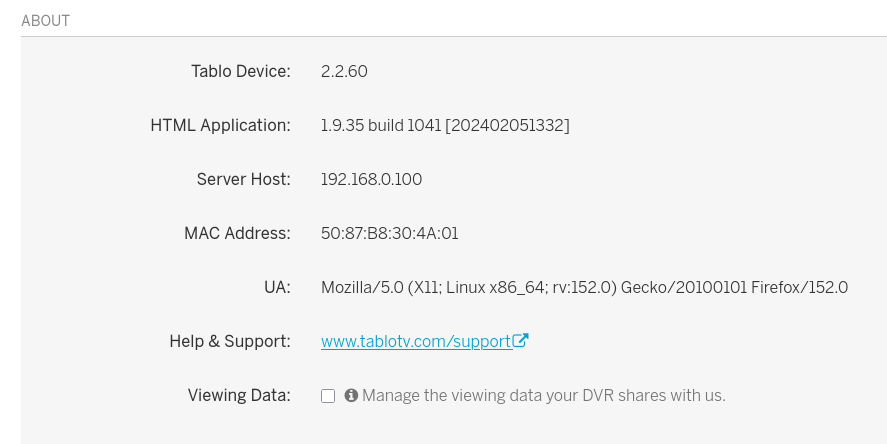
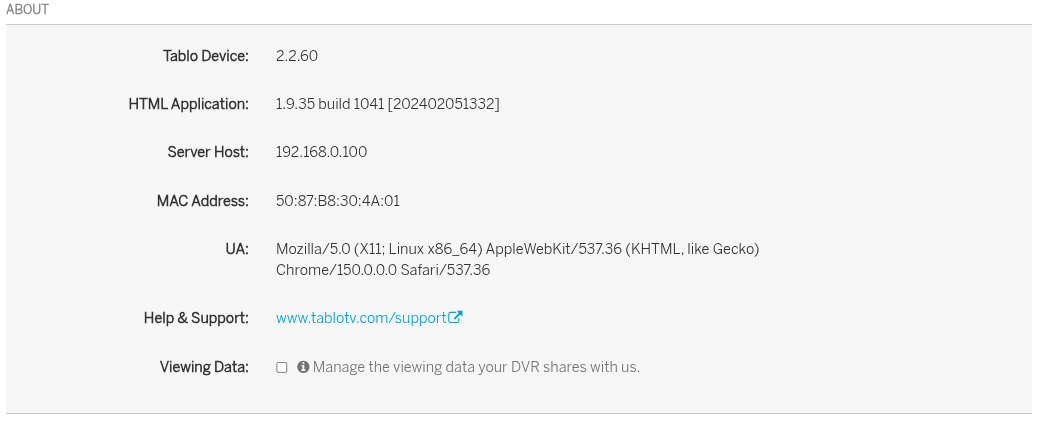
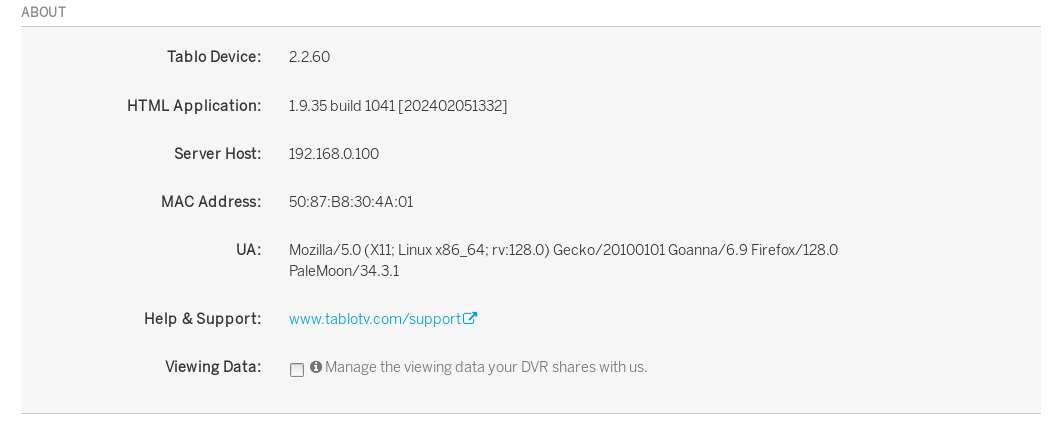
I’m experiencing the same issue in Firefox.
I was about to post a whole new thread about it until I found this one. My notes from what I had already written up…
After updating Firefox to v153 (Intel MacBook Pro; macOS 26.5.2 [Tahoe]), the Tablo web app can not connect to my Tablo box. I had another computer with Firefox v152 installed (Windows 11), and it was able to access the Tablo box until I updated the browser there as well. Additionally, the native apps function just fine.
I have attempted the following to try getting the web app to connect to my device:
- Accessing in a private browser tab
- Restarted browser
- Rebooted computer
- Rebooted Tablo device
- Rebooted router and modem
None of these attempts at trying to resolve the issue have worked.
Looking at the browser console, I noticed a few CORS error messages:
-
Cross-Origin Request Blocked: The Same Origin Policy disallows reading the remote resource at http://10.0.0.4:8887/server/capabilities. (Reason: CORS request did not succeed). Status code: (null). -
Cross-Origin Request Blocked: The Same Origin Policy disallows reading the remote resource at http://10.0.0.4:8887/server/capabilities. (Reason: CORS request did not succeed). Status code: (null). -
Cross-Origin Request Blocked: The Same Origin Policy disallows reading the remote resource at http://10.0.0.4:8887/server/info. (Reason: CORS request did not succeed). Status code: (null).
Some information about my Tablo device:
- Firmware Version: 2.2.60 - 2610615
- HTML Application: 1.9.31 build 30005128 [202301301450]
I have the 64-bit Firefox v152.0.3-1 on Kubuntu and it works just fine. I wonder what the update was on Firefox that caused the issue.
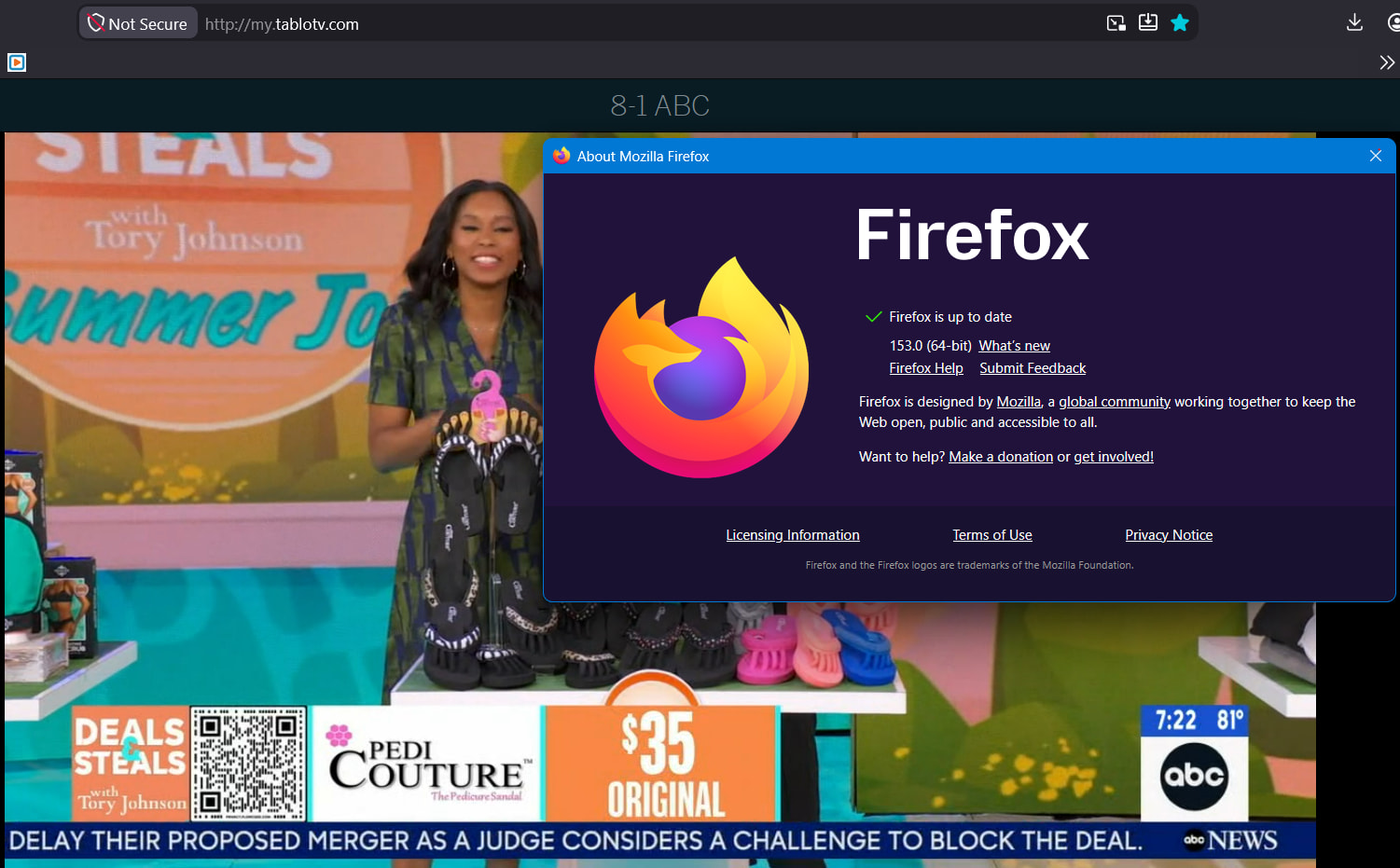
Yeah. I’m guessing a security certificate is expired.
Try HTTP without the ‘S’.
I don’t remember this ever having an ssl cert.
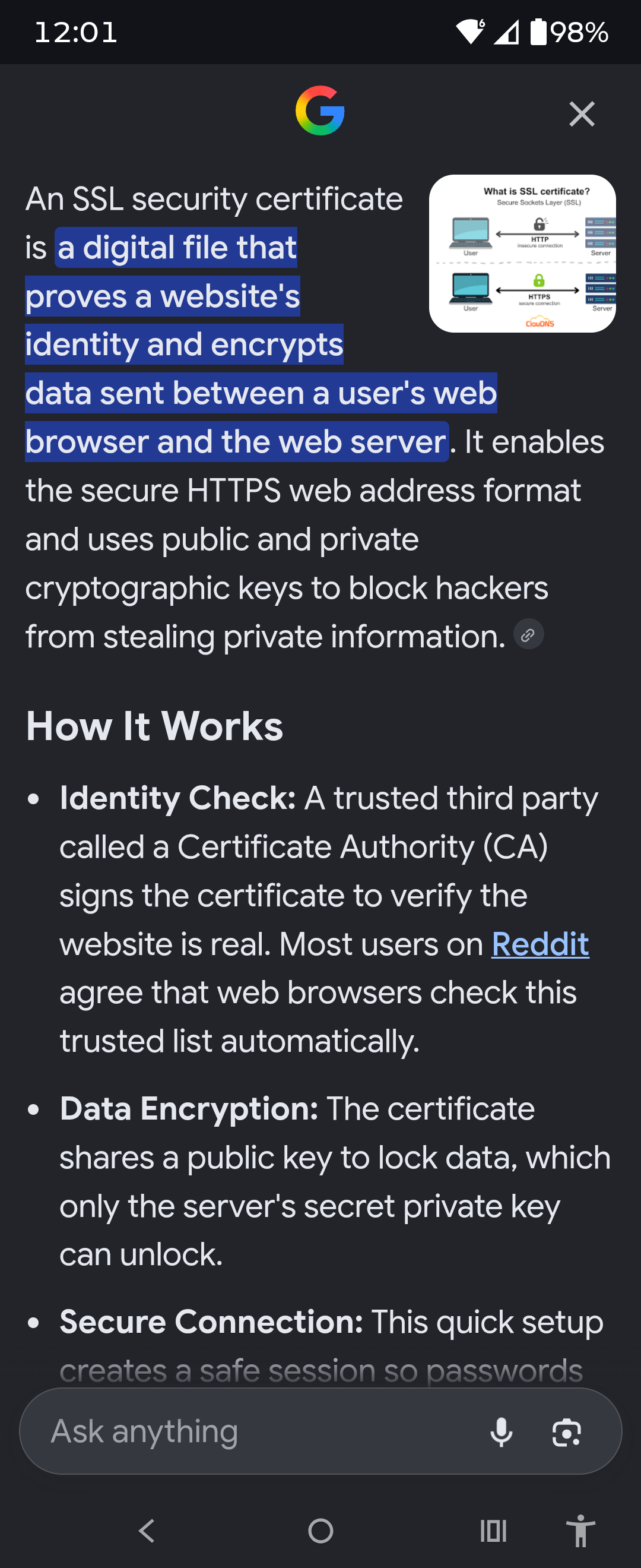
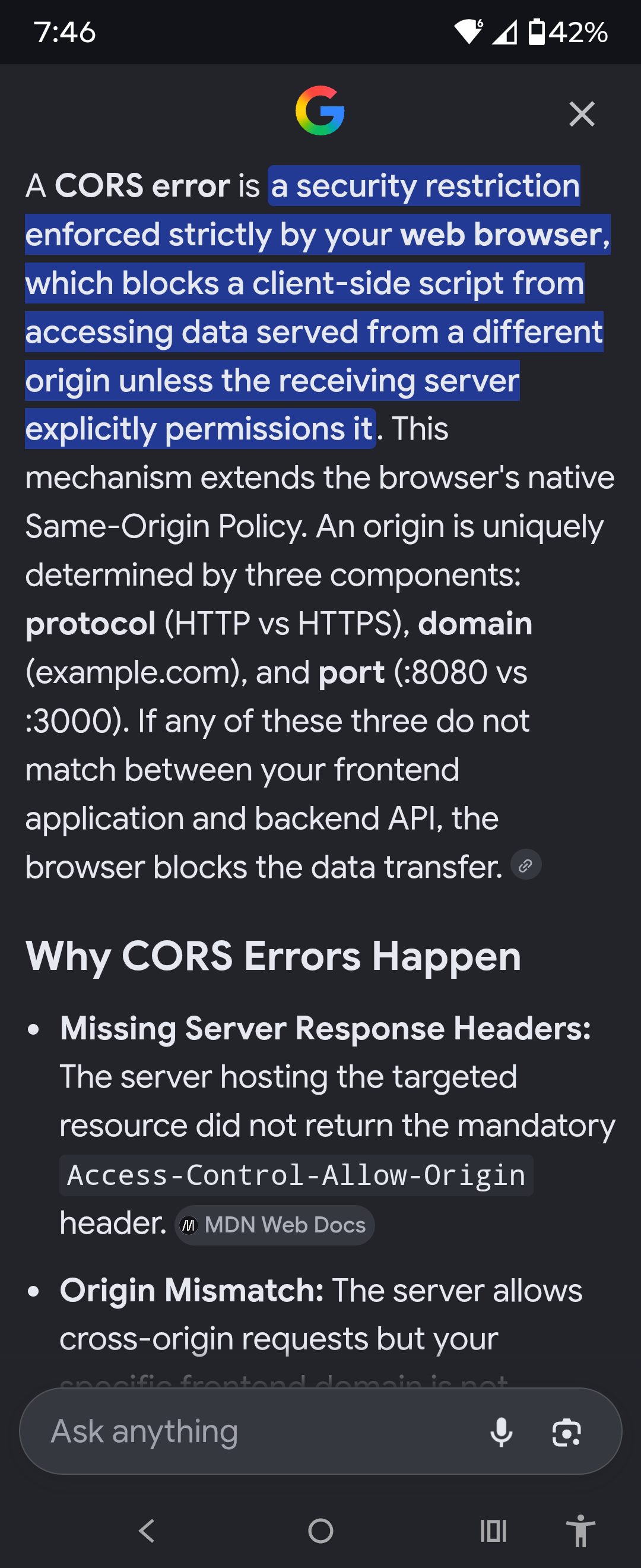
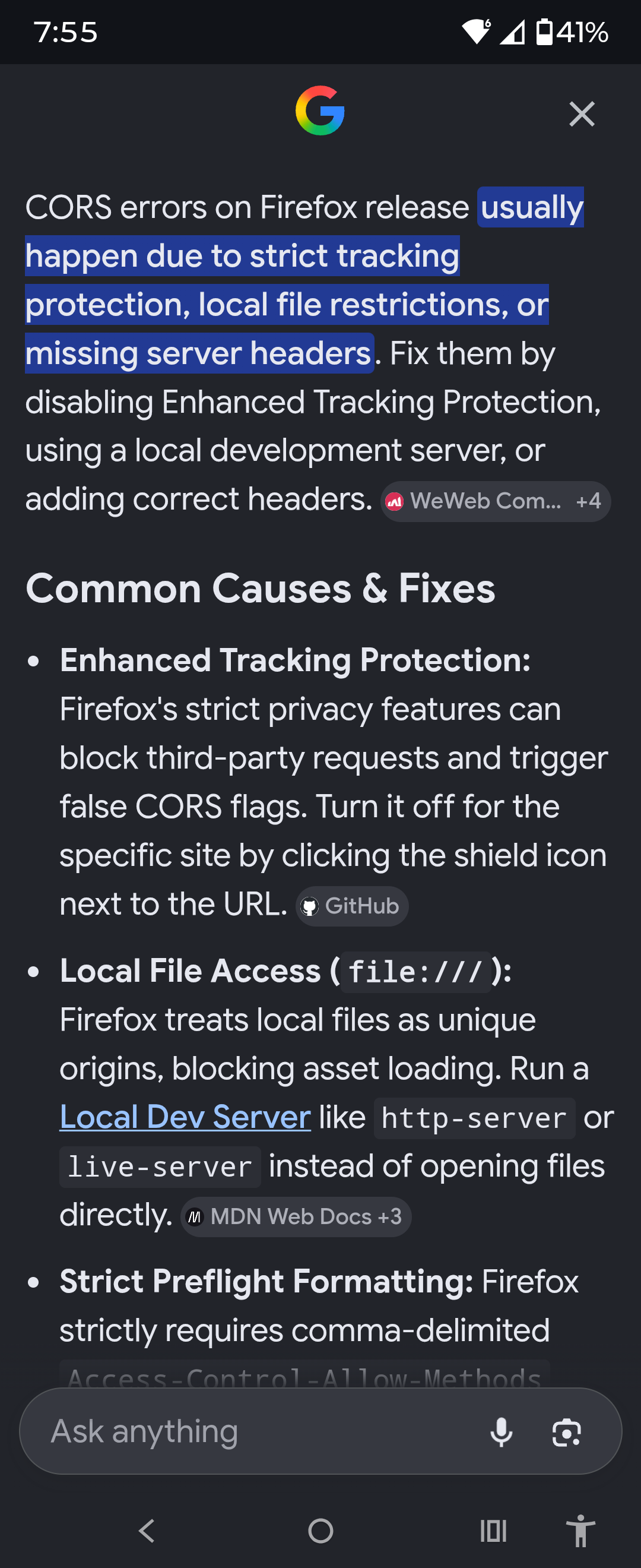
I’ve been having these problems for a while now. So I’ve been using the Windows app instead. But this thread made me look into it again. I checked the settings in Firefox and found the exceptions for strict tracking had this for Tablo “https://my.tablotv.com/”. I’m guessing it should not have the “s” in the address. But I cannot remove it and when you add the address exception Firefox adds the “s”. Could this be part of the problem?
Click on the shield to turn off Protections. Remove the ‘S’.
Did that a long time ago. I also added Tablo (the http address) to the exceptions for the https only mode. My main reason for my post was when I looked at the exceptions for strict tracking protection it had the https address for Tablo. I deleted it and tried adding it without the “s” and Firefox always changes it to https address. It seems logical that this should have the non-s address in it because it should be ignoring the non-s address.
I apologize that I am unable to assist you as I am lacking expertise. I clicked on your link…
I also removed the ‘S’ but it redirected to HTTPS.
So the same issue using Chrome browser.

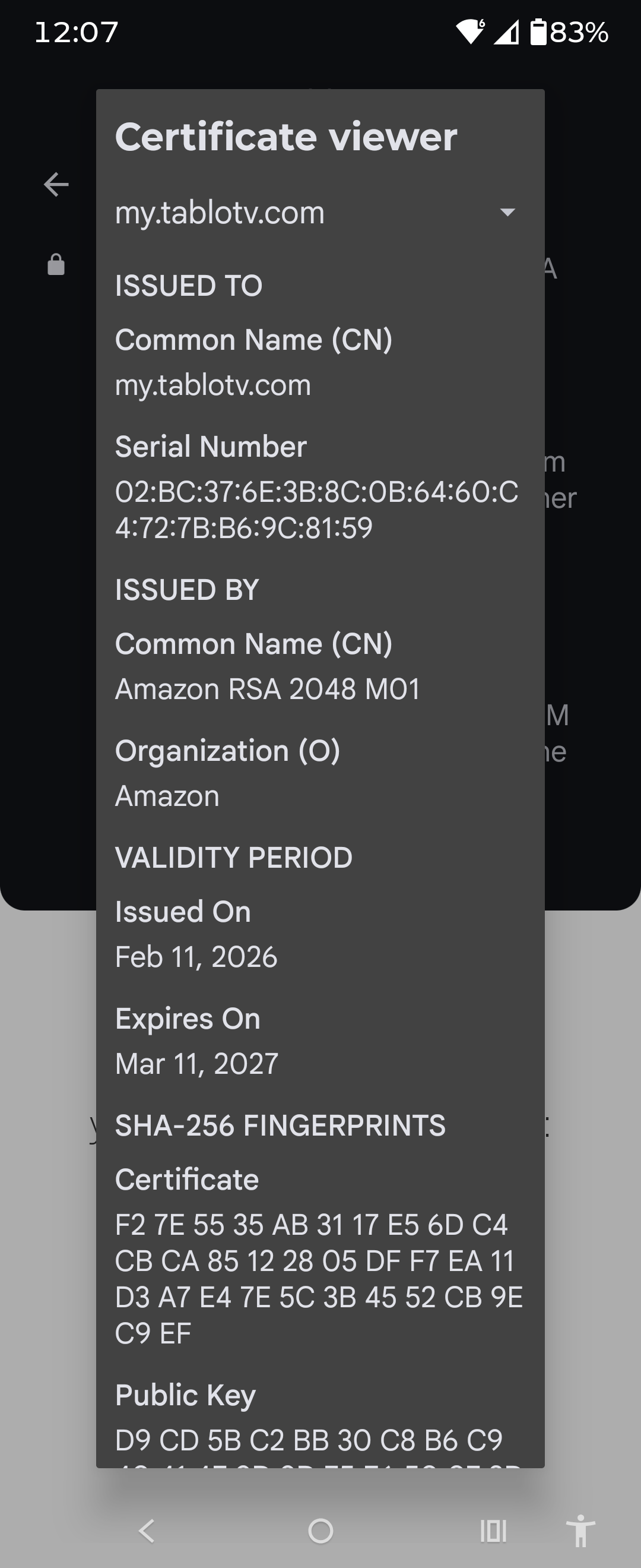
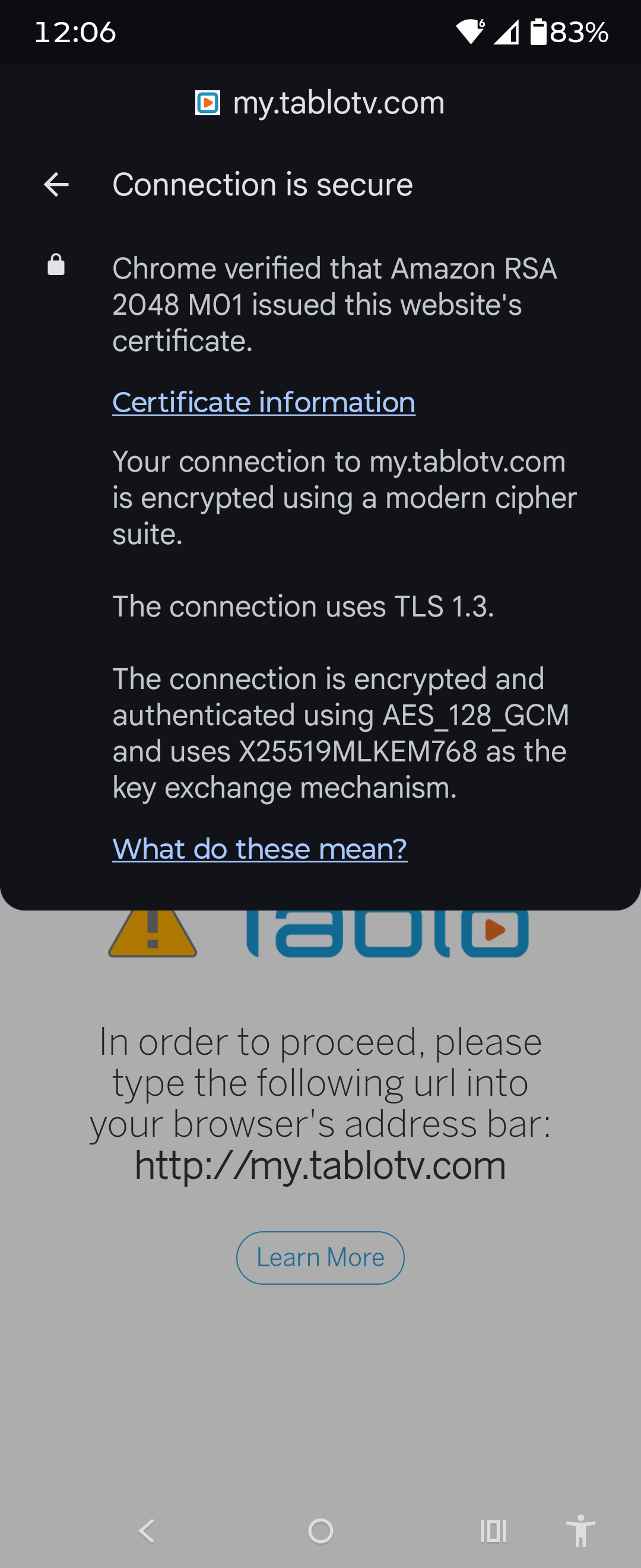
V153 stopped working on my Windows 10 system using firefox. For firefox you use to be able to go to privacy and security and turn off(or manage) HTTPS. The actual tablo unit doesn’t support HTTPS.
And while I haven’t spent much time looking into it, it might be that there is a nested call from my.tablotv.com to the actual https server on the unit and that is being upconverted to HTTPS. But since I rarely use the browser tool I’m not looking into it. Maybe someone who cares will.
I tried with Duck-Duck-Go and got the error.
Then got around the error. Strangely it gave the error referring to Chrome. I guess that is DDG codebase. Or it’s Tablo default message.
Click on the Shield and turn off Protections
Change the URL to remove the ‘S’
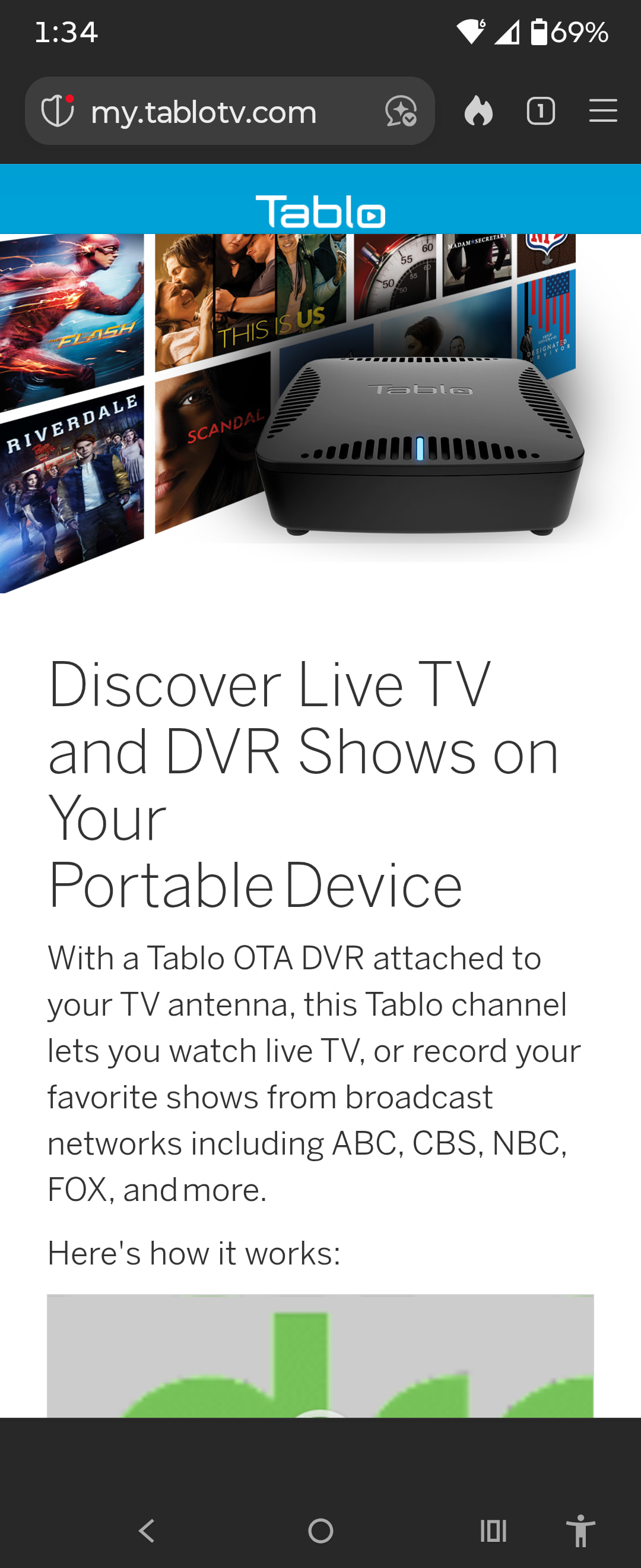
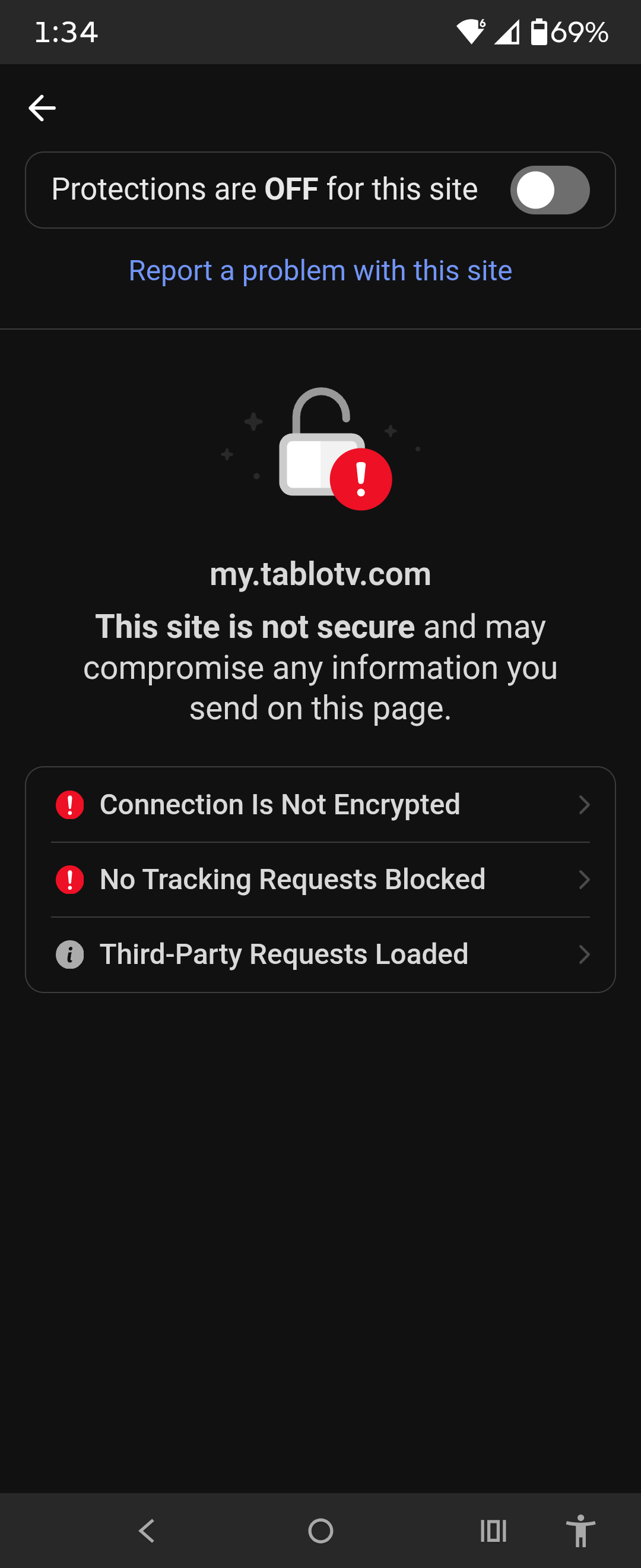
Changed
- Local Network Access restrictions are now enabled by default for all users. Firefox requires websites to request permission before connecting to devices on your local network or to apps and services on your device.
^I for page info, permission tab, access local network devices, uncheck “Use Default”, then select Allow
^F5 to completely reload
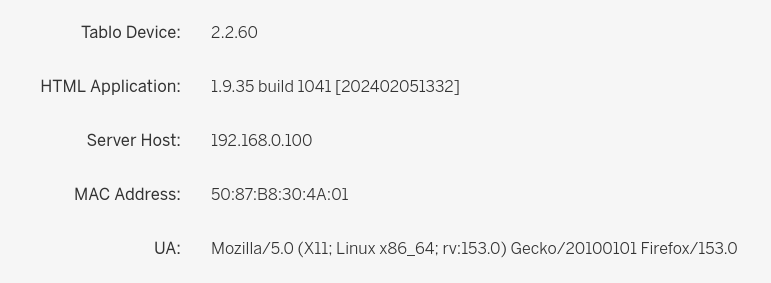
[edited: for clarity and typo]
2 Likes
Ya, mine stopped working again a couple days ago, but works after following the steps provided by @djk44883. For those that aren’t aware, the ‘^’ character is short for the CTRL key, so CTRL+I and CTRL+F5.
Thanks for the info.
1 Like