We purchased our 4th generation Tablo with antenna a couple of weeks ago. Set-up went smoothly; however, since then, we have had to reboot our router daily to use Tablo. In seeking a permanent fix, we have tried connecting the Tablo directly to the router using an ethernet cable, ensured firmware is updated, performed a network reset, unplugged the Tablo’s power for 30 seconds and plugged back in, and moved the Tablo from a DHCP to an IP reservation on the router. None of those troubleshooting steps have worked and we continue to have to reboot the router daily. All other devices in our home are working properly. We use an Amazon Firestick. Does anyone know of anything else we can try? Thanks!
What brand and model of router do you have? This is not a common problem with majority of comsumer grade router products out there. It could just be the wrong configuration, but either way, consider trying a different brand or model.
Cox is our ISP, and our router is their provided equipment called Gateway. The router is only two months old. We will not switch to another router just to use the Tablo since all of our other devices are working properly.
I reboot Tablo every night at 2:37AM (one minute power cut to Tablo). Its a brutal way to refresh software and rollback memory leaks but I have my home automation system do it nightly.
I’m not a Firestick user. I saw some posts sbout the latest Firestick having issues.
What other means do you have available for watching Tablo? Try using it to watch Tablo b4 you reboot Tablo.
Our Firestick was purchased one year ago, so it isn’t the most recent version. It’s model #S3L46N. That’s the only streaming device we have in the house.
As I said, rebooting the Tablo does not work. We have to daily reboot the router for the Tablo to operate.
Did you use a mobile phone to set up the Tablo?
What exactly is the error you are getting? I found that when my Tablo was new, my Roku devices would often tell me that it could not find the Tablo. I would open the app on my phone to check, and the Roku would almost always connect just as I opened the phone app… like the phone was ‘waking’ the Tablo. After I did this a few times, the problem went away. I’ve noticed that with this and a few other little issues, that it seems like the Tablo takes a few days to “break in.” I know that doesn’t make sense for what is essentially a computer, but that was my experience.
2 Likes
Yes just commented on my use case.
I see you’ve done the basics like reservation IP and ethernet.
Some routers have a capability to reboot based on a schedule that you can setup. If it reboots in the middle of the night perhaps no harm done. If you router doesn’t do that then a simple 24 timer setup to cut power to the router in the night for a few minutes will achieve the reboot.
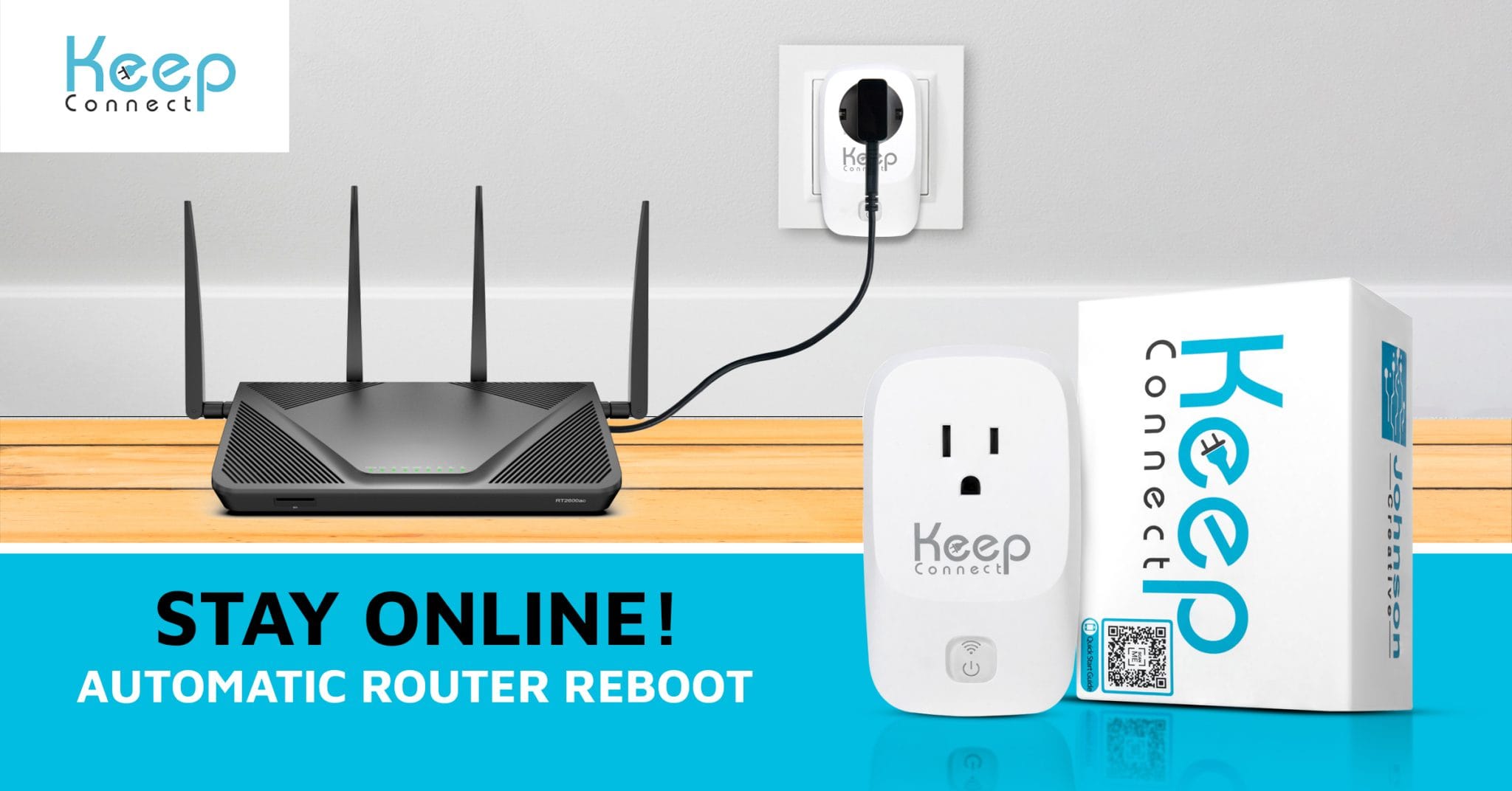
I used to do this years ago with a buggy router. Now I use KeepConnect which monitors internet connection and reboots when connectivity is lost. It also has a programmable mode to periodically reboots based on your setup schedule.
Its inexpensive and a nice way to monitor your network.
Yes.
We don’t receive any error messages, just a whirly bird when we click on the Tablo app to open it. Eventually, after several minutes, it will time out and tell us it can’t find the Tablo device.
Ugh, I was really hoping to avoid spending more money. We got a Tablo to save money so we can ditch YouTubeTV. I can look into the Keep Connect. Problem is, our two TVs have to manually be connected back to the internet every time we restart the router. I can’t find anything in their settings to fix that. I am not a tech person and this tech stuff really frustrates me. I just want to push a button and have everything work.
User1652,
I don’t recall seeing what type of streaming device you are using.
Have you tried Cox for support? Maybe your Gateway needs configuring. Often times when they set up or deliver router to you it may need some tweaking. Your Gateway router should not have to be restarted to connect with Tablo. If you set up Wi-Fi did you choose auto connect to your network? Are you having any issues with other devices connected to your Gateway? Wired or wireless? Can you access Tablo with the phone app, assuming you can connect to your wi-fi network with your phone?
Since u use the phone for setup, you should be able to stream to the phone.
But then how are we supposed to watch on TV?
1 Like
A lot of what you asked is in my post. Cox says they show their equipment is working fine and it isn’t their problem. They are technically correct, since all our other devices are working properly. Yes, the Tablo app works on the phone, but it’s a little difficult to watch programs on a tiny cell phone screen.
This is standard troubleshooting procedures. If you are able to stream to your phone but not the Firestick is important information that can help Tablo Support pin down the problem.
The next question, are you able to stream Firestick all day without problems after the reboot?
You should contact Tablo support at this point with the information that you provided to me. They will most likely ask you to put your Tablo in a mode that allows them to access the logs. Be sure to list model numbers ans firmware versions of everything including your phone.
I misunderstood, I thought you were telling me to just watch TV on my phone. And yes, Tablo will work all day after the router reboot. But then I get up the next day, and it’s the same thing all over again.