Only consolation is the Tablo Status page reports the outage so at least I know what is happening.
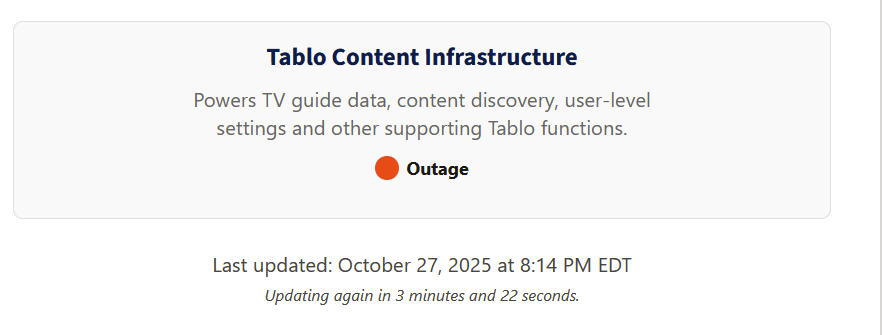
I experienced this outage as well. It seemed to last only about 15-20 minutes.
You only think you experienced an outage. It was a mirage because table has greatly reduce the gen 4 dependency on phoning home to tablo servers.
How come the World Series is not being broadcast??
It’s broadcast on your local FOX channel. If you can’t receive a FOX channel, then no, no world series for you.
I can view the weather and news from Fox channel, but not the WS?
Is it possible that your local Fox affiliate is not carrying it? What are its call letters?
I thin it it FOX10 Phoenix.
10.1 which is KSAZ
10.2 which is KUTP
45.1 is KUTP and fox extra not fox
Problems again tonight. I don’t think its a coincidence that this happens right when a widely viewed event (like the World Series) is starting. My guess is the Tablo back end infrastructure just can’t handle the load.
1 Like
Again…
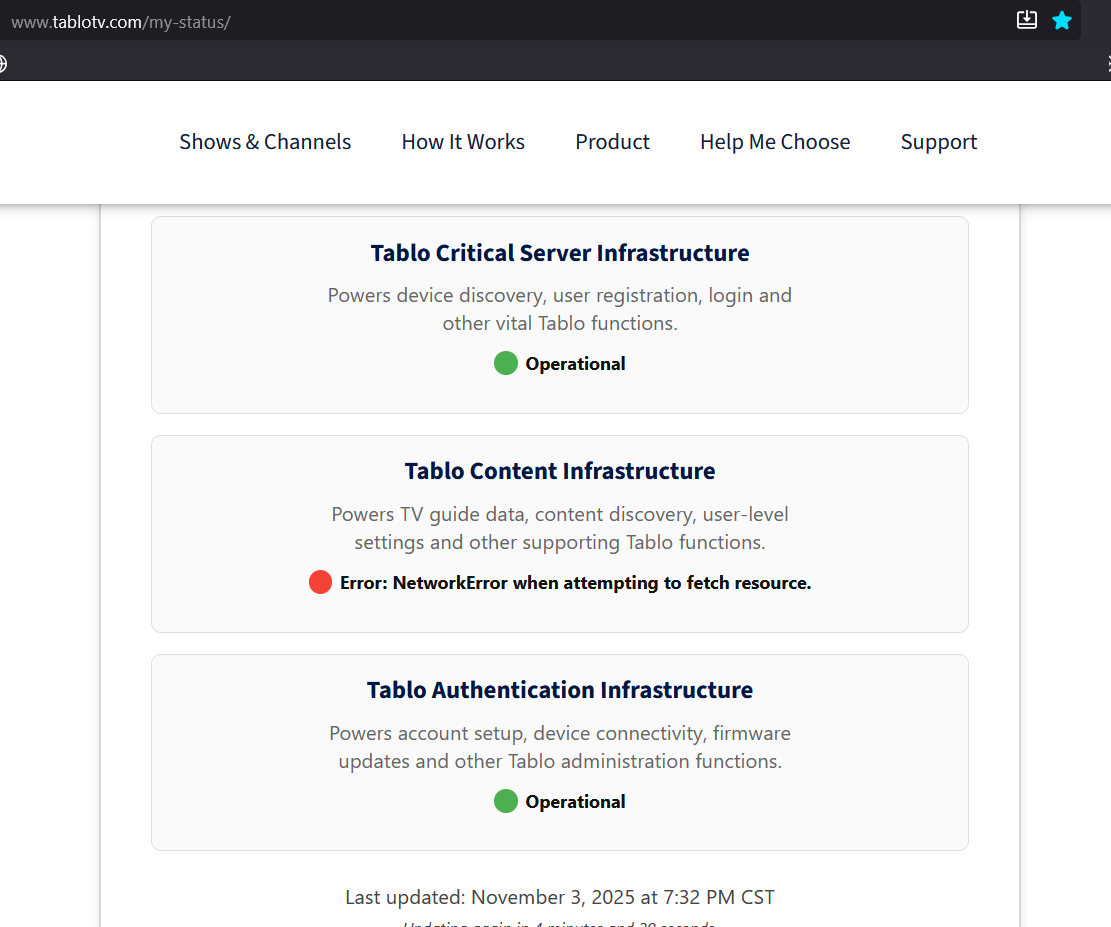
Looks like the Tablo Content Infrastructure is having an issue again. Ppl must be watching the Arizona game.
1 Like
Here’s what I see on My Status - Tablo TV on 2025/11/03 19:07 MDT:
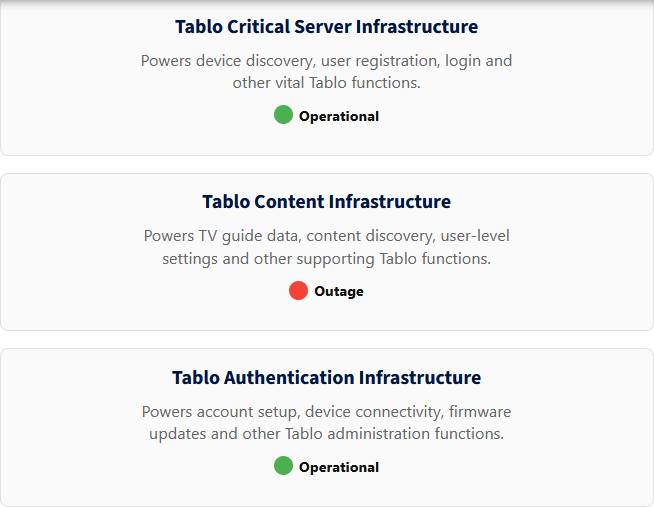
OMG, this device in pissing me off. Why do we need internet to view or record live tv? Why can’t this damn thing dl the guide data 2 weeks ahead of time? I don’t even need a guide, i’d like to just press record when my show comes on sometimes. Not being able to watch tv when i want is a dealbreaker that makes me want to go get my hammer and destroy this useless, unreliable pos!
1 Like
Sorry you’re running into that,
Are you using a 4th Generation Tablo? If so, is Offline Mode not triggering when you lose internet connection?
Seems like offline mode needs some work. It needs to work if “Tablo Content Infrastructure” is down, like last night.
Sorry you ran into that @wstewart ,
It should trigger if there is a problem with our servers.
Would you detail what happened in your case? We can share that with the product team.
My devices are Roku Ultra 4801RW.
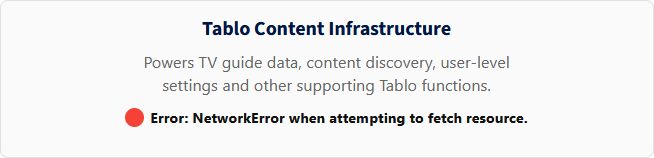
I was getting this message after trying to watch an OTA channel:
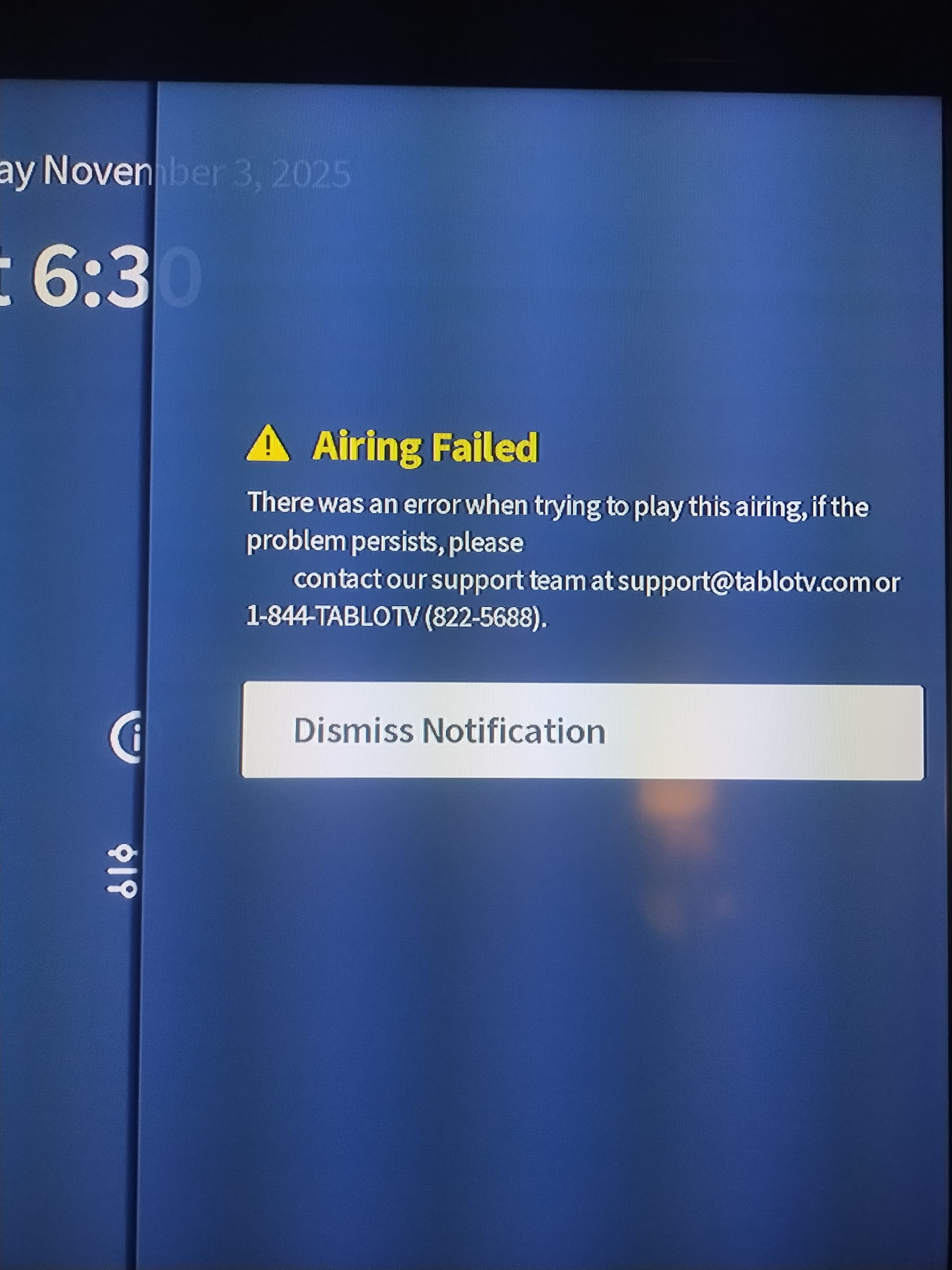
Also, we could get to the channel listing screen but there was no data - like the frame was filled out but no data populated in it. (I don’t have a screen shot of that, unfortunately).
When we finally did get the offline mode message, it would work.
Right now it seems like offline mode displays a table of channels that goes left-to-right and top-to-bottom and it seems to list the channels in “call letter” order instead of channel numeric order, at least in the Roku app. I find this arrangement to be less than optimal, shall we say, and would prefer to keep the same channel screen – scroll up and down in channel order – as online mode.