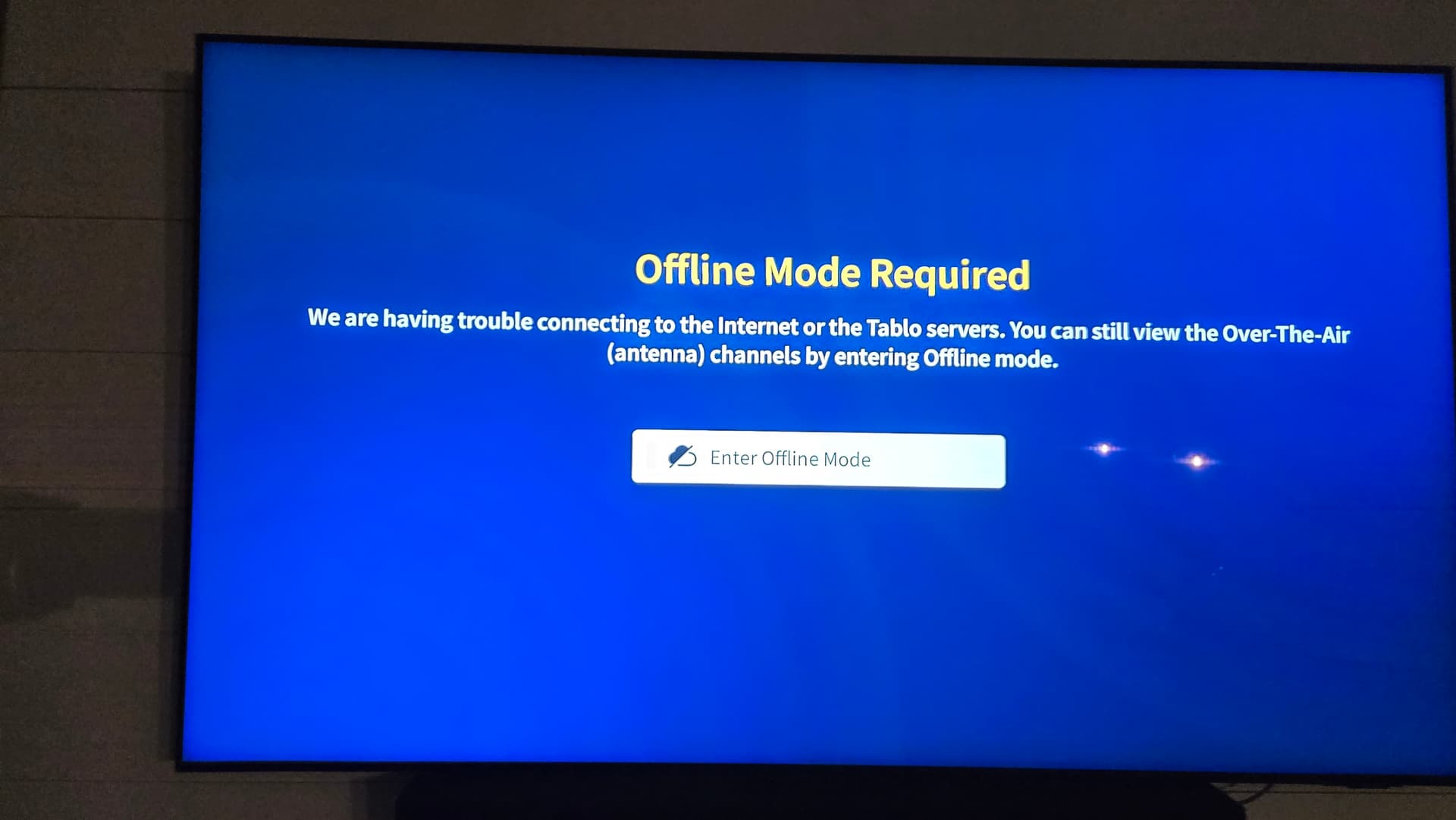
We haven’t had many reception or network problems. But just lately - in the past couple of weeks - we’ve been seeing an inordinate number of Offline Mode Required pop-ups. We’ve never had to enter offline mode, so it’s more of an annoyance. Anyone else seeing these too?..maybe 7-10 per day over a 9-hour period (noon - 2100 hrs CDT)?
We also see Unknown Error mixed in and have to hit Retry, then the Offline Mode Required pops up again and, sometimes, after a few seconds, it goes away. But sometimes it comes back a few times, with Unknown Error sprinkled in a couple times.
It’s not a debilitating issue, but very annoying.
Using the latest FireTV Stick 4k Max on Wifi6, Tablo on Ethernet, Wifi6 router about 10’ from the FireTV Stick.
Same here, issues on appletv and roku. I can see traffic to and from the tablo from the internet. Constant queries to lighthousetv-cdn.ewscloud.com and api.tablotv.com. When i do get the online mode everything is blank.
I see it pretty regularly, too, but not as frequently as you described. Most days, but not everyday… two maybe three time. Hitting the back arrow would usually clear it.
Same issue here. Almost constant “offline mode” required notices that usually resolve themselves. I suspect this indicates just how often the Tablo “phones home”, and how often “nobody is home” for whatever reason. There are many things that could slow/delay that call.
At a minimum, Tablo needs to allow a bit more time before concluding “offline mode” is required. Is that message even necessary? Maybe it “tries again later” and otherwise just keeps working with the data it already has.
I am seeing the same issues here. When I try to do a guide update, it says it cannot connect to the server. My network is up and running and I am able to watch the streaming channels through the Tablo without issue. This problem is on the Firestick 4K, Roku and iPhone. Looks like a problem with it contacting the ‘server’ and is unable to connect in a timely manner. It only seems to affect channels that are OTA and not streaming and guide updates. This started after the AWS and Azure problems the past two weeks.
I see the same thing. Frequently, when I first turn on the Tablo, I get the ‘Offline Mode’ prompt. After several seconds it disappears, then it comes back again a few seconds later. The Offline Mode prompt pops on and off again a few more times before it finally stabilizes and connects to the internet. It seems like the Tablo doesn’t wait long enough to connect before displaying the Offline message.
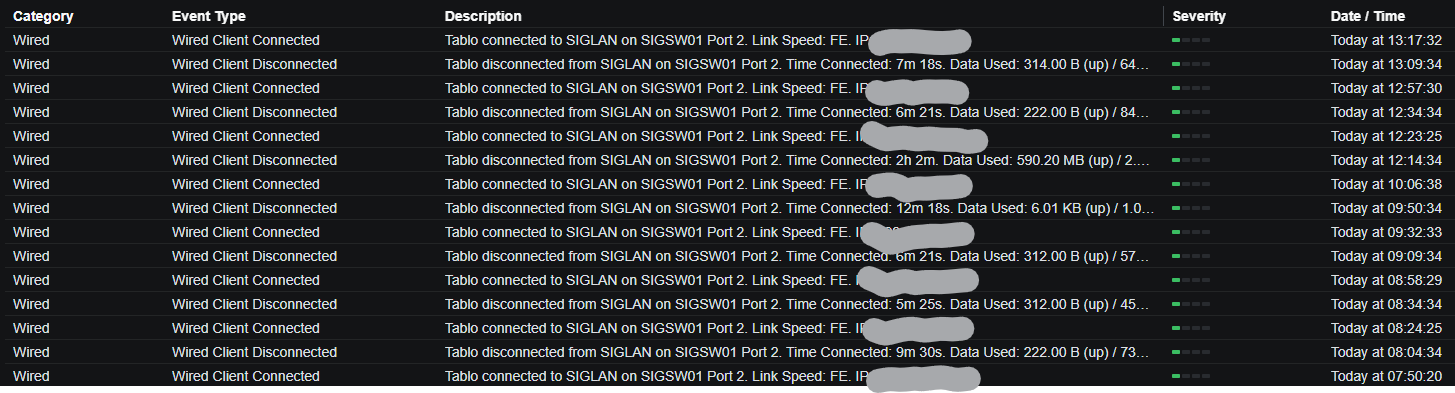
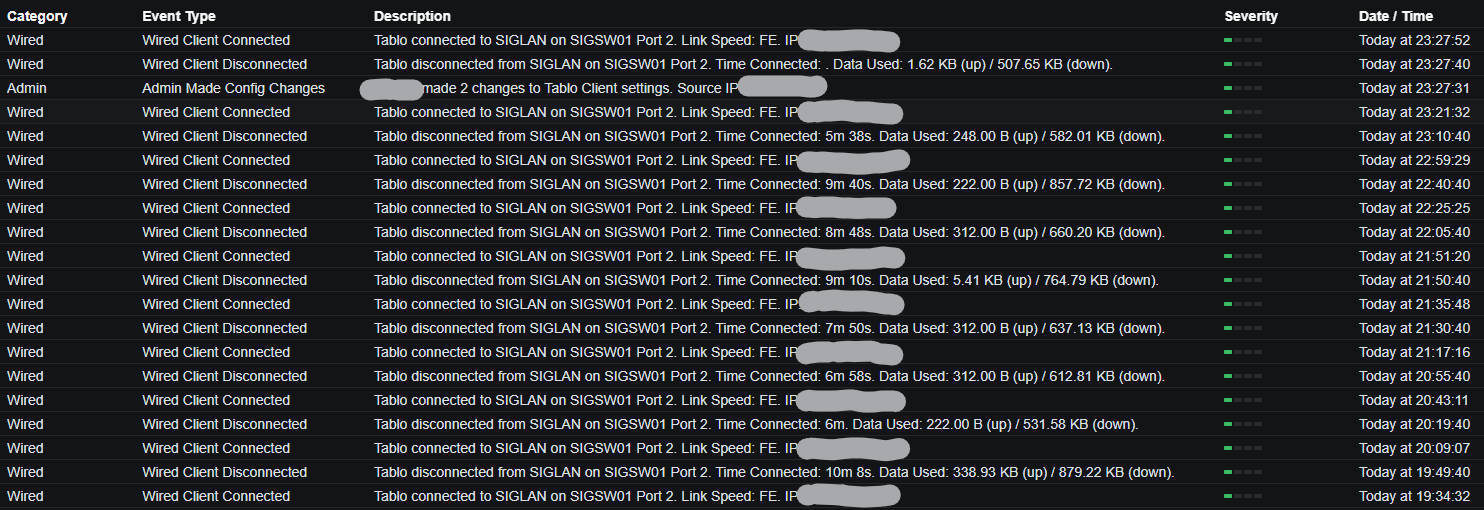
I noticed the same message for the first time after a week of usage. I checked my network logs, thinking that there may be a home network problem. There was, I found that the Ethernet interface was continuously disconnecting and reconnecting since I installed the device last week. Connections would stay up anywhere from ~4 to 9 minutes and then disconnect. I was also surprised to see that my Gen4 Quad has only a FE (100Mb) NI.
I suspect that one of the two firmware updates that were completed after last week’s fresh device install may have caused the flapping connection.
I rebooted and performed a reset of the Tablo and the flapping Ethernet connection issue has since stopped. I’m not sure if the reboot or reset potentially resolved the issue.
I have been using a Roku TV and Android tablet with the Tablo. I did not experience the “offline” issue on the tablet, but only used the tablet for a short while.
Being new here, I’m not sure when the last firmware was made GA and pushed out.
I think you’re on to something with the restart. I probably need to do this too.
Yes, it’s pretty surprising that the Gen4 has the same Wifi5 and 100 mbit Ethernet capabilities as the OG Legacy from 2015. At least the Roku and Fire Stick are Wifi6.
Greetings! Actually, that is the first thing I did before power-cycling and resetting. I will try a third patch cord; two bad cables in the closet are not unheard of.