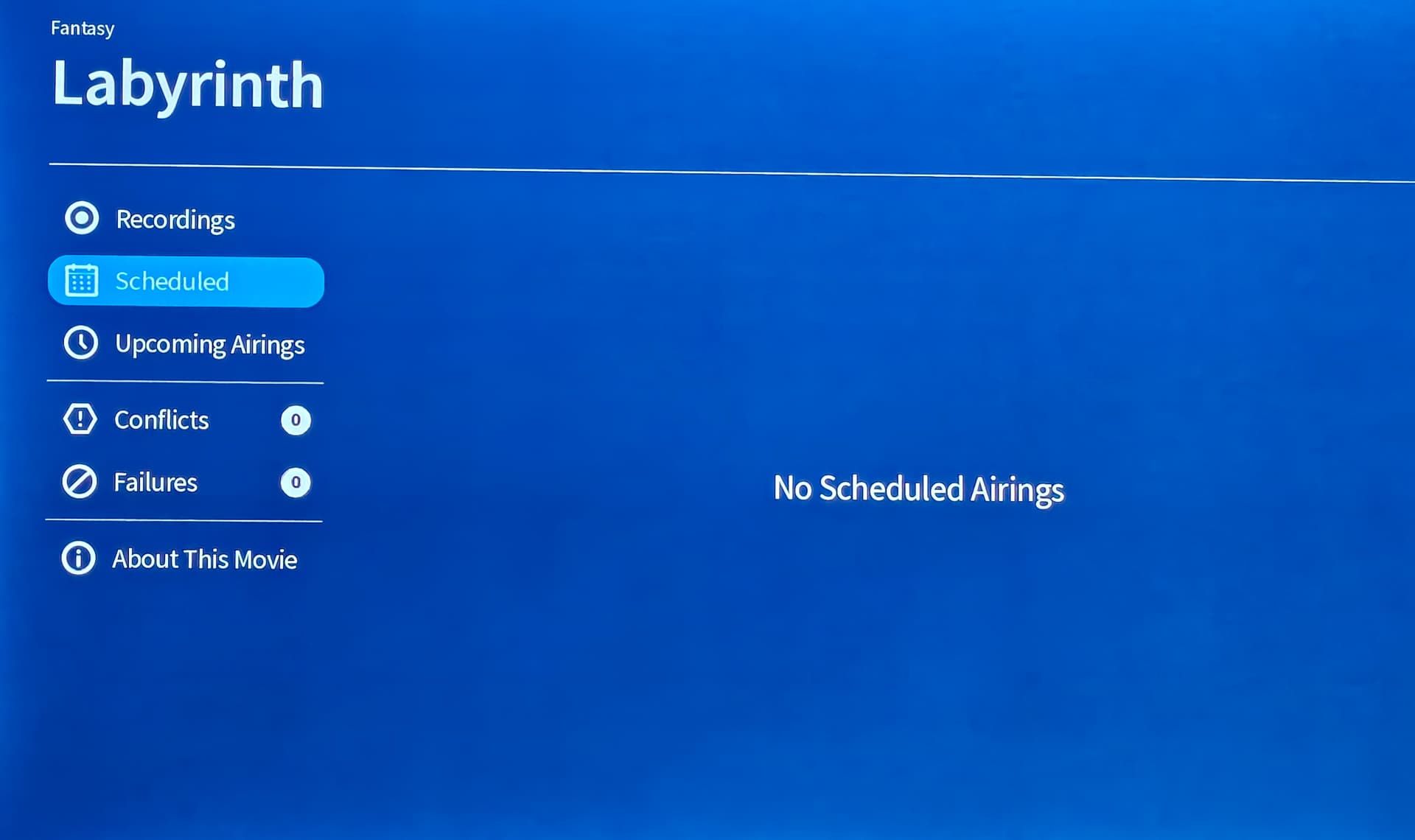
Gen 4 device on Fire Stick Max, firmware version 2.2.54 (up to date). I have old events such as “2025 Ryder Cup” that is no longer applicable, and I’d like to remove from the list of scheduled events. I have not found a way to do this, when I select the scheduled event I cannot get to “Recording Options” to remove the schedule, I assume this is where I should go for this. Note that I’ve deleted all recordings, and it shows “No recordings available for this show” and “0 Upcoming”, I suspect this may be key to this issue. Nowhere else in the Tablo menu selections can I find a way to accomplish this.
I also can not delete them from my Fire Tv or my IPad apps. However, I can delete them on my android phone app. Once deleted using my android phone, they also delete from my Fire TV and IPad apps.
That worked for me also, thanks!
There is a way to do it on the Fire TV platform.
And, Tablo has acknowledged it is a bug.
1 Like
Thanks, I tried the way you suggested and it works.
Same issue with new gen4 for legacy app. Phone app has option to delete, but doesn’t remove.
Hi @Dasher,
What kind of phone are you experiencing the issue on? Does the same thing happen with another device?
Android phone. The action to delete the recording is there but there is no recording to delete, just the title itself.
And the Roku app, the title is listed also, but has no way to remove it.
See pic.
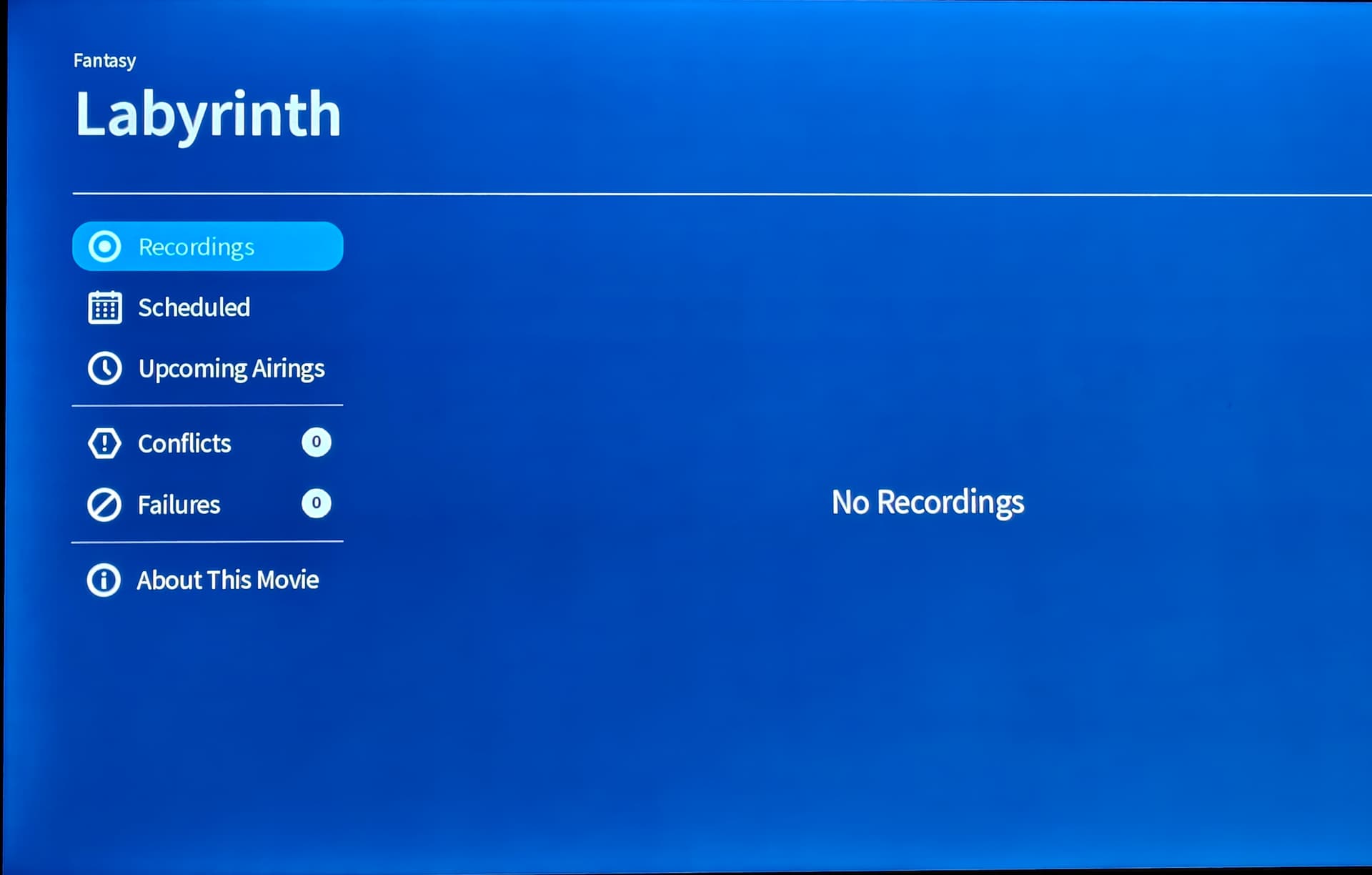
In this case,
Was Labyrinth scheduled in your 4th Gen or legacy app?
If you select scheduled can you unschedule Labyrinth?
If that fails, can you remove it through your legacy app?
This was recorded using the Gen 4 app on a Roku TV.
The recording worked perfectly.
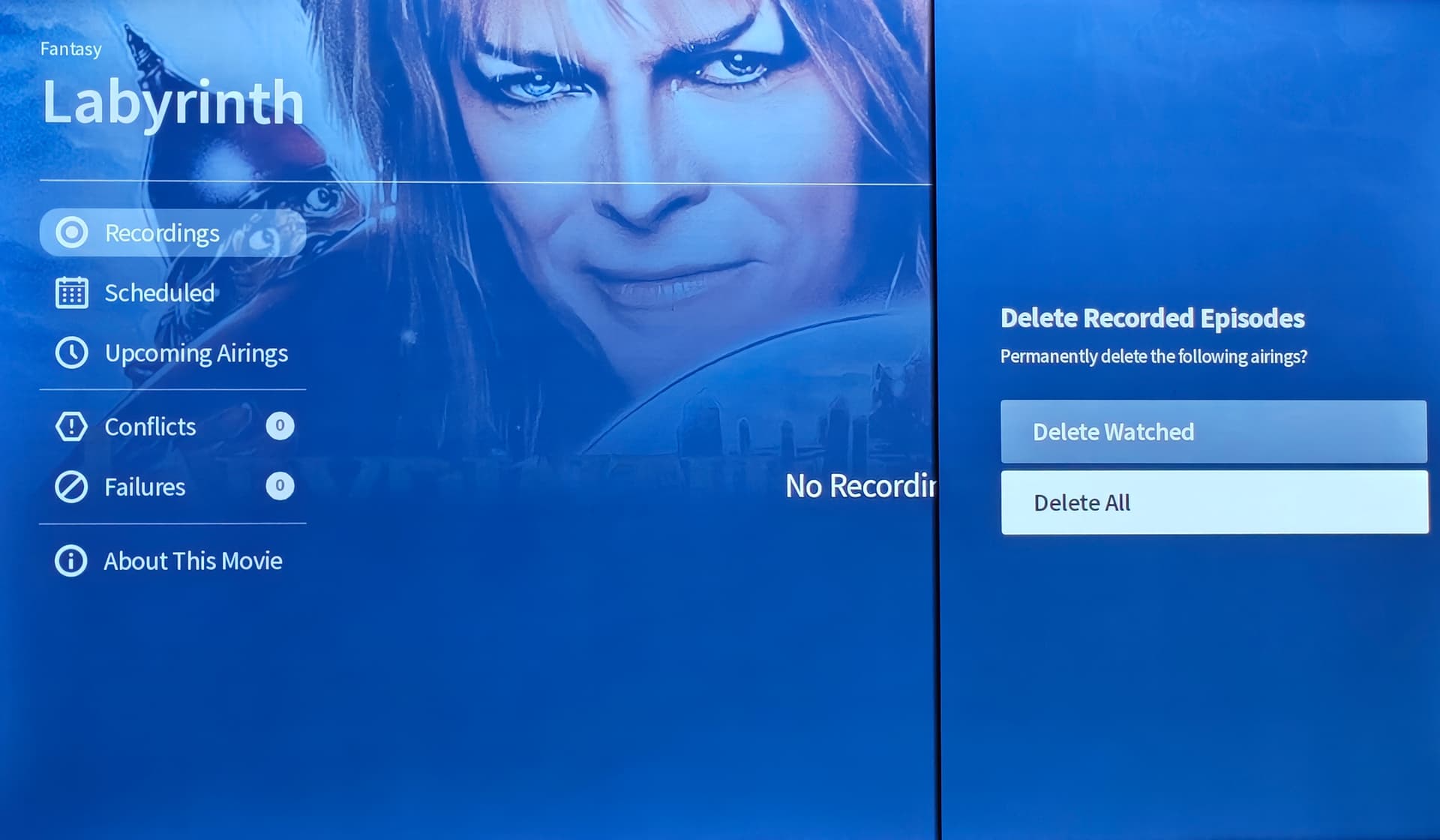
I deleted the recording and this is what I’m left with.
On a gen 4 app on the Roku TV no options work.
I have been able to trick it by quickly hitting up and center to come up with a delete screen, but since there’s no recordings it doesn’t do anything.