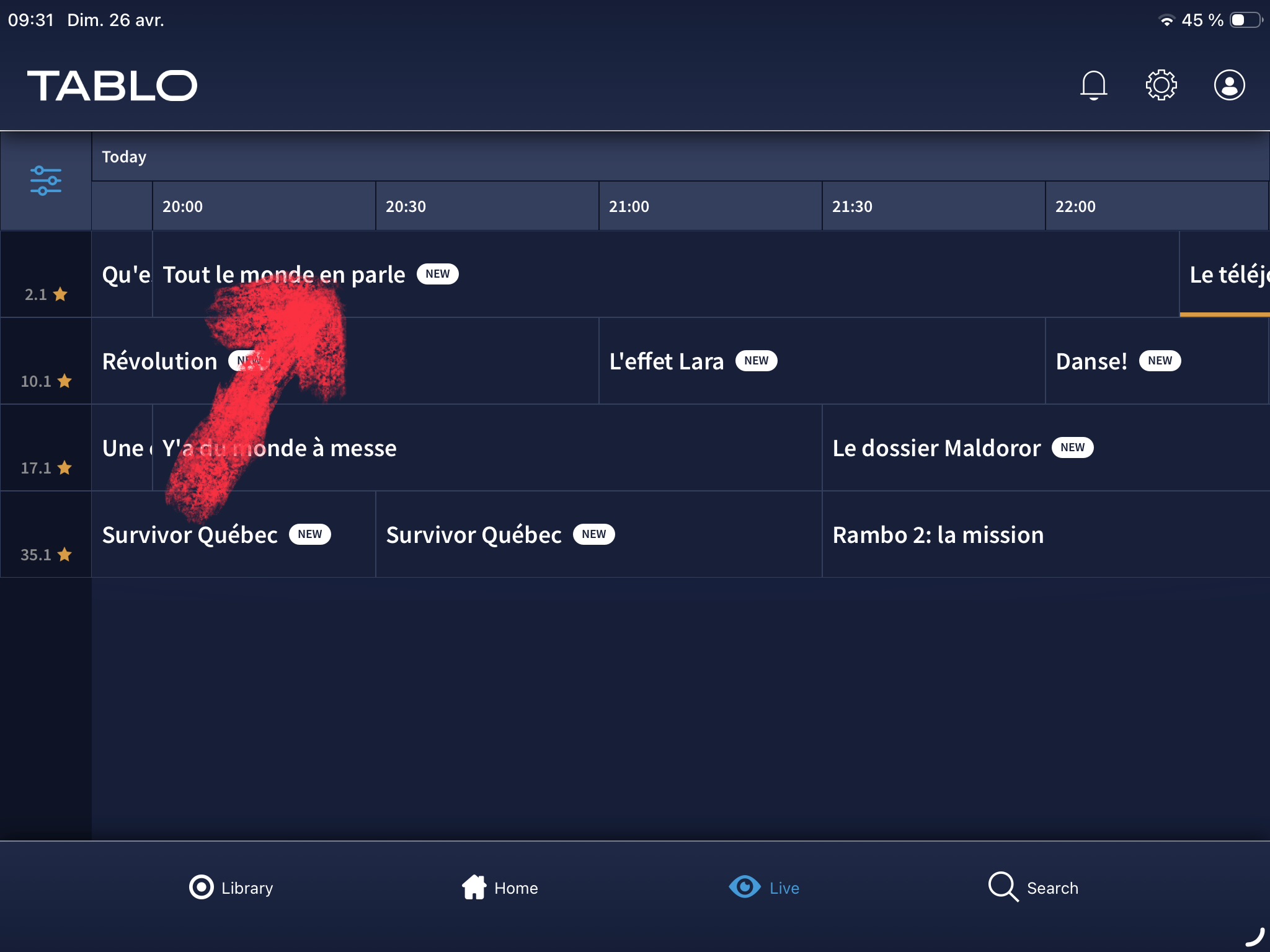
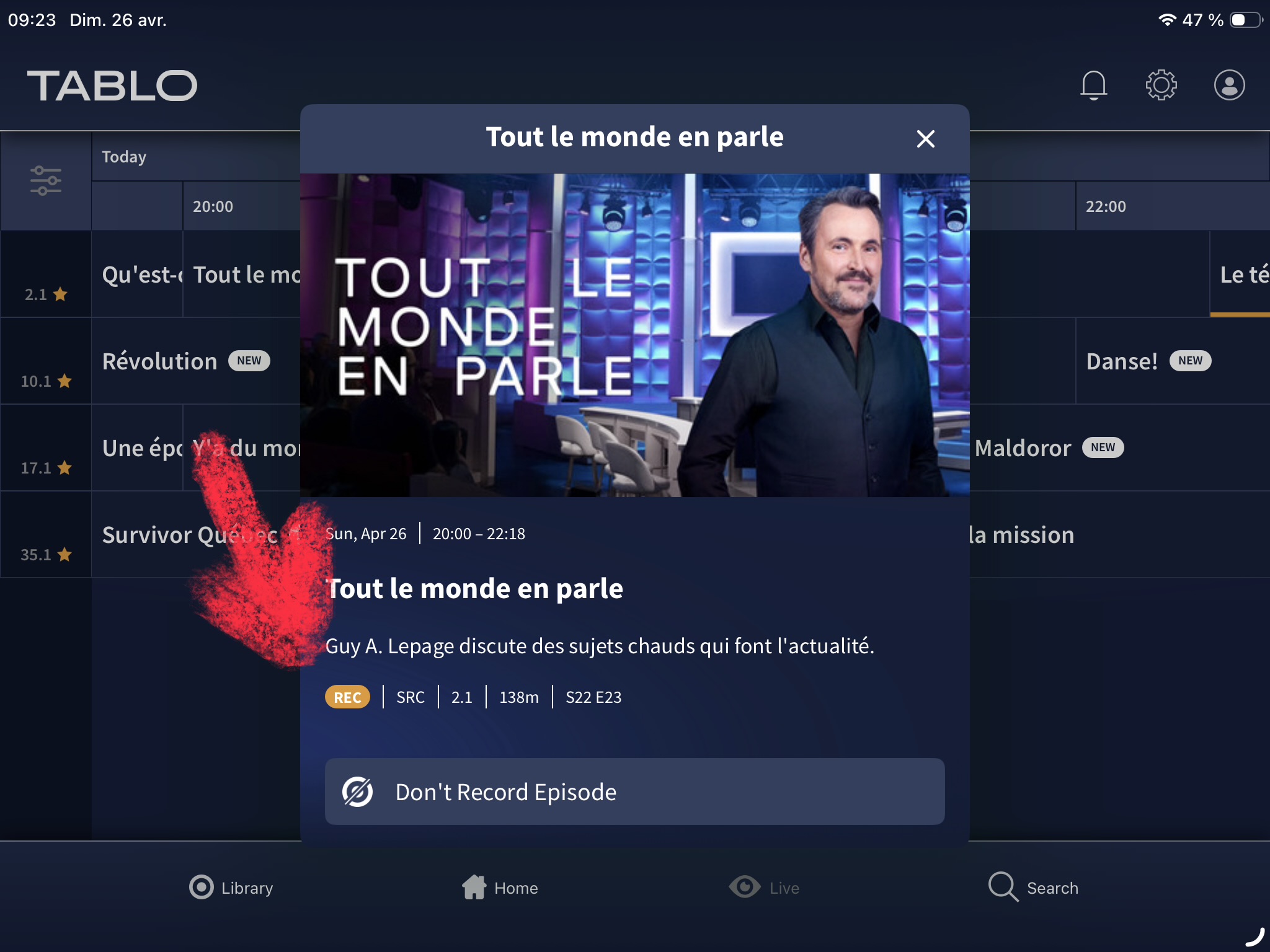
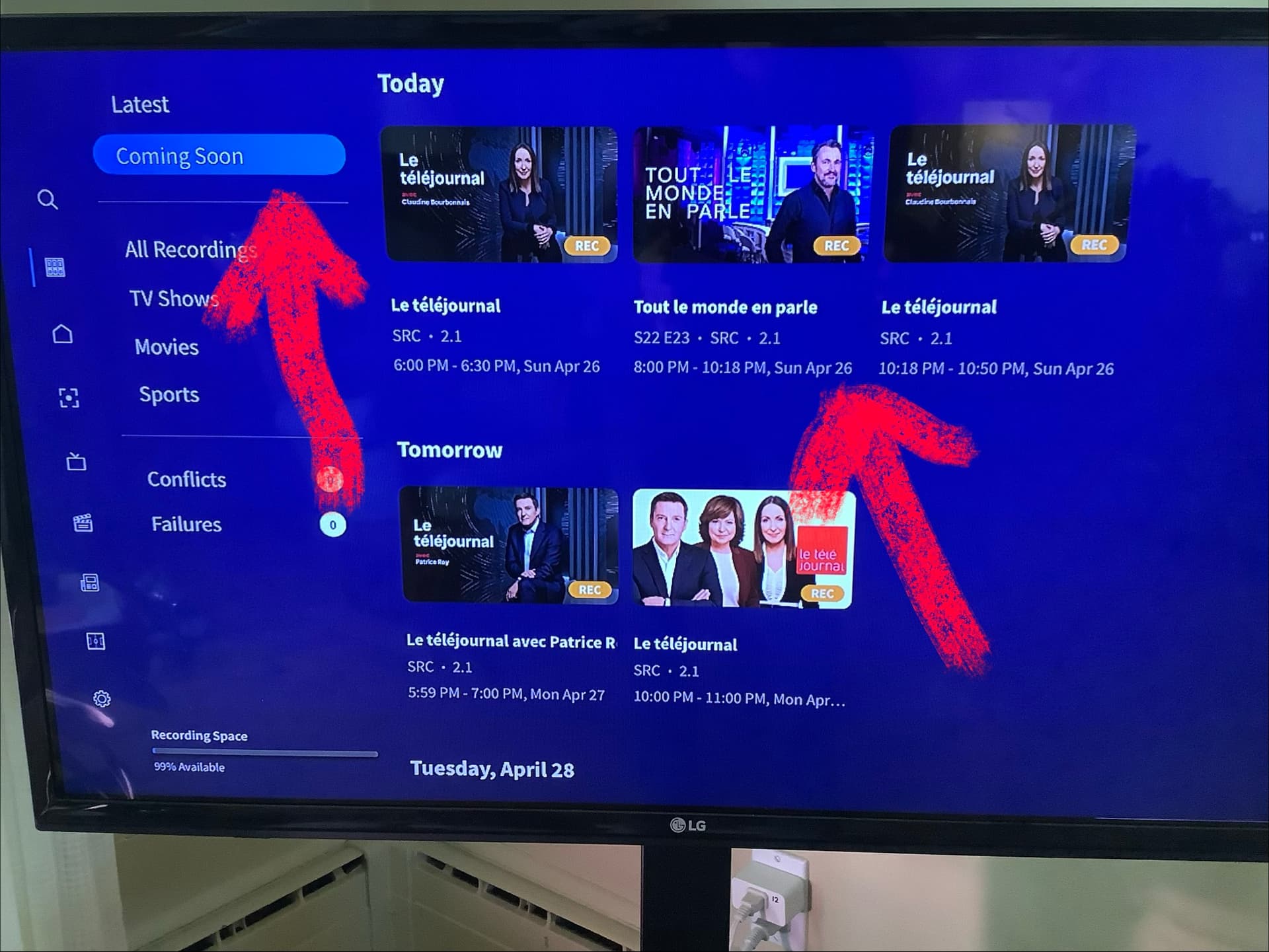
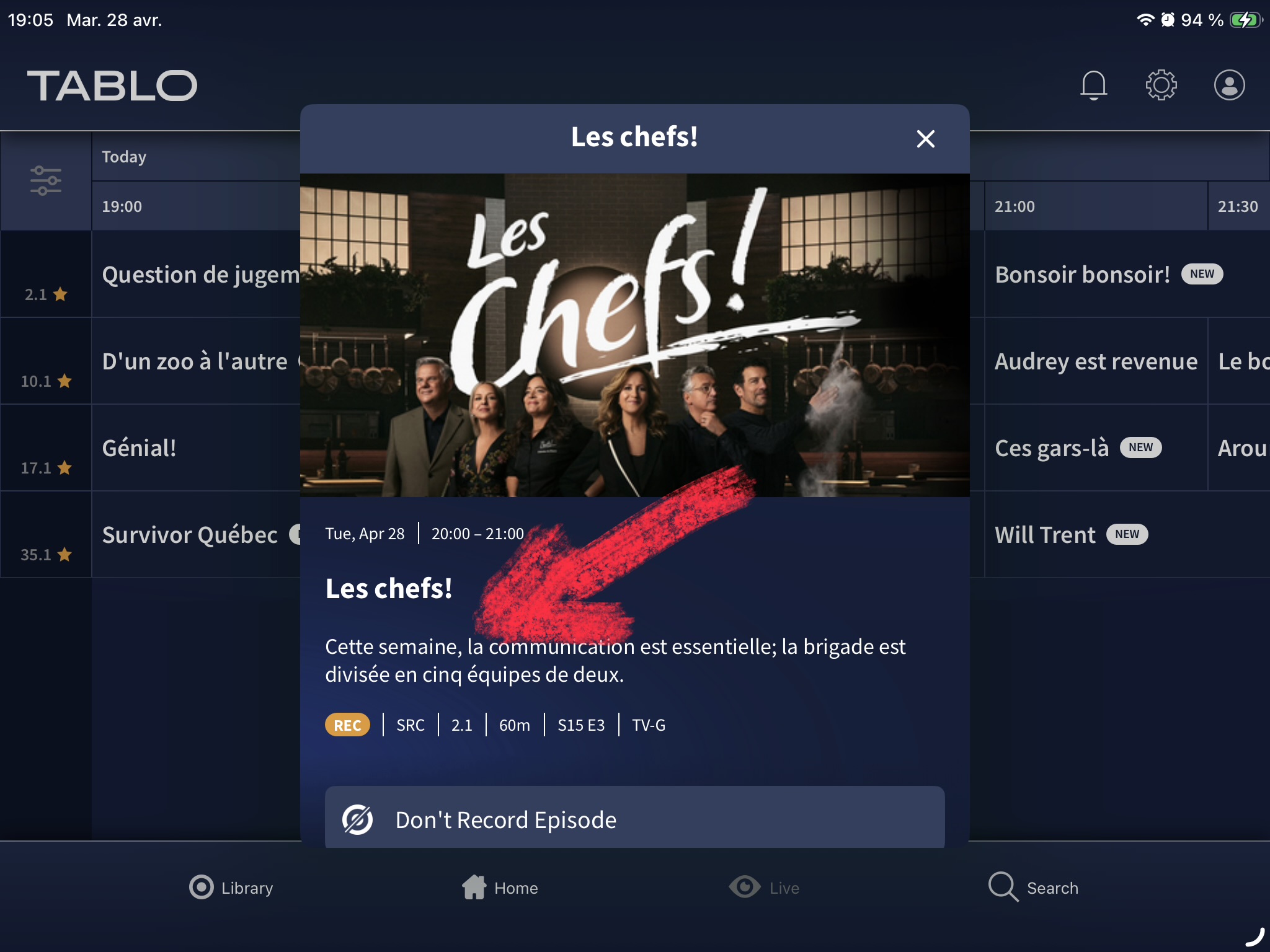
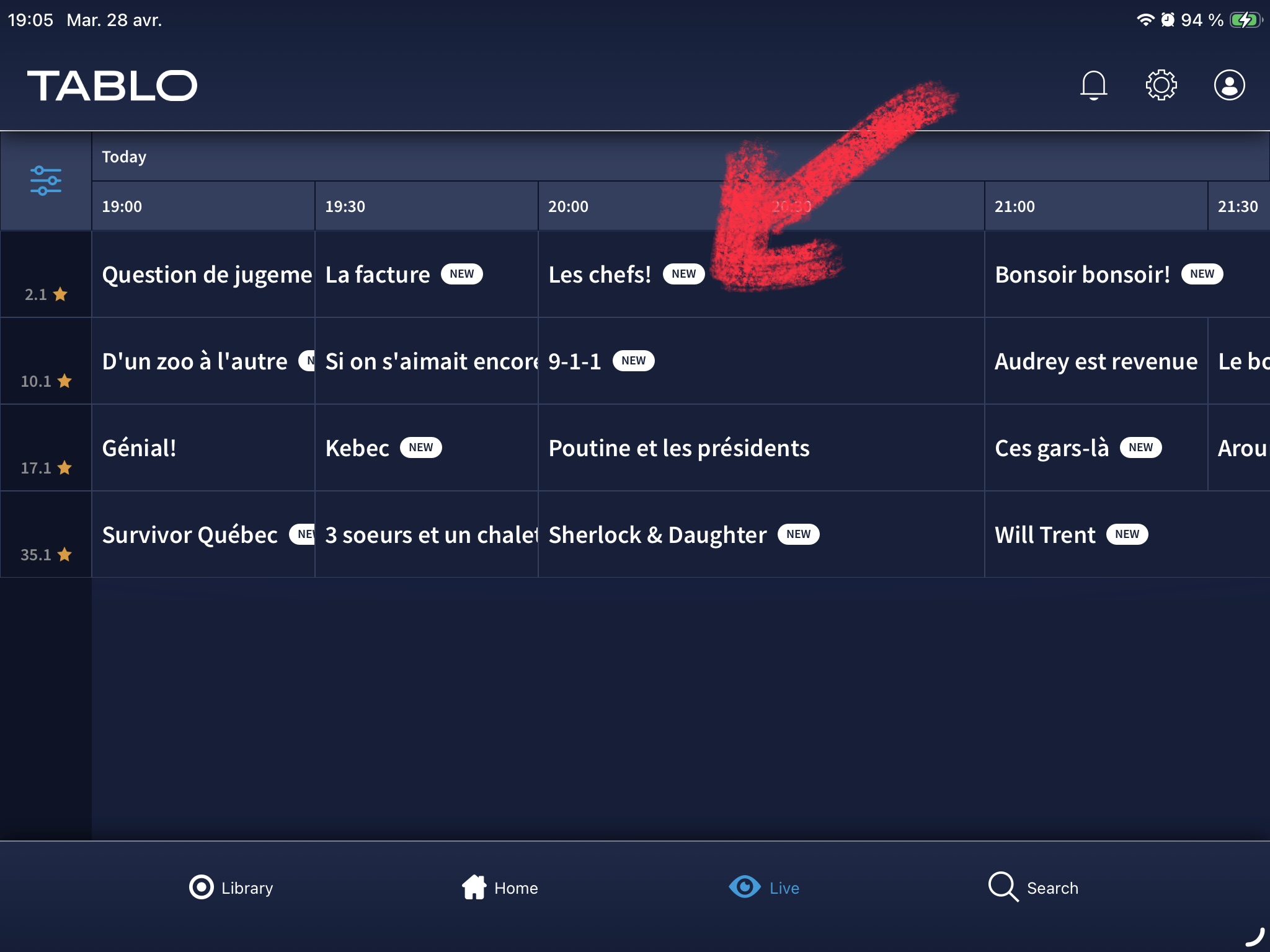
Tablo Legacy 4-Tuner with the 4th-gen Tablo app on Apple TV, as well as on the iPad.
The recording was scheduled after I updated the firmware on my Tablo Legacy 4-Tuner to 2.2.60, performed a factory reset, and connected a new hard drive that the device formatted. It doesn’t get any cleaner than that!
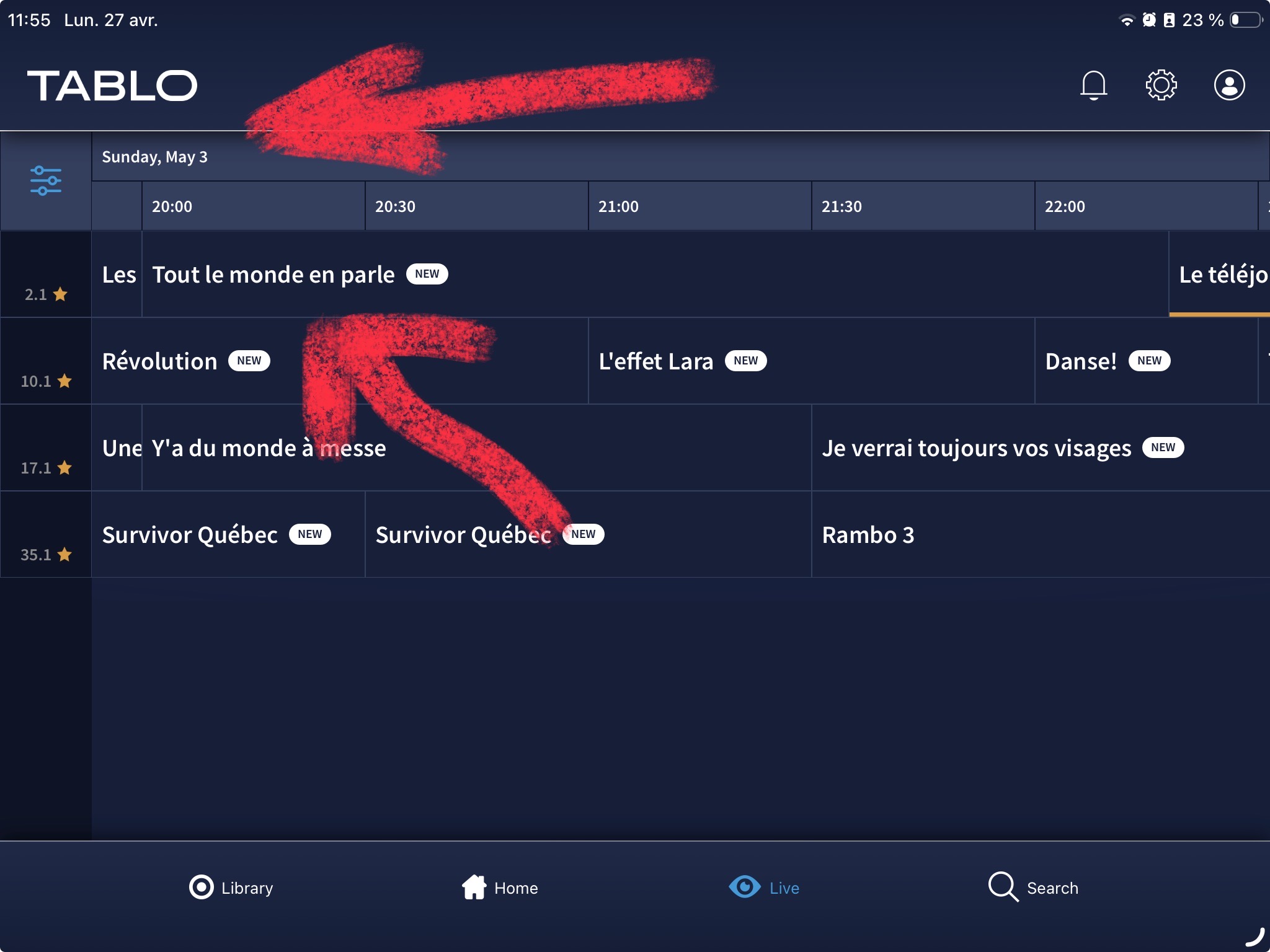
I notice that in the live guide, the recording schedule indicator doesn’t appear, even though the recording of the show is indeed scheduled.
For other shows I’ve scheduled to record, the indicator appears correctly.
Go to settings Guide and Update Guide? Not sure if this will help, but often when I look at the last update to the guide it is behind by several hours.
Thank you for the advice, @Chazbury. However, it hasn’t made any difference. Treat the cause, not the symptoms. I’ve been a computer scientist for 35 years: whenever I couldn’t find the cause, the problem would come back. If there’s one thing I’ve had to put into practice, it’s definitely that.
That’s not the only issue I’ve noticed. In my experience, the Tablo Legacy app is much more stable, despite its user interface. In fact, I don’t recall ever noticing any glitches. The Tablo 4th Gen app’s interface is definitely more up-to-date, but it’s not without its own issues.
Is this limited to Tablo Legacy devices with 4th-gen Tablo app on tvOS or iOS or does it affect any model?
That is strange @SLeclerc,
We’ve tagged the product team.
@tabloTV: The indicator appeared once the broadcast began. That is indeed strange. The issue seemed to be limited to the scheduling of this series. In fact, the indicator does not appear for Sunday, May 3, either.
@TabloTV, Another case for another series
Hi @SLeclerc,
Just touching base.
We haven’t forgotten about you, the Product Team’s still looking into this.
Hi @SLeclerc,
The Product Team is aware of the problem and will tackle it. Unfortunately, we don’t have an ETA.
1 Like