Tablo iOS Mobile App (4th Gen) Update (v. 2.3.0)

Hi folks -

An update for the Tablo iOS mobile app for 4th Generation Tablo devices is now available.

Along with a new Bluetooth-assisted first-time setup process, this update includes a fix for rotation issues for iPad users as well as one for playback issues for those with Apple HomePods.

Be sure to download the new version if you don’t have automatic updates enabled.

Here’s what you can expect:


Tablo iOS Mobile App (4th Gen) Update (v. 2.3.0)

  • Adds Bluetooth assist for Wi-Fi setup
  • Fix for playback issues related to use with Apple HomePods
  • Fix for screen rotation issue on iPad
  • Other smaller bug fixes and performance improvements


If you have questions or encounter problems, post them below or touch base directly with support.

3 Likes

thank you :+1::+1:

how do i get rid of the top part of the grid that now shows on my ipad when playing live or recordings?

Thanks!

1 Like

How do I tell what version of the app is installed on my iPad?

Thanks,

Ken

Hi @Ken_B,

You should be able to find it un the platform details of your settings.

Been around a long while now. This is a huge upgrade and I’m grateful to the Beta team for refining the app. Big step in the right direction.

1 Like

using the updated ios app, i see the top part of the program guide at the bottom of my ipad screen, when viewing live OTA.

This does not happen when playing recordings, I then have a full screen.

How can I view live OTA in full screen?

Hi @tabjoe,

If you rotate your pad landscape, it should remove the program guide.

IOW I must do this (rotate ipad) each time, in order to remove the section of the guide at the bottom of the screen?

Also, it seems now I have black bars at top and bottom of ipad screen, for recordings as well as live. Used to be full screen.

BTW I just updated to ios 27.

thank you.

I updated my iPad 9 with the new Tablo Gen4 app v2.3.0 and can confirm that the problem as reported is not resolved. Doesn’t fill entire screen.

Updated iPad OS 2.6.7 prior.

It does launch in landscape mode.

Updated iPad OS 27 took screenshots.

1 Like

Is support for running this app in the background anywhere in the current roadmap?

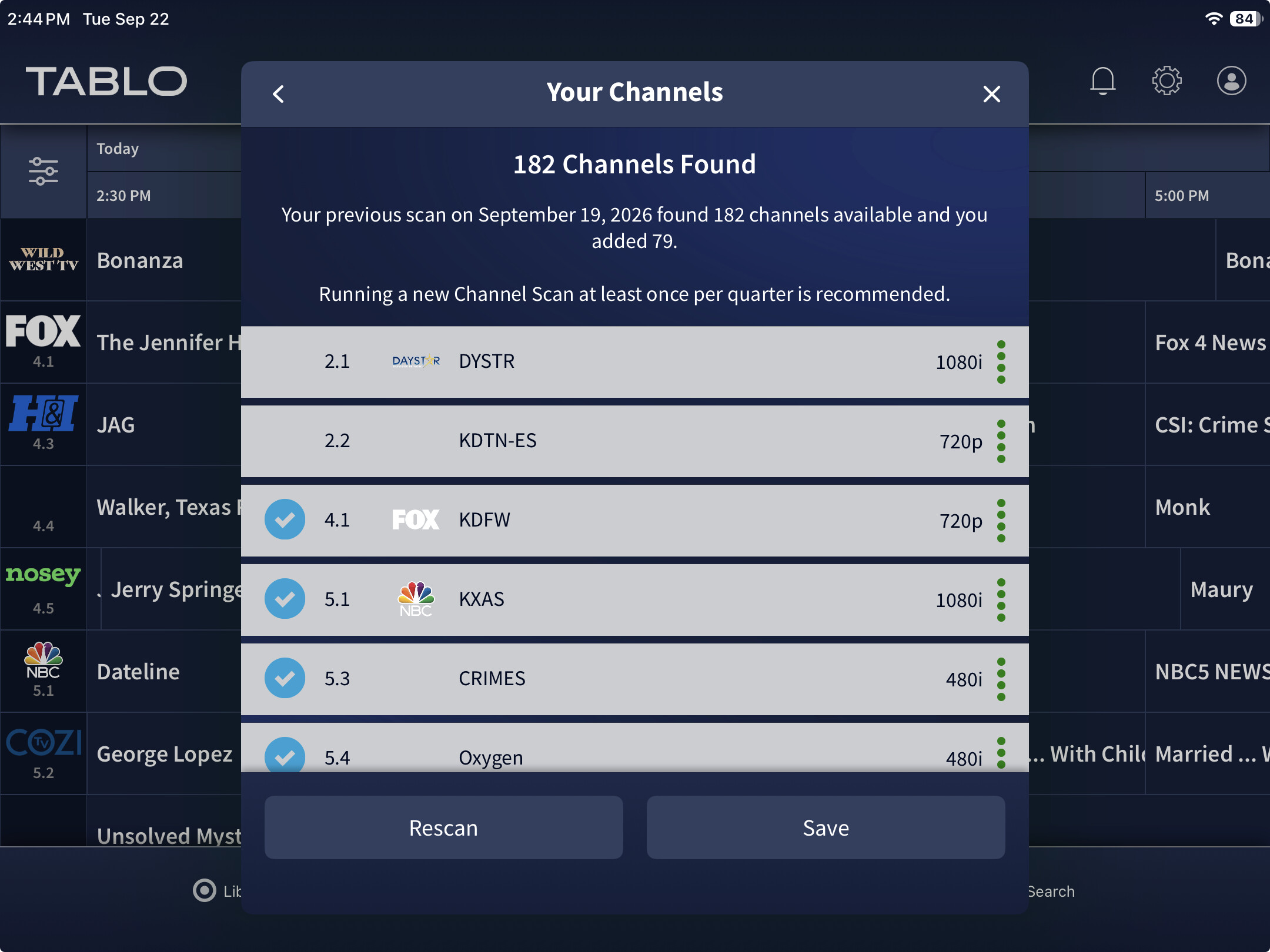
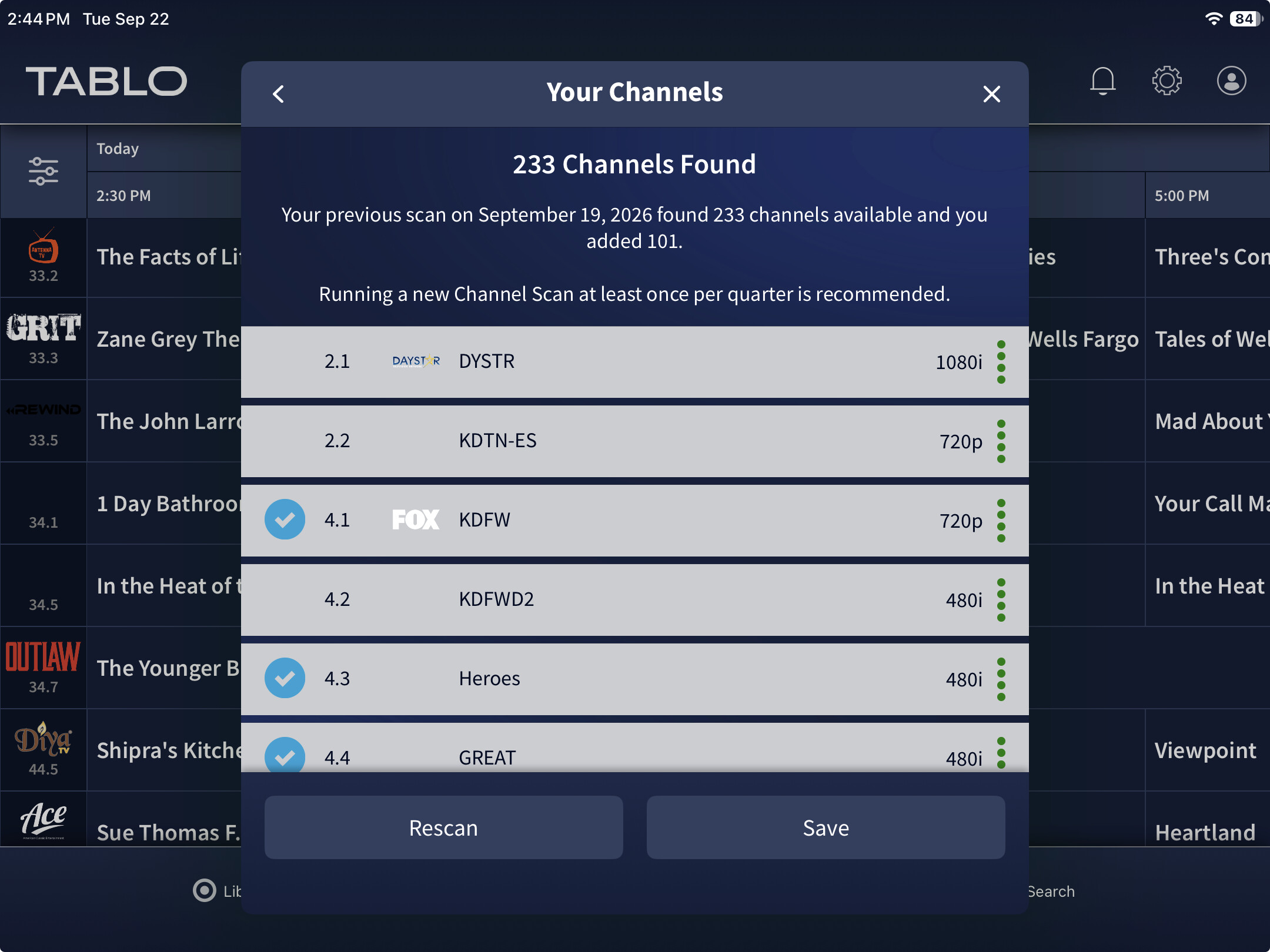
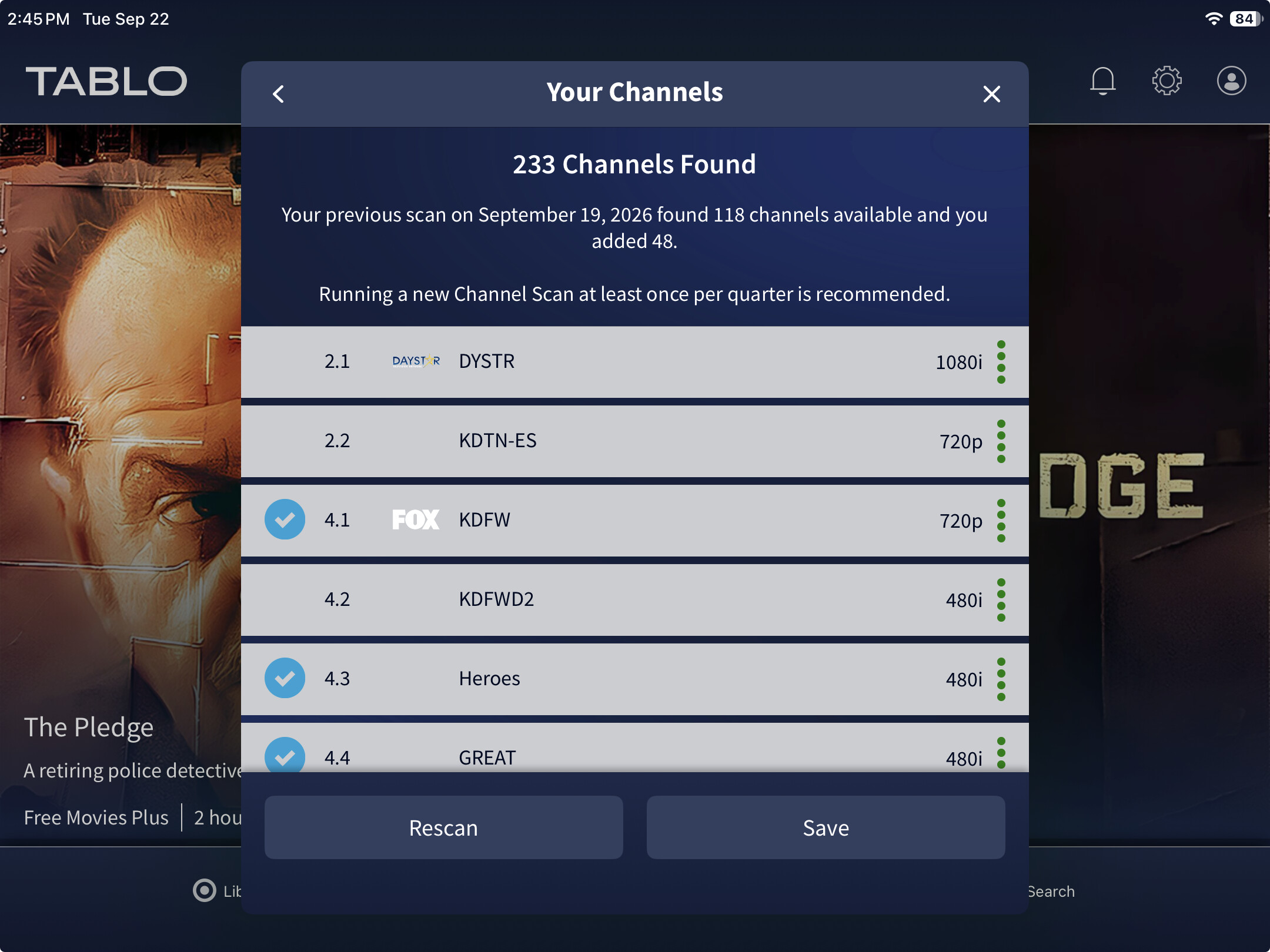
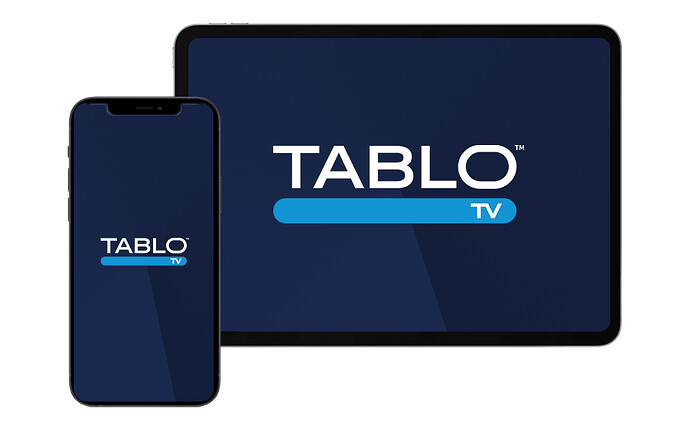
More strange happenings. Each time I execute the app the number of channels changes… with and without the FAST channels. Sometimes the FAST channels are not in Your Channels at all.

This doesn’t seem to happen when swiping the app then bringing it back up. It only happens when you end the app and re-execute.
1 Like

I’m curious how the new Record Live function is invoked on iPAD since it doesn’t have a remote.


Hi @CarbonCompound,

We sent a general push notification outlining new features in some of our apps. The message does share that Record Live is available for Apple TV (where it was first released). It’s now also available for Samsung.

For more info on Record Live, go here.

Groovy. Thanks. Any word from LG when it releases? I’m still on 1.7.4.

Apple TV being the device and Apple TV being the app/service provided by Apple Inc.

The title of this thread confused me. Mobile. I thought iPad. But I guess it means phone. iOS.

Hi @CarbonCompound, the mobile app for Apple is applicable to both iPhone and iPad.

I apologize for not understanding but does that mean iPad should be able to use Record Live?

Nevermind I reread the link. Sorry.

The Record Live page has links pointing to zendesk. Was this on purpose? See the bottom of the screen capture below.

Thanks for poiting that out @wysiwyggin. Just fixed it, the link should work now.