Tablo app 2.2.0 (110) (Apple Tv Unwatchable)

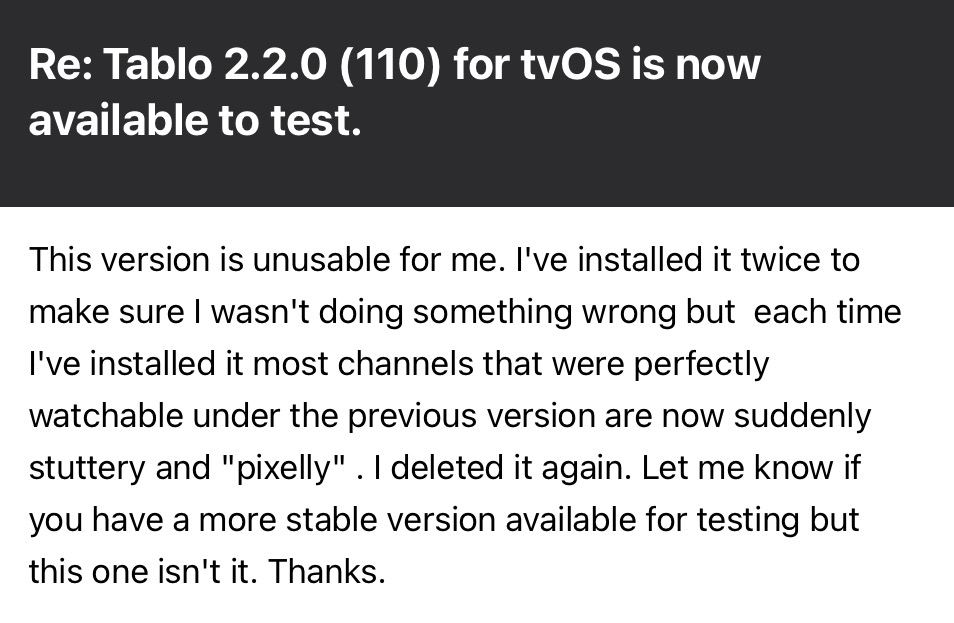
I previously tested this app version via TestFlight on June 25 and reported the attached feedback to Nuvyyo. It appears my Apple TV recently auto-updated to this same version, as I am now experiencing the identical issues: stuttering and frozen video across all networks. Tablo was working perfectly yesterday, so I suspect the update occurred within the last day or so?

Incidentally app works perfectly on iPad and on Fire TV.

I was hoping there was a way to revert back to the previous version of this app, but Tech-support has told me there is no way to do that. Any ideas, as I would prefer not having to watch Tablo on mobile or Fire TV. ( BTW, I’ve rebooted, my router, my TV, my Apple TV and my Tablo. I’ve also deleted the Tablo app and reinstalled it. I’ve also turned off automatic updates on Apple TV.)

Thanks.

They promised a patch and sent me a link to beta test a day later that was expired when sent.

Suddenly my hopefulness has changed to dread. Is this is just another Chinese firms terrible customer service?

They knew they had an issue yet released it anyway.

2 Likes

Yes I agree. I don’t know what’s going on. I’m not sure I’ve seen as many complaints here as I have on Reddit so I hope they recognize the problem and fix it promptly. I had a previous case open with them regarding a “playback failed” error I was getting on 2 channels (Antenna TV and Rewind) and ONLY on Apple TV . That problem was reported in DECEMBER 2025 and remains an ongoing and present issue. I hope this one is different because I am unable to watch ANY channel/Network on Apple TV with this version of the app. At the very least, (and as they sort out this problem), they should offer the previous version of the app to those of us who are having issues with version 2.2.0 (110). :enraged_face: At least that one worked (for me)

Another thing I’d like to point out for Apple users: there’s a wonderful open source app out there called Tablo Player. With the help of that app I am able to view all those unwatchable Apple TV channels but ONLY ON THE MAC. I can then use Airplay/screen mirroring to watch on Apple TV. It’s a convoluted way to watch the Tablo app on Apple TV but it’s certainly an option.

Finally I think one thing that can be underscored is that this is 2.2.0 (110) unwatchability issue is unique to Apple TV. It otherwise works on iPad, iPhone, Mac and Fire TV.
2 Likes

Hi @SteveHas,

We just DMed you a new link. Please let us know if it works for you or not.

I just got it

How do I install this on my AppleTV though?!

I figured it out

1 Like

@TabloTV Tablo I haven’t heard a peep from anyone from Tablo Support staff in the two days since I posted originally. I know you’re out there because I’ve seen you reply to other others, so how long before I see a response?

Stations that were reliably coming in before version 2.2.0 (110) are now displaying FROZEN IMAGES….not just on one or two station but on EVERY STATION.

I had some video to share with you here, but apparently only JPEGs or GIFS are permitted.

I believe reverting to the previous app version that was available would solve the problem, but I’m told that’s not possible. So what else can we do? Thanks.

2 Likes

Sorry about the delay, @Lkny,

Are you using HomePods, with your Apple TV? If so, there’s an issue linked to them we are investigating, where disconnecting HomePods will serve as a workaround.

We’re working on a fix to resolve the issue.

I am but I had read about homepod minis perhaps being an issue so I had disconnected them previously, deleted the app and reinstalled the app using my LG TV’s inner speakers but I had the same issues… I can’t watch one single television station.

Incidentally, the homepod minis worked perfectly with the previous version of the Tablo software, but 2.2.0 (110) screwed everything up. MAY I get a copy of the previous version of the software I guarantee you …that’ll be a fix. I don’t want to wait for another 6 months for a fix that may or may not arrive. Any other suggestions? I opened up a case ID (582769) and while I placed the unit in remote access mode yesterday I haven’t heard a single peep since then and I’d like to know what’s going on. Thanks.

BTW, I’m also waiting on a previous software fix for the “playback failed” error I was receiving on 11.2 and 11.4 (Antenna and Rewind ) that was reported to you back in December 2025 and is continuing to be a problem as we speak.

Thanks @Lkny ,

We’ve flagged support and the product team about both of your concerns.

Thanks. I just realized something: when I removed the HomePod Minis from the equation, I didn’t restart my Apple TV. Since I didn’t restart, removing the HomePod Minis didn’t do anything.

Last night, I wanted to double-check what I had posted, so I started fresh. I deleted the new Tablo app, set my Apple TV to the internal LG speakers, restarted the Apple TV, and reinstalled the new Tablo app. Sure enough, every channel is back to normal. I must have assumed I had restarted previously, but clearly I didn’t. That being said, I’d still like to see this problem fixed and hope you guys won’t lose sight of it.

1 Like

Let’s be clear for at least the past 2 weeks, the freezing on the latest app release is happening here too. To be clear, this isn’t constant but it is more often than not struck. Very frustrating.

Running the Tablo version 2.2.0 (110) on latest Apple TV model A2737 with TVOS 26.6. One of these models has HomePod minis for sound and the other is connected to an AVR.

Please resolve the bug with the Tablo app on ATV.

2 Likes

Tablo sent me access to 2.3.0 (117)-beta.6. That version solved all my freezing issues…even with HomePod minis handling my audio output. It might be worth a shot.

Thanks. That appears like they could be releasing the update soon.

Interesting no issues today. I’m curious when it does start freezing again if disabling continuous audio connection would immediately resolve.

1 Like