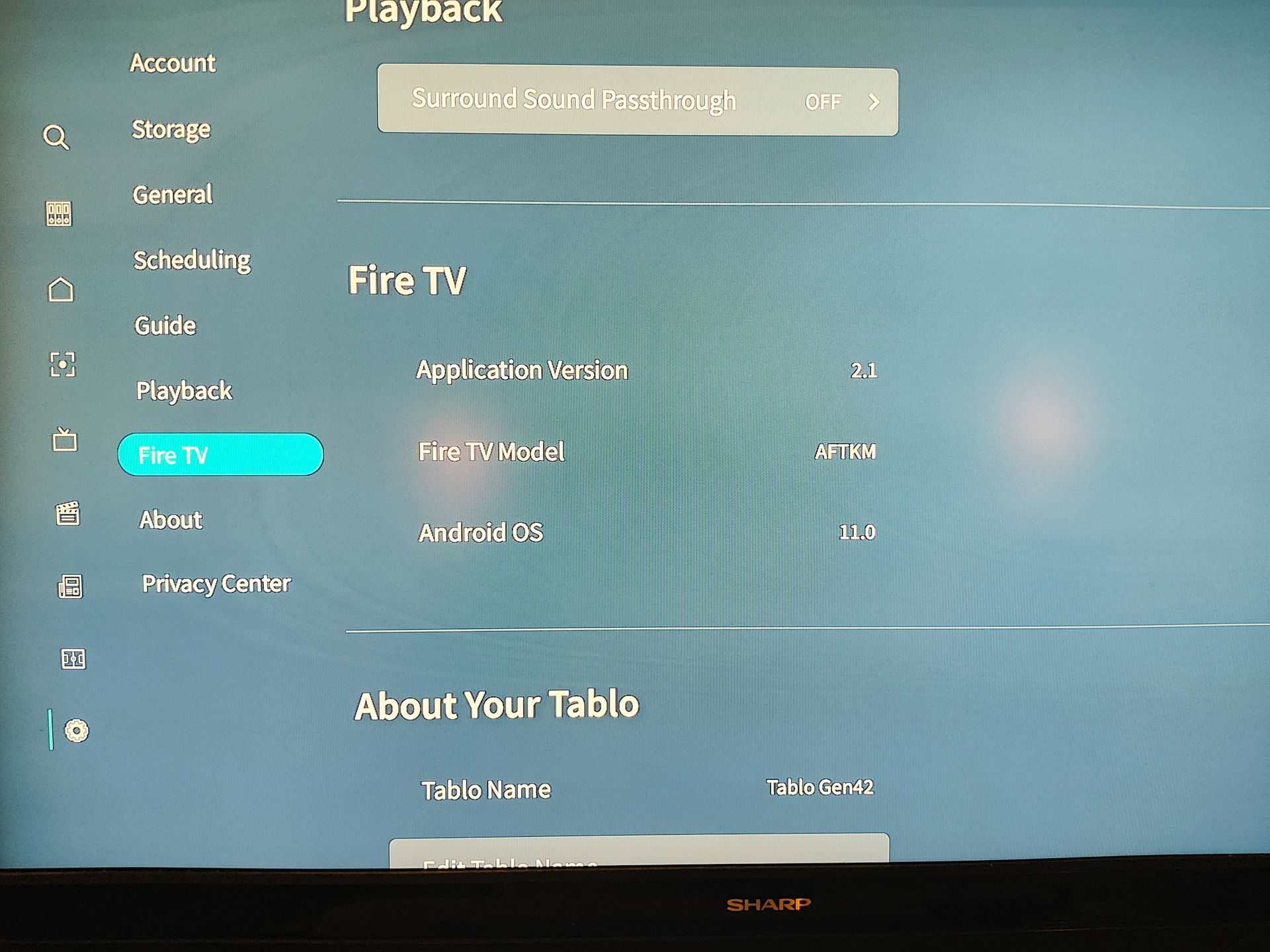
An update is available for the 4th Generation Android Mobile app.
This update has some small tweaks for playback and first-time setup.
Here’s what you can expect:
Tablo Android Mobile App (4th Gen) Update (v. 2.1.0)
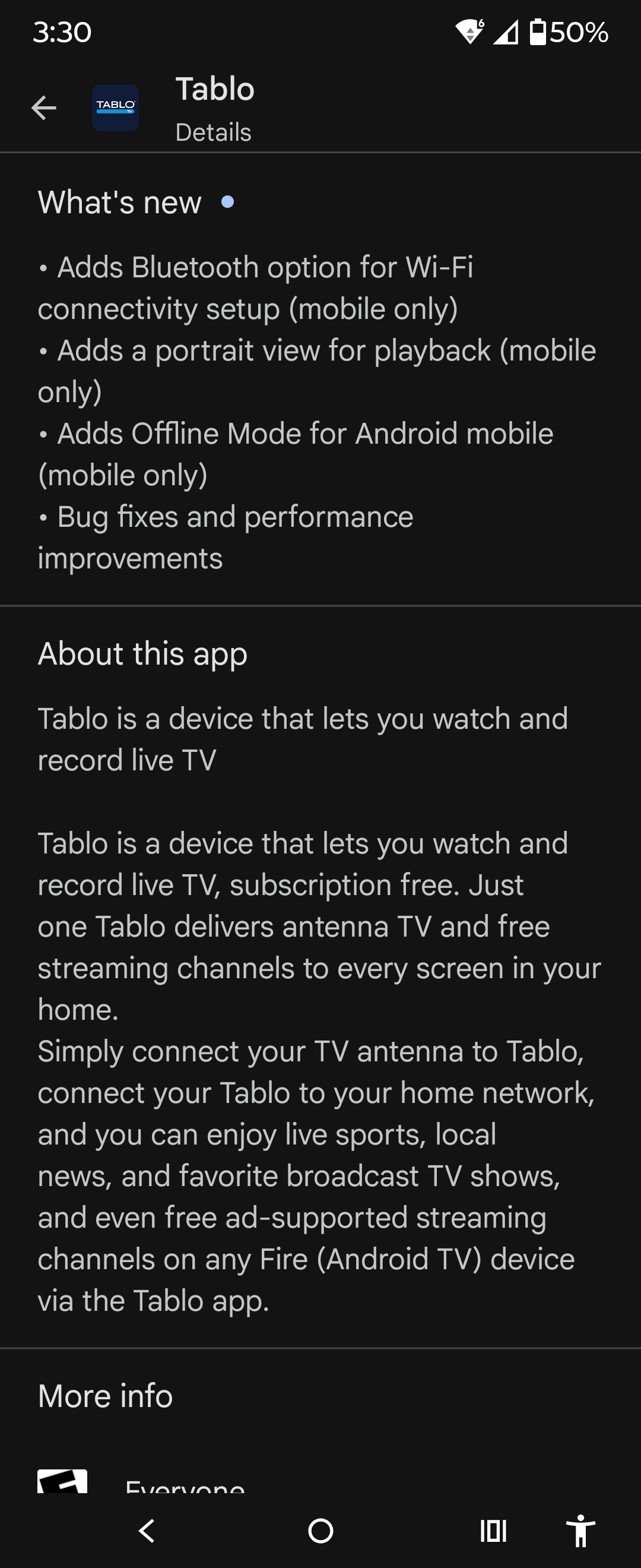
• Adds Bluetooth option for Wi-Fi connectivity setup
• Adds a portrait view for playback
• Adds Offline Mode for Android mobile
• Bug fixes and performance improvements
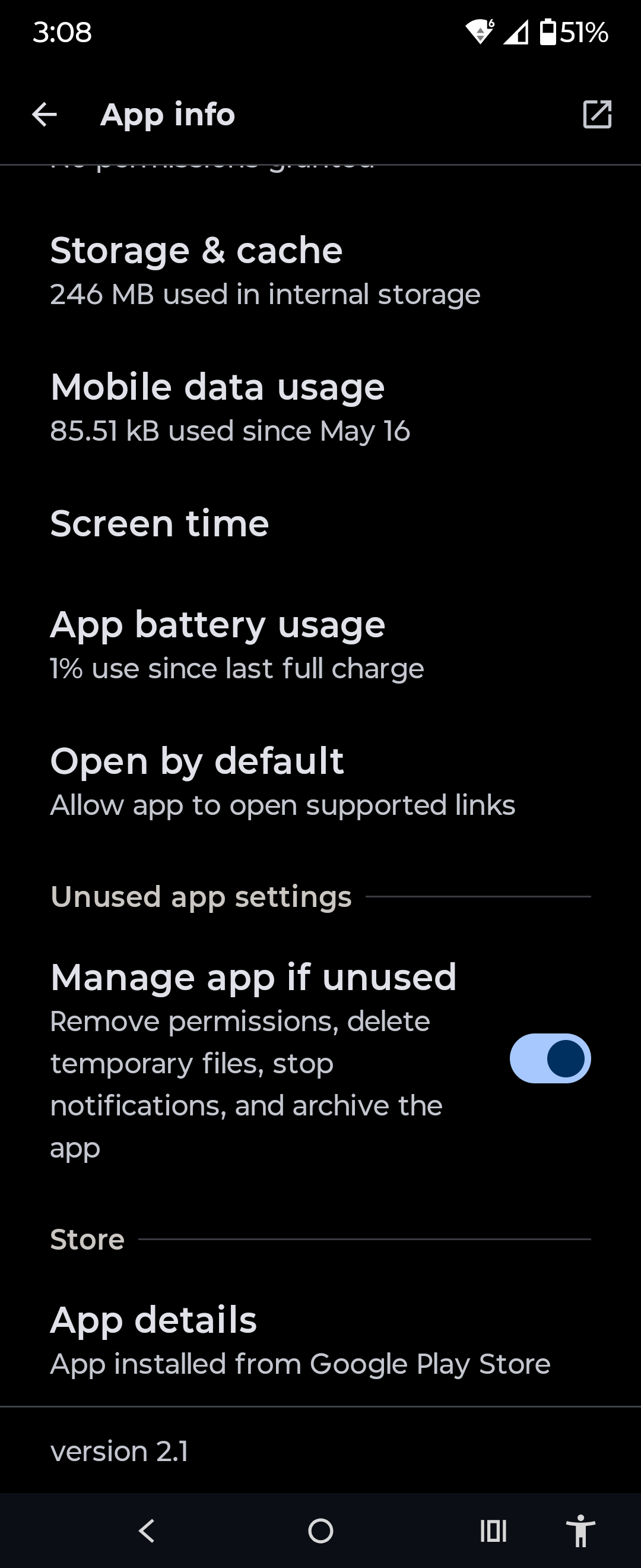
Howdy, I run a Pixel 8 Pro with Android 16. The phone OS is current and Tablo app is up-to-date after updating to v2.1 of the app yesterday.
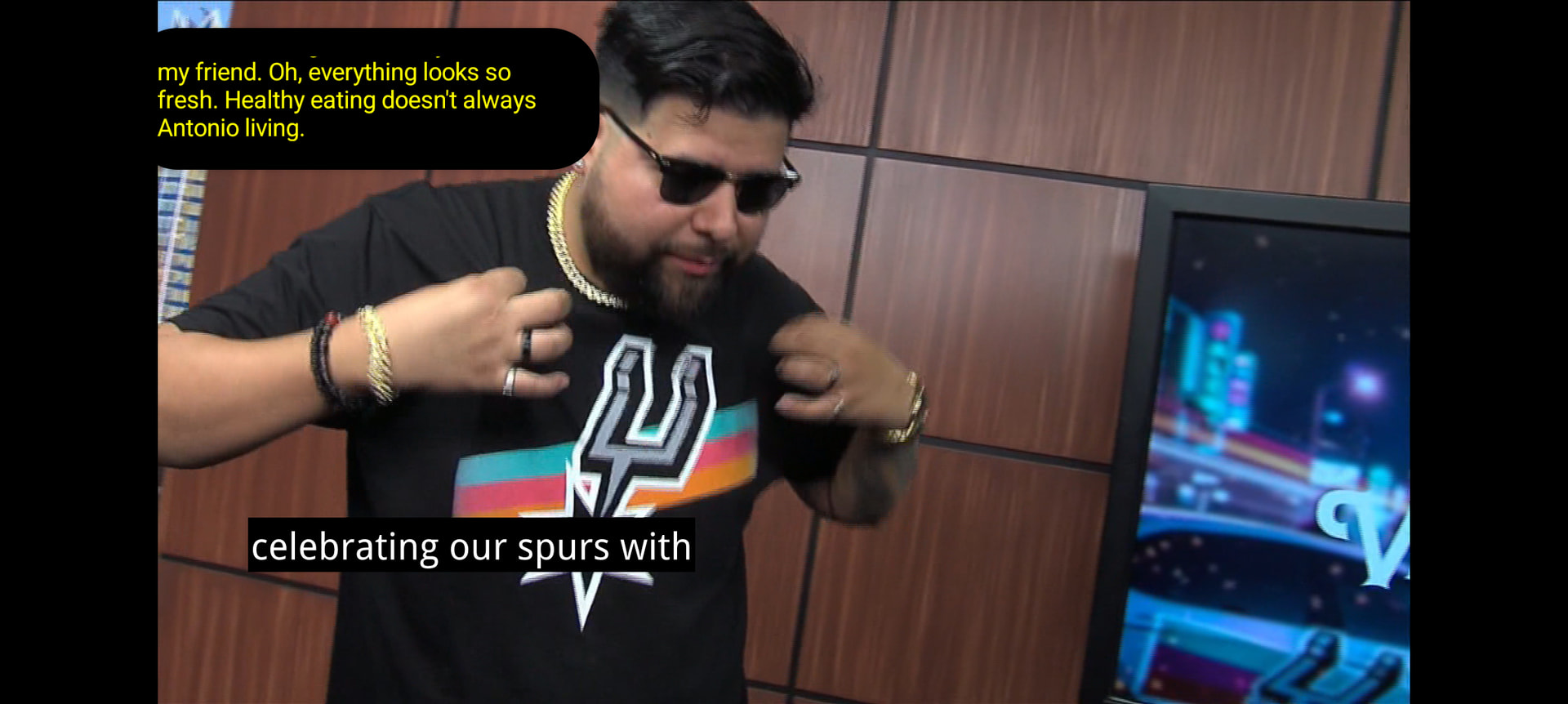
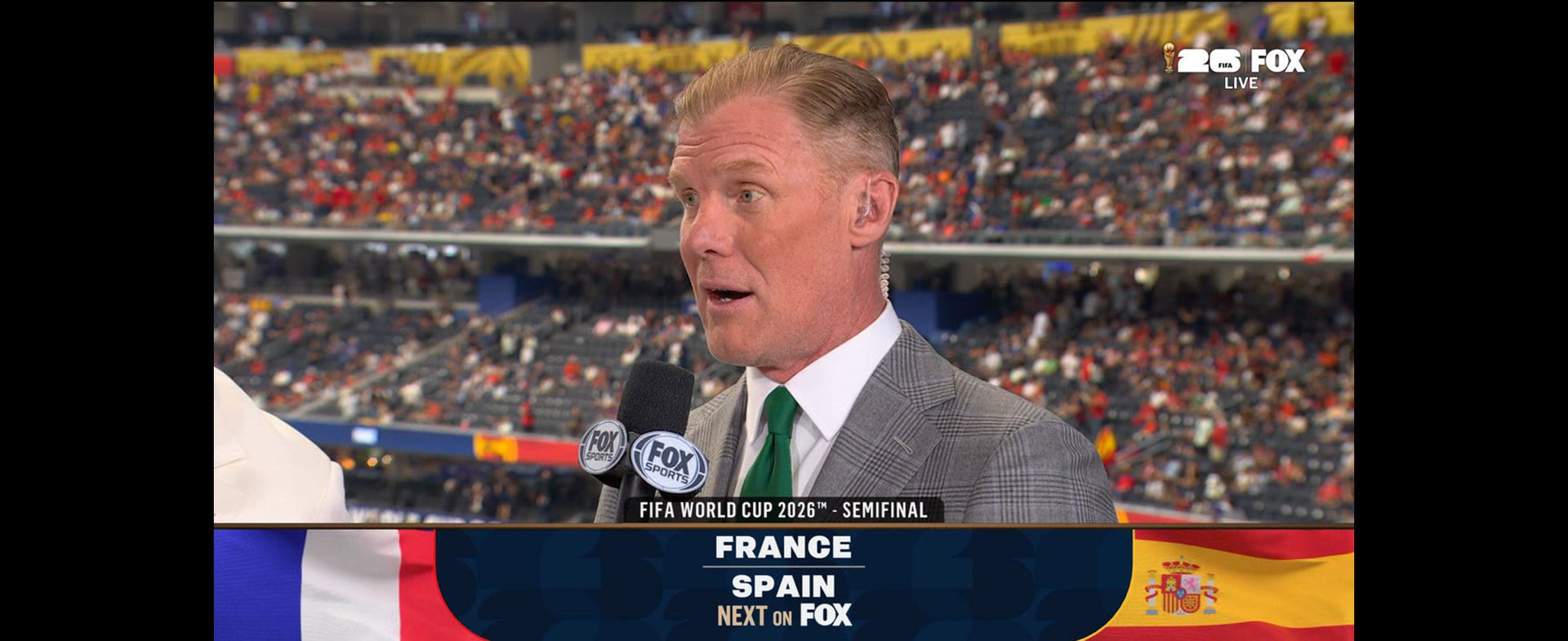
After the update, the closed captions format has reverted to large white letters on an opaque black background. This format is too big and obscures far too much of the display when I watch on my phone.
As I understand it, the captions are supposed to use the format that is set as default on the playback device (phone, Roku, ONN/Google TV, Firestick, etc.). This is how it used to work on my phone until the v2.1 update.
Now I can’t seem to find a way to change it back and it is driving me nuts! Any ideas on how to return it to my preferred custom captions format of small yellow text against a 50% transparent background? This is the setting for captions on my Android phone.
Any ideas would be appreciated. Thanks.
By the way, I’m not soliciting opinions about whether or not I should use captions (I know some people hate them…I’m GOING to use them).
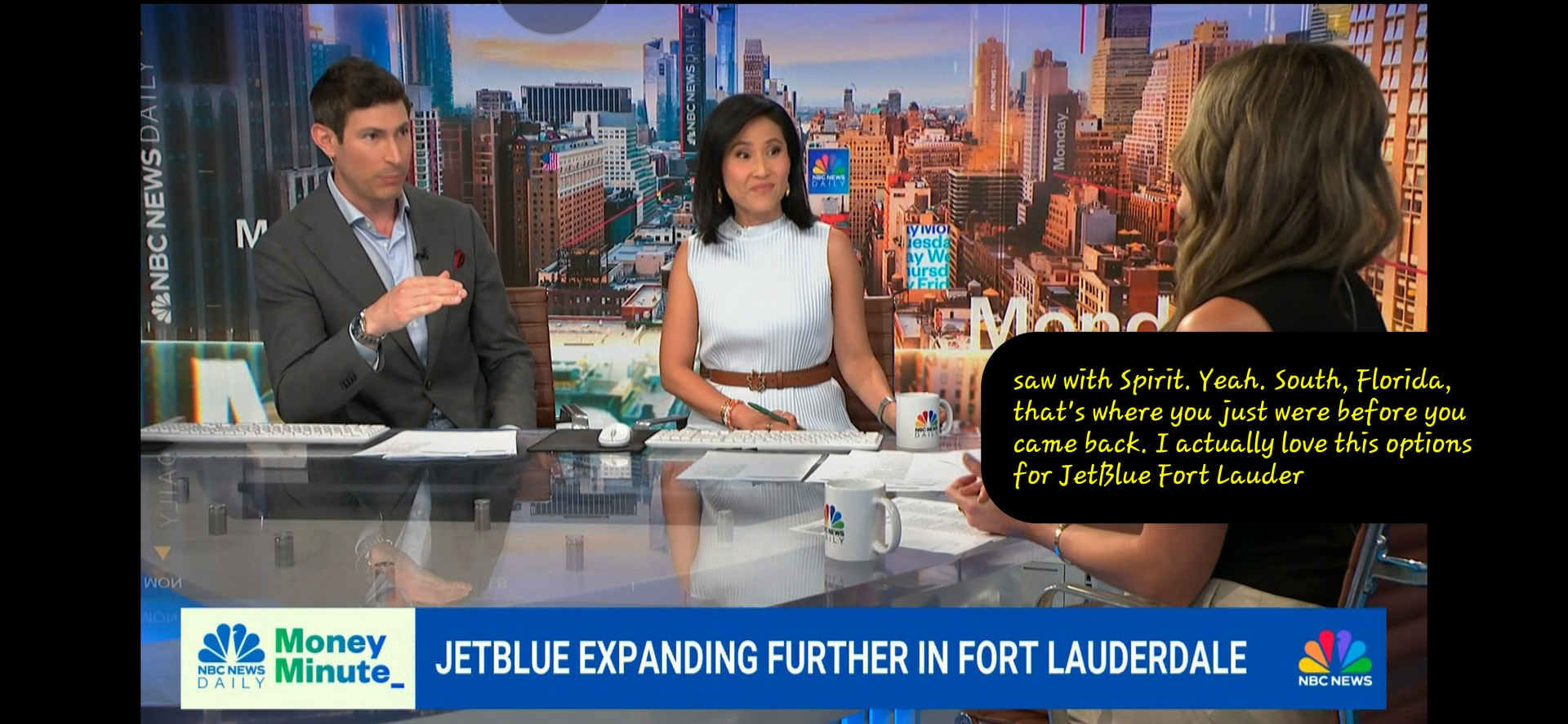
This is the view once set in Landscape mode. The height of the window is adjustable to allow more lines of text, and you can drag and drop it anywhere on the screen…
I have a samsung S6 Lite and I’ve been waiting since 2023 for the app to allow edit SSID. The original setup using the S6 lite continuously bombed with an unknown error while collecting the SSID’s.
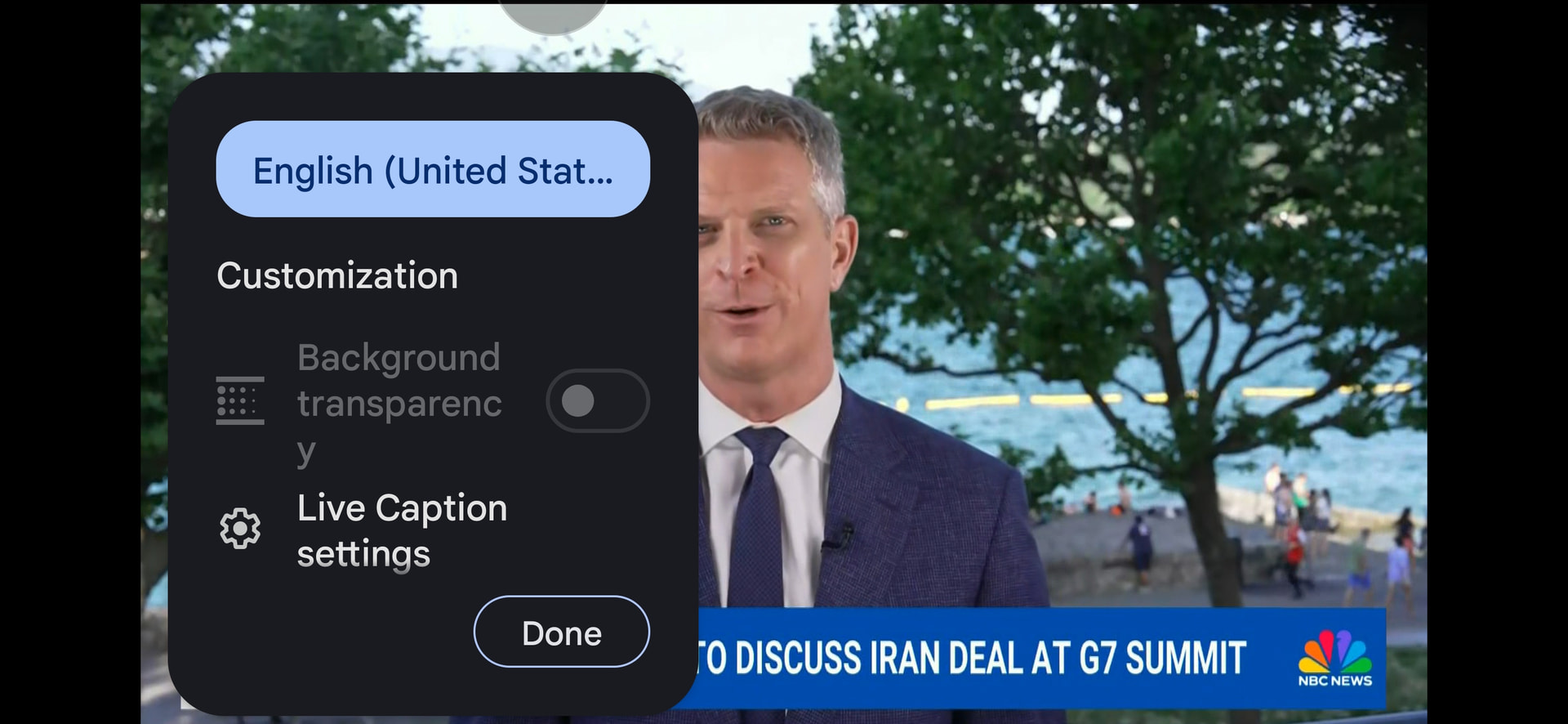
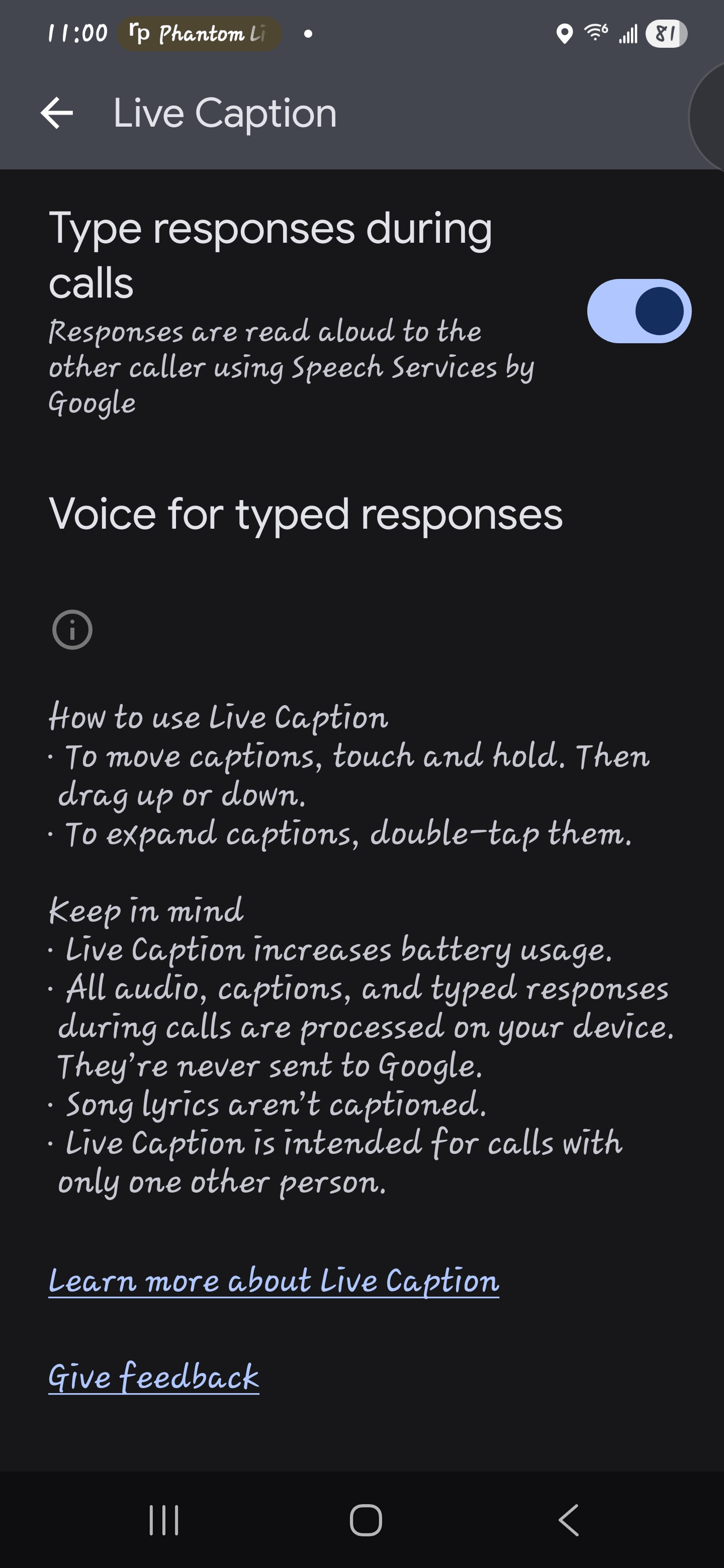
Go to Settings > Accessibility > Hearing Enhancements and turn Live Captions ON, you can then set caption preferences. Mine is on a Samsung Galaxy S24+, so your settings may vary.
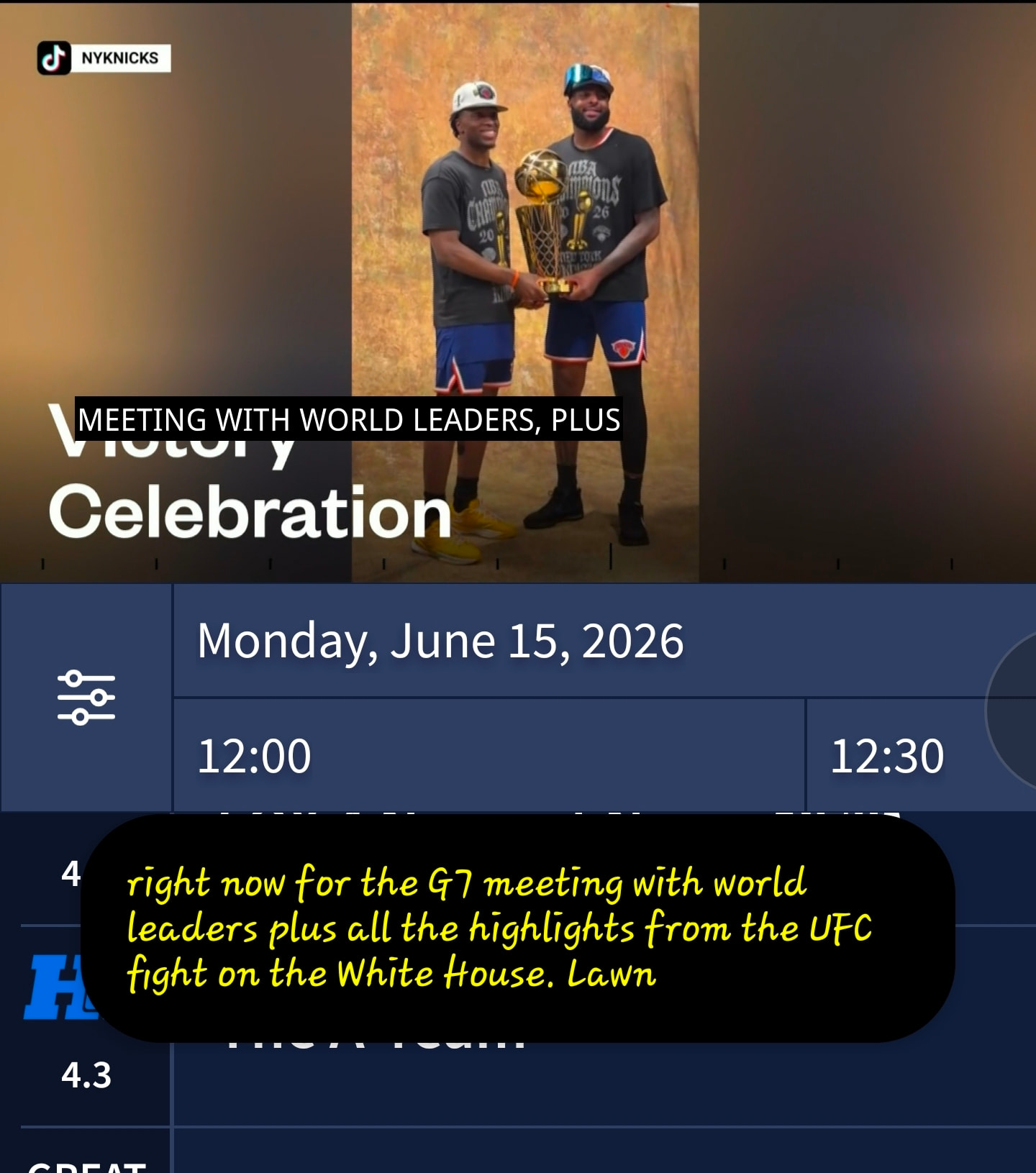
Very interesting…I turned on Live Captions and discovered that this feature is completely separate from Closed Captions. I had them both turned on at the same time! Check out the screenshot (note that the words are identical because the closed captioning text is a little behind the actual live broadcast). I was not able to access background transparency settings either.
Now I just need to decide which of the two approaches I like better and turn off the other one. I think I like the live captioning a little better because I can control where it appears on the screen by dragging it. And I can resize the window a little bigger if I want it that way (I don’t).
One thing to note - I think it’ll be on any time you use an app that has voice. So if you listen to music, it may live caption that too. Or, if you ask Google a question, it’ll speak and use live captions to answer. Just something to watch out for.
EDIT: oh, and I think you can use it for phone calls too, so if you can’t hear very well, turn this on.
I have the same problem with Android TV on a Nebula Cosmos 4k. A web search says there’s no explicit setting for caption background transparency in the Tablo app, it just adopts the settings for the device. So I changed settings via the Android TV home screen (upper right gear, accessibility). Set it to 25%. Back to Tablo TV. Nothing, still solid black background.
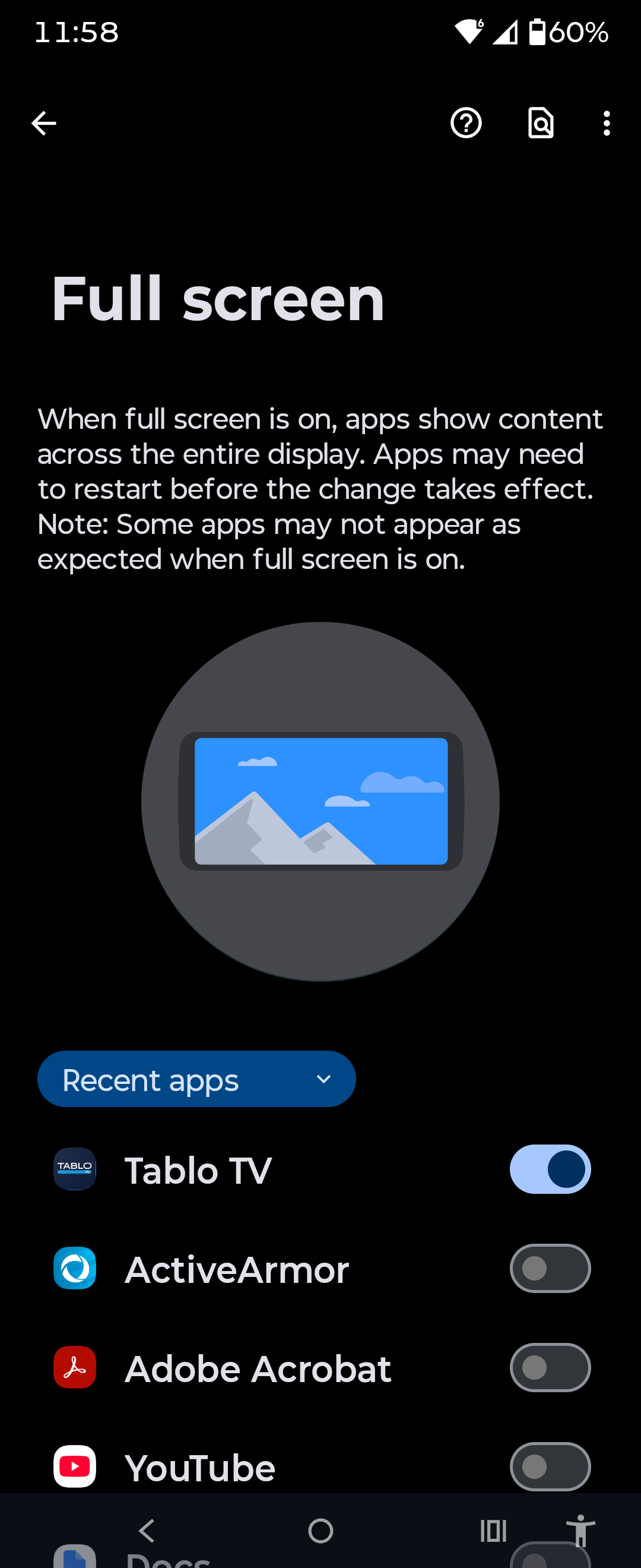
Squishing (stretching, aspect ratio) or overscan with a viewport are Android options usually. But maybe the Tablo implementation bypasses that setting. I prefer keeping the aspect ratio myself.
Yeah, my point is that “the feature” is usually controlled by your setting on Android (where the default is to preserve aspect and have the side black bars, because likely your screen aspect ratio is wider than TV content 16:9. But, if Tablo is somehow not using Android “ways” and you’ve set your display to stretch to fill the screen (guessing here), something for Tablo to look into. Otherwise, I would check your Android settings.