I am using Tablo on all of my iOS, iPadOS devices and 3 of my Apple TV 4K but only one of my Apple TVs will not play any antenna channels. All the other so called internet channels play fine its only the antenna channels. I uninstalled the app and installed the regular app and got the same thing. I also tried rebooting the device after each uninstall and reinstall but it still doesn’t work. It plays fine on my other Apple TVs, ipad and iphones but just this one device is having issues. The Apple TV model number is A2169 (MXGY2LL/A) released in 2021and its running tvOS 26.4 (23L5208m) developer beta. My other Apple TVs are the previous versions and are also running the same tvOS developer beta. I have yet to reset the Tablo because it’s working fine on all my other devices so i feel that there’s no need but who knows. Im waiting to see if apple will release a new Apple TV so i can replace one of my older models but if after i reset this Apple TV and its still fails to play Tablo i may have to replace this one instead.
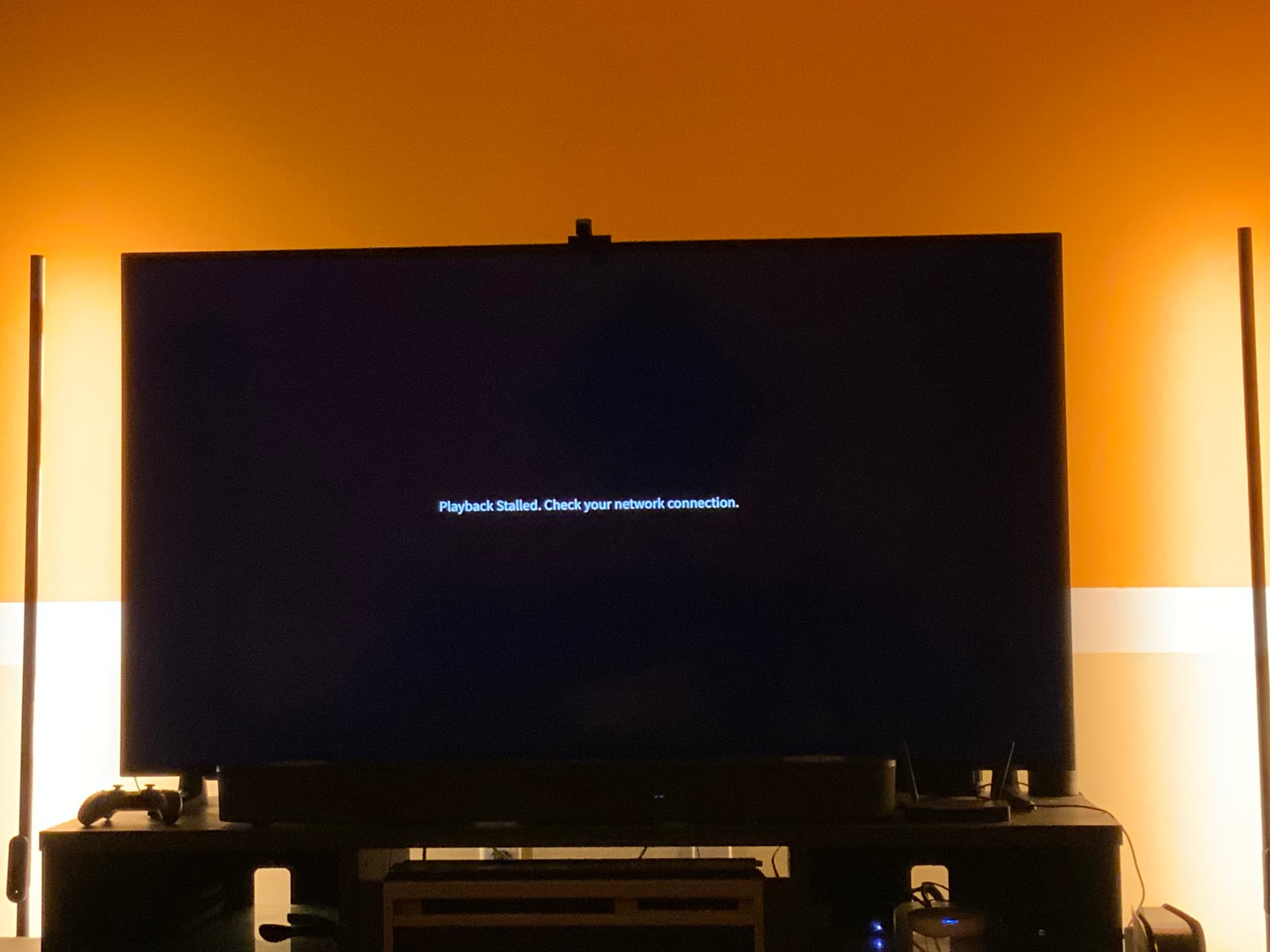
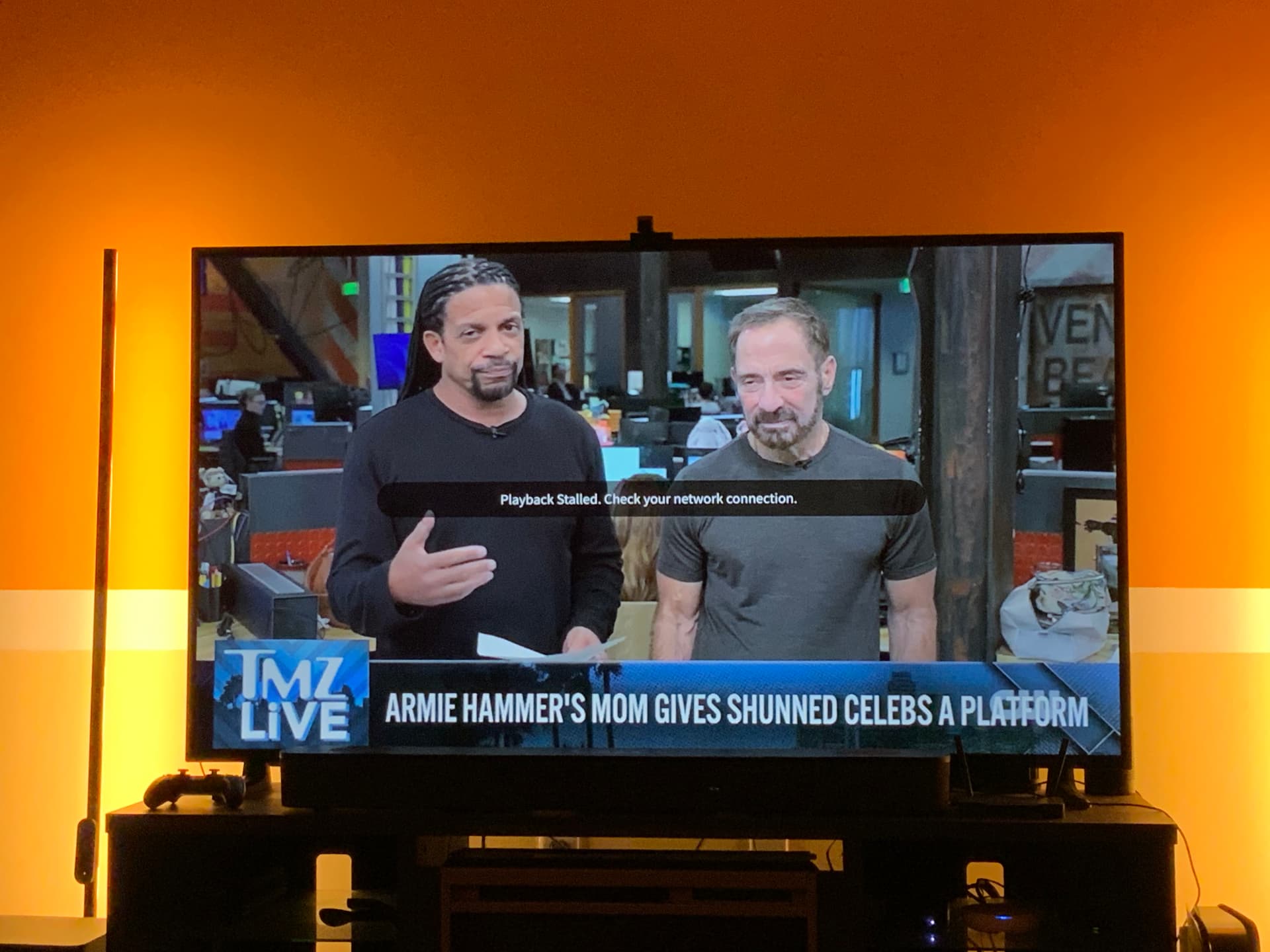
I am having this same issue. It only seems to be the local stations that come in OTA. App plays these stations on my iPad and Samsung TV, but not my Apple 4K TV. I have rebooted modem, router and Tablo. It also works fine on my other Apple 4K TV.
I tried a few more things today. I reset the Apple 4K TV that wasn’t working and it still did the same thing. I tried changing my Apple 4K TVs to see if the one in my bedroom would work in the living room. When I swapped them the one that wasn’t working worked in my bedroom and I had the same problem in the living room with the one that was working in my bedroom. This is very strange.
Run a speed test on your Apple TV.
The app works on both of my Apple TVs in my bedroom and neither works in my living room. My download speed on Apple TV is 598 Mbps and upload is 41.9
The error message says check your network connection. Your testing suggests an issue with the network connection in the living room. But the speed test doesn’t show a problem. I give up.
@tommy5885 and @Juls1840 - restart your router, Tablo, and problematic streaming device in this order. Wait an hour and recheck. This gives the Tablo time to settle in.
I would not factory reset the device.
That worked for me!
Well, it only worked for a day and I’m having the problem again. I don’t understand why the internet channels work, but the local channels do not. That tells me that the internet is working if those channels play.
Something must have changed in the past week or so as this is happening to me and mine’s been fine many many years now and no changes at all here.
I’m not gonna mess with my set up at all as I know the problem is nothing here. It’s obviously something Tablo changed.
I’m also only using the newest Apple TV devices with 128Gb storage so I know they’re fine as everything else is working flawless with my Internet.
So I know it’s nothing to do with my Internet at all. It’s obviously a Tablo offsite issue.
@rkkeller Have you run and saved a channel scan via your Apple TV recently? If not, give that a whirl.
I am on the Public Beta tvOS updates and I just found a solution that worked for me. In settings got to Video and Audio then go to Audio Format and turn off Continuous Audio Connection. This feature is if you have a Dolby Atmos sound system. That’s why it worked in my bedroom fine as I only have Dolby Digital 5.1 in there.
This was a new feature added and I did an internet search and it said this:
Yes, public beta versions of tvOS can absolutely experience problems with continuous audio, connection stability, and Over-the-Air (OTA) channel streaming
Good catch, I was just coming here to say that. Turn that off and it works fine. Mine seems to turn back on once in a while and not sure why. I am on the Dev Beta not sure why. 