I am a long-time Tablo user, and have an old Tablo device (possibly 1st or 2nd Gen?). It works with my other TVs, and my iPad, etc. I recently bought a 2025 Samsung, and downloaded the Tablo app to it. Upon launching the app, it says that it can’t find a Tablo on the network. Well, Tablo obviously is on the network, as my iPad will pick it up right in the same room. The new TV seems to be working fine with other things. Any ideas? Thanks!
Here is some additional info on my situation. When I go to my Tablo’s settings section, from my iPad, I see that there is a “warning” type indicator under “Tablo Connect.” (See attached pic).
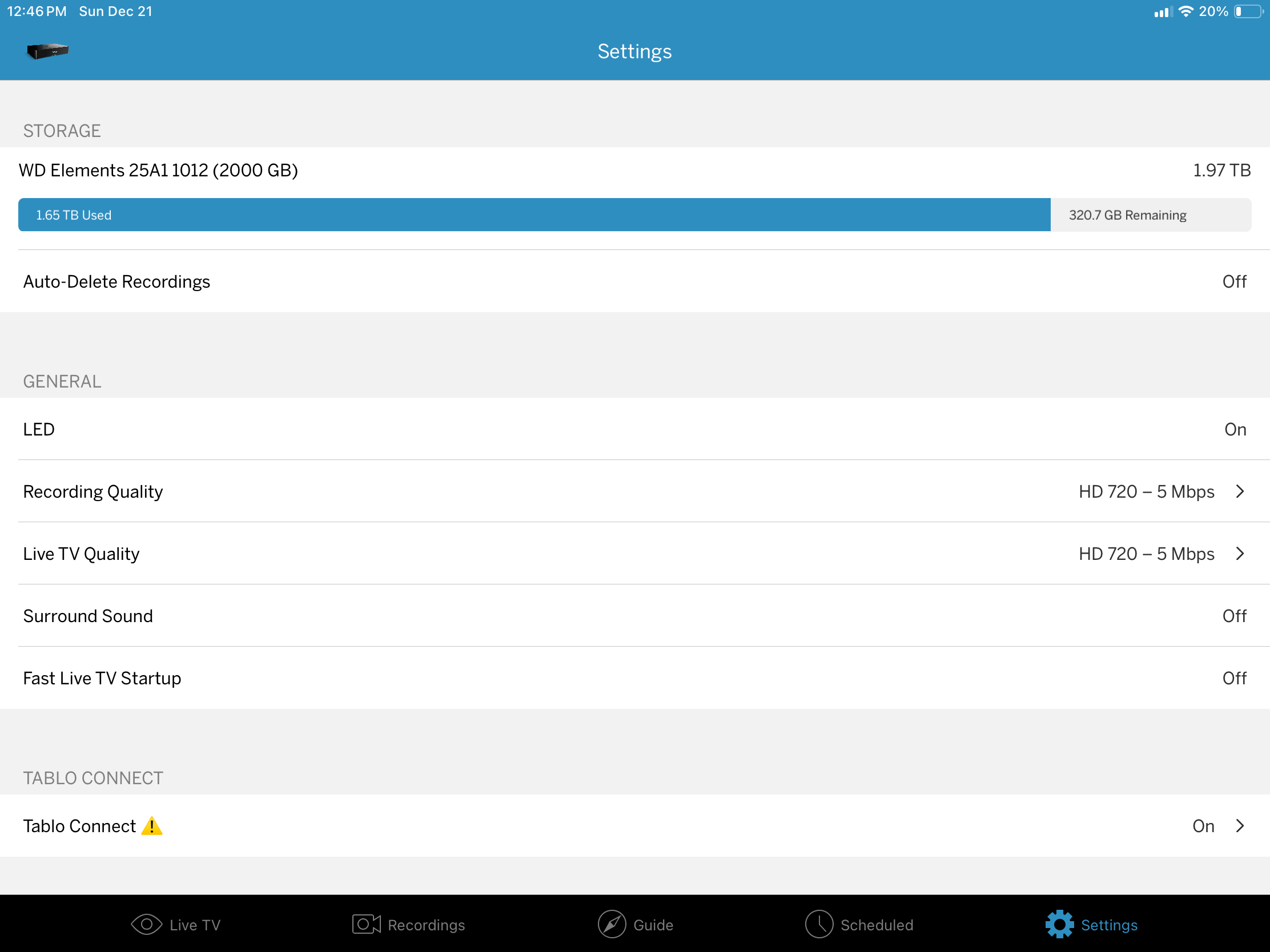
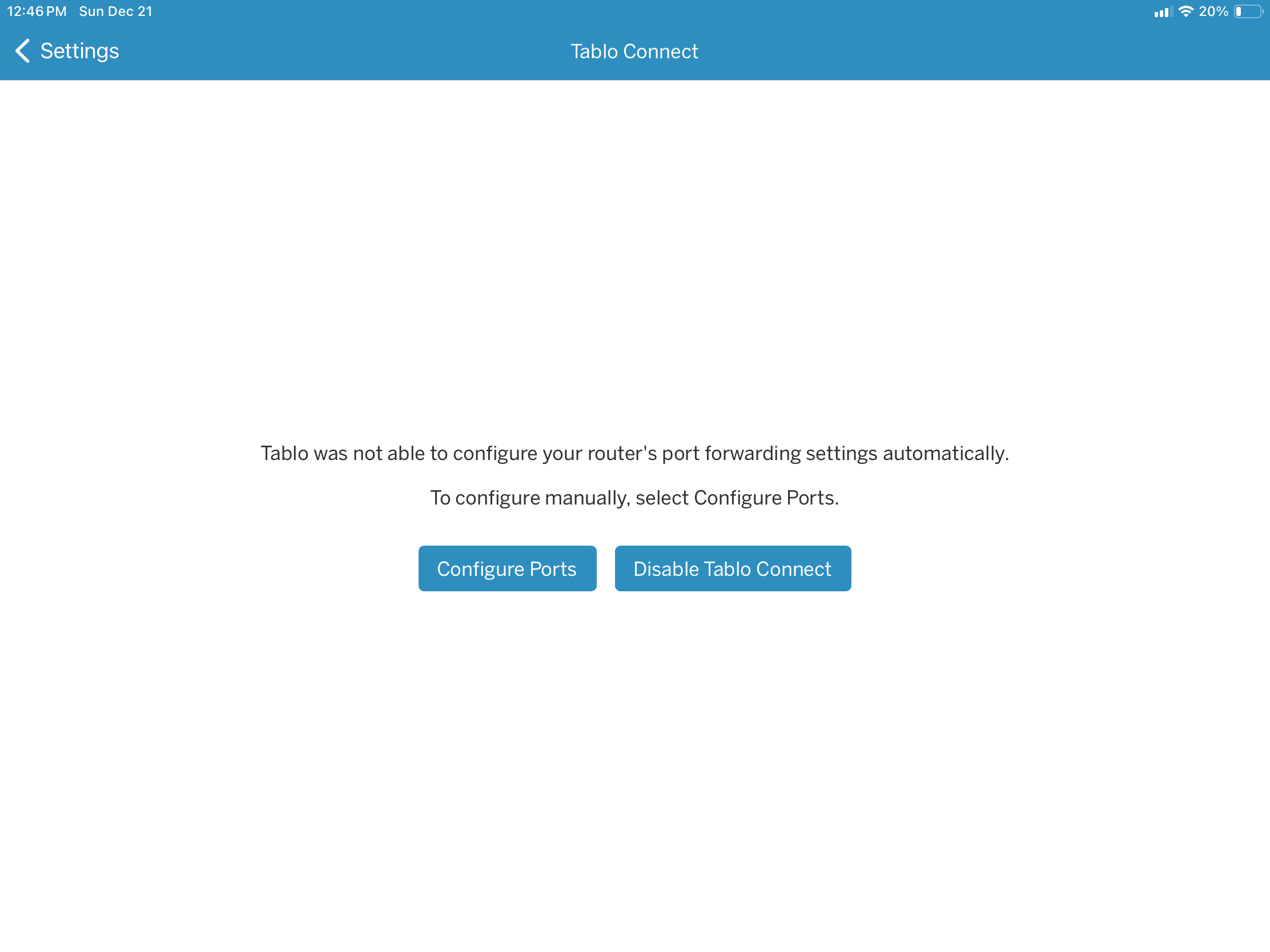
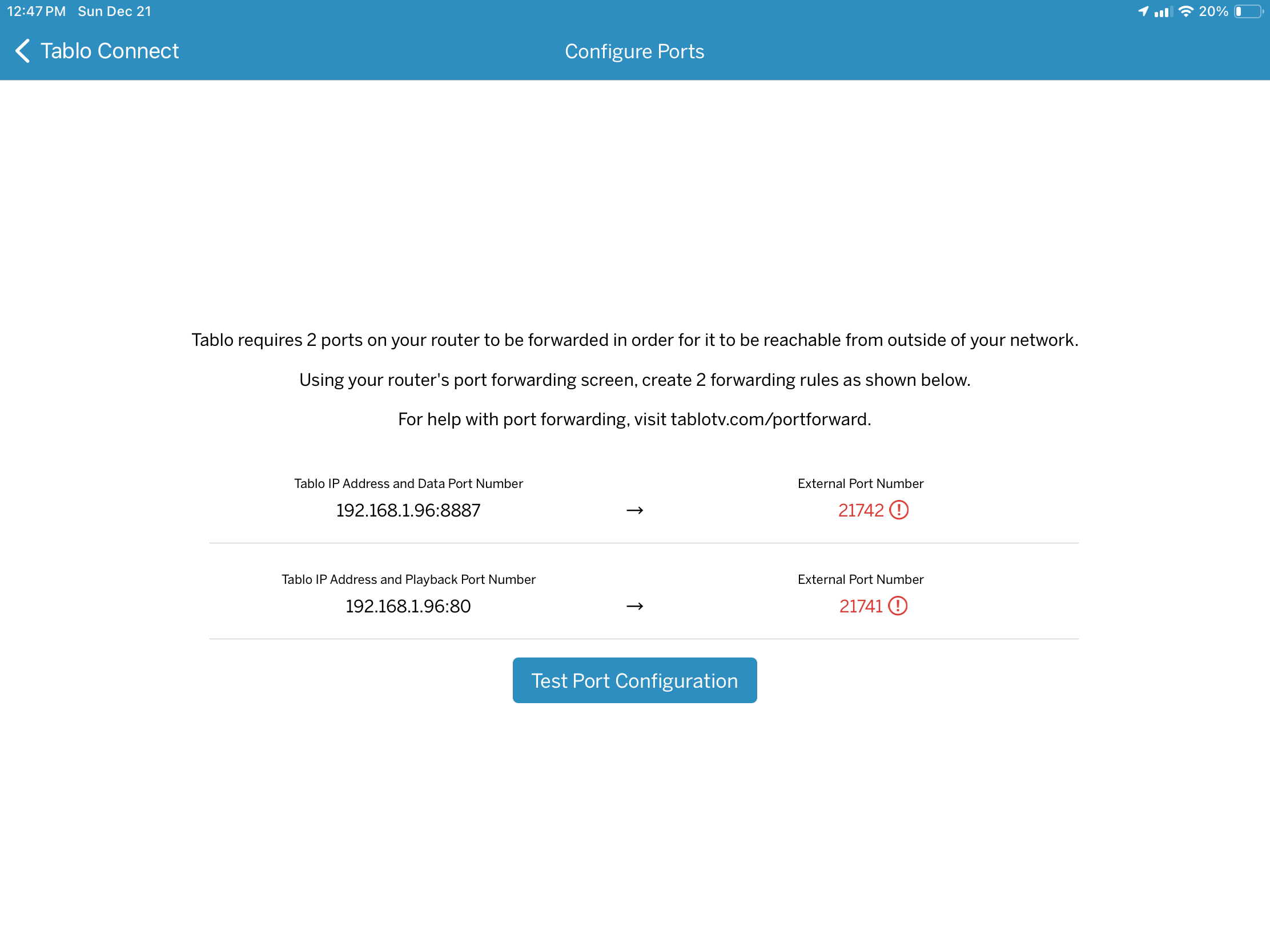
I can then click on “Test Port Configuration,” and it will not fix anything.
Keep in mind, this is still working on my other TVs and my iPad.
I am baffled. Thanks for any help!
Make sure your TV is on the same subnet as the actual tablo unit. No guest WiFi and check for VPN.
Tablo Connect is to set up so you can watch the Legacy Tablo outside the home. It has nothing to do with watching in your living room.
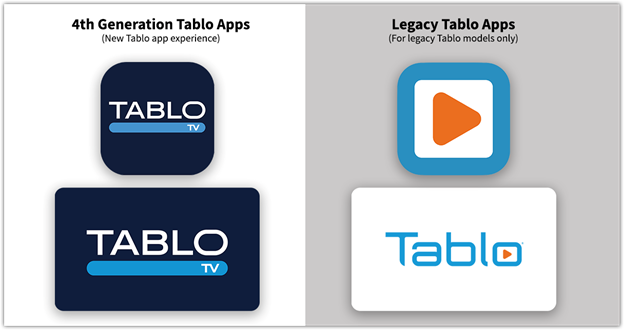
Are you sure you downloaded the right app for your legacy tablo? You want the one with blue letters and a white background.
If it is the right app, check that your tv is on the same subnet as zippy said.
1 Like
We do not use a guest WiFi, and have no VPN at this point. The Tablo is hardwired directly to the Router (6E, fairly recent and strong), and the TV also sits right in this same area and is hardwired directly to the router. So, no WiFi in the loop for this new TV.
The older TV upstairs gets Tablo via WiFi.
The TV that was replaced by this new TV was using a hardwire from the router to a fairly new Roku Ultra (top of the line, and I think from last year). From the Roku, hardwired into the TV. That worked fine. I believe I had the Tablo hardwired in to the router. So the main thing that changed was from running through a Roku version of the Tablo app, to instead running through a new Samsung version of the Tablo app.
I don’t know what a subnet is.
Thanks for your time and expertise!
subnet is the first 3 numbers of an IP address.
But you need to make sure you have the white labeled legacy app installed and not the blue labeled gen 4 app
This is very helpful. Thank you.
So the Tablo Connect issue appears to have nothing to do with this problem, if I am understanding.
However, the two different apps are likely the issue. The one that is available on the new Samsung is the one with the blue background and the white letters. I have now deleted it, and done a search for the other one, and it does not appear to be available in the app selections for the new Samsung.
So it would appear that the newest Samsung TVs no longer support the legacy Tablo units. My old Samsung TV upstairs has the right app, and it works fine. The TV I have just replaced was using the app via a Roku Ultra device (from last year, I think), and it worked fine. Still works on my iPad.
I think the app version is the problem. This Samsung appears to only offer one of the two, and it is the blue one with white letters.
That’s the Gen4 app version. You need the old, original logo with the orange play button. You may need a good, well-supported streaming device for backward app compatibility.
Or possibly the white background with the blue letters (which I have on my old tv upstairs, which works).
Is there any way to get one of these older Tablo apps? It does not appear to be available from the apps on my new Samsung TV.
Tablo stopped supporting the legacy app on Samsung and LG TVs.
https://support.tablotv.com/hc/en-us/articles/360042377292-What-Smart-TV-Models-or-Brands-Have-a-Legacy-Tablo-App
Well, that is my problem. Thanks.
It seems to me that when they say that they have “stopped supporting legacy” models, ,what they really mean is that they are “no longer compatible with any model other than the most recent.”
How does the Gen 4 model compare to the earlier models? Significantly better? Pretty much the same? Other than some on-board storage space, and a different shape and color, what has changed? My old model gets pretty hot.
So it looks like I have three choices at this point:
-
buy a new Tablo (even though the one I have is working fine for my other devices); or,
-
plug my 2024 Roku Ultra external device (which I had been using in the TV that I replaced) into my 2025 Samsung TV, and override the Samsung interface, with who knows what side effects; or,
-
plug my antenna directly into my new TV, and give up being able to record OTA channels.
Right?
As an experiment, I plugged the antenna directly in, and the interface and picture quality is great.
I also have a Legacy Tablo and a Samsung TV that doesn’t support the Tablo app. Just use the Roku on your new TV. I use a Firestick on mine and it works fine. Can’t remember the last time I used the TV interface.
You aren’t really “overriding” anything, the Roku is simply an HDMI input into your TV. It’s not like you can’t switch inputs if you want to.
And, because of that, I don’t understand what “side effects” you might be referring to. It’s not like it’s “overwriting” your Samsung interface if you want to use that for other things. One shouldn’t affect the other as they are two separate inputs.
1 Like
Well, in terms of “over-riding,” what I mean is effectively replacing the Samsung interface with the Roku interface, which also means that I would have whatever apps are available on Roku, and not the apps available on Samsung (which largely overlap, but not completely).
With respect to possible “side effects,” I am referring to our experience in the recent past with plugging a 2024 Roku Ultra into an older TV which had built-in Roku. The older version of Roku that was built in was becoming very problematic, and using a new external Roku device fixed that. However, every time we turned on the TV, it would first go to the built-in version, and we would need to switch it to a different HDMI port to get the external Roku to take over.