The apps should allow you to tune a channel manually, whether it’s present in the guide, by selecting the channel (e.g. RF channel 34 to tune to 25.1 in Boston). This would be especially helpful when paired with a Signal Strength while finding a location for an antenna.
I don’t know what your example of 25-1 means. This appears to be a virtual channel number and not a physical RF number. And in some locations there could be a signal from multiple stations on the same virtual channel. Especially when dealing with main channels and translators.
I would bet that the actual tuner works off of physical RF numbers and tablo would have to perform a rescan to find any virtual channel number(s) it doesn’t already know.
As long as the channel already exists in the pick-list (Your Channels) both the RF physical channel and the display channel would reside in the local database.
The display channel is prominent on the Live Guide.
RF must also because of the Offline Mode tuning feature.
Some tuners (and in another feature request) wants to be able to key a channel that doesn’t currently exist in the prior scan/save and it gets added to Your Channels database.
So the Your Channels schema doesn’t contain anything more then the virtual channel number. So no physical attributes are needed to properly access the manually added channel. There isn’t even any guide data. And if so how would a user and thus tablo actually make use of this manually added channel
I don’t know if it only has the virtual number for sure.
When you do a scan/save sometimes a brief message pops up saying “Optimizing Guide Data” which I suspect is the sorting and insertion of new records into the local database. Then the secondary process to contact the mothership for the guide data finishes the process.
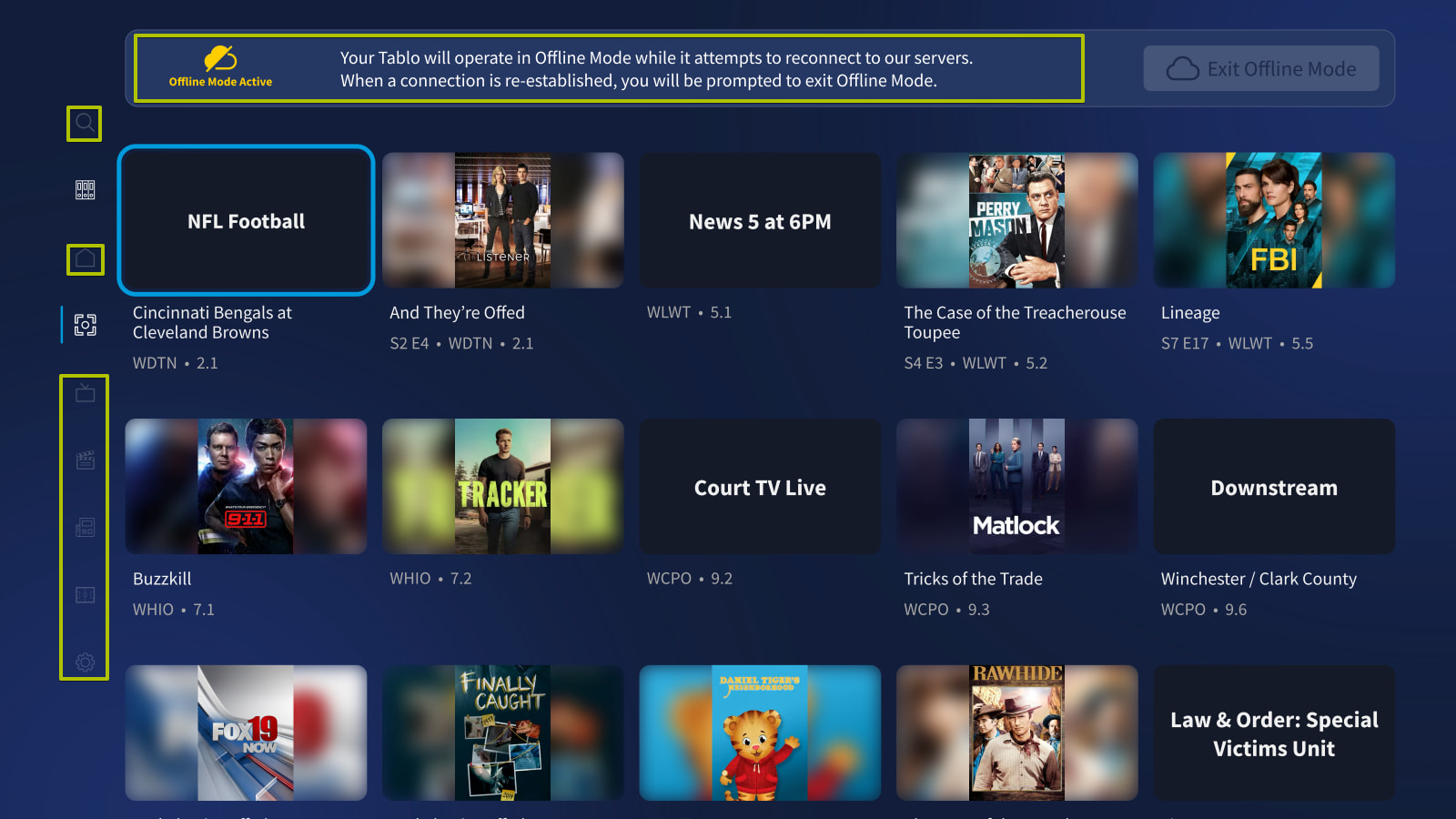
In Offline Mode channel numbers are and guide data is displayed. But the tuner has to use one or the other channel numbers.
I edited my feature description for correctness. In my example I would like to direct tune to the RF channel 34 (UHF), this channel maps to virtual channel 25.1, that in the Boston area is Fox.