Not sure if others have noticed this, but I click a program in the program guide, it takes about 5 to 7 seconds for the program info to show up and then about 25 to 30 seconds to launch a program after I hit “watch live”.
I’ve tried it on multiple stations and two platforms Apple and Fire). This time around the problem is even worse on Fire TV.
Admittedly, I am on Wi-Fi (as I have been since day one) but I don’t recall ever seeing load times take so long.
Any ideas besides switch to ethernet?
Thanks.
(On Tablo 4 Gen 2.2.56, tvOS 26 and Fire OS 7.7.0.8)
Since tablo uses the STB video player and doesn’t use RTSP you have to determine the minimum tuner select and buffering for a specific device. You usually do this by going to the Live TV grid and clicking on the channel.
I guess I should have started out my initial post by saying that I’ve restarted the device, I’ve reset the device, reinstalled the app but the problem persists. For now, I’m hoping this problem disappears much as previous problems have disappeared. If not, I may need to hook it up to Ethernet just to test it out myself.
Most of the time it’s very stable. This week was an exception. I’ve been using the Gen4 since 2023 and only had 2 times I couldn’t use it. One of those times was my own fault for taking the advice of someone on this forum.
One other thing… Sometimes AT&T will goof with my fiber. Don’t know what. So I’ve restarted the gateway this year three times. Afterwards I rebooted the Tablo so they can renegotiate whatever it needs to.
Unlike the legacy units the gen 4 likes to phone home every time you do something. Plus their tablo servers like to heartbeat your unit every hour or so.
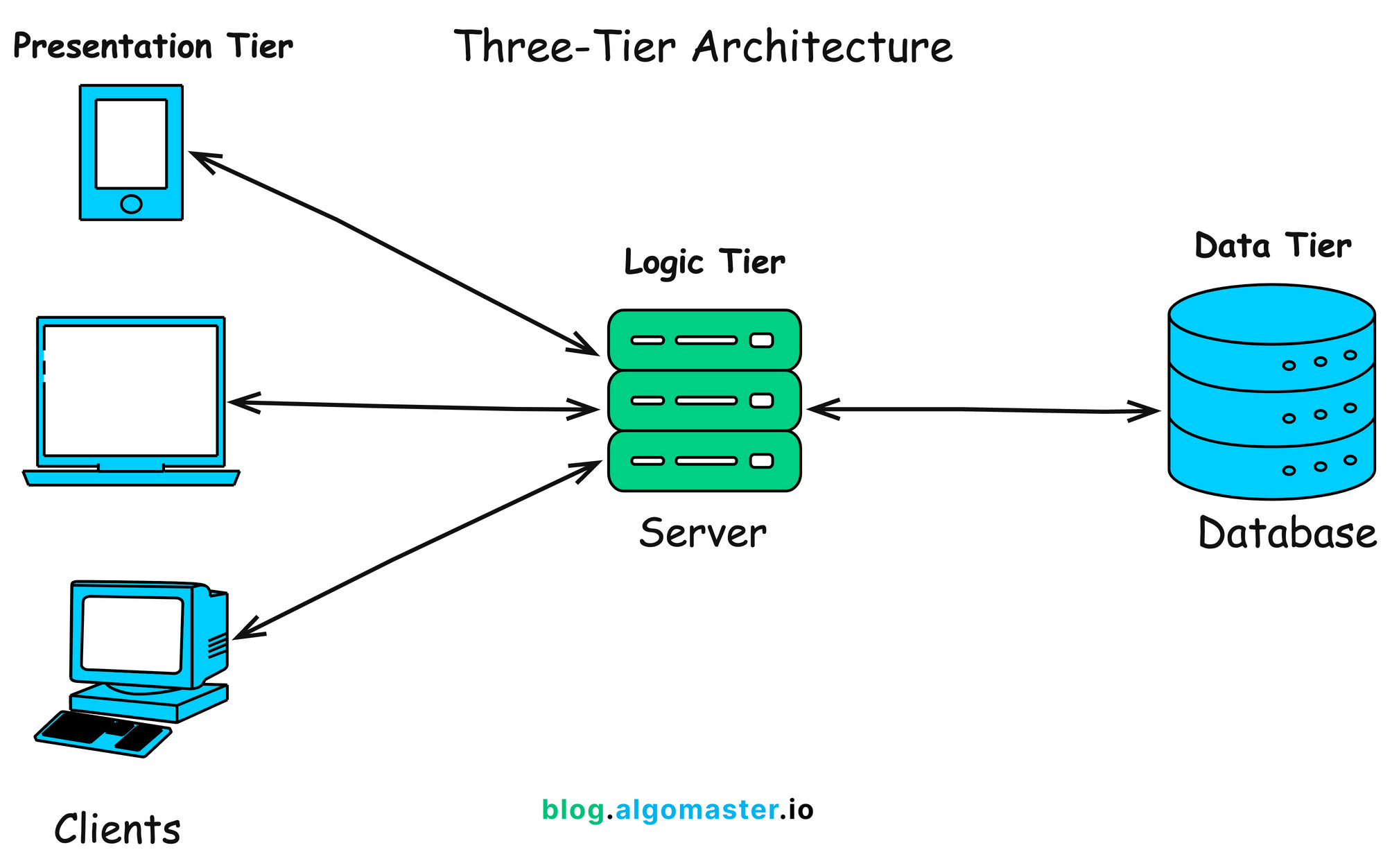
It’s a venerable “client/server” architecture with a thin client (Tablo Gen4). However, the Gen4 also acts as a thin server by distributing data to local apps connected to the Tablo within your network.
Each client device sends requests to the Tablo which either services the request or passes it through to the servers at the mothership for processing.
The Tablo Gen4 could be a thicker client if user apps could be side-loaded. Tubi, Pluto, CanOWorms, etc.
If a single client fails no one but Harriet the housewife is upset. If the mothership gets a flat tire then there will be no peace on earth. Hoards will storm the palace to kill the king.
Get comfortable…
In ancient times… When VUDU first came out they had a thick client that rerouted requests from client to client when the mothership/server was not available. These were called nodes that in theory would provide failover capabilities. They promised that every client movie would be served. Even if it had to reroute numerous times.
People freaked out when their performance suffered and their bandwidth was consumed for other clients.
Fandango acquired VUDU and adopted a thin client architecture.