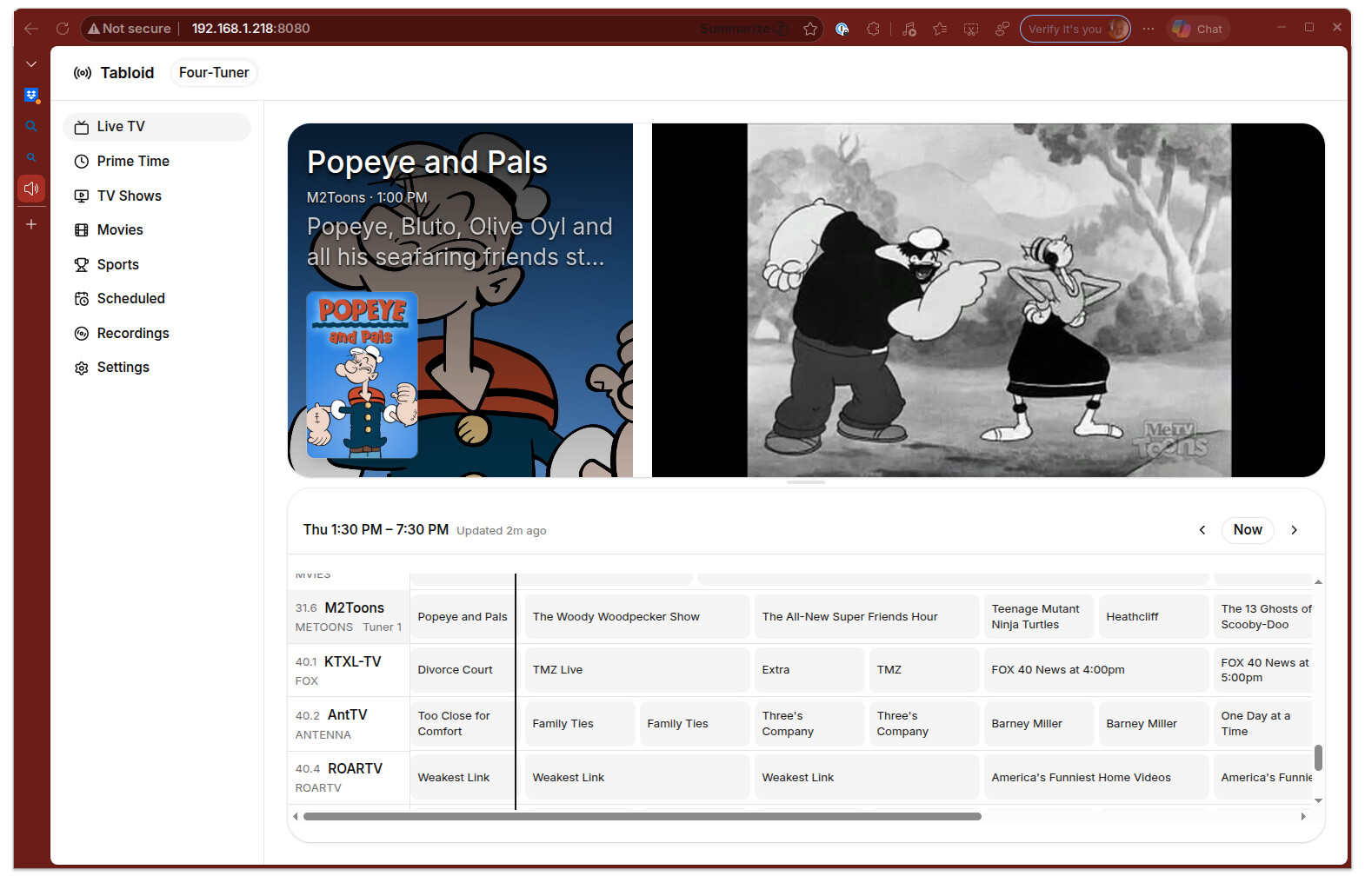
I noticed the web app started loading again perfectly (as of 1st week of March 2026). I changed nothing! I guess a Tablo server issue got fixed or maybe a recent Windows-11 or MS Edge browser update did it. At any rate, the (classic) Tablo web app loads instantly for now!
Many months ago I did make some configuration changes to persuade the Edge browser to load http: without auto-switching to https: for the web site app, but I didn’t change that setting since then.
To be clear, I just wanted to play certain talk shows at high playback speeds. The Tablo apps on my smart TV don’t offer variable speed playback, nor those on my android phone, nor the laptop app in the Windows store. Only the Tablo web app in a browser allows speed changes. For me that was MS Edge with a browser extension. I really didn’t want to install another browser like Firefox just for this rarely used option.
At any rate, it’s working perfectly again for now!
As an aside, I have two legacy Tablos plus a 4th gen one, and I have updated both legacy models to the newest firmware with no problems. One has the guide & commercial skip subscription, the other has no subscriptions.
Comparing the three after the firmware updates, the 4th gen just offers the free internet channel streams & the ability to record (most of) those. The Legacy with no subscription now seems identical to the 4th gen model, just without the internet channels. The Legacy model with the $7/mo subscription just adds mostly-ok commercial auto-skip and network access away from home.
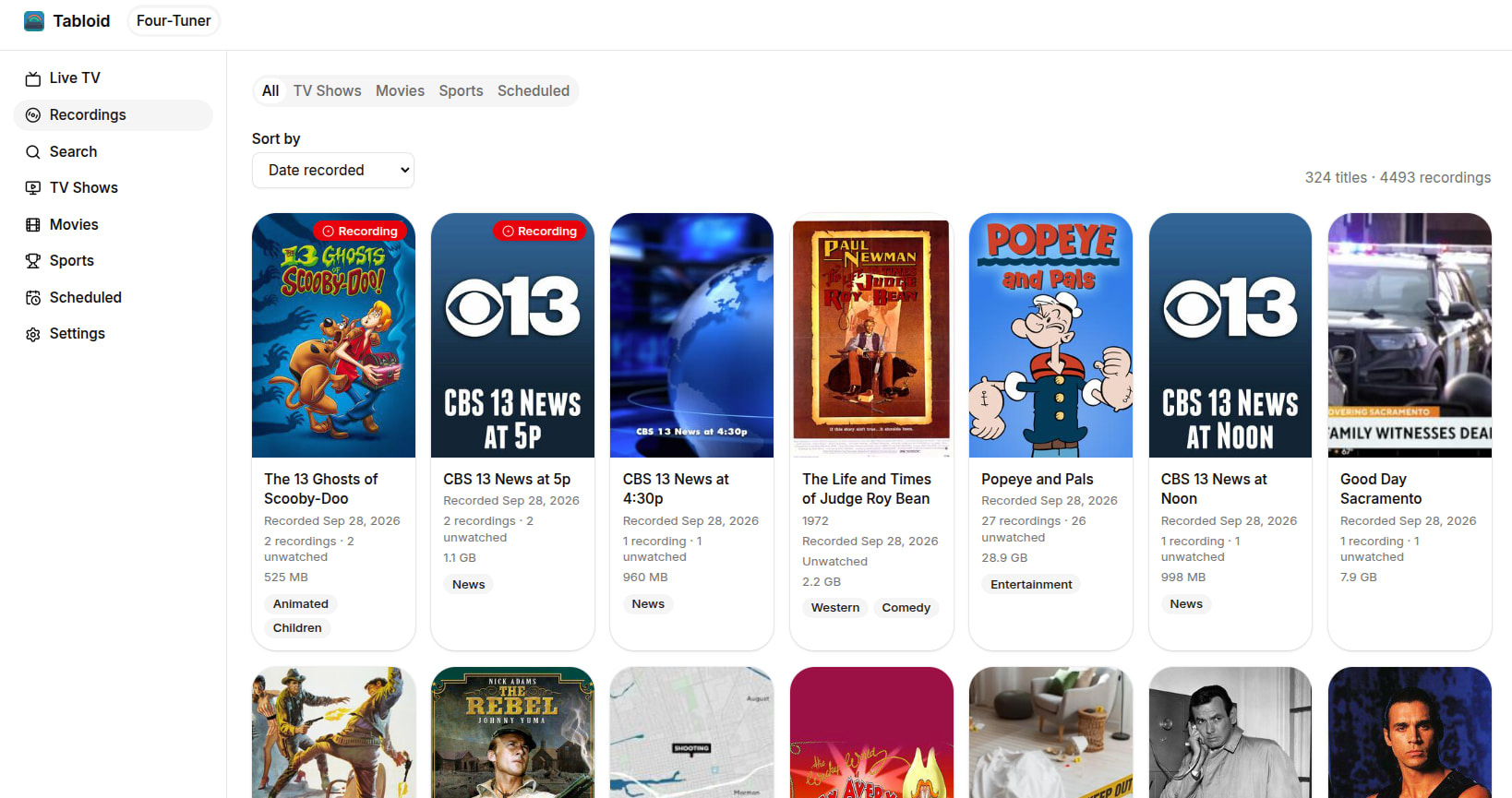
The legacy web app does not work with the 4th gen model at all, but reasonably well with the updated legacy Tablo firmware. The legacy web app still needs the subscription guide for series scheduling and extra program info. Switching between the old and new apps for these updated Tablos works with minor issues, but I can still use the old web app with my old Tablos for high-speed talk show playback, yay!
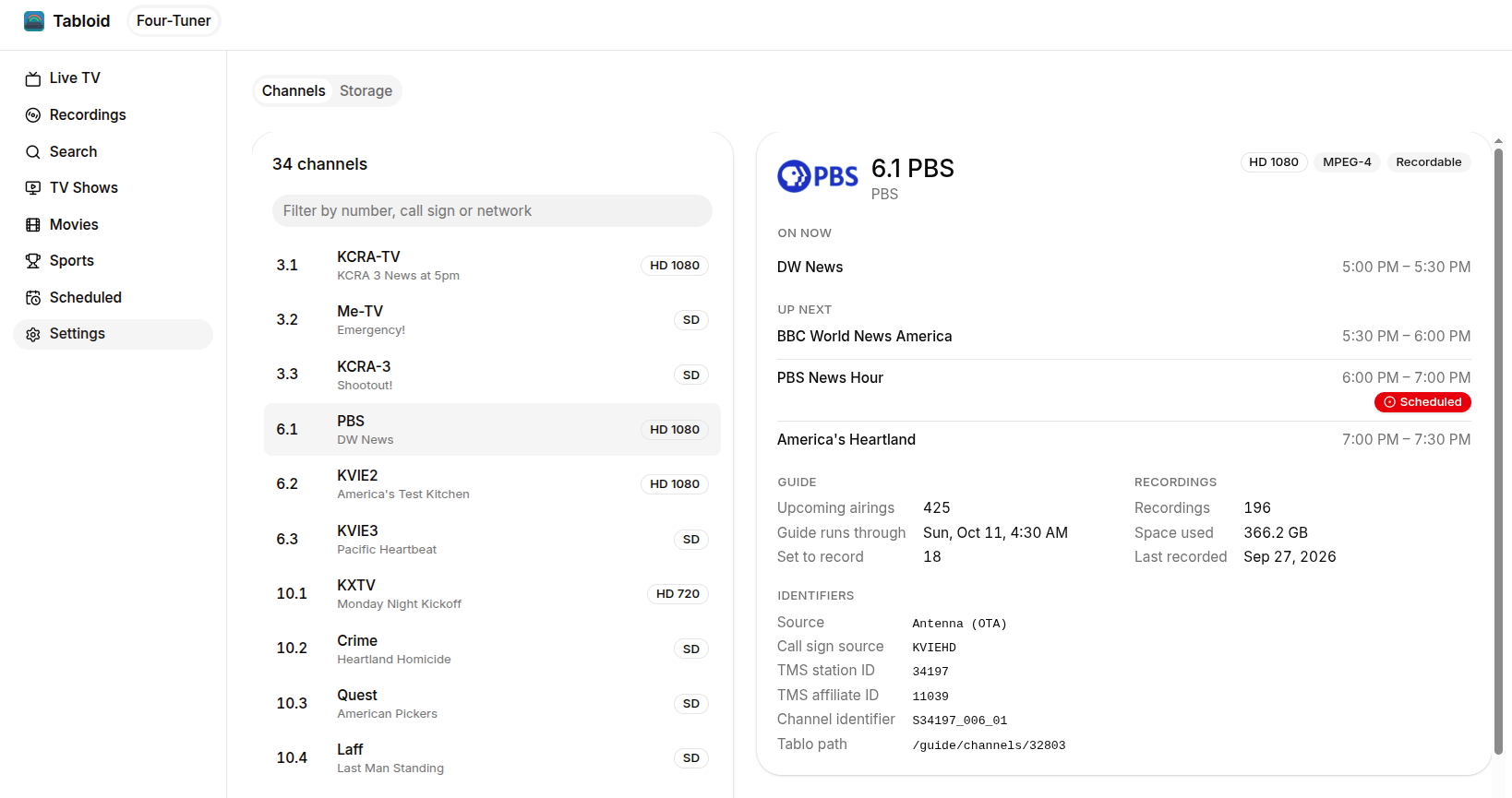
Finally, I just noticed the new Tablo app on my smart TV can not only turn the blue LED on all these Tablos to ON & OFF, but also DIM. All other apps only allow On & Off.