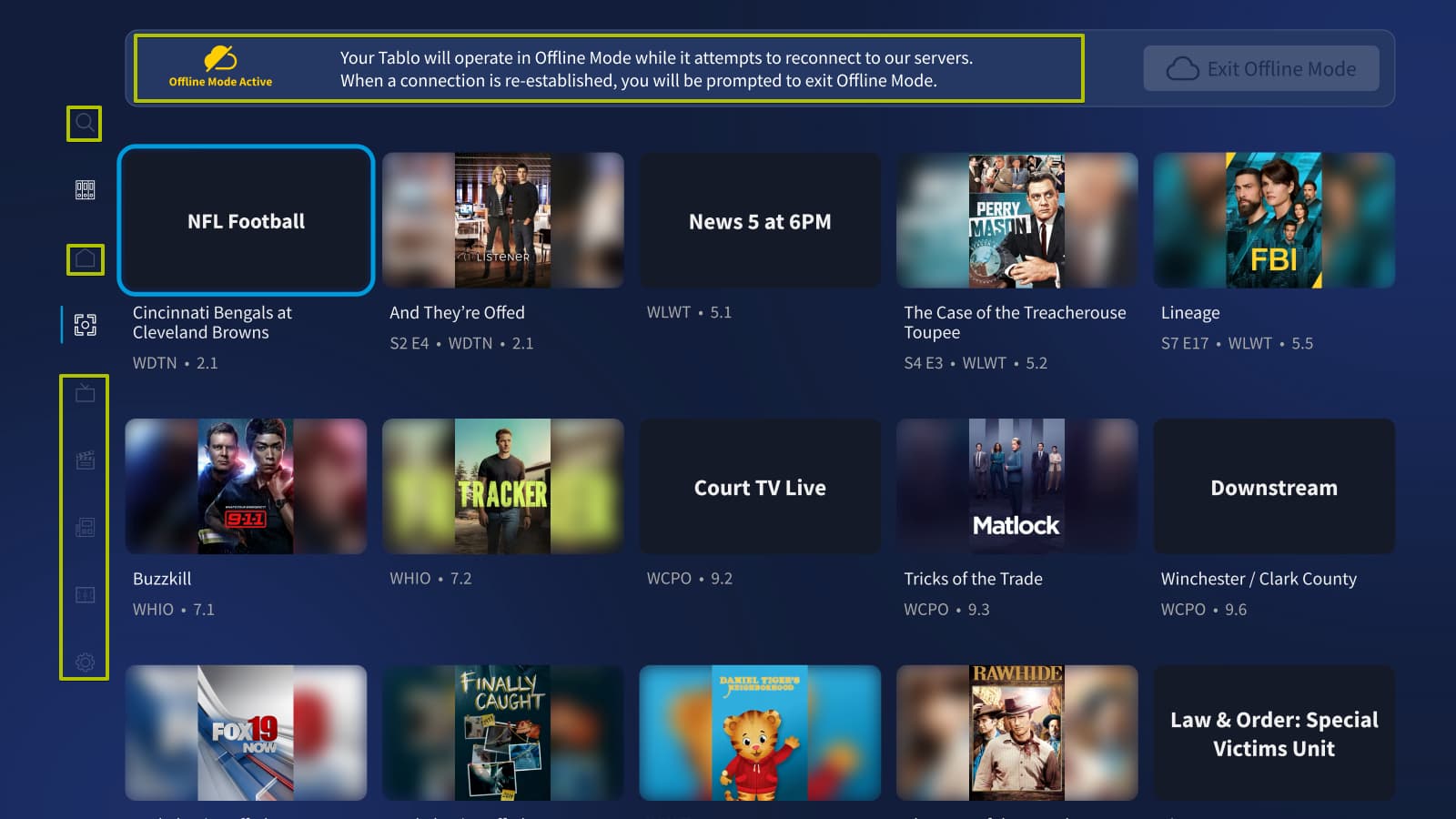
Just upgraded the firmware on my legacy device. Now, I can only use the 4th gen app. The legacy app cannot find my Tablo. Message says to make sure it’s connected to the internet. I have read posts about offline mode. How do I know if it’s in offline mode? This happens at home on my WiFi.
Thanks.
Hi @jasonrn2000,
What legacy app are you trying to connect with (Roku, Android TV etc.)?
As for Offline Mode, it’s only available for 4th Generation apps and you should see a banner for it at the top of your screen.
This article should help when it comes to legacy and not being able to connect.
I am using the IOS apps. Everything was fine until I upgraded the firmware. I was using the legacy when I found out about the firmware, so I paused what I was watching and updated. I then downloaded the new apps and connected to my legacy Tablo. It did another channel scan and started working fine. Now, I can only use the new app. Whenever I try with the legacy app, I get the connection error.
Have you tried the advice in this article?
It may help.
I am having the same issue. Did the firmware upgrade 2 days ago (legacy Tablo app on Roku) and after it could not find the hard drive? I rebooted the Tablo (I have the old hardware / black box) and now the Roku tablo app can’t find it. Tried both the legal app and the new tablo app. Any ideas on how to fix this?
Hi @lashanw,
Do you use other devices with your Tablo and if so, do they see it?
If so, it may be worth a shot to clear the Roku’s app cache.
Beyond that, it may be a good idea to contact Tablo Support.