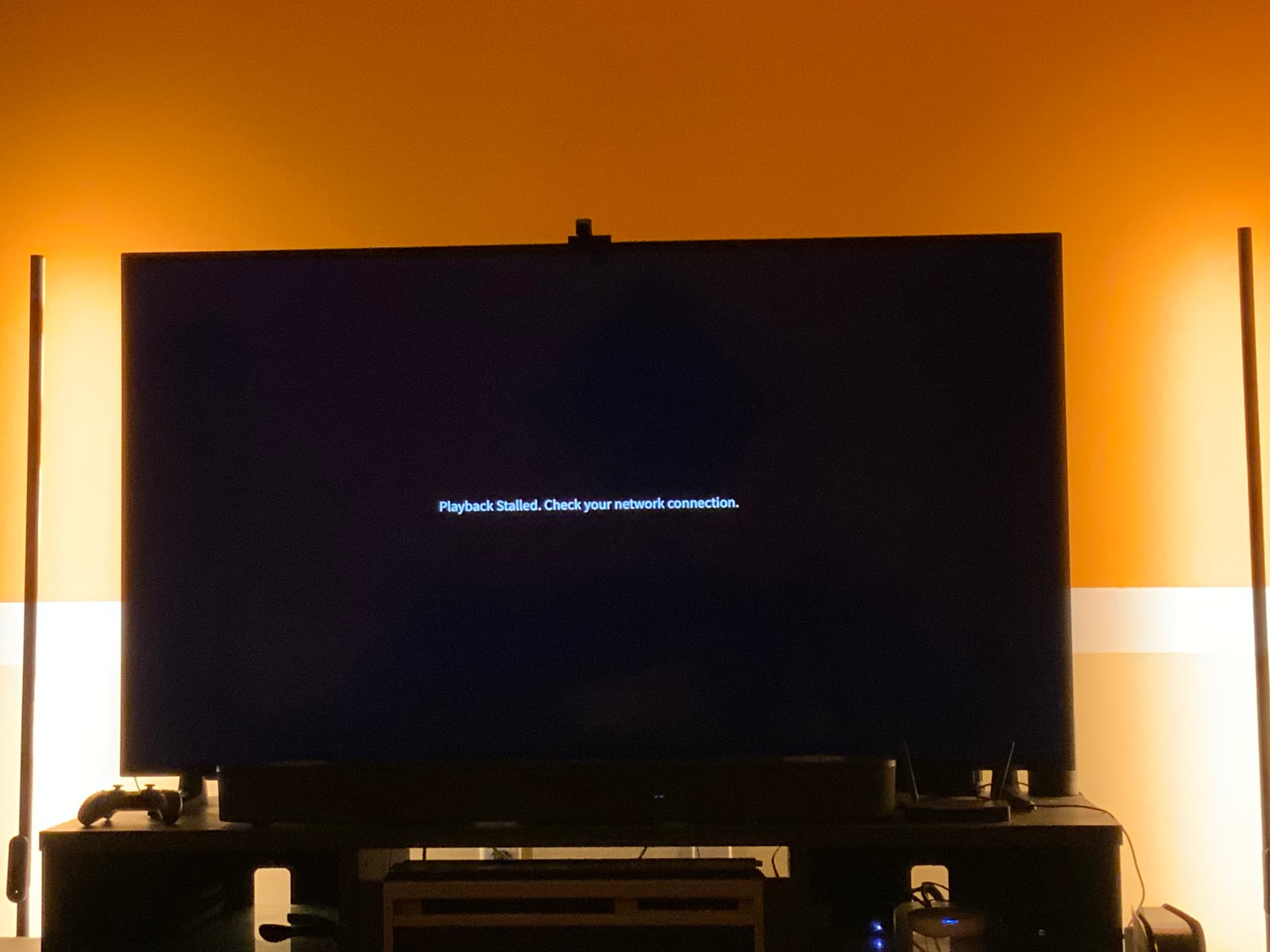
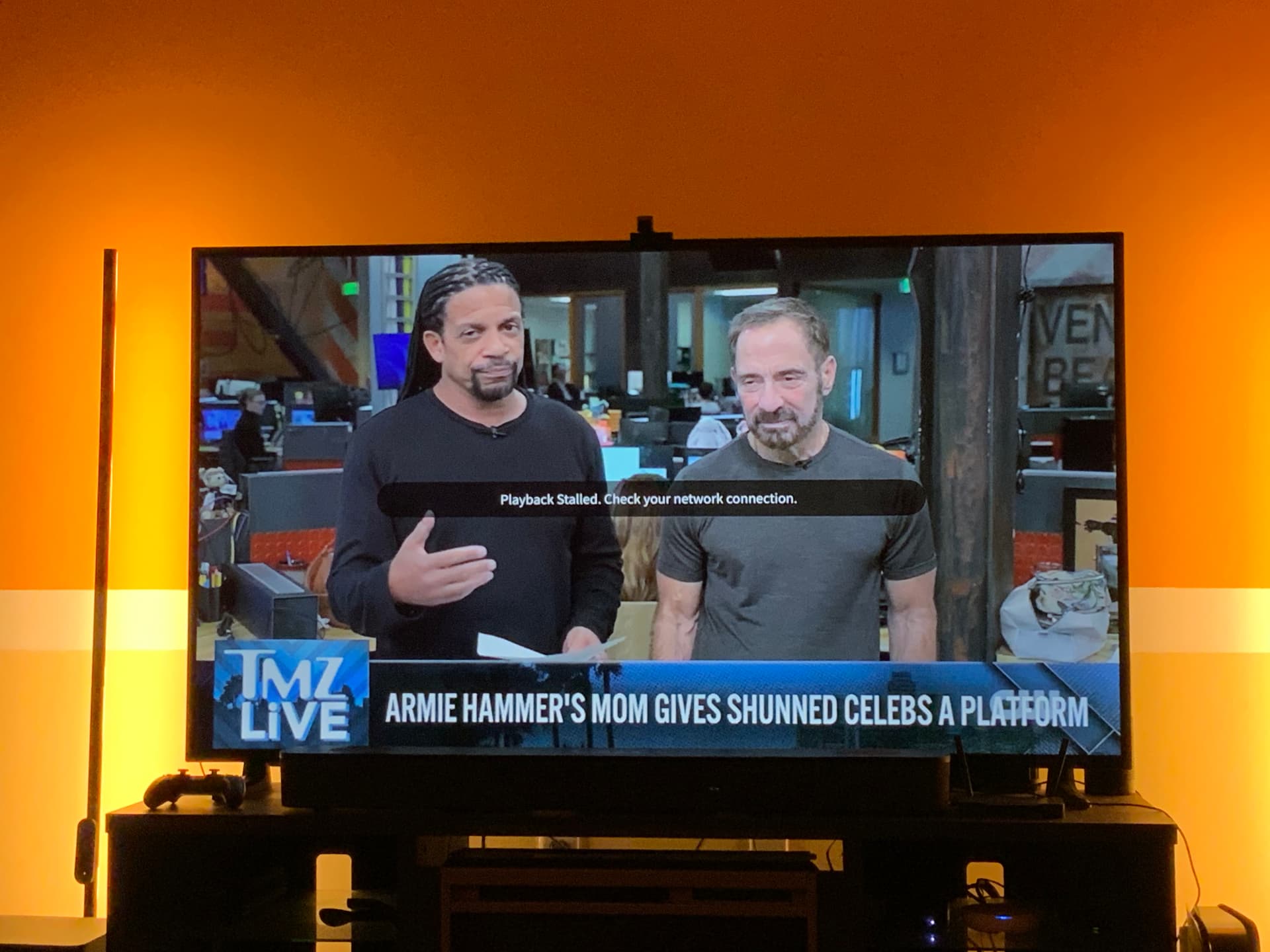
A recent Apple TV OS update (tvOS 26.4) added a new Apple feature called Continuous Audio Connection. When this feature is enabled, playback of antenna TV channels fails on the Tablo app for Apple TV, leading to an error message: Playback Stalled. Check Network Connection
The developers are working on a fix.
In the meantime, disabling Continuous Audio Connection. should resolve the issue.
I am using Tablo on all of my iOS, iPadOS devices and 3 of my Apple TV 4K but only one of my Apple TVs will not play any antenna channels. All the other so called internet channels play fine its only the antenna channels. I uninstalled the app and installed the regular app and got the same thing. I also tried rebooting the device after each uninstall and reinstall but it still doesn’t work. It plays fine on my other Apple TVs, ipad and iphones but just this one device is having issues. The Apple TV model number is A2169 (MXGY2LL/A) released in 2021and its running tvOS 26.4 (23L5208m) developer beta. My other Apple TVs are the previous versions and are also running the same tvOS developer beta. I have yet to reset the Tablo because it’s working fine on all my other devices so i feel that there’s no need but who knows. Im waiting to see if apple will release a new Apple TV so i can replace one of my older models but if after i reset this Apple TV and its still fails to play Tablo i may have to replace this one instead.
I am having this same issue. It only seems to be the local stations that come in OTA. App plays these stations on my iPad and Samsung TV, but not my Apple 4K TV. I have rebooted modem, router and Tablo. It also works fine on my other Apple 4K TV.
I tried a few more things today. I reset the Apple 4K TV that wasn’t working and it still did the same thing. I tried changing my Apple 4K TVs to see if the one in my bedroom would work in the living room. When I swapped them the one that wasn’t working worked in my bedroom and I had the same problem in the living room with the one that was working in my bedroom. This is very strange.
The error message says check your network connection. Your testing suggests an issue with the network connection in the living room. But the speed test doesn’t show a problem. I give up.
@tommy5885 and @Juls1840 - restart your router, Tablo, and problematic streaming device in this order. Wait an hour and recheck. This gives the Tablo time to settle in.
Well, it only worked for a day and I’m having the problem again. I don’t understand why the internet channels work, but the local channels do not. That tells me that the internet is working if those channels play.
I am on the Public Beta tvOS updates and I just found a solution that worked for me. In settings got to Video and Audio then go to Audio Format and turn off Continuous Audio Connection. This feature is if you have a Dolby Atmos sound system. That’s why it worked in my bedroom fine as I only have Dolby Digital 5.1 in there.
This was a new feature added and I did an internet search and it said this:
Yes, public beta versions of tvOS can absolutely experience problems with continuous audio, connection stability, and Over-the-Air (OTA) channel streaming
Good catch, I was just coming here to say that. Turn that off and it works fine. Mine seems to turn back on once in a while and not sure why. I am on the Dev Beta not sure why.
I’m on the official 26.4 tvOS release now and can confirm this is still an issue. It seems Tablo can’t handle the new Dolby Mat/Continuous Audio Connection setting on Apple TVs. It’s a shame because I was super excited about the new tvOS feature (I have a Sonos system), but seems be a showstopping issue for watching Tablo recordings. Hopefully this something the Tablo dev folks see and can try to fix.
Thanks for the tip, BTW. Was pulling my hair out trying to figure out why it wasn’t working.
I’ve also encountered the same issue with TVOS 26.4’s Continuous Audio Connection and Tablo. When the connection is enabled, playback is stalled. However, when it’s disabled, playback functions as expected. I hope Tablo is aware of this thread and is actively working on resolving this new problem.
Confirming my AppleTV was just updated to 26.4 today. I encountered this issue immediately upon trying to watch OTA on Tablo for the first time after the update. Tablo worked fine on my iPad but not my main AppleTV, which is connected via HDMI to my tv, which then sends audio to my receiver over ARC. Luckily I stumbled across this thread; turning off the continuous audio connection setting, then crashing and restarting the Tablo app returned it to working properly.
I hope there is a fix for this on the way by Tablo, as my biggest pet peeve with AppleTV is the multi-second delay by my receiver when it has to switch the decode format for digital audio. It sounds like the Dolby MAT connection would solve that, so I’d like to be able to leave it on.
Another black eye for Tablo. As an Apple TV app developer they had early access to the 26.4 release. This new feature was turned on by default when updating Apple TV and it appears to break Tablo for most or all Apple TV users on 26.4. Their testing protocols are clearly lacking. Do better Tablo!