I’ve had the Tablo for about three weeks now. I’ve tried almost everything to get the buffering to stop. There are times when the whole picture I’m watching will go out. I have the Tablo device in my den because the den has the only window in the house that points in the direction of the antenna tower. The TV in the living room is maybe 25 to 30 feet from the Tablo unit. My WiFi signal is strong, giving me about 300 Mbps. The closest TV antenna to me is about 22 miles away. I’ve tried the Tablo with the amplifier on and off. I’ve connected my Apple streaming device by Ethernet to the router so that the signal coming from the router is not split between the Tablo and the Apple TV device. At least once daily, I have to reset the Tablo by pushing the button in the bottom of the device. When I’m at work, my wife complains that the device is not allowing her to watch “The Price Is Right” without going in and out. Sometimes the picture freezes, like when it’s buffering, and sometimes I will get pixelation. I have an AT&T BGW320 router. I have different SSID’s setup for my 2.4G and 5G bands. The BGW320 is a WiFi 6 router. I also use a TP-Link RE715X WiFi 6 extender. The house is only 1864 sq. feet. There is a large tree outside the window that my GE Ultra Pro Edge TV (flat) antenna is attached to. I’m getting 132 channels. At one time, my Tablo scanned for 144 channels but 12 or 13 of those channels could get no picture. Any help you could give me would be greatly appreciated. I’ve even thought about connecting the Tablo TV to the router or One Control Box on my Samsung TV. If I do that, I’m going to lose a bunch of channels. I would either have to connect the TV to a wall that faces nowhere or I would have to run a 25 foot (or longer) coax cable to where the antenna is presently in my den. Then I’ll lose part of my signal based on how far the Tablo is from the TV. The cable will also present an eye sore and could be hazardous as my wife and I are both in our mid to late 60s. The Tablo is a 4th generation device. Thank you.
One thing I would typically recommend is to make sure to connect the Tablo using Ethernet, too, if you’re able. After that, try enabling QoS on the router. But, it doesn’t seem that your router has this feature. The next recommendation I got online was to replace that router with a different router where you’re able to adjust such settings and it will manage packet traffic better.
I have a Ubiquiti UDR7 for my house. This might be overkill for you. Maybe a good ASUS or Netgear router that has this QoS feature.
I have the same Fiber Gateway. I doubt that is the issue as long as everything is on the same network. Don’t split between your primary and guest networks.
It would simply broadcast the bad signal when it received it.
Buffering could be due to wifi burden. Or it’s just trying to decode a bad signal that keeps breaking up. Eventually the Tablo can’t recover and it hangs.
Sorry to say it’s your mudflap antenna. Hanging a cheap antenna from a window won’t get a consistently good signal. They may scan and lock but you can’t view them.
Get a better antenna and put it in the closet next to the side of the building where the transmitters are. TV signals penetrate walls but with resistance. It may take some effort to get it pointed precisely. Or be lazy like me and get an Omnidirectional antenna.
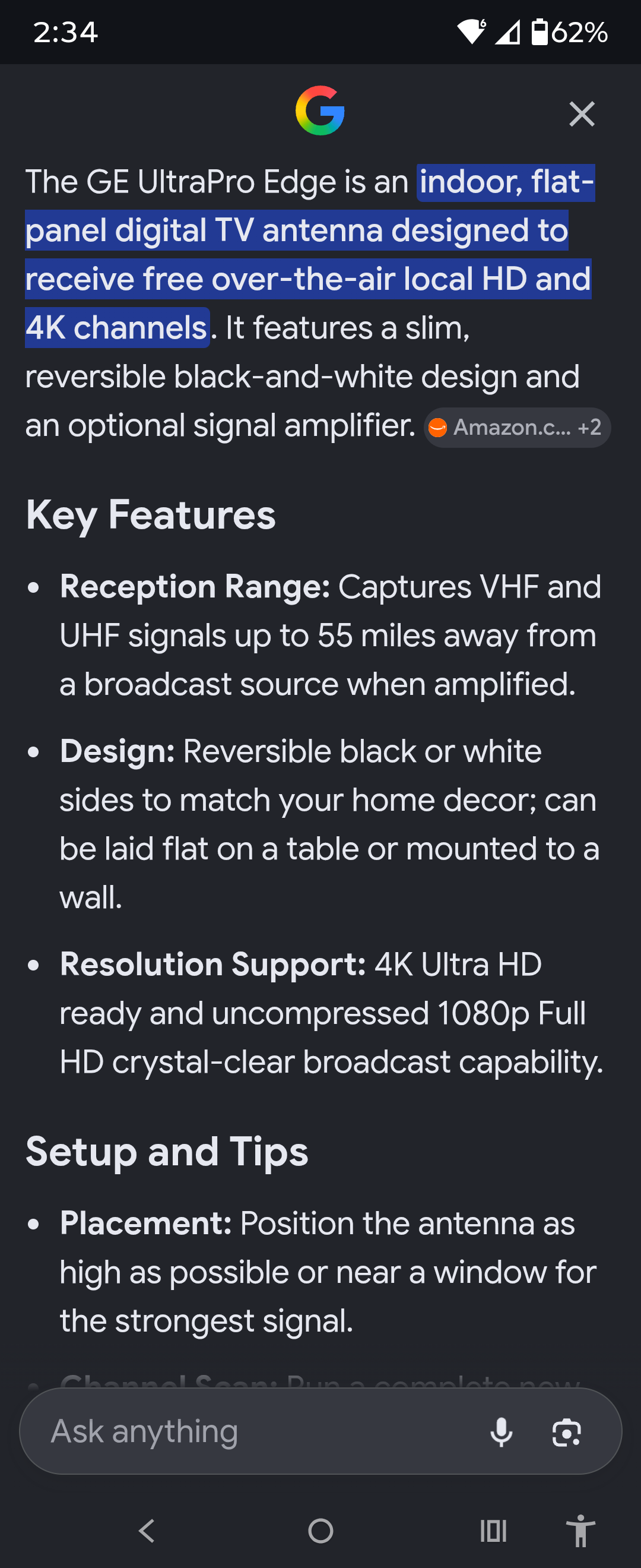
Jasco sells a few flat antennas with similar names. Tyler the antenna man reviewed one of them. Watch GE Ultra Edge Indoor Antenna Review on Amazon Live
If you got one of the models that comes with an amplifier, try it both with and without the amp.
If you must use a flat indoor antenna, here is one Tyler likes. https://youtu.be/7JCnZA9zctY?si=T8amcRgQgqI_he4x
You should download InSSIDer on your laptop and confirm you have good wifi signal with your home and where the Tablo sits. Anything above -73 is the start of low signal on either band.
This will give you an exact reading of signal strength within your home.
Record and play back a program from one of Tablo’s streaming (FAST) channels. If it plays back without pixelating it’s an antenna issue.
Your Apple TV and the Tablo should both be ethernet wired to the router, if possible.
Don’t worry too much about the length of the antenna coax cable.
Hello @MTillettMPA82,
Do you have HomePods connected with your Apple TV? If so, if you disconnect them, does that solve the problem? There’s a known issue between the 4th Gen Tablo and HomePods and we’re working on a fix.
No. I don’t have Home Pods connected to my Apple TV. I do have a Samsung surround sound system connected to my Samsung One Connect Box on my 65” curved TV. There also is no continuous audio setting when I go into audio and video settings on my Apple TV. The audio format is presently turned off. The only two choices I was given when I turned it on was either Stereo or Dolby 5.1. I tried switching to both and wound up getting more buffering. I think I’m going to have to try moving the indoor antenna to the living room and hardwiring the Tablo to the router. The Apple TV is already plugged into the router. I don’t know if I have any empty ports on my BGW320 router so I may have to buy a Netgear Gigabit switch that will give me more ports.
Sorry you’re running into that,
Connecting via ethernet is a solid troubleshooting step.