Been having this problem for a couple of months now. This only happens at night. Screen will go blank for several seconds. Occasionally screen will blank and give a Roku Error message. This is only on Tablo playing on Roku. No streaming services or any other apps have a problem.
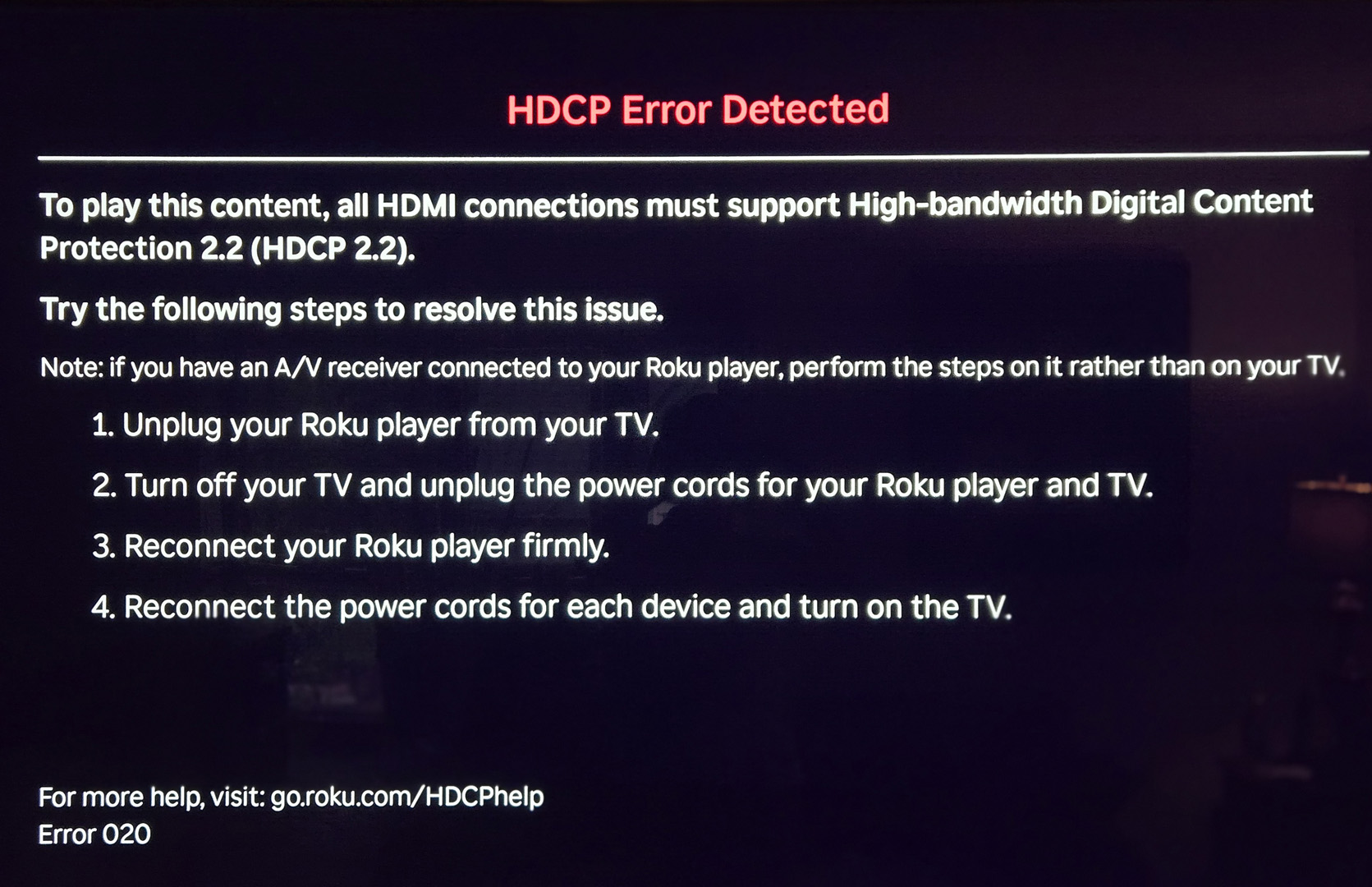
How old is the HDMI cable? That or the port could be going bad.
Try moving the cable to a different port.
2 Likes
I have had the same issue for the past few years. I have changed HDMI cables, and tried different TV’s. My only solution was to power cycle the Roku.
Okay, here’s my ever evolving speculation. HDCP 2.2 has a “locality check.” The “Roku/Tablo synergy” sends a signal to the “sink,” the “sink” doesn’t get that signal within the allotted 20ms, so the source kills the connection. I have other guesses, but going with this for now. When it starts blinking I switch to a FireStick which has its own network hogging issues. I do know, I am absolutely weary of being the product these companies are selling.
That’s a Roku error. If you haven’t already - why not check your Roku model on this page and your TV’s HDMI spec to make sure they’re compatible.
EDIT: also check your HDMI cables - the version they support is written on them; I think this includes all the HDMI cables in your system.
1 Like
if that was the issue then why does it only happen with the Tablo app?
The Tablo only serves content and the cables or other device(s) may not be compatible with certain Tablo content. This doesn’t necessarily mean it’s the fault of the Tablo device. If you check Tablo’s Support site, you can’t even find HDCP in their docs.
The Tablo app works fine until I start viewing a stream so something has to be changing with the sync signal when the video stream starts.
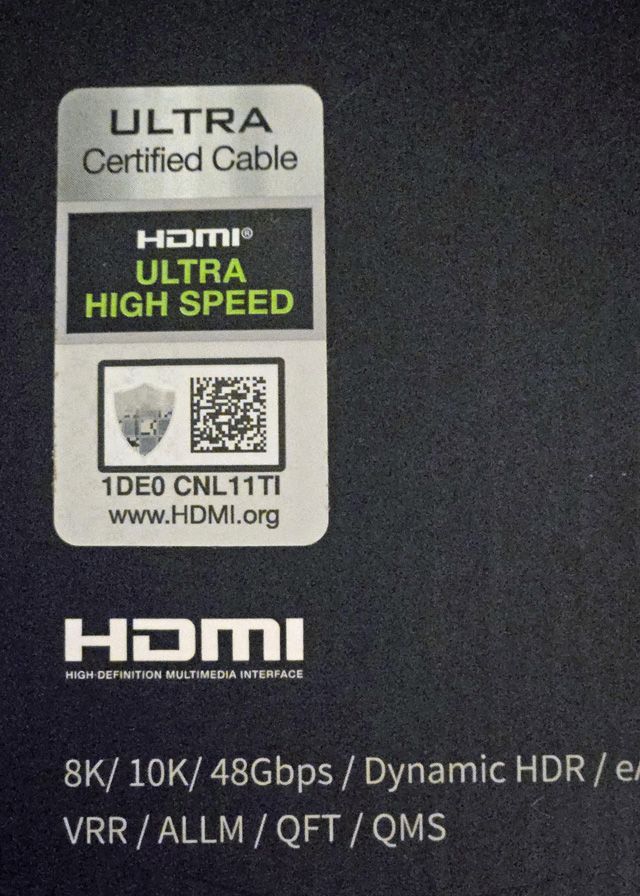
I don’t know your experience and you didn’t provide much detail on what you did, so please don’t be offended. Here’s a link you might consider reading…
1 Like
Check the specs on your TV. Do all HDMI ports support HDCP 2.2? My older LG has only 1 HDMI port that supports HDCP 2.2. I did not know that when I got that error while watching Netflix (Roku 4K Stick). I swapped cables and error came back. Switched HDMI ports and it has not come back since. Even expensive HDMI cables fail at some point.
1 Like
It will affect all apps. If you see it on Tablo the error will also appear on Netflix or Youtube Apps. Just do a system restart on the Roku and you’ll be good to go.
Incorrect. Does not happen with any other app. HDCP Error screen appears, press home, choose any or all other apps and they function just fine. Again, only occurs while watching live TV Tablo. Also, system restart doesn’t help. The power must be unplugged like the error message instructs.
Not sure then. My experience has been all apps until I restart the Roku Ultra. I don’t recall what my Roku Version is so we can’t compare to see if that is why our experiences are different. However, one thought is if your Roku is if your Tablo is right next to the Roku it might cause a problem. Also if there are any sketchy HDMI devices (thinking of a dual tv setup for example) that could be causing problems. That is the suspicion in my occassional HDCP errors.
It never happens to any other app just tablo. Also it never happens when i open the app only after i start streaming.
Then your issue is different apparently. I have seen the error on YouTube and Netflix apps along with Tablo. The error was occurring before the update to Roku version 15.
After many months of troubleshooting. Restarting device, shorter cables, better cables, unplugging cables, changing display settings, changing A/V receiver settings, resetting all my devices, etc. I finally found a solution to the Roku “HDCP Error”, and I am shocked about how easy it was to solve. It comes down to 3 very simple steps:
1- Turn off your Roku device, unplug it and throw it in the trash.
2- Buy a google TV streamer, plug it in and just start using it.
3- Crack open a cold one and be glad you came across this post.
4 Likes
I’ve been using your solution for years.
Different Roku issues, but same solution. 
3 Likes

I’m glad you got your system working. I will say, I’ve got six different Roku running in my house. They are all working just fine with Tablo. Can’t say why it works for most, but some users really have trouble with them.