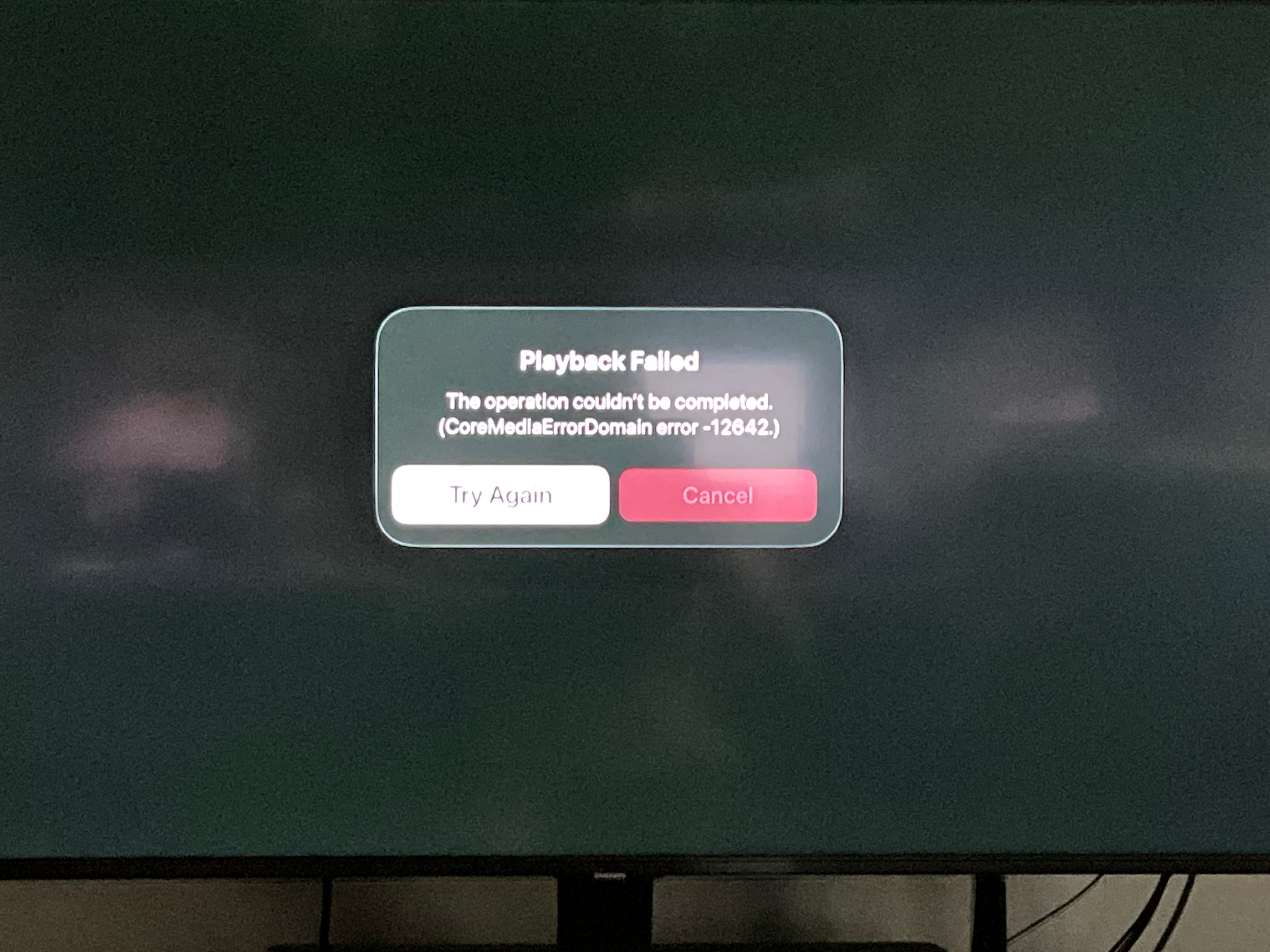
I continue to have issues with FAST channels on the Apple TV app. Many of the new ones will not play at all. I also have a firestick that I had left connected to the same TV and the FAST channels work perfectly. I have done all of the clear the cache suggestions and feel this issue is clearly the Apple App at least for me.
Wondering if anyone else has this issue with the Apple device?
I only have the ION Fast channel available in my guide and I’m having an issue when trying to stream it on all of my devices. I can stream the ION channel just fine from other services using the same devices.
When I try to watch the newer FAST channels, specifically the Wild West TV a the Horror Machine, I get and error message and the channel will not play. In addition some to the WBTV channels specifically will play but crash frequently giving me an error message. This only happens when I am watching using my AppleTV. I have a Firestick attached to other tv’s and do it get any errors and the channels work great. I believe there i some type of bug with the Apple app when viewing FAST channels.
I get the same message as @DealGrand when trying to watch certain FAST channels on my Apple TV. I know that it occurs with the Military Times Channel and the Wild West TV channel. I think there were one or two other channels, but I don’t remember which ones. It also happens with the same channels on my iPad and iPhone, but every channel I’ve tried plays correctly on Roku.
The channel starts and plays for a few minutes then just stops streaming prompting an error page. As I mentioned, I can stream the same ION channel from other services using the same devices, so it seems isolated to the Tablo v4.
I have the same issue. Some FAST channels I get the coremediaerror -12642. This started after the last firmware update earlier this year to 2.2.54. Use to be able to stream RetroCrush then after the firmware update I get a gray screen when trying to watch the channel and now with the latest software it displays the coremediaerro. Some of the new FAST channel also have the same issue too.
Update: I tried numerous things like rescanning and resetting the channel guide, and even rebooting after each attempt trying to fix the Fast channel streaming error, but nothing worked.
However, what ultimately resolved the Fast channel streaming error was I unplugged the Ethernet cable and let the Tablo connect via wireless instead and now the Fast channel is streaming just fine. Very strange since I was streaming from the Tablo’s OTA channels and recordings just fine on Ethernet.
I have noticed that Apple TV has a bug with the FAST Channels. After i watch them for a couple of hours the guide begins to not function properly and the channels begin to crash. I have solved this by rebooting the Apple TV and pushing the reset button on the bottom of the Tablo unit. I did not have to do all of this until the last firmware. update.
Actually, I figured out it’s my router’s Ethernet switch since the manufacture’s latest firmware has a driver issue that’s embedded in their latest firmware. Hopefully they will provide an updated firmware that resolves their Ethernet switch issue.
Instead of rebooting the Apple TV, you can try force-quitting the Tablo app. Hit the home key twice to show the app carousel. Left-right until the Tablo app is visible, then either swipe up (if clickpad in swipe mode) or double-click up to close it.