I have an error on my Home Screen only. I followed the recommendations, also deleted the app from my Samsung TV, cleared the cache, unplugged, rescanned, rinse repeat! Thankfully I can view live tv .
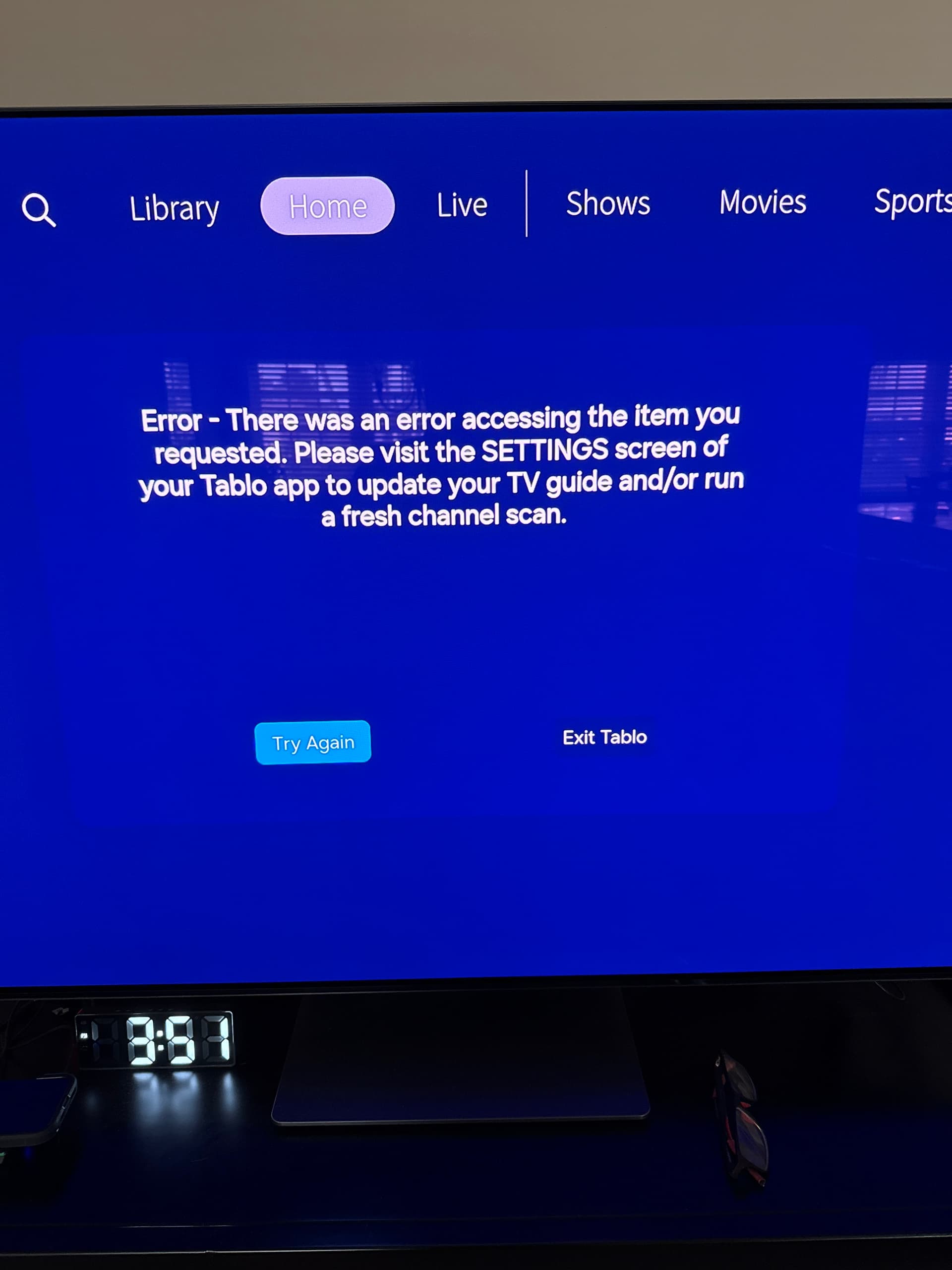
If you haven’t already done so, open the Tablo app on your phone, go to Settings, and click the Update Guide Now button. If you have done so, then you might wait a bit longer for the app to ‘catch up’ with what your changes/updates.
1 Like
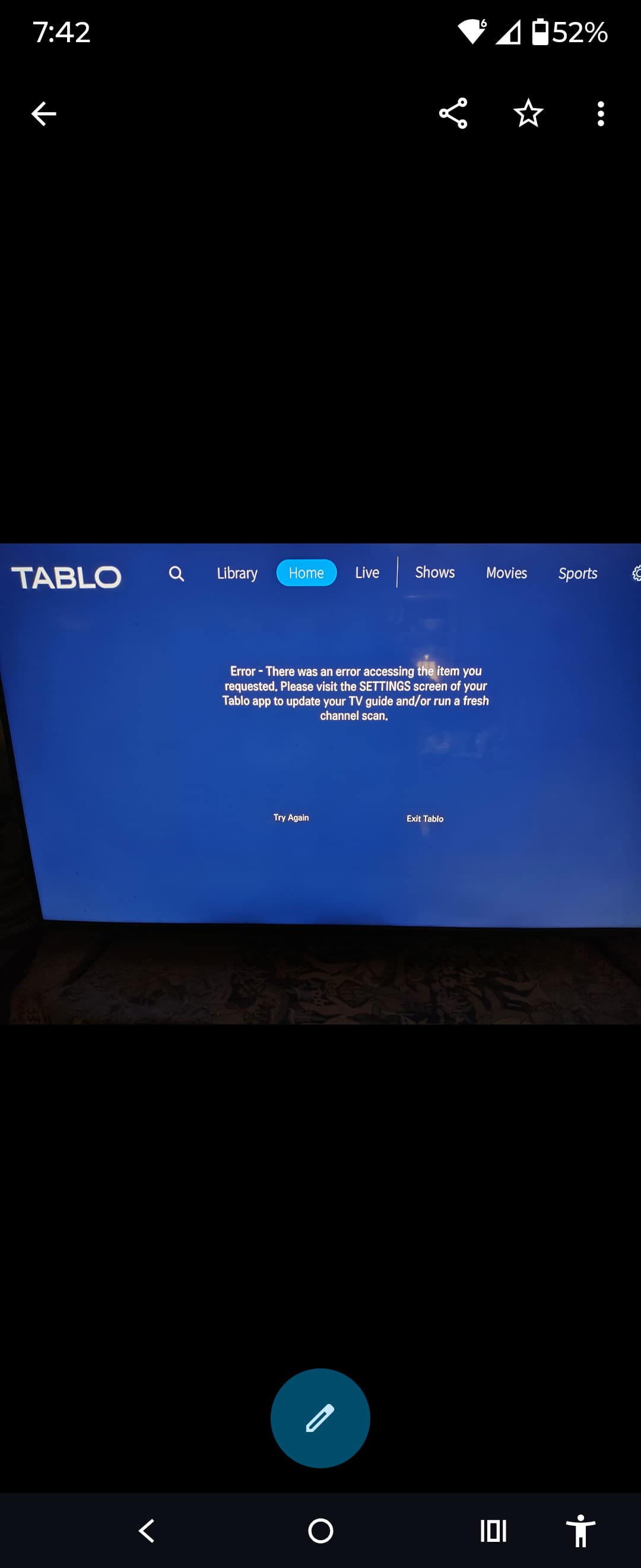
LGTV on WebOS Ethernet to router… Same thang…
Sad music softly playing in the background
No joy for this Cowboy…
Did the re-scan like the Man said…
Re-boot but no Scoot…
Factory Reset…
But that Ticket ain’t Fixed yet…
Your Error Dears Persist…
Like My Tears in the Mist…
Play on repeat
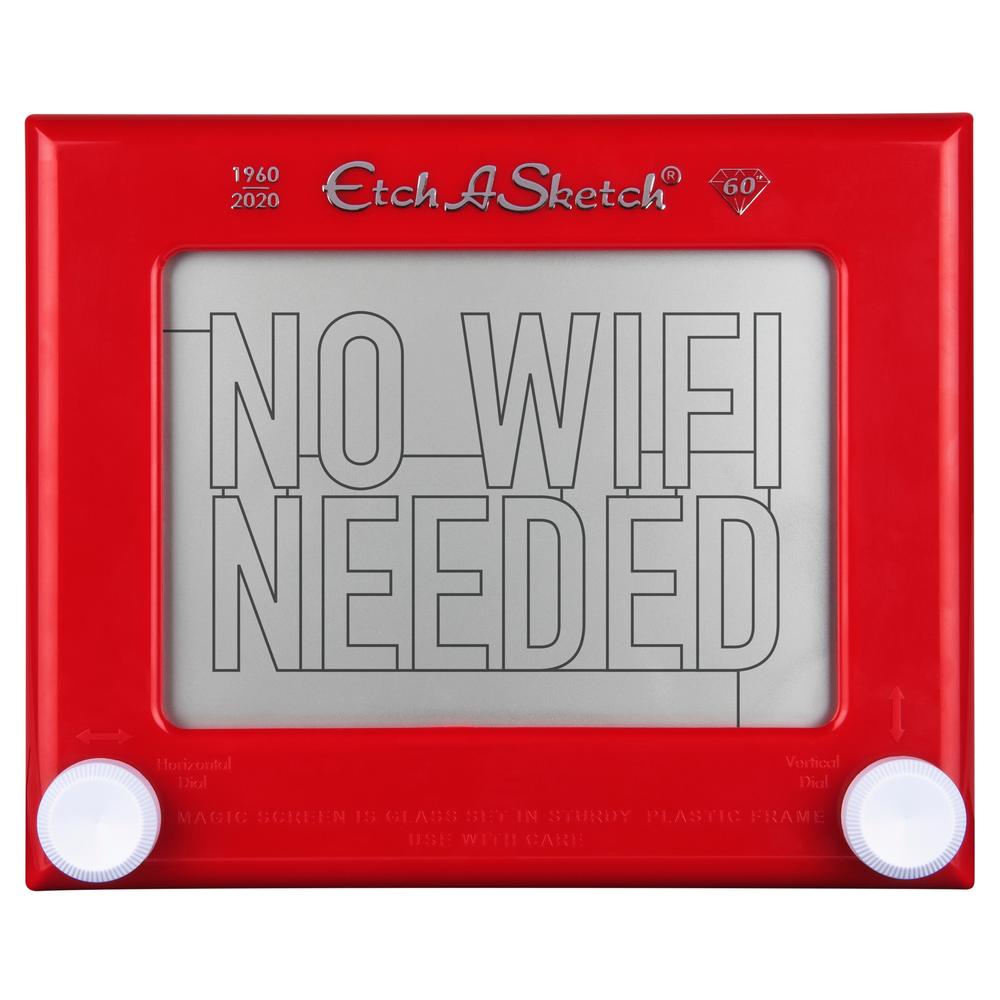
Yes, I’ve even deployed the EAS Protocol.
- Firmly grasp the device in both hands
- Invert the device
- Shake the device vigorously left to right
- Shake the device front to back
- Verify results
- Repeat as necessary
RESOLVED!
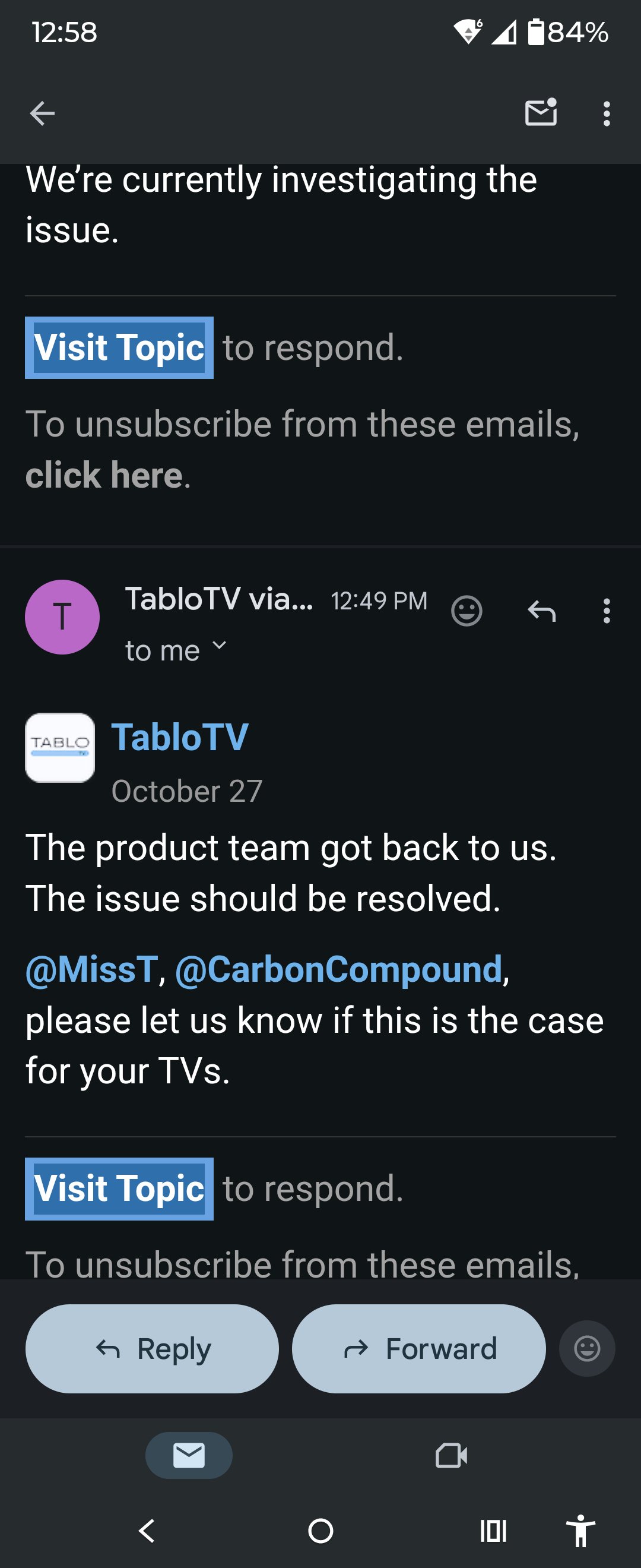
We’re currently investigating the issue.
The product team got back to us. The issue should be resolved.
@MissT, @CarbonCompound, please let us know if this is the case for your TVs.
Resolved!
Thank You!
I stupidly spent hours trying to resolve it myself.
1 Like