Hi,
I have a Gen4. As far as I can see, it is only set to record a handful of shows, and all of them are OTA; at least all of the channels for all the shows on record have a “number” like 11.1.
It is hard-wired on ethernet.
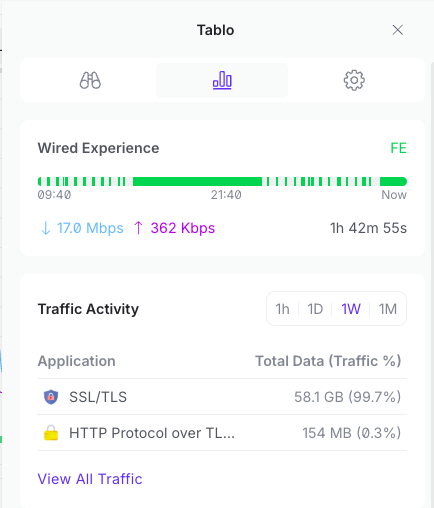
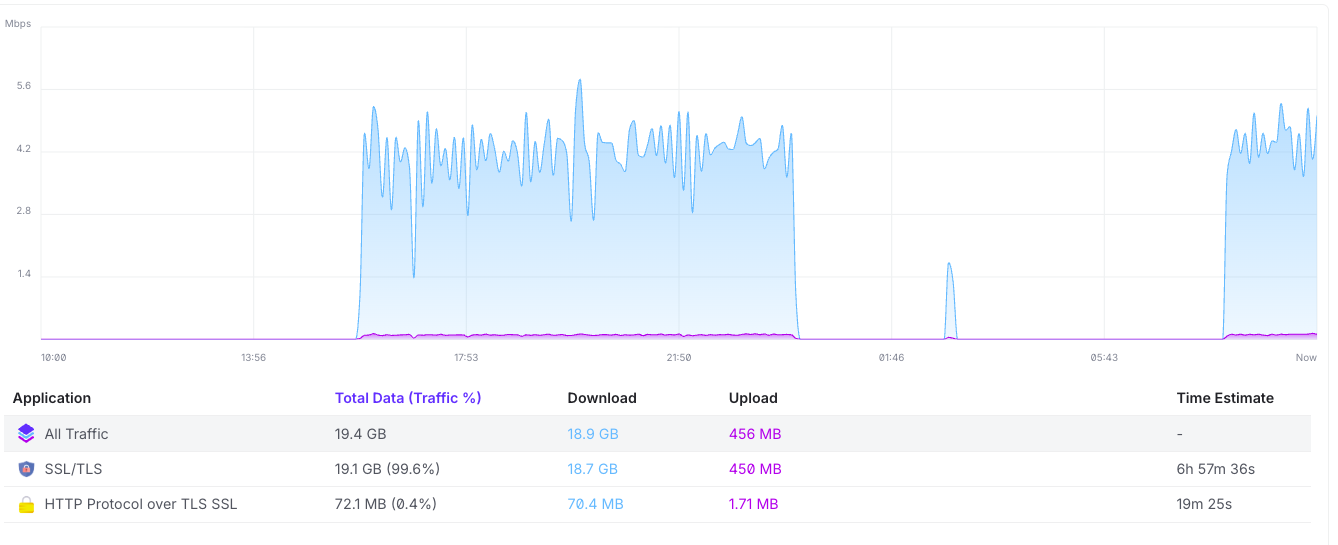
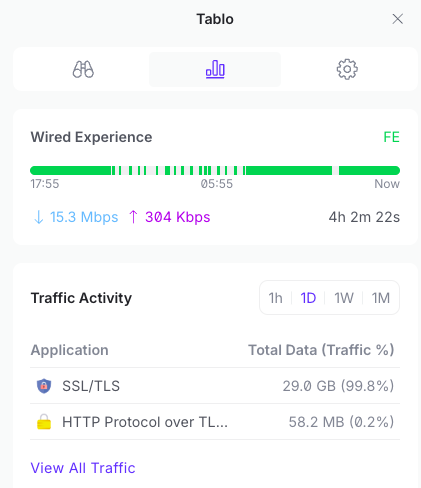
I have a bunch of ubiquity networking gear, and the Tablo often shows up as the #1 data consumer. It is downloading about 200GB / month of data.
There doesn’t seem to be any consistency about time of day when this happens, nor can i see any specific shows that were recorded at the time of the download.
Any ideas what causes this? Not a problem, but i’m curious & a little suspicious.
Richard
(I had a bunch of screenshots to add, but am not currently allowed).
The network traffic is going to go up if you’re watching programs or it’s stuck watching programs (not turned off). Especially if you watch a FAST channel. This is how the Tablo works, right? All the viewing is done over the network. It appears yours is mostly download, not upload traffic.
Recording probably wouldn’t or shouldn’t cause this. I think only watching would because traffic would go from the Tablo device to your streaming device.
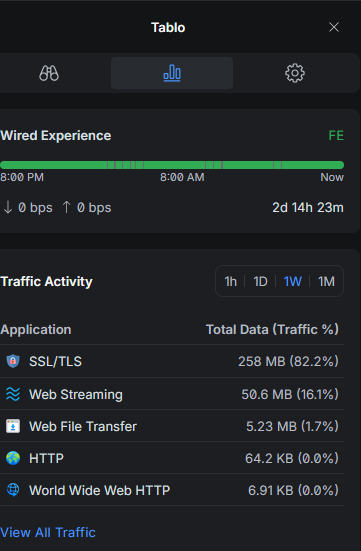
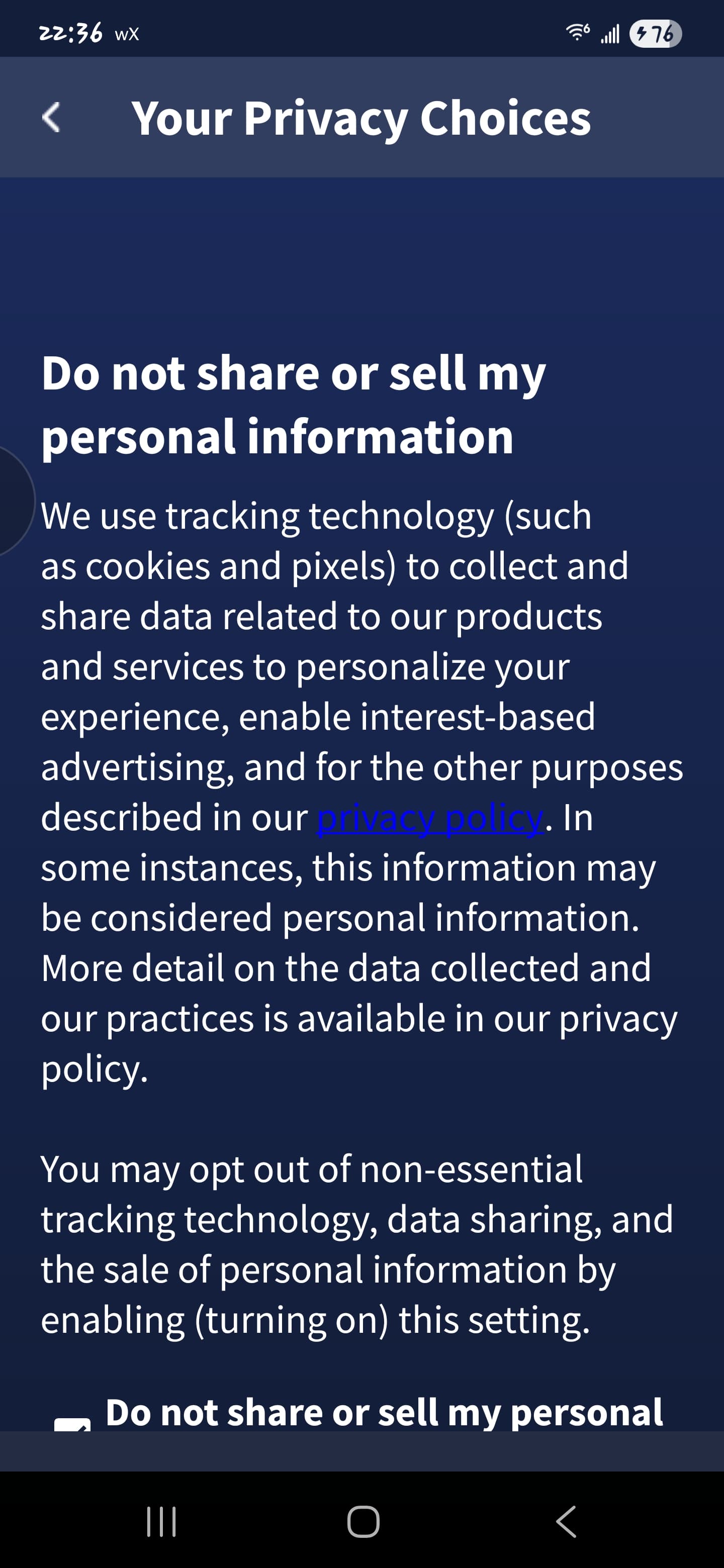
You might also check the Settings page on the mobile Tablo app and scroll all the way to the bottom and click the Your Privacy Choices, then ensure the Do not share or sell my personal (mine is cut off on Android) is checked. Maybe this will change the Gen4 app Traffic Activity.
Otherwise, this is just a weird issue.
What streaming device is it going to? Maybe that’s where the issue is? Is this downloading from the Internet or just over your LAN?
I tcpdump’d from the router and saw that all the traffic was coming between the table and hosts like: amg01438-ewscrippscompan-ion-tablo-yib4v.amagi.tv and checked what the Tablo was doing at that time.
It looks like I have some show recordings from the ION channel which is definitely a broadcast channel I receive, but which is also a FAST channel and Tablo is using the FAST channel for the recordings not OTA.
I can’t figure out how to tell the difference (In the show listing, it’s shown on both ION and Ion, but in the channel listing they’re both called ION).
Is the OTA and the FAST ION channel the same? Is so why would a user add the FAST channel to the channel list. I get both. I only added the OTA ION channel.
I wondered if it might be because you were actually recording one of the streaming channels but since you said you were recording OTA only I didn’t think to ask any follow-up questions. Glad you figured it out!
This is good info you’ve uncovered and could lead to a @TabloTV Article on or fix for spurious and constant background network traffic causing buffering and bandwidth overuse.