Tablo 4th gen app problem. The mostly PBS shows and several others had a limited series run when they were set to record the series but now the series have concluded and the Scheduled page shows none recorded and none scheduled but the show info icon is stuck on the Scheduled shows page and there’s no button or option or selection to remove them. I have cleared data and cache in the Amazon Cube for the Tablo app and restarted the Table app and the Cube. Would the Reset button clear the list or factory reset the Tablo?
I have the same problem. If a series ends you can’t cancel the recording of it if there are currently no recordings. Need to allow getting to the cancel series menu somehow.
Hi @RaT ,
If you go to your Library and one of your recorded episodes, you should see RECORD OPTIONS, you should be able to set it to RECORD NONE.
That should remove the limited series from your schedule.
That’s the thing, when I’ve deleted all of the recordings for the show, the GUI won’t allow me to navigate UP to the Recording Options for that show since it won’t go past the Scheduled option on the menu.
Also, I only see these old show ICON’s on my Fire TV interface and not on the iOS or Android mobile platforms.
However, I found a way around the GUI to get to the Recording Options of the cancelled show. I navigate to the About and select it, then I cursor to the right to highlight the text, and then I can navigate UP and select the Recording Options to then set it to None which removes the shows ICON.
1 Like
Thanks for the clarification @DaWeav,
We’ve flagged the Product Team. They’ve determined it’s a bug and should be fixed in the next update.
2 Likes
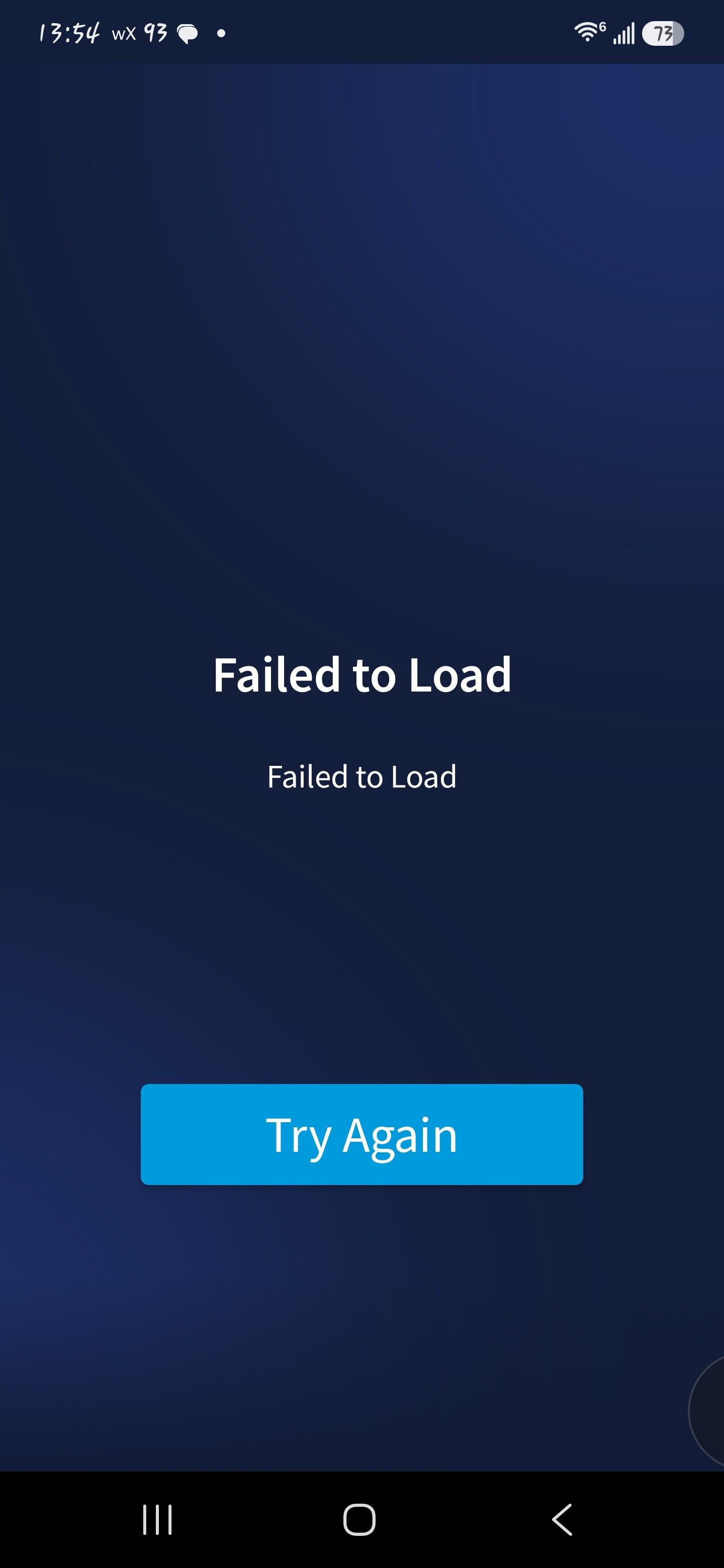
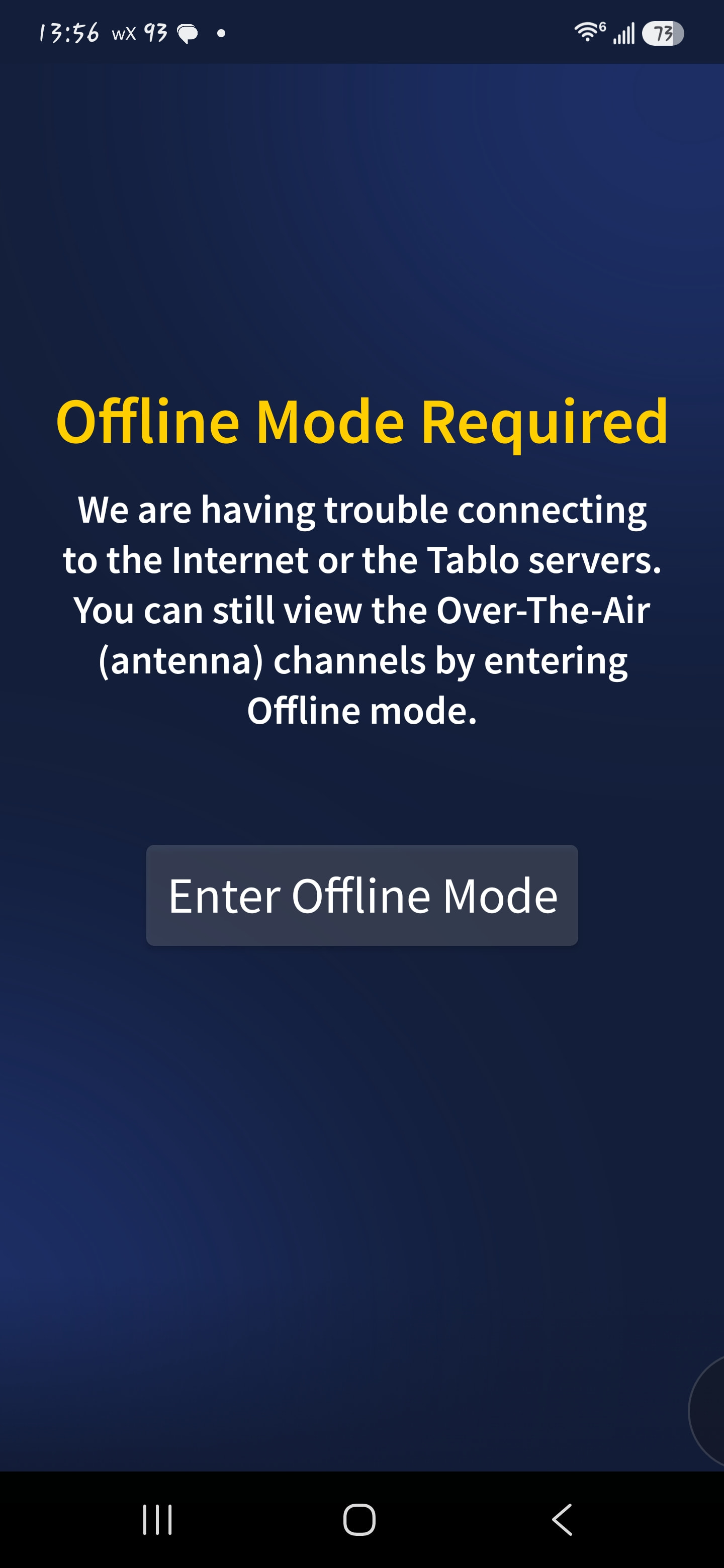
So I don’t know if this is the same problem, or it has come up again. I am unable to remove series recordings in the Android app that have nothing upcoming. When I click on the series icon, the page goes blank with the busy icon like it’s trying to load stuff. Times out with a try again button, click that and get the busy icon again. When that times out, it says it can’t access Tablo servers and prompts to go offline. When offline, I can’t access any of the series recordings or settings, just what has already been downloaded.
2 Likes
@snotbottom - Welcome to the community and thanks for reporting. Same here - after testing, I’m able to modify Scheduled shows with existing recordings or upcoming, but not those without upcoming episodes.
Library > Scheduled > SHOW yields Failed to Load/Try Again. Clicking Try Again yields the Offline Mode Required prompt. Android Tablo App v2.1
Tried uninstall/reinstall and same issue exists.
2 Likes