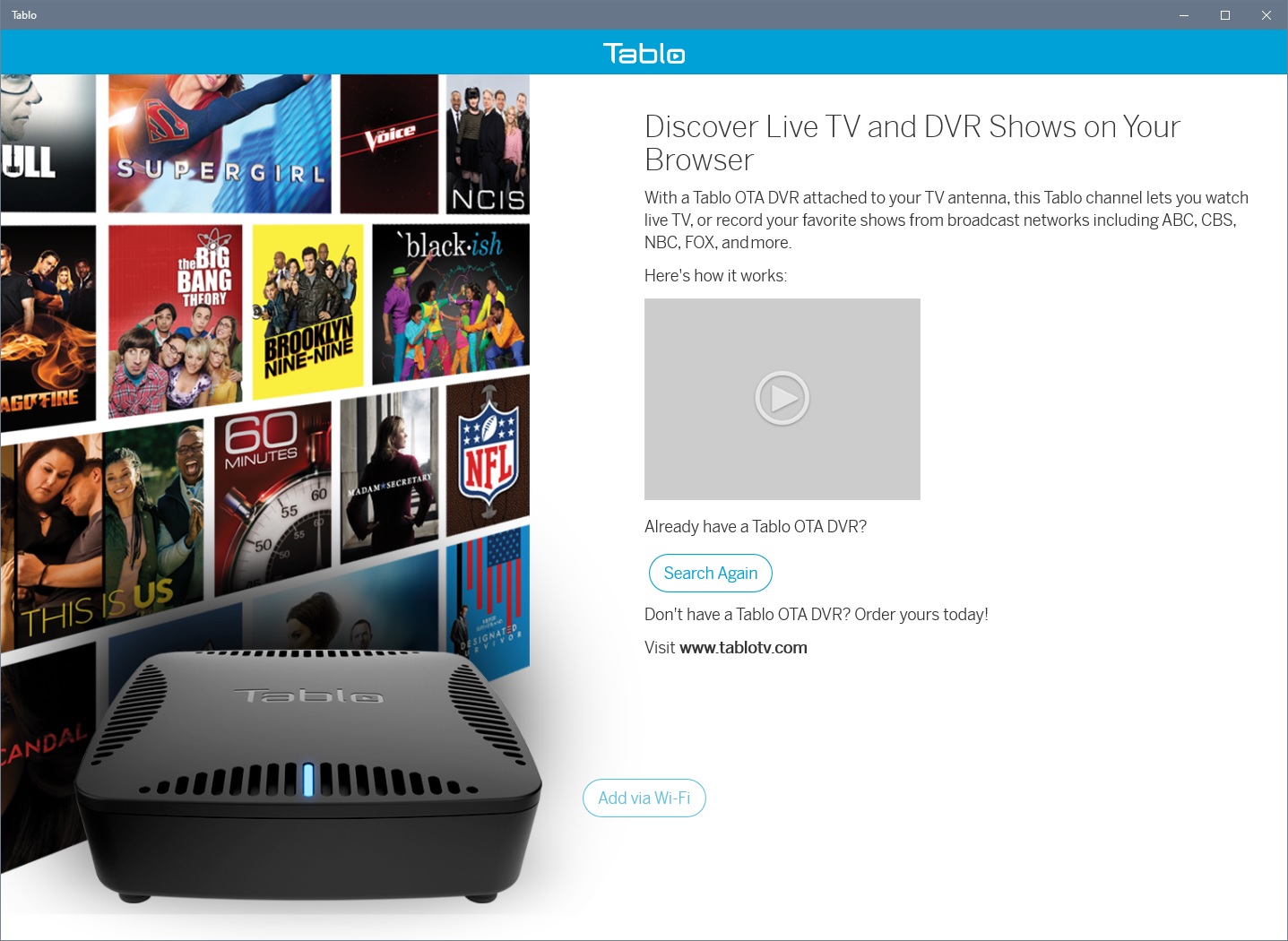
All of a sudden I can’t connect to my Tablo Dual Lite via the Windows Tablo app on either of my Windows 10 or 11 PCs. I get the error below. I can connect via my TVs and Tabloripper.
I haven’t installed the latest firmware upgrade yet. I tried rebooting the Tablo and then my PCs but the problems persists. Any idea what’s wrong here?
Another piece of information, I remembered I have the Tablo app on my iPad so I tried that and it works. So, it seems to be a problem with the Windows version of the app.
I have two Legacy 4-Tuner Tablos and have found that the one running Firmware version 2.2.42 is not accessible using the Windows app or by going to http://my.tablo.com. The one running the most recent Firmware 2.2.59 - Beta 1 is accessible by either way. I’m guessing that the Tablo that hasn’t been updated is causing a problem when attempting to be accessed since it wants to put up the update firmware message, which causes the attempted connection to fail.
Hey @TabloTV can you verify that this is the problem?
Having the same issue here. Ok Tablo, what is the problem? Why are we all of a sudden locked out of our Legacy Tablo’s on the PC App?
Edit: Legacy Quad here.
I’m having the same issue, both with the (legacy) Tablo Windows app and through a Firefox browser. Just started a couple of days ago. I did all the regular things, including rebooting the Tablo, rebooting the router, and deleting and reinstalling the Windows Tablo app. I’m thinking it may be an issue with the Tablo servers, but I’m not sure how the actual Tablo to viewer/client actually works.
FWIW, our Windows and Browser apps and Tablo Tools and Tablo Ripper are all working with the OG Legacy with fw 2.2.58. However, when I initially opened the Windows App, it wouldn’t load - I had to Re-scan or refresh the screen. Do y’all not have the upgraded firmware?
As a systems manager, I know it’s normal to deprecate systems or move functionality over to updated systems. It’s possible that Tablo did something like this and maybe some functionality wasn’t transferred or was lost. I hope this isn’t the case.
I have the same problem. I have been refusing the firmware update and one of my PC’s finally stopped playing. I had to reboot my second PC that had continued to work and now it also won’t play. My Tablo device is fine and continues to record but I can’t access it with a browser, the Windows nor Android app. It pings fine and the webserver is active on the LAN IP. No remote access I paid for either. This is clearly a Tablo server issue and they should release an offline viewer for people that paid for service and want it to stay the way it has always been. I will never upgrade the firmware and now I’m not buying a 4th gen as I had planned. I forgot how awesome my TIVO is. Amazing it still works since it’s been doing nothing for 4 years and now I had to go back to it.
It’s absolutely trying to force us to upgrade the firmware. Unfortunately that is not even possible because I have no access to my tablo to do it now! If I have to write an offline app to view live TV from my unit I will do it. I have never liked being at the mercy of my internet connection to watch TV as it is. I can still use tablo tools to pull recordings. If they do not fix this there are going to be a lot of fuming old customers.
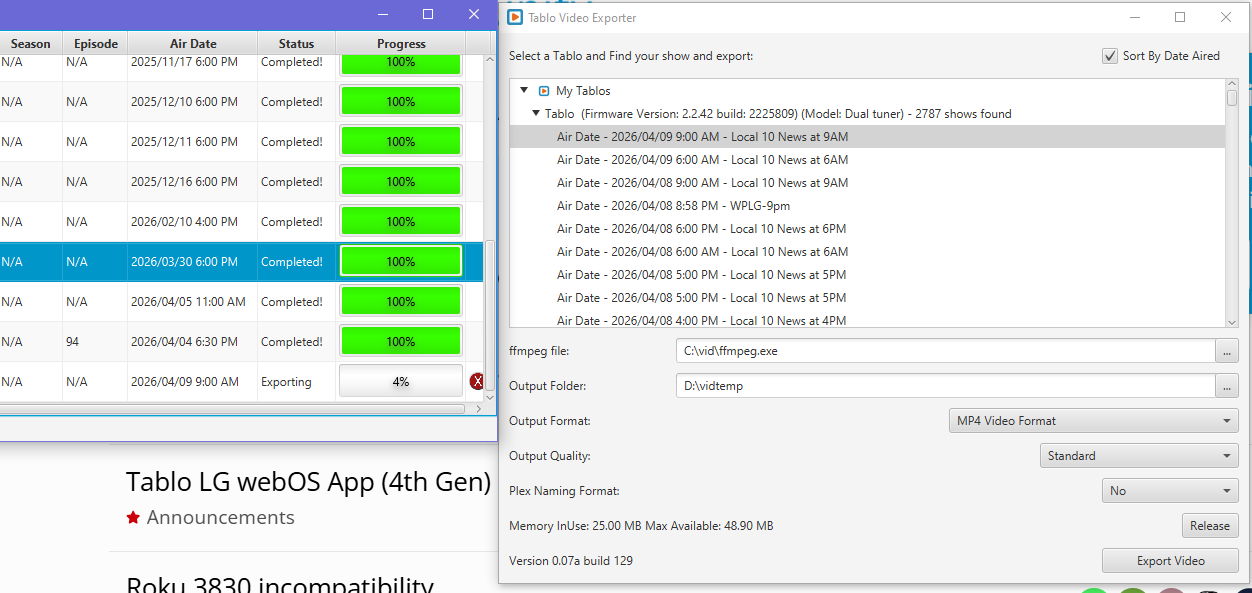
So, no TabloTV admins in this thread tells me this was done on purpose. I wanted to back up my recordings with Tablo Tool before updating, but I guess that’s not possible now.
We were investigating this. Earlier today, we determined that the connectivity issues with the legacy Windows 10 app was caused by the same back-end problem affecting 4th Gen apps for LG & Samsung.
This issue is resolved now, and the Windows 10 app appears to be working again on our end.