I switched internet provider from Spectrum to Breezeline. My Tablo does not recognize the new router b/c I have not plugged in the new SSID info. Thus, NO Tablo is found on the app (either on my tv screen or on my tablet). When I went to “my.tablotv.com”, I am not given the option to “edit Wi-Fi”. When I tried “add new Wi-Fi”, Tablo-xxxx never appears as an option in my settings. Nothing happens when I selected re-scan and when I select “connect” (after reconnecting the ethernet cord), it says Tablo is not connected. I have deleted and reinstalled the app and I have unplugged and reset EVERYTHING several times.
I do not want to do a factory reset.
Anybody have ANY suggestions?
I’ve never used my.tablotv.com to changed SSID’s. But fora phone and tablet I thought you went to the device settings WiFi and then searched for the tablo direct connect SSID - tablo-xxxx and connected to that. And then you start the tablo app and change the WiFi SSID. But it’s been years since I had to do it.
It’s easier to just make the new routers SSIDs and passwords the same as the old one.
3 Likes
Tablo doesn’t show up under the “join” internet options. It doesn’t recognize that a Tablo even exists.
And the old SSID info is with the old spectrum equipment I returned. It was on a label with the rest of the device’s specs, just like this new router has a whole new set of specs.
Two ideas, can you direct connect the tablo to your router with an ethernet cable? Or, if you are ok with losing everything, a factory reset?
Tablo IS connected directly to router, it just won’t recognize the new one. That’s why I tried to set it up via Wi-Fi.
Factory rest is option Z:(
To be sure… You’ve unplugged the power to the Tablo and the Ethernet cable.
From REDDIT.
If you want to change your Tablo’s network without waiting for support to respond, I have some good news for you! I don’t know if all these steps are necessary, but together, they did the job.
Unplug Tablo.
Turn off old network (in my case, the 2.4GHz band).
Delete and reinstall Tablo TV phone app.
Check that phone is on new network.
Plug in Tablo, let it boot up.
Open the phone app and follow the prompts.
2 Likes
I did all of that on my iPad!
It says Tablo cannot be found on local network!
I think it’s still trying to connect to the old Spectrum router:(
I need to find a way to program in the new router info!
Is your iPad on the 'new" network? Are you trying to use Tablo app on iPad? or some other device? Try turning off new router, unplug Tablo legacy, turn of iPad or what ever streaming device that ha Legacy Tablo app. Restart new router, turn Tablo back on, then streaming device or iPad. Then quickly press the reset button on Tablo after all devices are back up. DO NOT hold the reset down as that will do a full factory reset. Just a quick push and release will perform a soft reset.. Should then allow you go into wifi settings and ad new network information.
DON’T do a factory reset unless Tablo Support recommends it. Can you say which Tablo device you have?..Gen4 (white) or Legacy (black)? Either way, I wouldn’t bother with wifi or the SSID if you can connect via Ethernet.
Does it show up in the My Status - Tablo TV page?
Here’s some info about the Status Page…
https://support.tablotv.com/hc/en-us/articles/42019721302036-Where-Can-I-Get-Information-About-the-Status-of-My-Tablo-Device-or-the-Tablo-Servers
Also…
If your Tablo has connected to a different Wi-Fi network in the past, it may be stuck with the old Wi-Fi settings. When this happens, your app won’t be able to find your Tablo. If this is the case, let the Tablo sit idle for for 5 minutes. At this point, its blue LED should begin pulsing blue indicating it’s ready to be added to your WiFi network. From here, you can launch the Tablo app.
If you want to switch from Wi-Fi to Ethernet, attach one end of the Ethernet cable to your home’s Wi-Fi router and the other to your 4th Generation Tablo. Next, quickly tap the reset button on the bottom of the Tablo. Wait for the blue LED to stop flashing. Once the blue LED is solid, your Tablo is now online and using the Ethernet connection.
Unlike legacy Tablo devices, the 4th Generation Tablo does not have separate LED indicator lights on its Ethernet port. The best way to check for Ethernet connectivity with 4th Generation devices is via the main blue LED on the front of the unit.
Taken from this link…https://support.tablotv.com/hc/en-us/articles/360028021271-Switching-From-Wi-Fi-to-Ethernet-or-Ethernet-to-Wi-Fi
Mine is a legacy.
The light is a solid blue, it pulses only when I reset it.
I have let it sit idle for 5 minutes. The light is always a sold blue!
It still thinks it is on the old network.
Have you tried temporarily setting your new router’s network name and password as the old one?
Then if you can get in, maybe change to Ethernet connection. Then once Ethernet is working, change new router back to whatever the network was and then try WiFi setup again. I would just be sure the Tablo is never connected as WiFi and Ethernet at the same time as it might muck things up. Be sure to always power cycle. Between changes
That makes sense. This is what I see on my Legacy app - mine is called “Legacy Tablo”. I just click the Connect button and it connects. Mine is hard wired with Ethernet. I thought for sure that if you connected with the Ethernet cable that it would just show up on the network - the hard wire should override the wifi.
Can you clear the cache on your browser and retry? You should be able to hold down the CTRL+SHIFT+DEL keys to open the Clear Cache dialog. I would select only the “Temporary cached files and pages” or similar entry for your browser.
Did you perform the firmware upgrade to 2.2.58 prior to changing your Internet provider?
If that doesn’t work, you might want to call Tablo Support Monday morning.
Phone – 1-844-822-5688 (1-844-TABLOTV)
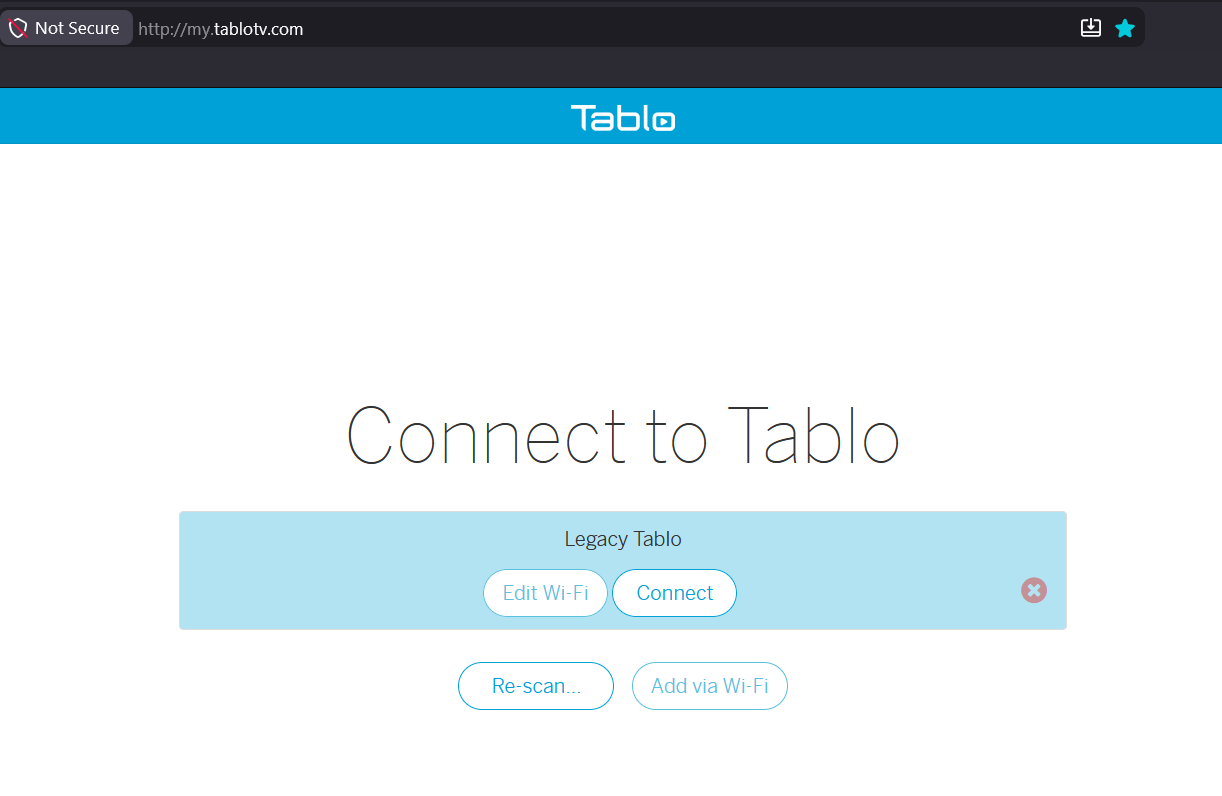
Also, when I click Edit Wi-Fi, I get this dialog even though I use Ethernet. Do you not get this same thing? Are you getting any type of error or reply?

I just did a test using my browser and I wasn’t able to set anything up. I was, however, able to use the app on my Android phone to get into and see the Wi-Fi configuration.
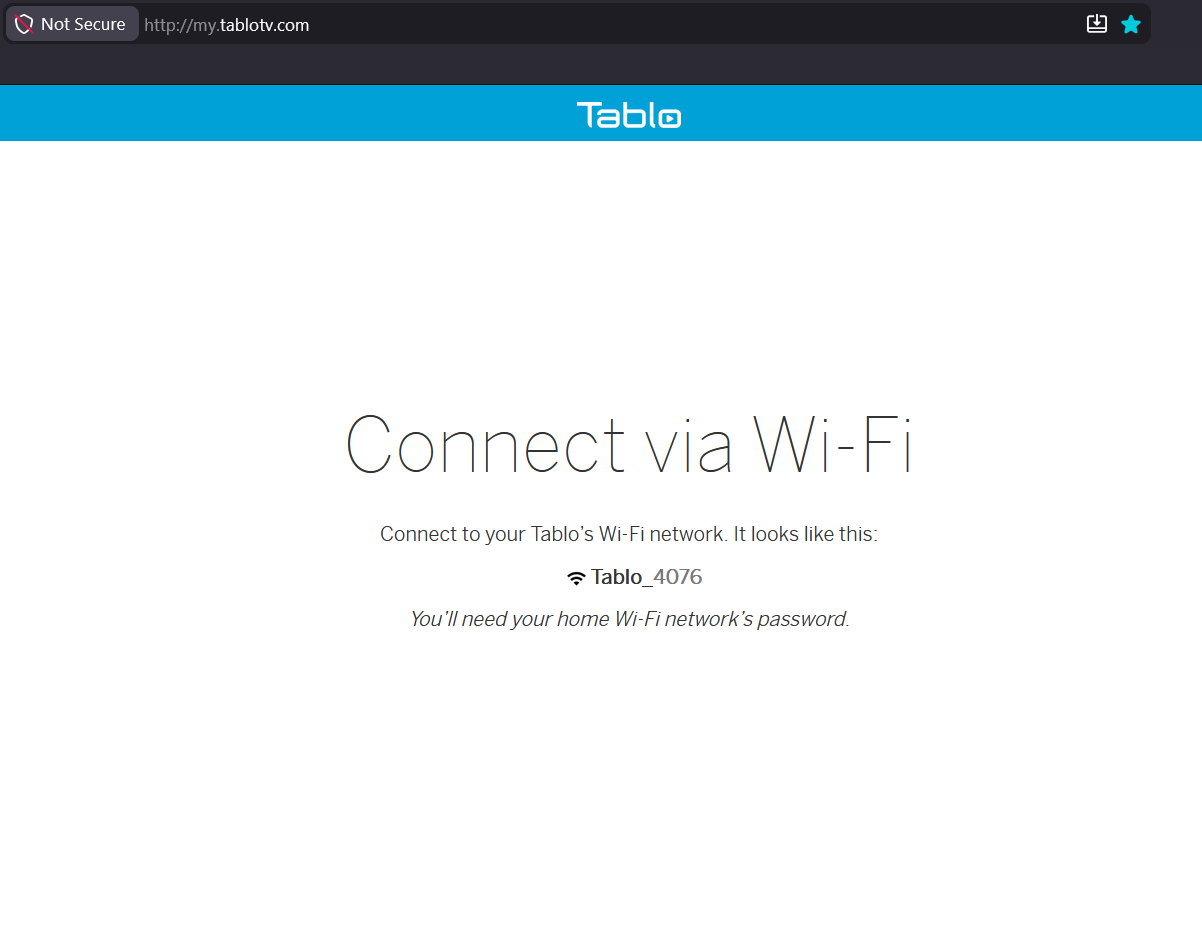
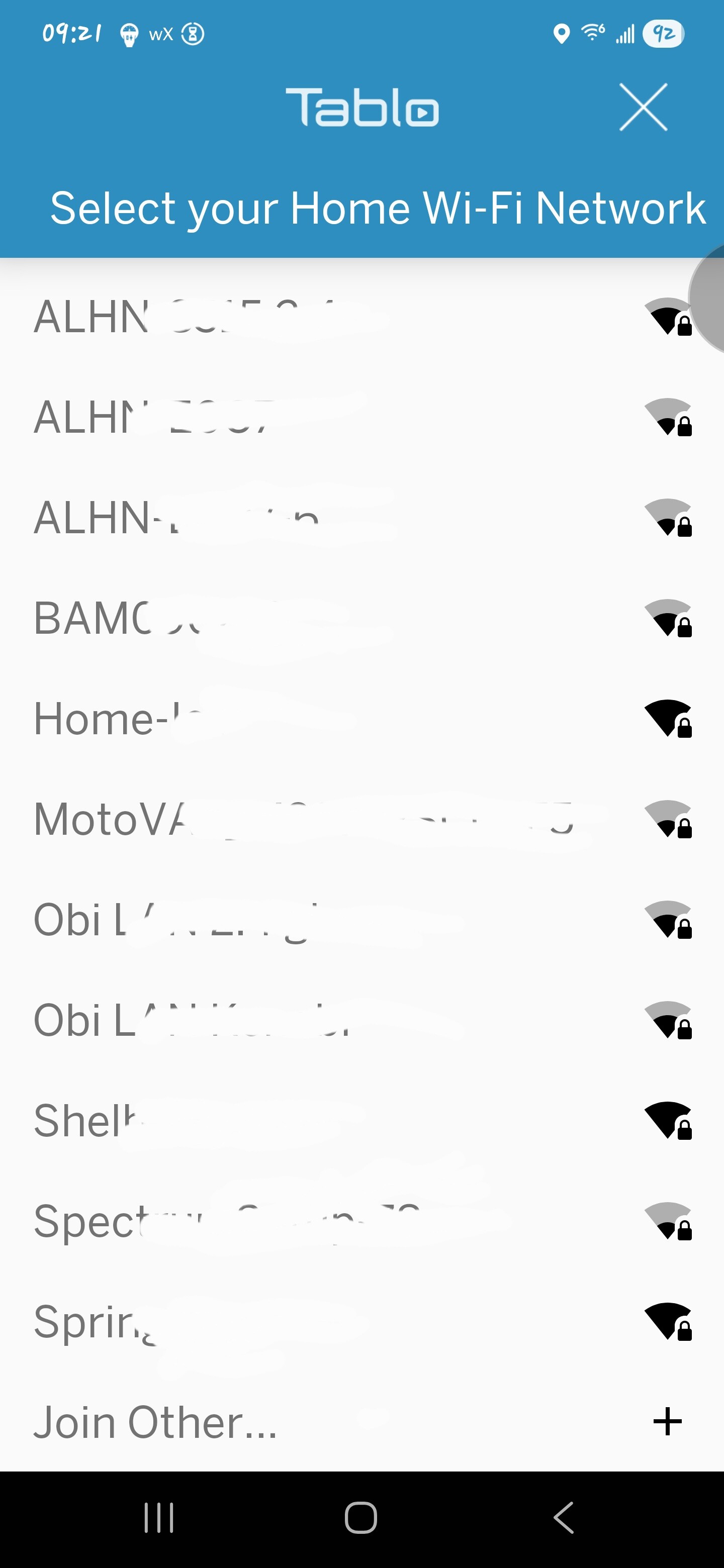
Unfortunately, there are too many SSIDs in my phone’s list and i can’t scroll down to see a Tablo_xxxx SSID. However, I can see it in the browser app as Tablo_4076 so i can click Join Other… and enter it manually.
SOLVED IT!!!
It was the Ethernet cable!
The one I used for the Spectrum router WOULD NOT WORK with the Breezeline router:(
I attached another one, and Tablo automatically connected!!!
Thank you all for your suggestions! I believe I am confident I can teach a course on how to connect a Tablo!
5 Likes
That’s fantastic. Sorry for the long-winded suggestions that didn’t work. 
YAY! 
I had something similar happen to me once. I was getting unbelievably slow speeds compared to what I thought should have been getting. After some trial and error, I found it was the one ethernet cable connected to my computer that was causing the slow speeds. Drove me crazy trying to figure it out. I threw that one away immediately!
This is just a side note here since you got it to work, but are you still using the ssid and password that are printed on your router? You do realize that that same name and password is printed on thousands of routers out there?
I would at least change the password. And also the admin name and password that you use to log into the router itself.
2 Likes
In the future, establish your own SSID and secure password. Then change your future router to that. All your devices will then connect immediately instead of needing to set up each device on the new router.
2 Likes
I stumbled upon this post by chance after trying unsuccessfully to connect my legacy device via Wi-Fi instead of an Ethernet cable to troubleshoot a slowness issue (I opened a support ticket about this). In short, I couldn’t get it to work. Yet, I thought I had followed those steps.
I followed your instructions to the letter and finally got it to work! It took a while, but I’m there! Thanks!
Glad that it worked for you.