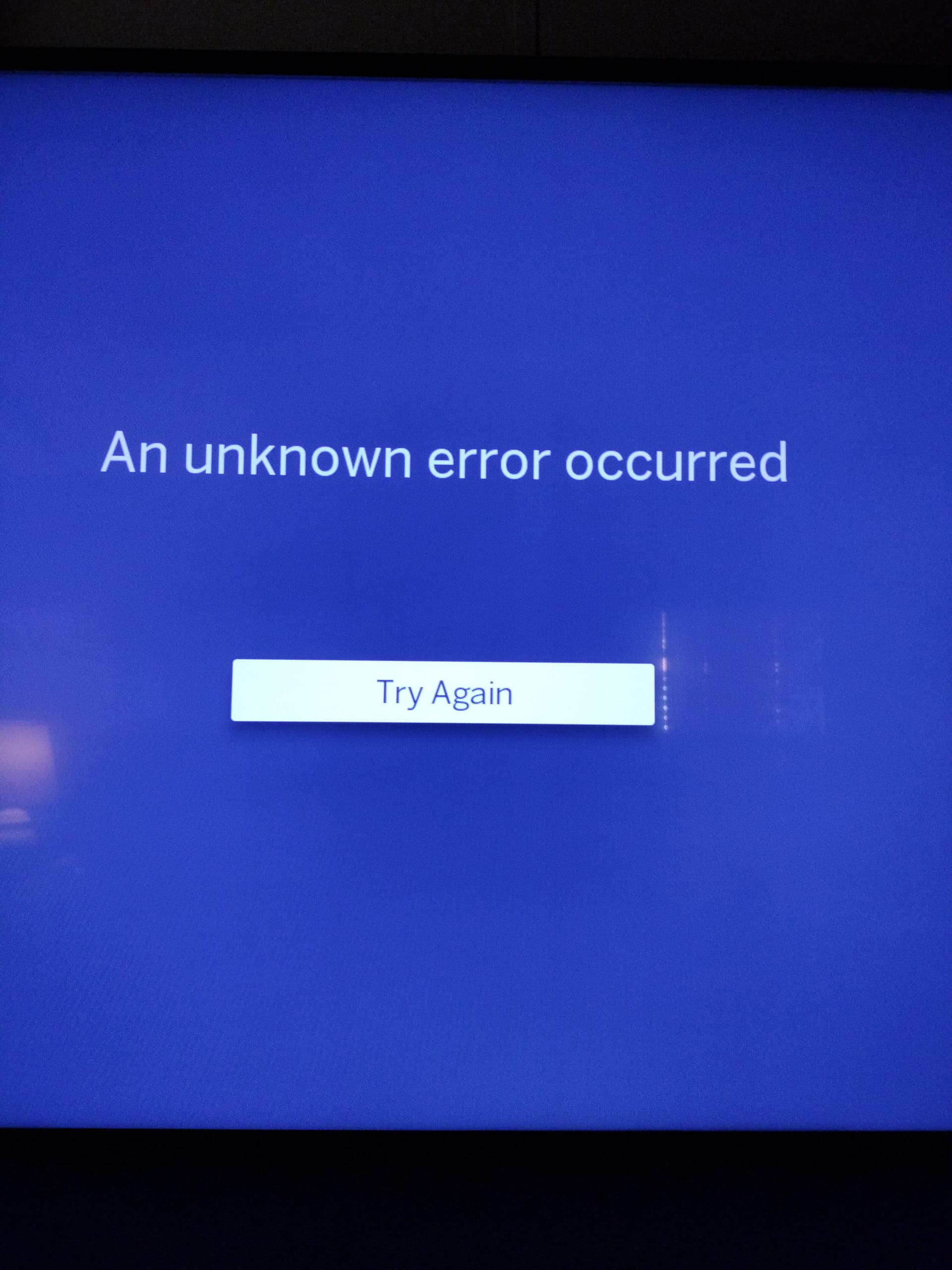
Sorry for the automation but I had a stroke and I still can’t type yet. Got a new error message with legacy firmware 2.2.60 after recording manual timer yesterday now all I get for all and recent is an unknown error occurred try again and nothing happens I can watch older recorded things via TV, movies, sports but if I choose anything else recent or all I get the error message. Also live TV freezes on multiple channels and it’s never done that before it worked fine with 2.2.58 software. Last time something like this happened tech support had me unplugged or do something to the hard drive and I lost everything I’m afraid that’s going to happen again. This happens on every TV in the house with fire TV which is all I have. I’ve looked at the old topics is similar to… and erasing and reinstalling the app does not help. I’ve also rebooted and done all the things that you normally do when something goes wrong to restart the system. Help!
Here’s to a speedy recovery. Your post shows a great attitude. Makes me believe you’ll have your fingers dancing across the keyboard in no time.
I wonder if your hard drive could be having an issue. As a test try running the Legacy Tablo without a hard drive and see if Live TV works. Only do this for a short time!
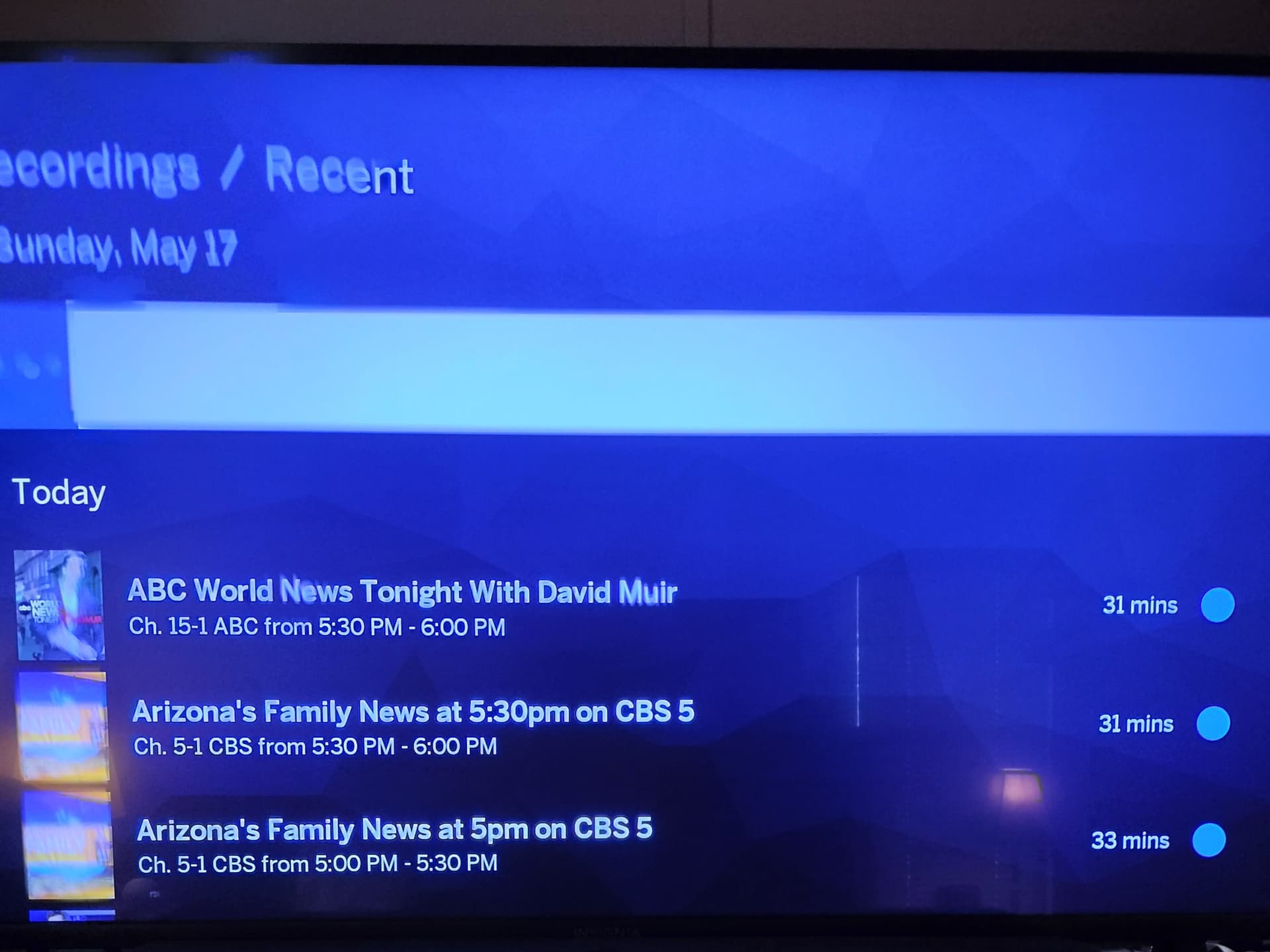
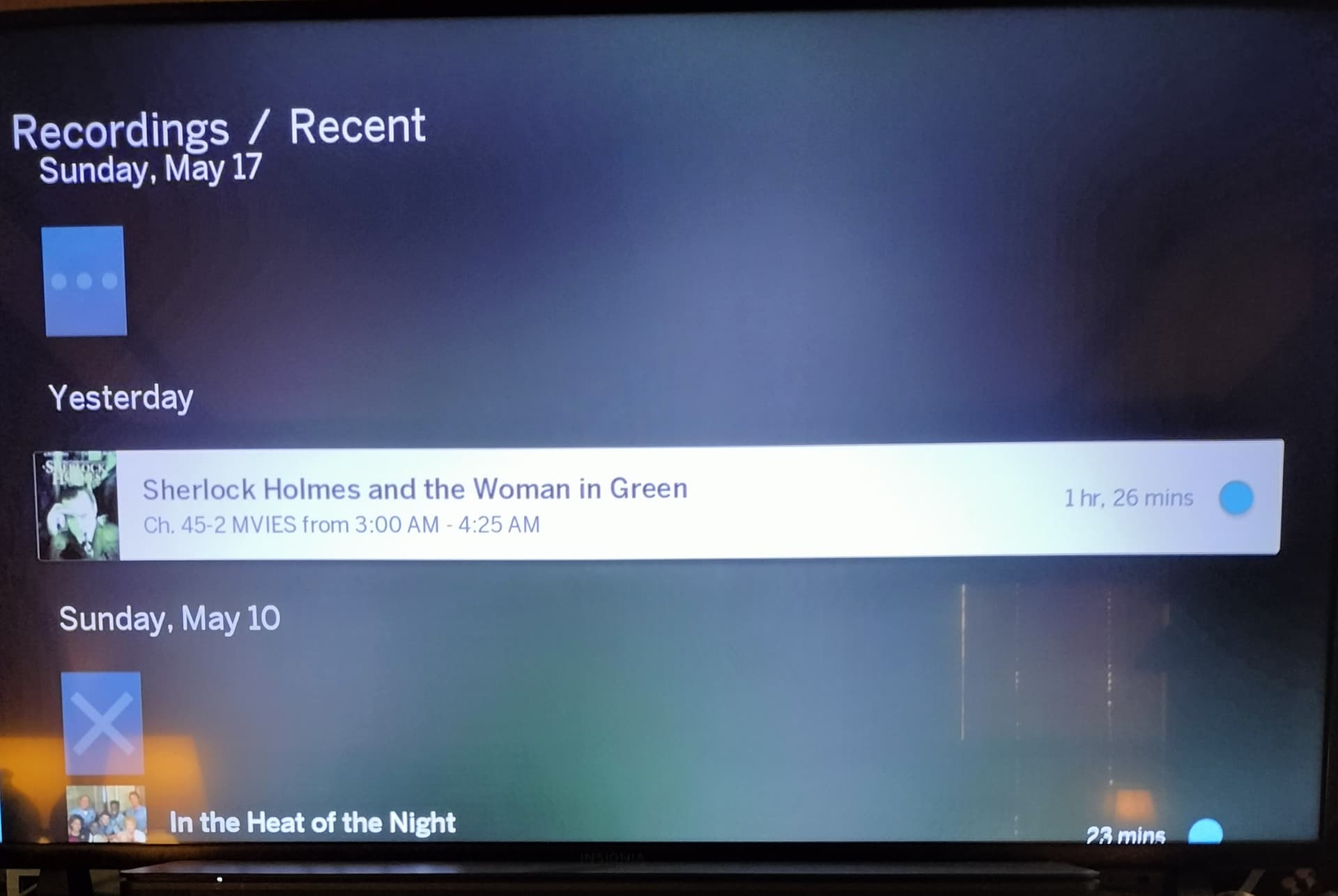
Here’s another screenshot of what shows until the unknown error message pops up. I don’t know why it says May 17th when today is only May 11th. It does not let me do anything to it no choices it just causes the tablo to go back to the main fire TV menu.
Hi @RTR,
We hope you recover soon and well.
It might be handy for you or a family member to try and reboot your Tablo. Tapping the reset button (as opposed to holding it down for 10+ seconds) will restart it without risk to your settings or data.
I’ve tried everything I can think of (reboot, power cycle, etc.) and nothing works. Every morning it’s the same thing the recording is there and it locks up my tablo after moving off this initial screen. The tablo is currently recording all my current timers but they do not show the images anymore of the recording just the bar for time when fast-forwarding. Recordings also randomly stop playback and freeze as does live TV.
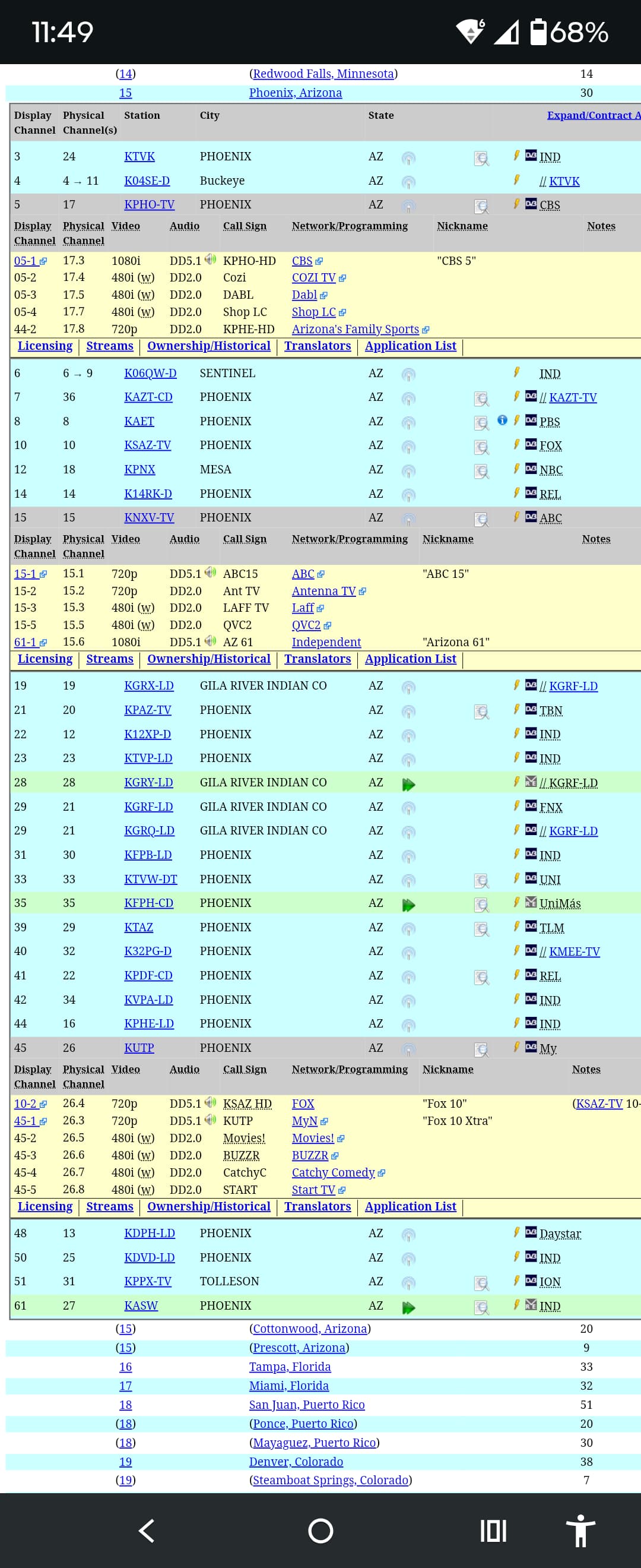
I apologize in advance for not having any Legacy experience. It appears that you are in Phoenix and those stations are owned by Fox, Gray and Scripps so they are not prone to mistakes.
However it is peculiar the date is in the future (or past). I’m sure the software doesn’t like that at all… As you can see.
I’m curious what the date/time setting is on your devices. What year is it?
Also what is the zip code set to?
As you can tell I’m just guessing.
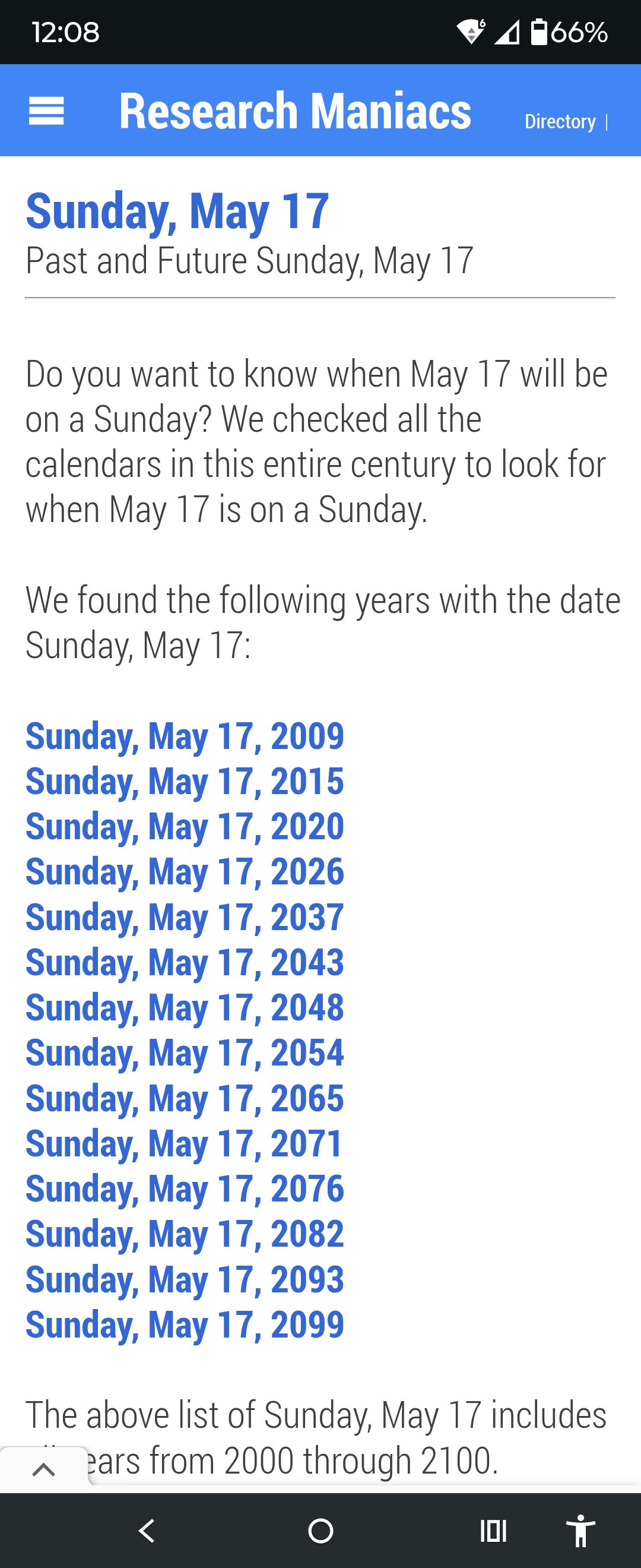
Yes, I am in phoenix. I assure you the date and zip code information are correct nothing has changed on my tablo except for the firmware update.
I see you mentioned that you use FireTV exclusively throughout your home. Can you view normally on your phone or laptop device?..or do you have the same issue there, too?
The title that shows up on the FireTV apps does not show up on the PC and all items play back normally so I really think its not the hard drive.
If you have the issue on your FireTV device(s) but not on your PC, then maybe it’s the Legacy or Gen4 app on the FireTV. Have you already uninstalled and reinstalled the app you’re using on one of the devices? You might try that.
Also, now that you have a Legacy with the latest firmware, you should be able to use either Tablo app. Did you try both apps yet? Which app are you using where this error occurs?..it looks like the Gen4 app.
I have both apps installed I have uninstalled and reinstalled both of them the Gen. 4 app says there is a error (failure) but doesn’t let me see it or do anything about it. If I remember correctly gen 4 app doesn’t let me see manual timers which is why I still use legacy app.

Still not working how about some customer support?
I know you are using Fire, but I have a similar behavior with my Roku TV and a legacy Tablo 4-tuner device.
I’ve had that issue with the “Failure (1)” but when you click on the failure it comes back with “no failures”. If you have any manually scheduled recordings, you might have no choice but delete them from your schedule.
If you use the legacy tablo app, I found that if the last screen it was on was “Recordings”, then if there is a failure in the 4th gen app, I have to remove the legacy app from my Roku TV and then re-install it which gets it off the “Recordings” tab so at least I can move around the legacy app again.
All of the above is directly from a manually recorded show that has recorded something and the 4th gen app goes a little crazy with it.
Is that what you are experiencing?
If you haven’t already done so, you should call their customer service number or submit a support request online.
That is indeed the best approach. Something odd is happening that will require some additional investigation.
I have done that; they’ve asked me a few questions and then no response. FYI resets don’t work.
@RTR I’ve escalated your ticket. The team will be in touch today.
Appreciate that.
@RTR Take care, you deserve to relax, heal, and watch tv for as long as you need